Surfer SEO vs BloGoose When Your Posts Also Need Images

Your content score is 87. Now where does the featured image come from?
That gap is the real surfer seo vs blogoose images question. Surfer is strong at on-page optimization, and its Content Editor guides terms, structure, and length well. A strong score still leaves you with a post that has no visuals.
Does Surfer SEO create blog images, or do you need another tool? Surfer's product pages center on the Content Editor, content scoring, and NLP term suggestions. Before you plan your stack, check surferseo.com for any current native image generation and which plans include it. If your plan has none, featured and inline images come from a separate tool.
BloGoose generates featured and inline images inside the same pipeline that researches, drafts, and publishes. It replaces the "12-tab content stack" and "another chat window with hopes."
This comparison counts the steps it takes to get images published, not the score. None of the YouTube reviews in our research set (Tool Clash, Tobi Teaches, Marketing Island, Sagapixel) covers image creation. Below you'll find the verdict, a handoff-by-handoff breakdown, and a decision matrix. Keep a count as you read: the number of handoffs between a finished draft and a live post is larger than most teams expect.
How Do Surfer SEO and BloGoose Compare When Posts Need Images?
Surfer is the stronger choice when your priority is scoring and fine-tuning a draft. BloGoose is the stronger choice when the job ends at a published post with images. The clearest way to compare them is the Image Handoff Count: how many times a person must move an image or draft between tools before the post goes live.
Content score: Surfer's 0â100 rating of how closely a draft matches the on-page signals of top-ranking pages. Content Editor: Surfer's writing workspace, where that score and term suggestions update as you type.
| Criteria | Surfer SEO | BloGoose |
|---|---|---|
| On-page scoring and NLP term guidance | Core strength: live content score and term suggestions (surferseo.com) | SEO and AEO built into drafts |
| Research method | SERP analysis of ranking pages for a keyword | Crawls your site, extracts brand voice, builds a pillar calendar |
| Drafting | AI drafting available. Verify plan limits on surferseo.com | Drafts full articles in your brand voice |
| Featured image creation | Verify on surferseo.com | Generated in-pipeline |
| Inline image creation | Verify on surferseo.com | Generated in-pipeline |
| Alt text handling | Verify on surferseo.com. Otherwise entered in your CMS | Confirm current settings in your workspace |
| Publishing target | WordPress integration listed. Verify whether images transfer | WordPress or custom API |
| Image Handoff Count | Typically 6 in a manual workflow (see steps below) | 0 tool-to-tool image transfers |
Best for SEO editors who already have designers and want precise on-page tuning: Surfer. Best for founders and solo operators who need automated SEO content shipped with visuals: BloGoose.
How many tools does a Surfer-based article need from draft to published post? A typical Surfer-based article uses at least three tools. The first is Surfer's Content Editor for drafting and scoring. The second is a design or image-generation app for the featured image and inline visuals, unless surferseo.com confirms a native image feature on your plan. The third is your CMS, such as WordPress, for uploading media, entering alt text, and publishing. Each move between those tools is a handoff: a tab switch, download, export, upload, or manual field entry. The more images a post needs, the more handoffs add up. That is why the handoff count, not the content score, sets the true production cost.
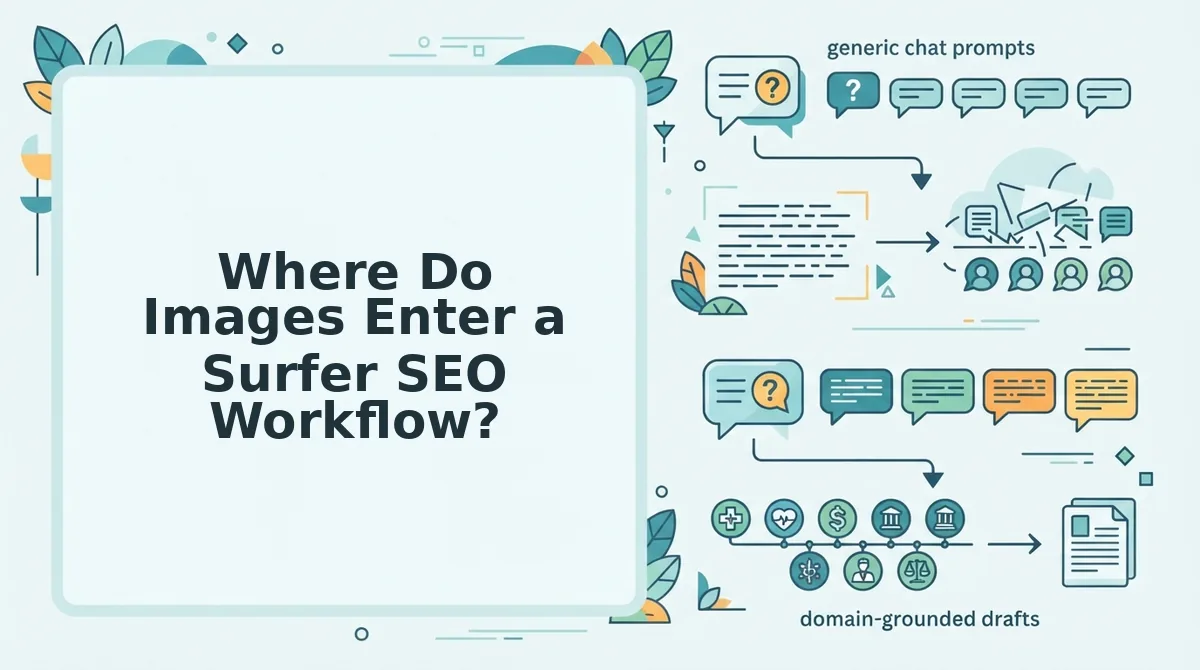
Where Do Images Enter a Surfer SEO Workflow?
In a typical Surfer workflow, images enter after the draft is scored, through a separate tool and your CMS media library. Here's where it gets expensive: each image passes through several manual handoffs.
Prerequisites: a Surfer account with Content Editor access, WordPress admin access, and an image tool (a design app or AI image generator). Time estimates below are planning ranges, not measurements.
Worked example: a content lead finishes a Content Editor draft. They source or design a featured image in a separate tool. Then they export, upload, and place inline images by hand in the WordPress media library. Handoffs are marked [Handoff].
- Finish the draft in Content Editor until the score meets your target. You should see the score bar reach your chosen threshold.
- Open your image tool in a new tab. [Handoff: tab switch] You should see a blank canvas or prompt field.
- Create the featured image, then click Download. [Handoff: download] Allow roughly 5â15 minutes. The file should land in your downloads folder.
- Repeat for each inline image, then download them. [Handoff: download] Name the files so you can match each one to its section.
- Export the draft to WordPress through Surfer's integration or by copy-paste. [Handoff: export] You should see a draft post in WordPress. Verify on surferseo.com whether the integration carries any images.
- Upload all images under Media, then Add New. [Handoff: upload] Thumbnails should appear in the library.
- Type alt text for every image in the attachment details panel. [Handoff: alt-text entry] Avoid the generic AI blog image mistakes that weaken relevance.
- Set the featured image, insert the inline images, and click Publish. You should see a live URL.
That makes six handoffs. If surferseo.com confirms a native image feature on your plan, it replaces steps 2â4 but leaves steps 5â7 unchanged. Reviews such as Sagapixel's focus on the score. A score alone does not finish an article.
Now compare that with a pipeline where the images never leave the system.
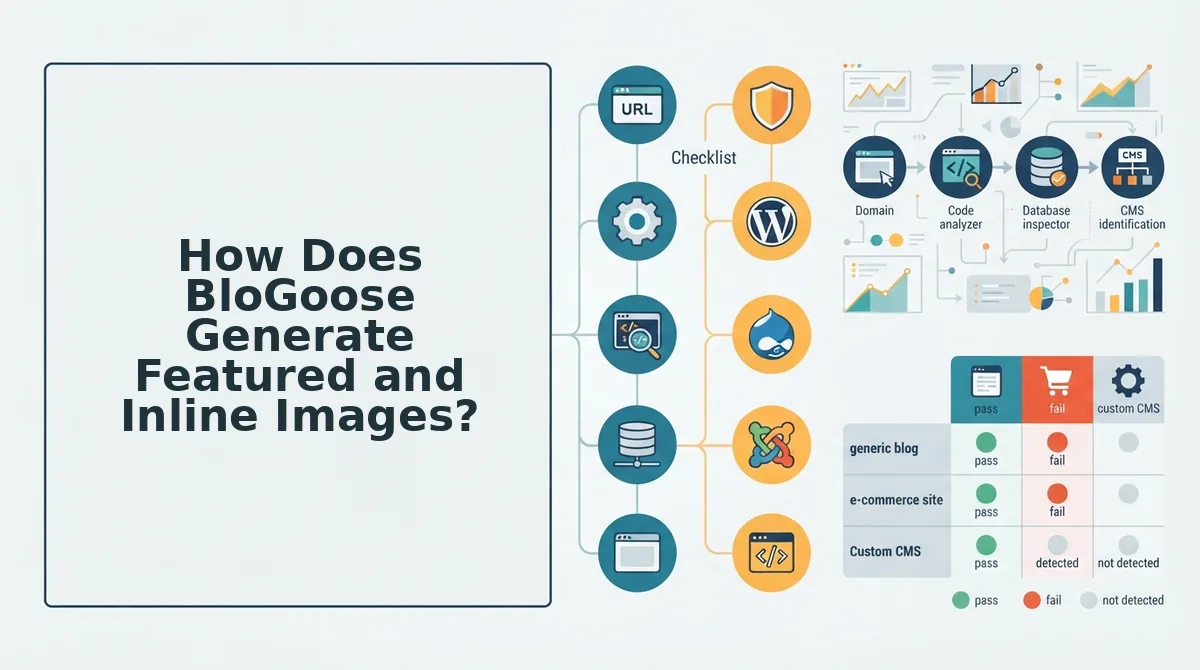
How Does BloGoose Generate Featured and Inline Images?
BloGoose generates featured and inline images as one step in its content pipeline, after the draft is written and before the post is published. Images are produced from the same research and brand context that shaped the text.
An AI SEO content engine is a platform that automates research, drafting, optimization, image creation, and publishing in one workflow. Think of it like a restaurant kitchen line: each station passes the plate forward, so nothing waits on a separate shop across town.
The difference isn't the score. It's the steps.
- Sitemap crawl: BloGoose reads your XML sitemap, a file listing your site's pages, to learn what you already publish.
- 8 Markdown context files: It stores brand voice, features, SEO goals, and keywords as plain-text rule files.
- Live SERP research: It checks current search results (SERP means search engine results page) for the target query.
- Drafting with SEO and AEO: AEO, or answer engine optimization, structures content so AI assistants can quote it.
- Featured and inline image generation: Images are created to match the article.
- Publishing: The finished post ships to WordPress or a custom API.
Featured images vs inline images
A featured image is the lead visual shown on blog indexes and social shares. An inline image is a visual placed inside the body to illustrate a specific section.
| Spec | Featured image | Inline image |
|---|---|---|
| Purpose | Represent the whole post | Clarify one section or step |
| Placement | Top of post, archives, social cards | Next to the paragraph it supports |
| Alt-text rule | Describe the image and the article's topic | Describe what the image shows in that section's context |
For deeper guidance on writing descriptions, see our guide to image alt text SEO.
Worked example #2 runs the same article from the Surfer walkthrough through a single BloGoose dashboard. BloGoose researches the live SERP, writes the draft using your context files, generates a featured image plus inline images for key sections, and then publishes the complete post with its images attached to WordPress or your custom API, so you never export files, rename them, or re-upload them by hand.
If your bottleneck is the handoff between writer, designer, and CMS, that pipeline is the workflow to test first.
Which Should You Use, and Where Does BloGoose Fall Short?
Use Surfer SEO if you already have designers or brand photography and want real-time in-editor scoring. Use BloGoose if your main problem is shipping a steady volume of posts with images to WordPress or a custom API without juggling separate tools.
| Decision factor | Keep Surfer (plus image tool or designer) | Choose BloGoose |
|---|---|---|
| Design team or brand photography | Yes, you have in-house visuals | No dedicated design resource |
| Real-time in-editor scoring | Required for your writers | Nice to have, not essential |
| Tolerance for tool sprawl | High, your stack already works | Low, you want one dashboard |
| Publishing target | Any CMS, handled manually | WordPress or a custom API |
| Posts needing images | Occasional | Regular, ongoing clusters |
Best for Surfer: in-house content teams with writers who edit against a live score and designers who own visuals. That setup is a legitimate strength, and switching would add friction rather than remove it.
Best for BloGoose: founders, solo operators, and lean growth teams who need research, drafts, images, and publishing handled together. Check BloGoose pricing against your current stack's combined cost.
Where BloGoose falls short
- Generated images have limits: they do not replace custom brand photography, product screenshots, or original data visuals.
- CMS coverage: publishing is built for WordPress or a custom API, so other CMS setups must connect through the API.
- Live scoring: teams that rely on a live scoring editor should check BloGoose's documentation before switching.
Worked example #3 is a team with a designer that keeps Surfer for scoring. Even so, they still audit how long publishing takes, counting every export, upload, and alt-text pass between the finished draft and the live post.
If that audit shows publishing is the bottleneck, the scoring tool was never the problem.
Surfer SEO vs BloGoose Images FAQ
Do content optimization scores actually drive rankings?
Optimization scores are a guide, not a ranking guarantee. Sagapixel has shared a "hot take" questioning how much content scoring tools influence results. Treat that as one agency's perspective, not proof. Scores help with topical coverage, while usefulness and original insight still matter.
How should I write alt text for featured and inline images?
Write featured-image alt text to describe the image and the article's overall topic. Write inline alt text to describe what the image shows within its section. Keep both specific and natural, and avoid stuffing keywords into either description.
Can I publish to WordPress with images automatically?
Yes, BloGoose publishes finished posts with featured and inline images directly to WordPress. Teams on other CMS platforms can connect through the custom API instead. The posts can also be structured for AEO content optimization before they ship.
Can one tool handle research, writing, images, and publishing?
Yes, BloGoose combines live SERP research, drafting, image generation, and publishing in one dashboard. The full pipeline is covered in the BloGoose image section above, from the sitemap crawl to WordPress or custom API delivery.
The final question is what matters most: shipping the post.
Ship the Post, Not Just the Score
The right tool is the one that removes your slowest handoff. A high content score means little if the article sits unpublished while someone sources a featured image.
Run the Image Handoff Count on your next article. Tally every time the draft changes hands:
- Zero to one handoffs: Keep Surfer SEO. Your designer already owns visuals, and the system works.
- Three or more handoffs: Images and uploads are your bottleneck. Move to a single pipeline.
That count settles the question the intro raised. Optimization is rarely where posts stall. Assets and publishing are.
Your next step: generate one article in BloGoose, the AI blog writer for WordPress, with featured and inline images, and publish it straight to your site.
A post only ranks once it ships, so pick the workflow with the fewest handoffs between draft and live.