Surfer SEO vs BloGoose for Publishing Finished Posts to WordPress
Your draft is finished and scored. The WordPress post is still empty. That gap is what the surfer seo vs blogoose wordpress publishing comparison actually comes down to: one tool optimizes a draft inside its editor, the other runs a pipeline that ends with a published post. BloGoose product documentation describes publishing directly to WordPress or a custom API from the same dashboard that writes the draft. Surfer's publishing scope is a separate question â confirm it against Surfer's own current documentation rather than any comparison page, including this one.
If you have ever pasted a finished article into WordPress and then rebuilt the slug, the meta description, and the featured image by hand, you already know where the cost sits: in the handoff, not the feature list. This piece maps that handoff step by step, then splits research, writing, optimization, and publishing by which tool actually owns each stage.
One finding is worth flagging now. The decision rarely breaks on scoring quality. It breaks on prerequisites and on a specific publishing volume where the manual handoff stops being survivable â covered below.
Which criteria decide a WordPress publishing comparison?
A finished post is not a document. It is a draft plus attached media, a slug, a meta description, schema markup and a publish status. Five assets, one arrival â if any of them lands separately, a human re-enters it by hand.
Score both tools against five criteria and the comparison stops being a feature grid:
- Where the draft lives. Inside the tool's editor, or as something you export and carry.
- Whether the tool can create the WordPress post. Native publishing versus a copy-paste handoff.
- How media gets attached. Featured image uploaded and mapped, or re-uploaded manually.
- Which fields survive the trip. Slug, meta description and schema markup either carry over or get rebuilt.
- Who sets post status. WordPress controls draft, pending review, scheduled and published â a tool either sets it or hands it back to a person.
| Criterion | Surfer SEO | BloGoose |
|---|---|---|
| Category | Content editor built around drafting and optimization scoring | Content engine covering research, drafting, images and publishing |
| Creates the WordPress post | Verify against Surfer's current documentation | Documented publishing to WordPress or a custom API |
| Media and fields | Confirm per workflow | Handled in the dashboard that writes the draft |
| What you must already have | A draft and a target keyword | Site crawl and sitemap access, plus CMS credentials or API access |
Prerequisites decide more purchases than features do. If your bottleneck is tightening a draft you already wrote, Surfer is the sharper instrument â best for SEO specialists and editors optimizing existing drafts. If the bottleneck is automated SEO content arriving as a live post on a calendar, that is the pipeline BloGoose is designed to run â best for content managers and solo operators publishing weekly.
The setup step is one-time: connecting WordPress to an AI content engine grants credentials or API access once, after which the handoff becomes a process rather than a task.
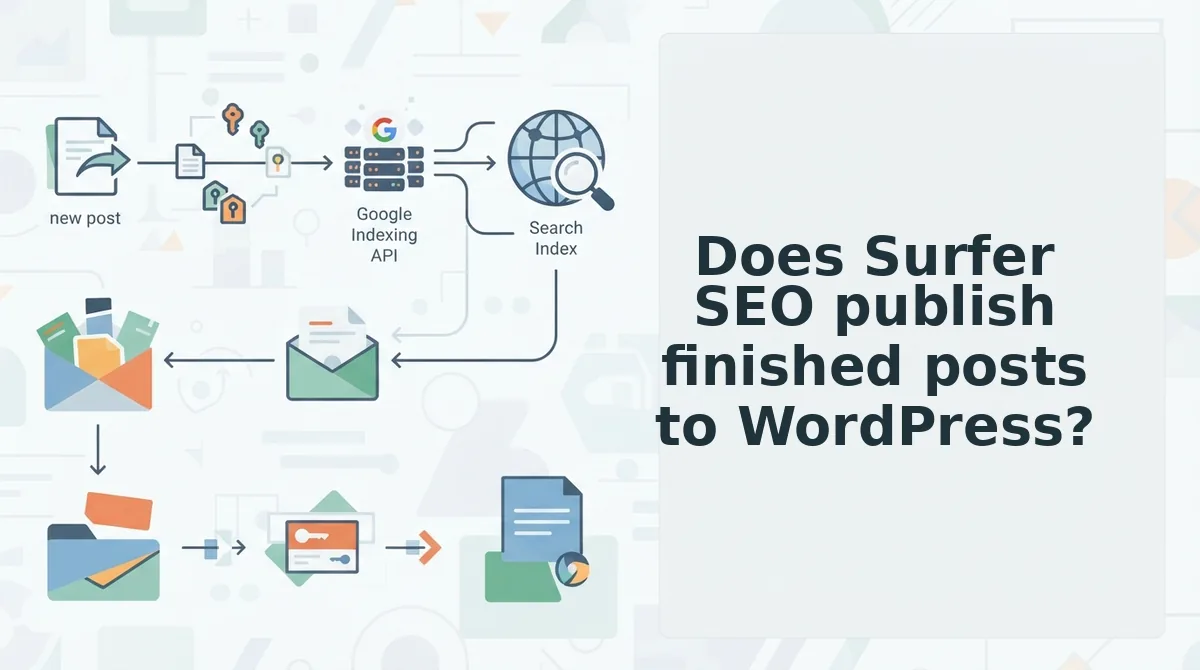
Does Surfer SEO publish finished posts to WordPress?
Read the answer from Surfer's own current documentation rather than from a comparison page. What is not in dispute is category: Surfer is a content editor, and the draft plus its optimization feedback is the product surface.
Surfer SEO belongs to the content-editor category. The product surface is a draft and the optimization feedback layered on top of it â term coverage, structure, and scoring against a target query. That is a genuine strength: an editor that tells you what a page is missing beats a blank page every time. Publishing sits outside that core, though. Whether the tool creates the WordPress post, attaches the featured image, writes the slug and meta description, and sets a scheduled status is a separate capability, and it should be quoted from Surfer's published documentation at the moment you evaluate it.
Run four checks against any tool, including this one:
| Check | Pass condition |
|---|---|
| Slug | The post lands at the intended URL without a human typing it |
| Meta description | Populated in the SEO plugin, not stranded in a document |
| Featured image | Uploaded to the media library and assigned |
| Post status | Draft, pending review, scheduled or published â set deliberately, by the tool or by you |
Surfer's honest advantage is depth of on-page feedback while you write â best for teams whose output is bottlenecked at the drafting stage. BloGoose's advantage is that the same dashboard that writes the draft also creates the post, so best for teams whose bottleneck is the publish step. If the editor-first model fits your workflow better, these Surfer SEO alternatives are worth a look.
That leads to the question the two categories diverge on: how a sitemap crawl becomes a live post.
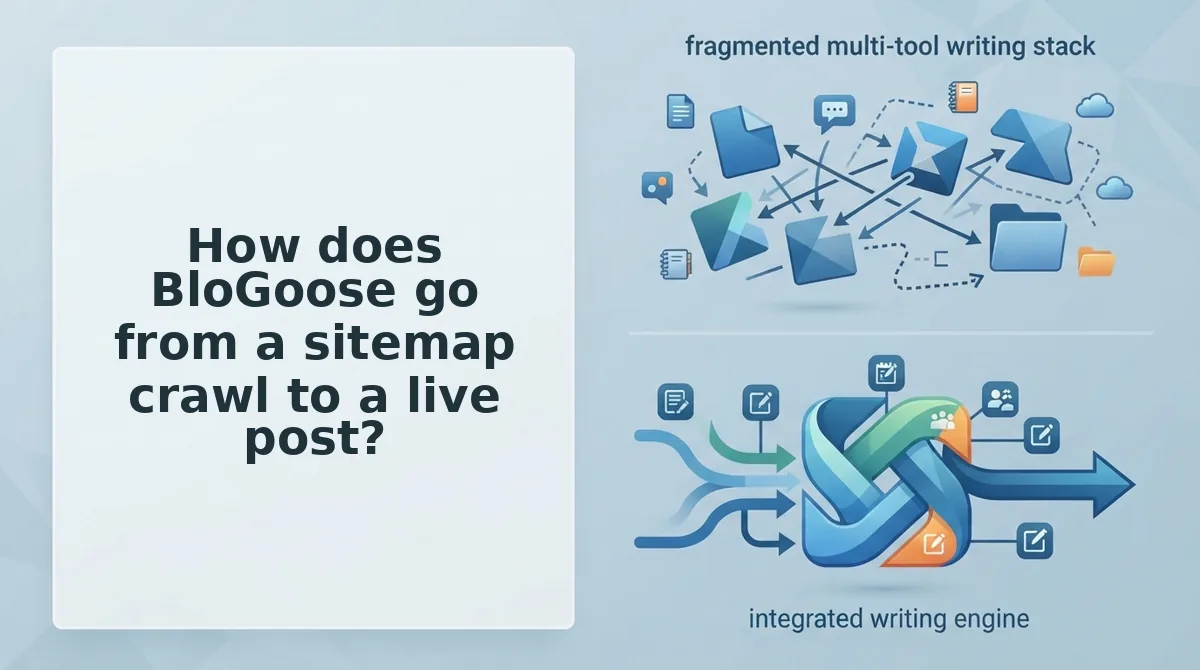
How does BloGoose go from a sitemap crawl to a live post?
BloGoose runs six documented stages in sequence: crawl the sitemap, extract brand and structural context, plan a 30-day calendar, draft with SEO and AEO built in, generate images, then publish to WordPress or a custom API.
Three things must exist before stage one: a crawlable site with an accessible sitemap, and WordPress credentials or API access for the final step.
- Crawl the domain and read the sitemap. You enter your domain once and BloGoose locates the XML sitemap, then inspects published pages to detect how the site is technically built. This stage defines what the engine knows about existing coverage before it proposes anything new, so a blocked sitemap stalls everything downstream.
- Extract context into eight Markdown files. Brand voice, site structure and SEO direction are written into eight Markdown files a team can open, read and edit. This replaces prompt engineering: correct one rule in a file and every later draft inherits the fix.
- Plan a 30-day calendar. The engine builds a pillar-focused calendar planned 30 days ahead, which is what turns publishing into a schedule instead of a decision made per post. Review it once, then work from it.
- Draft with SEO and AEO built in. Each calendar entry becomes an article with search structure and citation-ready answer formatting applied during writing, not bolted on afterward. Editing happens on the draft, not on a blank page.
- Generate images. Supporting visuals are created as part of the draft rather than sourced separately, so the post arrives with media attached instead of a to-do note.
- Publish to WordPress or a custom API. Finished posts ship directly, with no copy-paste step. Setting this up is covered in connect WordPress to an AI content engine, and volume tiers live on BloGoose pricing.
What do you need before BloGoose can publish your first post?
You need three prerequisites, and nothing else is assumed: site access so the crawler can reach the sitemap, a sitemap that resolves to real published URLs, and WordPress credentials or custom API access for the publishing stage. Missing any one of them stops the chain at a known point â a site that blocks crawlers never produces context files, and a site without publishing credentials never produces a live post. Confirm all three before starting setup, because the crawl, the context files and the calendar all inherit whatever the first step could see.
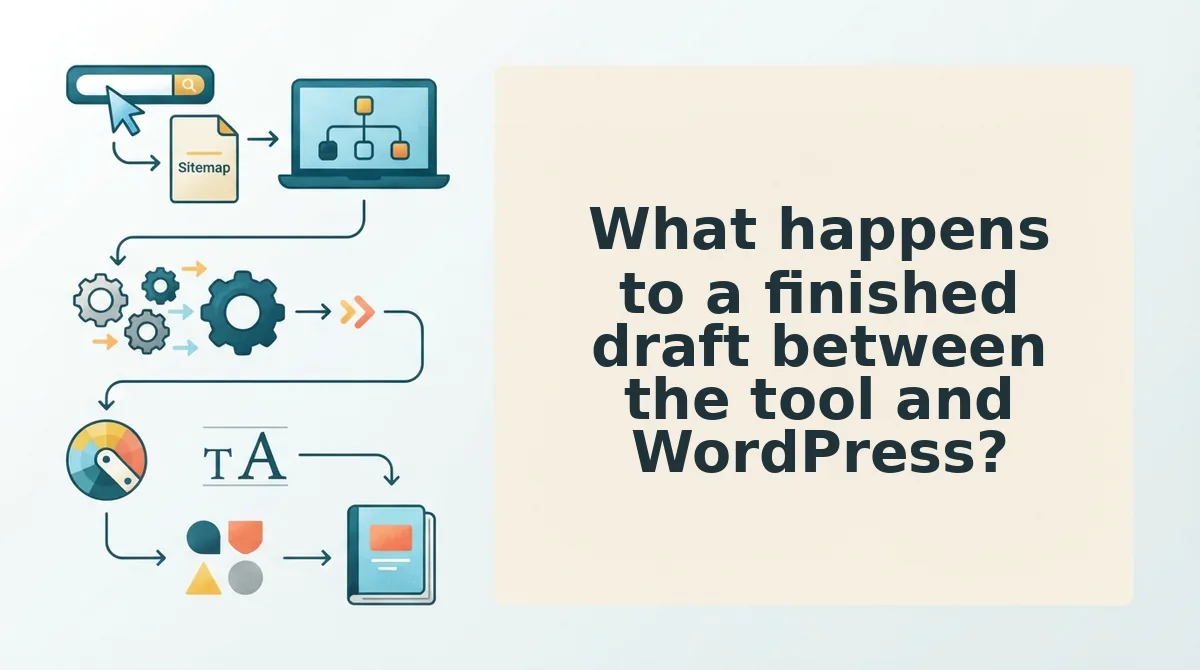
What happens to a finished draft between the tool and WordPress?
The handoff has five stages: draft creation, media attachment, slug and meta fields, formatting and internal links, and publish status. Each stage is either automated by the tool or performed by a person inside WordPress â and the manual ones are where time disappears.
Prerequisites: WordPress admin or editor access, an application password or API key if a tool is writing to your site, and the finished draft in whichever editor you wrote it.
- Confirm publishing credentials (about 5 minutes). Open Settings, then the authentication area your integration uses, and generate an application password or paste your API key into the tool's connection screen. You should see the connection report as active before you attempt a push.
- Create the draft (about 2 minutes). Select Posts, then Add New, and confirm the title, body and author come through intact. You should see the post sitting in the Posts list with a Draft status.
- Attach media into the WordPress Media Library (10â15 minutes by hand). Upload each image through Media, then set the featured image and alt text. This is where most of the time disappears: images must exist in the WordPress media library, not in a separate editor, or the post ships with broken references.
- Set slug, meta description and schema (about 3 minutes). Open the post's slug field and your SEO plugin's meta box, then confirm every value survived the transfer. These fields silently reset when a draft is pasted into a new editor, so verify rather than assume.
- Set publish status (about 1 minute). Choose Draft, Scheduled or Published and confirm the timestamp. You should see the post appear under Scheduled or Published with the expected date, which is the only proof the handoff completed.
Walked stage by stage, a team already writing in an optimization editor still owns steps 3 and 4 by hand on every post. The publishing documentation shows which of the five steps a direct connection removes; start by counting the manual ones you repeat each week, then compare that count against a workflow that pushes the post without a copy-paste pass.
Where BloGoose stops short, and when a two-tool stack still wins
BloGoose assumes crawl access, a sitemap and publishing credentials before it does anything, and its voice quality depends entirely on the eight context files being accurate. A non-WordPress CMS also needs API work rather than a plug-in connection.
| Stage | BloGoose | Surfer SEO |
|---|---|---|
| Research and keyword planning | Calendar planned 30 days ahead from the crawl | Deep per-page research and scoring |
| Draft creation | Native, from the calendar | Editor you write inside |
| Optimization scoring per draft | Verify current checks in the docs | Core strength, detailed feedback loop |
| Image generation | Native | Not the focus |
| Publishing to WordPress | Native, plus custom API | Via its WordPress integration |
| What you must supply first | Crawlable site, sitemap, credentials | A draft and a target keyword |
Best for teams without a finished draft: BloGoose, when the bottleneck is producing and shipping rather than refining a page someone already wrote. Best for teams with a scoring-driven editorial process: Surfer, if writers already work inside its editor and the publishing handoff is a tolerable last mile. Running both is legitimate â research depth on one side, shipping on the other â and volume makes the case harder to ignore, since 30 posts a month multiplies every manual handoff by thirty. Keep a quality floor regardless: mass-produced pages that add no value risk being treated as scaled content abuse.
Which setup fits your publishing volume?
Which setup fits your publishing volume?
The setup that fits is the one whose handoff you stop repeating. That is what the publish question kept pointing at: scoring quality rarely decides the purchase â the per-post copy-paste, media re-upload, and slug-and-meta rebuild does.
- Solo operator shipping two to four posts a month: Surfer SEO plus a manual WordPress upload is defensible â the handoff costs minutes you already have.
- Small team with a calendar already planned: the calendar is the tell. Once someone owns a schedule, publishing belongs inside the tool.
- Publishing team running a scheduled queue: at 30 posts the bottleneck is handoff count, not draft quality â and the AEO content optimization layer keeps those posts citable after they land.
Whichever tool ships the post, publishing without that layer leaves citation upside on the table.
Map your own handoff before you compare another feature list. Count the steps you repeat per post; that number predicts your next six months better than any score. When it's more than one, weigh it against BloGoose pricing and what those hours were worth.
Volume doesn't expose weak tools; it exposes repeated handoffs â and the teams that count them are the ones still publishing a year from now.