How to swap one generated image without rewriting the post
You review a completed 2,000-word article, approve the technical accuracy, and then spot a deformed AI graphic right beneath your primary heading. Throwing the entire piece back into a generation queue wipes your polished text and pulls you straight back into the 12-tab content stack.
Every content operator knows the frustration of watching a single distorted graphic ruin an otherwise publication-ready draft. You do not need to re-roll your entire article to swap a single generated image in a draft and keep your publishing momentum intact. In this guide, you will learn the exact steps to replace rogue visuals, protect your copy, and maintain an automated production schedule.
Operating a unified AI SEO content engine allows you to adjust individual assets directly within the document tree without resetting your copy. Ahead, you will discover the structural mechanism that prevents WordPress scheduling errors when replacing visual assets, alongside an asset swap protocol that eliminates queue desynchronization entirely.
How to Swap a Single Generated Image in a Draft Without Rewriting
To swap a single generated image in a draft without rewriting, isolate the target image container, open its asset-level editor, input a scoped replacement prompt, and save the updated media file directly to your draft container. This process exchanges the graphic without modifying surrounding HTML markup, body copy, or content scheduling.
Before beginning, ensure you have an active draft open in your content editor and target asset permissions enabled. The 4-step Isolated Asset Swap Model (IASM) takes roughly 60 seconds to execute from selection to validation.
- Select the target visual block: Click directly on the specific image block within your draft interface. You should see a blue boundary line and a contextual asset toolbar appear above the selected media container.
- Open the asset substitution panel: Click the Asset Options menu on the toolbar and select Regenerate Asset. You should see a dedicated prompt drawer slide open containing the local image prompt and seed configuration without displaying the main post copy.
- Type the targeted prompt revision: Type your updated visual instructions into the prompt field, keeping site-wide style tokens intact while correcting the specific visual error, then click Generate Preview. You should see a replacement rendering in the preview window within 15 seconds.
- Apply the new image to your draft: Click Confirm Replacement. You should see the new visual render instantly within the original draft container, preserving the original caption, image alt text structure, and enclosing HTML elements without altering your written paragraphs.
Executing an in-place asset replacement preserves the underlying document object structure. By decoupling the visual asset layer from the core markdown body, modern content editors let you regenerate single AI visuals in isolation, ensuring search-optimized copy remains completely untouched during media revisions.
Why Full Draft Regeneration Breaks Automation Queues
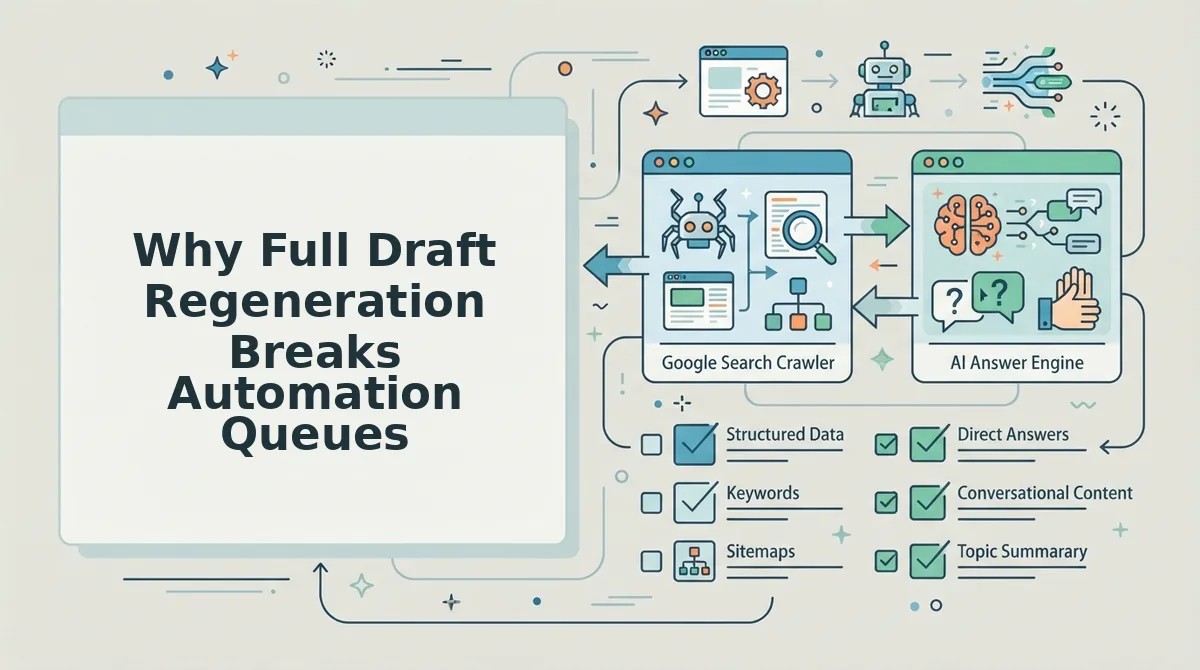
Automated publishing desynchronization is a operational failure where refreshing an entire article wipes scheduled database records and resets webhook payloads. Rerolling a full post creates new document IDs, which severs active connections to downstream content queues.
Think of an automated content queue like a train timetable where each post holds a reserved departure slot. If you rebuild the entire train car instead of swapping a broken seat, the dispatch office cancels the scheduled trip, clears the manifest, and forces the cargo to wait for a new ticket. At an intermediate level, complete regeneration erases scheduled publication timestamps across your content calendar. At an advanced architectural level, it breaks the primary key references needed by WordPress XML-RPC endpoints or custom REST webhooks.
Workflows like MxChat show that full-article regeneration is completely unnecessary when fixing isolated draft elements. Rebuilding an entire article causes the API to transmit newly generated text blocks, alter verified anchor links, and overwrite manual editorial refinements. Connecting your publication workflow to an automated blog publishing engine keeps your scheduled release window locked while you update individual visual assets.
Preserving queue integrity requires understanding how asset-level parameters interact with global platform instructions before you generate replacement imagery.
Local Block Prompts vs Site-Wide Brand Guidelines
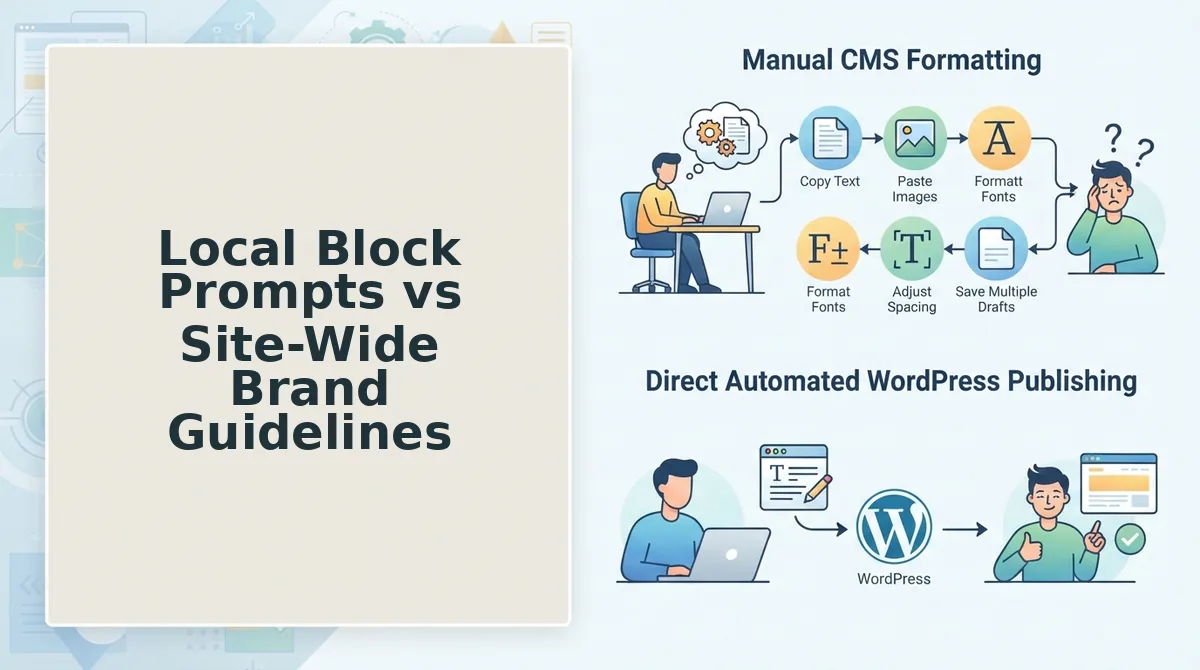
Local block prompts modify the seed, subject, or composition of an individual image container, whereas site-wide brand guidelines govern the visual palette, lighting, and stylistic tone across your entire publication. Choosing between them determines whether you apply a targeted stylistic exception or permanently adjust your publishing defaults.
Directly overriding block-level visual prompts allows operators to fix a misaligned diagram or replace a generic stock graphic without triggering context bleed across other assets. Applying our Context Bleed Prevention Protocol ensures that granular modifications in an inline image block do not overwrite baseline color hexes, negative prompt parameters, or global directives stored in your workspace style-guide.md file.
| Configuration Layer | Scope of Execution | Impact on Asset Regeneration | Best For |
|---|---|---|---|
| Local Block Prompt | Single asset container | Regenerates only the selected figure while preserving surrounding Markdown copy and anchor IDs. | Solo operators and niche publishers addressing unique visual use cases or technical diagrams. |
| Global Brand Profile (style-guide.md) | Entire site catalog and queues | Dictates universal lighting, aspect ratios, and color grading across every new content run. | Content leads and agencies scaling multi-author blogs needing unified brand cohesion. |
| Manual Image Upload | Direct asset replacement | Bypasses AI rendering engines entirely using external graphic files. | Teams deploying proprietary product screenshots or licensed third-party data charts. |
Stand-alone AI generators excel at flexible conversational brainstorming, but isolated block overrides eliminate the risk of accidental drift. This targeted approach retains your contextual image SEO, ensuring that alt tags and descriptive captions remain tightly coupled with your target search intent.
Frequently Asked Questions About AI Image Swapping
Replacing an AI-generated image in a draft requires isolating the targeted block container to update its visual seed while preserving article queues, structured HTML tags, and publishing webhooks.
What is the isolated asset swap model?
The isolated asset swap model is an asset management workflow that updates an individual visual component within an article draft without re-running the surrounding textual prompt. This method preserves heading anchors, technical tags, and automated publishing timestamps by swapping the file reference in place.
How do I replace one generated image in a draft without rewriting the whole post?
Select the specific image container in your draft editor, enter a scoped block prompt override, and run an isolated generation pass. This in-place substitution updates only the targeted image and alt text while keeping all surrounding paragraphs, links, and schema markup untouched.
What happens to the automated publishing queue when an image is swapped?
The automated publishing queue retains its scheduled release timestamp and webhook triggers when you swap an image via in-place replacement. Because the post draft ID remains unchanged, the scheduled synchronization to WordPress or your custom API proceeds without queue desynchronization or duplicate draft creation.
How does the Berke single subject swap methodology handle image metadata?
The Berke single subject swap methodology updates visual entity focus by altering the focal subject of an image while locking the existing composition parameters and background vectors. When applied to content drafts, this approach regenerates the visual subject while automatically refreshing the corresponding alt text to match the updated entity without degrading surrounding topic clusters or search indexing alignments.
Streamline Your Post-Generation Polish With BloG00s3
True editorial velocity comes from treating content generation and asset orchestration as decoupled, deterministic processes rather than fragile, prompt-driven experiments. Isolating visual remediation prevents manual draft wipes and breaks the exhausting cycle of prompt re-rolls.
When you eliminate the multi-tab scramble between external design canvases, spreadsheet calendars, and CMS editors, your publishing cadence scales predictably. Integrating surgical asset substitution directly into an automated SEO content engine guarantees your topical clusters launch with precise visual entities, accurate schema, and intact deployment queues.
- Audit your pending drafts for misaligned visual entities and apply targeted block prompt overrides directly inside the draft editor.
- Verify your
style-guide.mdparameters to ensure baseline brand colors and negative prompt rules remain globally protected.
Submit your domain to the BloG00s3 setup wizard to map your sitemap structure and automate voice-accurate content pipelines from crawl to publish.