How to swap one topic in a plan without breaking a cluster
Most content managers discover topic overlap only after an automated pipeline schedules two nearly identical drafts in the same week. Managing editorial calendar drift across disconnected spreadsheets and chat tools causes prompt burnout and breaks topical integrity. When you swap a topic in a generated content plan, you must preserve contextual hierarchy rather than treat the change as a simple headline edit. Most publishing teams treat substitutions as manual calendar swaps, entirely missing how replacing queued AI drafts breaks anchor relationships in existing topic clusters.
You can adjust queued editorial schedules without sacrificing rank readiness or leaving broken references in upcoming posts. This guide demonstrates how to replace redundant concepts, update semantic relationships, and maintain your publishing cadence on autopilot. You will also uncover a simple context-file rule that prevents automated systems from drafting obsolete topics, even when the original calendar entry was deleted weeks prior. An automated pipeline like the BloGoose platform handles this balance by keeping your site structure aligned with newly generated outlines.
How to Swap a Topic in a Generated Content Plan Safely
A content plan topic swap is the programmatic process of replacing a scheduled subtopic within an editorial queue while preserving parent pillar associations and re-pointing internal link targets. Executing this swap safely prevents orphaned content and protects organic authority across your site hierarchy.
A topic plan operates like a subway map: the pillar page serves as the central hub, while child articles act as outer stations. If you close one station to open another nearby, you must re-route the track lines instead of simply erasing the stop from your diagram. In an automated publishing workflow, replacing a child topic without updating semantic dependencies causes queued articles to link to non-existent URLs or misaligned concepts.
To safely swap a scheduled topic within an AI SEO content engine, use the Preserve-Point-Purge framework across three levels of complexity:
- Preserve (Simple): Retain the primary upward pillar anchor text so the structural relationship to the parent topic remains constant.
- Point (Intermediate): Update the target slug within downstream drafts so upcoming articles link to the replacement entity rather than the removed concept.
- Purge (Advanced): Remove the retired keyword entity from generation briefs to ensure subsequent background runs do not hallucinate references to the deleted subject.
When swapping child topics, retain the broad search intent category of the original slot. For example, replacing a bottom-funnel comparison guide with a broad informational primer disrupts contextual cluster depth, forcing search crawlers to re-evaluate the parent page's core semantic footprint.
Step 1: Retain the Core Pillar Anchor in Your Architecture
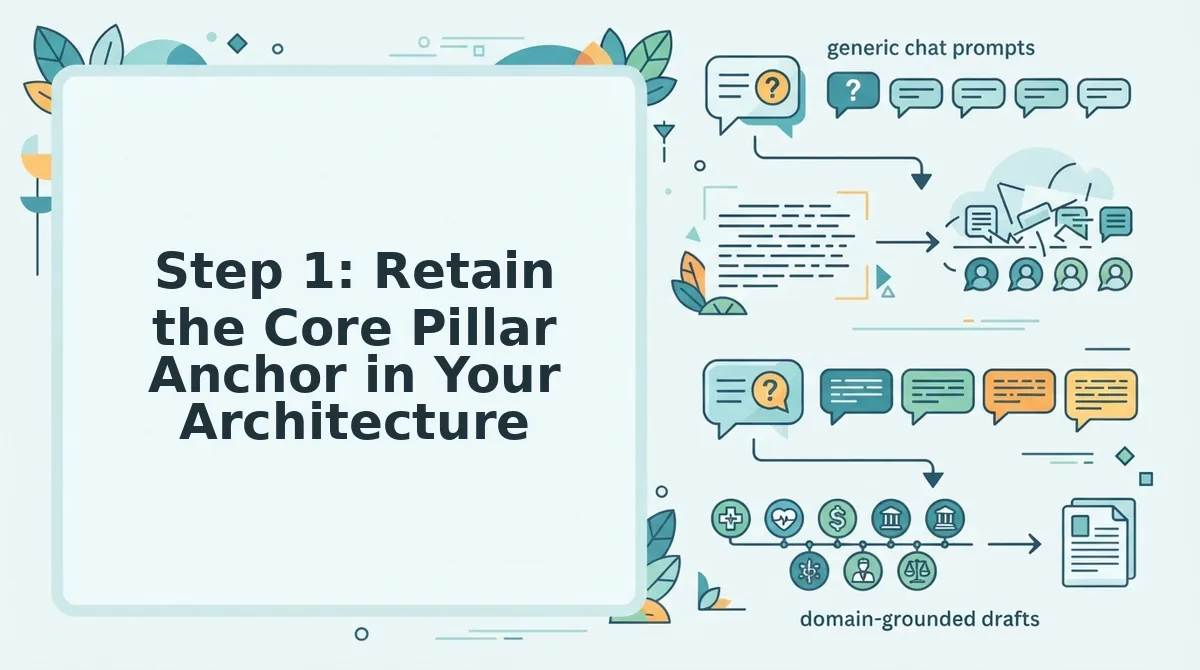
To swap an article without weakening your cluster, you must preserve the upstream anchor text that links the new child post to the parent pillar. Keeping this semantic connection stable protects topical authority across search engines without diluting cluster relevance.
Prerequisites: Access to your site architecture document or content calendar queue, and your designated parent pillar URL.
- Locate the overlapping child post scheduled in your 30-day queue (e.g., an article targeting a duplicate keyword variation that cannibalizes your core pillar). Estimated time: 2 minutes. The redundant entry is marked for replacement.
- Select a replacement topic that targets an unmet search intent within the same cluster boundary. Estimated time: 3 minutes. You have a defined title, target keyword, and proposed URL slug.
- Open the metadata schema or configuration file for the queued article. Estimated time: 1 minute. The upstream parent reference field becomes editable.
- Assign the existing parent pillar URL to the new child topic while keeping the original upward anchor text intact. Estimated time: 2 minutes. The draft configuration shows the replacement slug pointing directly to the pillar with the exact parent anchor phrase.
Consider a practical scenario: your calendar queued "Best SEO Writing Tools" under an overarching "Content Marketing Engine" pillar, but you already publish tool comparisons. Swapping the redundant topic to "How to Automate Editorial Cadence" allows you to point the new guide upward using the exact semantic phrase "content marketing engine" as the anchor text. Maintaining this upward link ensures the replacement page immediately inherits context from the core cluster structure.
Platforms like BloGoose automate pillar anchor retention by evaluating parent-child relationships before writing begins. With your core pillar anchor locked to the new target, you can now update downstream link pathways across the rest of your calendar.
Next, continue to Step 2: Re-Point the Internal Links Map Before Drafting.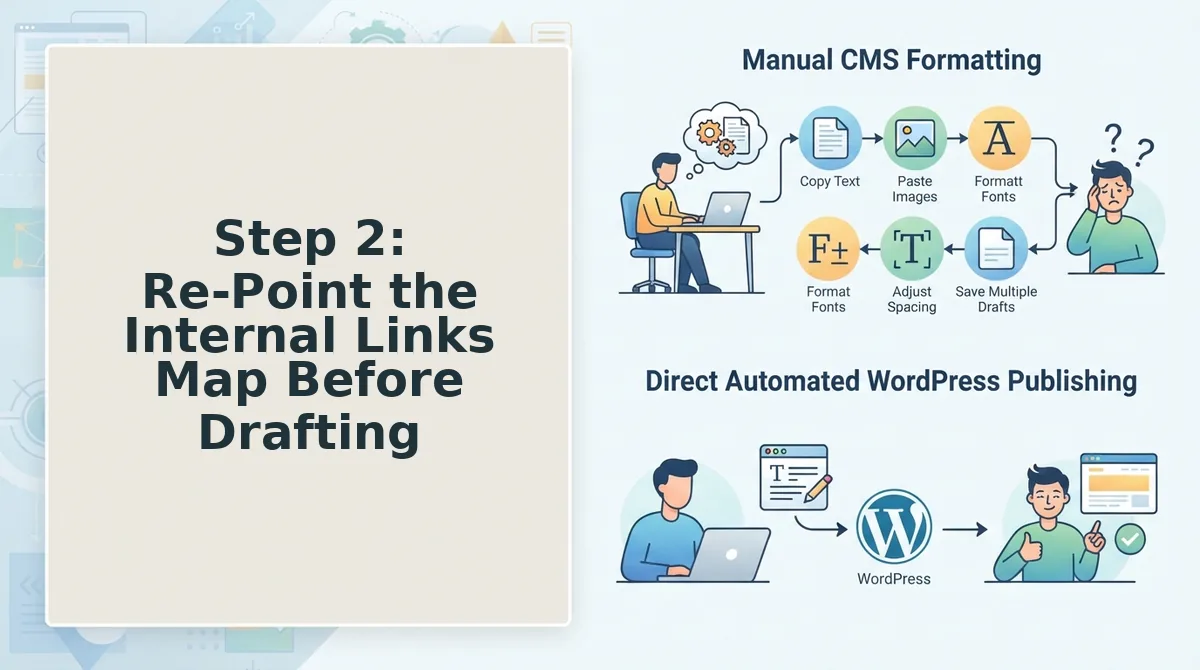
Step 2: Re-Point the Internal Links Map Before Drafting
Re -pointing the internal links map ensures that your AI engine does not generate orphaned content or direct traffic to non-existent targets after you modify your cluster topics. By proactively updating your configuration, you prevent the most common cause of 404 errors in automated workflows.
To execute the Context-File Synchronization Protocol, you must modify your link architecture before the draft generation queue initiates. Follow these steps to safeguard your internal link integrity:
- Open your content repository: Access your internal-links-map.md file or your site configuration settings . This file serves as the ground truth for your automated engine.
- Locate the affected node: Search for the primary keyword associated with the topic you just removed. You will identify 3-5 existing articles currently linking to this deleted topic .
- Select a new parent pillar: Assign these orphaned links to a new, relevant pillar or a replacement cluster topic that maintains the same semantic topical authority.
- Execute the link re-mapping: Update the target URL paths for each identified reference. You should see the update reflect immediately in your local drafting environment.
- Validate the cascade: Run a quick live SERP analysis to ensure the new target topic exists in your index , confirming that the new anchor relationship has a valid destination.
The Context- File Synchronization Protocol requires a rigid, top-down verification process. When you modify a topic, you are essentially fracturing a dependency tree. An orphaned concept occurs when a child article contains an anchor text pointing to a URL that the AI draft engine has removed from its active publishing schedule. By updating your map before the engine triggers, you force the AI to re-calculate link paths using the new, valid URLs rather than legacy stubs. Failing to sync this file creates a "dead-end" user experience, where search engine crawlers find internal links that lead to 404 errors, signaling poor site hygiene.
Step 3: Recalculate 30-Day Scheduling Velocity and Crawl Budgets
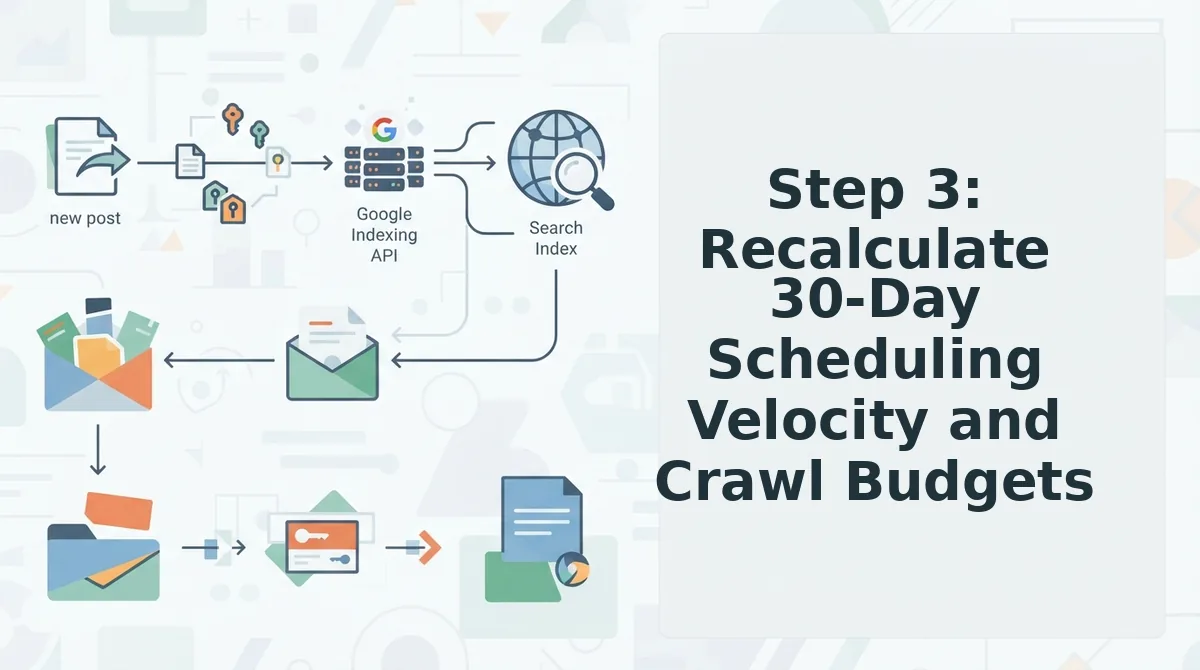
Recalculating your scheduling velocity is necessary to prevent automated systems from overwhelming your crawl budget with fresh, yet unindexed, content clusters. You must balance your publishing volume against how quickly search engines discover and process your changes.
Use the following comparison to determine the right velocity strategy for your specific site constraints:
| Strategy | Best For | Crawl Impact |
|---|---|---|
| Burst Publishing | New sites needing rapid authority | High; risks indexing bottlenecks |
| Steady State | Mature sites with stable traffic | Low; maintains consistent crawl rates |
| Dependency-Aware | Complex clusters and SaaS sites | Optimized; maps budget to rank |
Optimizing your crawl budget involves aligning your 30-day calendar with your site's ability to handle new content loads. If you swap a topic in a high-priority cluster, your Crawl Budget must be prioritized to re -index the updated internal link maps immediately. Avoid the "Burst Publishing" trap if your site is under 50, 000 pages, as flooding the index with new content while simultaneously re-linking old topics creates conflicting signals for search engine bots.
We recommend using a Draft Dependency Matrix to visualize this. This matrix tracks which articles are scheduled for immediate drafting versus those currently waiting in the queue. By matching your publish velocity to your crawl budget, you ensure that every time an engine commits a new draft, the internal linking structure is already primed to receive it, minimizing the time links remain broken or invalid.
Maintain Cluster Health Across Automated Content Workflows
Cluster health relies on the ongoing reconciliation between your intent-driven roadmap and the tactical execution of your automated publishing engine. By treating your content strategy as a living map rather than a static document, you prevent the topic drift that plagues most scaling operations.
Complete this rapid audit checklist every time you modify a cluster topic to ensure structural continuity:
- Anchor Retention: Confirm the pillar-level internal links are correctly directed to the new target.
- Context Map Synchronization: Verify that your internal-links-map.md file reflects the current, post-swap hierarchy.
- Index Submission: Trigger a manual indexing request for the updated pillar page to signal the structural change to Google.
You have now resolved the primary risk of topic-swapping: breaking the logical flow of your site's authority. Automated workflows often fail because they lack this manual oversight step, but by synchronizing your context files, you retain full control over your cluster's topology. The final step to achieving a fully optimized system is to transition these manual checks into a repeatable process. Review your automated content workflow settings at https://blogoose.com/pricing to identify which steps in your current pipeline can be handed off to an autopilot engine, ensuring your content cluster remains both relevant and technically sound as your site scales.