How to build a target keywords file from a site crawl
Your 30-day content calendar just drafted four posts that have nothing to do with what you actually sell. The briefs were clean, the tone matched, every prompt looked fine â and the titles still wandered into a category your site only mentions in passing.
The cause is upstream and structural, not a prompt problem. Before a calendar can plan anything useful, it needs a target keywords file from site crawl: a list scoped to the URLs your site already publishes, not to a global keyword database. That scoping decision is what stops the drift.
You likely already hold the raw material â a live sitemap and somewhere between 30 and 200 published URLs. What's missing is the artifact that converts those URLs into keyword stems, intent labels, and cluster owners a planner can read without guessing.
Three passes get you there: crawl, cluster, and cut, roughly an hour of work. Along the way, one detail about how folder paths repeat themselves will explain why your cluster plan kept pulling in terms from a section of the site you forgot existed. BloGoose builds this file automatically from a domain, which is useful context for judging the version you build by hand.
What Is a Target Keywords File and What Do You Need Before You Crawl?
A target keywords file is a scoped list of the queries one site can plausibly rank for, derived from its own crawled URLs rather than a keyword database. It maps each published page to a keyword stem, a search intent label, and a cluster owner.
The distinction matters because most tutorials start on the tool side, with discovery, then try to force the site to fit the list. A keyword-tool export answers what the market searches. A crawl-derived file answers what this site already earns. Think of the difference between a library's full card catalog and the shelf list of what your branch actually holds â one is interesting, the other is what you can hand a reader today.
The artifact itself is deliberately plain. It is a markdown table, or a spreadsheet exported to markdown, sitting in the same repository or drive as your XML sitemap notes so the calendar brief and the file never drift apart.
Four prerequisites cover almost every reader:
- A live XML sitemap, reachable and current.
- Between 30 and 200 published URLs â enough to show repetition, few enough to read.
- Read access to the titles and H1s on those pages.
- About one hour, split across three passes.
Everything past this point is really pillar page keyword mapping: deciding which page owns which stem and which cluster absorbs the rest. BloGoose handles that mapping during its site crawl and brand context extraction, so if you would rather audit a generated file than assemble one, that capability is the one to look at.
How Do You Crawl, Cluster, and Cut Your Way to a Keyword File?
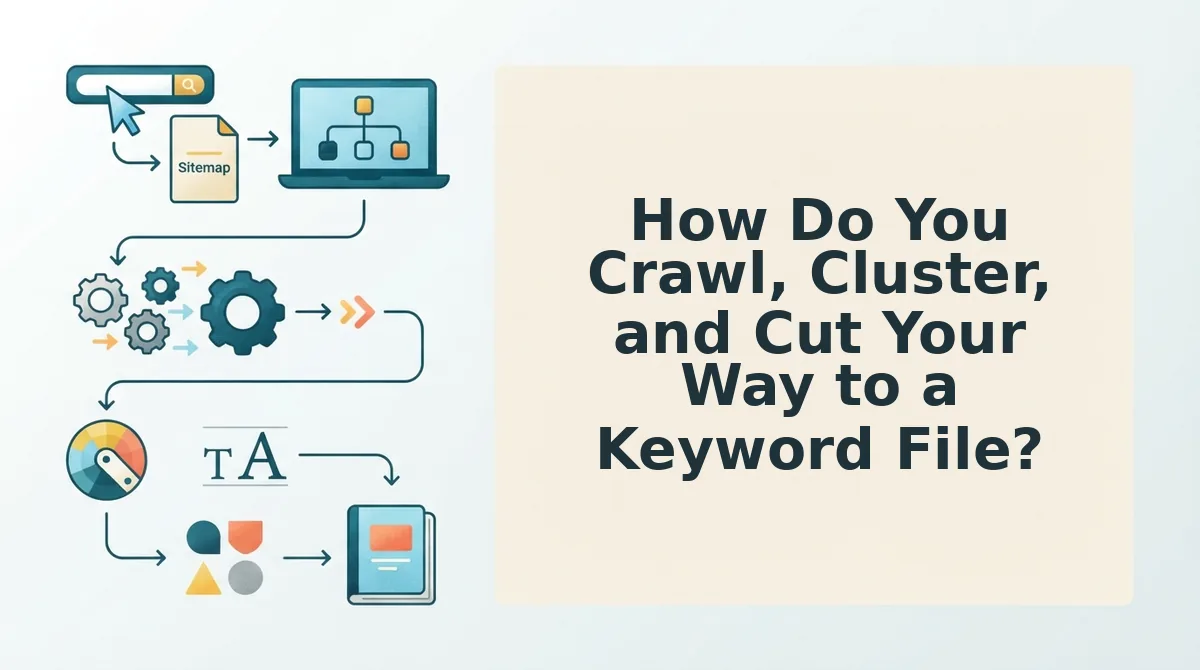
Run three passes â crawl, cluster, cut â each with a fixed exit criterion, and a sitemap becomes a working keyword file in about an hour. You need your sitemap URL, a browser tab with Google Search Console access, and a plain text or spreadsheet editor.
- Open your sitemap and copy every URL into one column (10 minutes). Use your XML sitemap index, not a manual list, so nothing is missed. You should see one row per published page and zero duplicates.
- Reduce each URL to a keyword stem and label its intent (20 minutes). A stem is the core phrase the page targets â strip the domain, dates, and stop words. Label each row informational, commercial, or transactional. Folder structure does the heavy lifting here: /blog/seo/ and /blog/recipes/ surface two distinct stems in a single pass, which is often the moment the off-niche pattern becomes visible. Exit criterion: every sitemap URL appears once, with a stem and an intent label.
- Verify the inventory against what Google sees (5 minutes). Open Search Console, then Settings, then Crawl stats, and compare the URLs Google actually fetched against your column. Pages missing from your list are usually orphaned or excluded by robots rules.
- Group stems into clusters and assign exactly one owner each (15 minutes). Every stem needs a cluster and every cluster needs a pillar page. Exit criterion: no stem has two owners and no cluster is empty.
- Cut every row that has no cluster owner (5 minutes). Move rejects to an archived section rather than deleting them, so you can see later whether the cut was right. Exit criterion: zero rows without an owner survive in the active list.
- Save the survivors as target-keywords.md (2 minutes). Keep four columns â URL, stem, intent, cluster owner â and commit the file wherever your briefs live.
To confirm your crawl inventory is complete, compare your sitemap row count against Search Console Crawl stats for the same period. If Google reports fetched URLs your column is missing, those pages exist but are unlinked or blocked, and they belong in the crawl pass before clustering. A mismatch in the other direction is normal and expected: your sitemap can list URLs Google has discovered but not yet rendered, so treat Search Console as the ceiling and your sitemap as the intent.
Doing this manually is fine once. Doing it monthly across several sites is where a workflow earns its keep â automated SEO content pipelines start by re-crawling the domain, so the file refreshes instead of rotting.
The harder question is what stays in the file once the cutting starts.
What Goes in target-keywords.md and What Gets Cut?
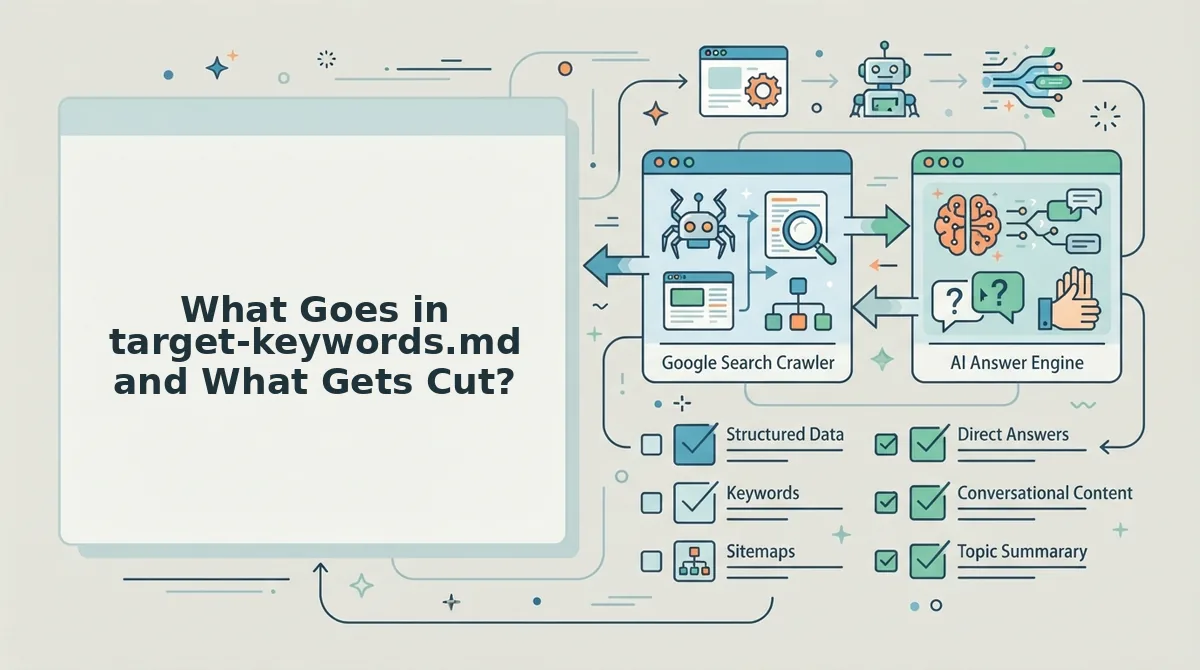
Six sections make the file usable: primary, secondary, long-tails by intent, cluster fit, exclusions, and a Keep/Cut/Queue column. The scope column is the part a flat keyword list never has â it names the owning URL for every row.
- Primary â one term, one URL. The single term the pillar page owns, with its target URL written into the scope column. Two primaries mean no anchor, and the drafts that follow compete with each other.
- Secondary â five to eight terms, each with a cluster ID. These feed the pillar's child posts. The cluster ID routes every term toward a content brief instead of a guess about where it belongs.
- Long-tails by intent â informational, commercial, comparison. Intent labels set heading structure and closing CTA. A commercial tail parked on an informational page converts nothing and reads as drift.
- Cluster fit â the scope column: an owning URL or an explicit zero. Every row gets one or the other. Zero-cluster rows surface as visible defects you can fix, rather than invisible drift you cannot.
- Exclusions â stems you never want back. Adjacent categories the site mentions but does not serve, plus competitor brand terms. Written down once, they stop reappearing in next month's plan.
- Keep / Cut / Queue â the gate, applied in that order. Keep when a term has both a cluster and a served category. Cut duplicates and anything an existing URL already covers. Queue adjacent-but-unserved terms with scope set to zero.
What happens to a keyword that fits your niche but has no page to point at? It gets queued, not deleted. A queued term stays on file with its scope marked zero, so a future cluster can claim it and so it cannot re-enter the calendar attached to an unrelated post. Deleting looks tidy and guarantees the same orphan returns next cycle under a fresh label, because the crawl will find the phrase again. Queueing keeps the discovery and blocks the misassignment. Revisit the queue whenever you add a cluster in your topical authority gap analysis.
What Do People Still Ask About Target Keywords Files?
Five questions come up repeatedly, and each has a short factual answer that survives a snippet lift intact.
Should I trust an AI-generated keyword file?
Treat it as a draft. It carries three known failure modes â category bleed, intent mislabel, and volume-chasing orphans â and a ten-minute Keep/Cut/Queue pass catches most of each. Run the gate before any calendar reads the file.
How long until a page built on these keywords gets indexed?
Indexing depends on crawl discovery, not on the keyword file. A new post waits for Googlebot to find it through your sitemap, internal links, or a manual request. See how long Google takes to index a new post.
Why does my calendar keep producing off-niche articles?
The file mixed categories the site serves with categories it only mentions, so every unserved term looked assignable. Add the scope column, label intent, and queue unserved stems â the calendar then has nothing off-niche to select.
How often should I re-crawl and rebuild the file?
Quarterly. The file is a snapshot of your sitemap, not a monument, and new or retired URLs change cluster fit every quarter. Re-crawling also clears queued terms that now have a page to call home.
Can I merge duplicate keywords instead of cutting them?
Merge them into the row with the closest cluster fit and keep the higher-intent variant as the label. Two rows aimed at one page split internal links and confuse the brief. One term, one URL.
Your Next Step Is One Crawl, Not One More Tool
The calendar that drafted four off-niche posts was never a writing problem. The file it read had no scope column, so every adjacent term looked assignable â and the calendar assigned it. One crawl and one edit gate fix that before the next cycle starts, because the crawl produces the Markdown context files the calendar reads, target-keywords.md among them. Run both this week, in that order: crawl the sitemap, then apply Keep/Cut/Queue rather than trusting the draft. The file's whole job is to make the owning page obvious. Run the crawl on your domain and let the next plan argue with a file that already knows where everything goes.