
How to Turn a Sitemap Into Writing Rules for AI Blog Posts
Your AI blog posts sound like every other site's because the AI never actually read your site. It read a prompt. If you want articles that rank and get quoted in AI answers, you need to turn your sitemap into writing rules for AI blog posts, not just feed the tool a list of URLs and hope for the best.
You're right to be frustrated. You've tried generic chat prompts, and the output reads like a template with your keywords swapped in. The problem isn't the AI. It's that the AI has no structural or tonal context about your site.
This guide walks you through a concrete framework: locate your XML sitemap, inspect the pages it lists, extract voice and structure patterns, and convert those patterns into writing rules your AI content engine can follow. You'll also learn why page inspection, not just URL collection, is the step competitors skip, and the 8 Markdown context files most teams never create. One surprising finding: your URL patterns alone can reveal your content architecture, and we'll show you exactly how to read them.
If you'd rather skip the manual work, an AI SEO content engine like BloGoose automates this entire process, crawling your site, extracting brand voice, and publishing directly to WordPress.
Why a Sitemap Is the Starting Point for AI Writing Rules
A sitemap is an XML file that lists every URL on your site. It tells search engines what pages exist, but it does not tell them how those pages sound. That gap is exactly why it's the right starting point for building AI writing rules, it gives you the complete map of what to inspect.
Think of a sitemap like a restaurant menu. The menu tells you every dish the kitchen can make, but it says nothing about how the chef seasons the food, how the plates are arranged, or what the dining room feels like. You need to eat the food to learn that. Similarly, a sitemap shows you every page, but you need to open those pages to learn the voice, tone, and structure.
Here's the critical distinction most teams miss: a sitemap is not a content inventory. A sitemap contains URLs only. A content inventory contains URLs plus metadata, page titles, headings, word counts, content types, and the patterns that repeat across your best-performing pages. When you XML sitemap data stops at the URL level, your AI writing rules will be built on structure without substance.
At the intermediate level, you can extract meaningful signals from the sitemap itself: URL depth reveals content hierarchy, and URL patterns reveal content types. A URL like /blog/ signals editorial content, while /products/ signals commercial pages. But the advanced insight is that structure alone produces generic AI output. Voice, formatting conventions, and internal linking patterns only emerge when you inspect the pages behind those URLs.
This is why a sitemap is necessary but insufficient. It's the map that tells you where to look. The writing rules come from what you find when you actually look.
Step 1: Locate the XML Sitemap and Map Your Content Structure
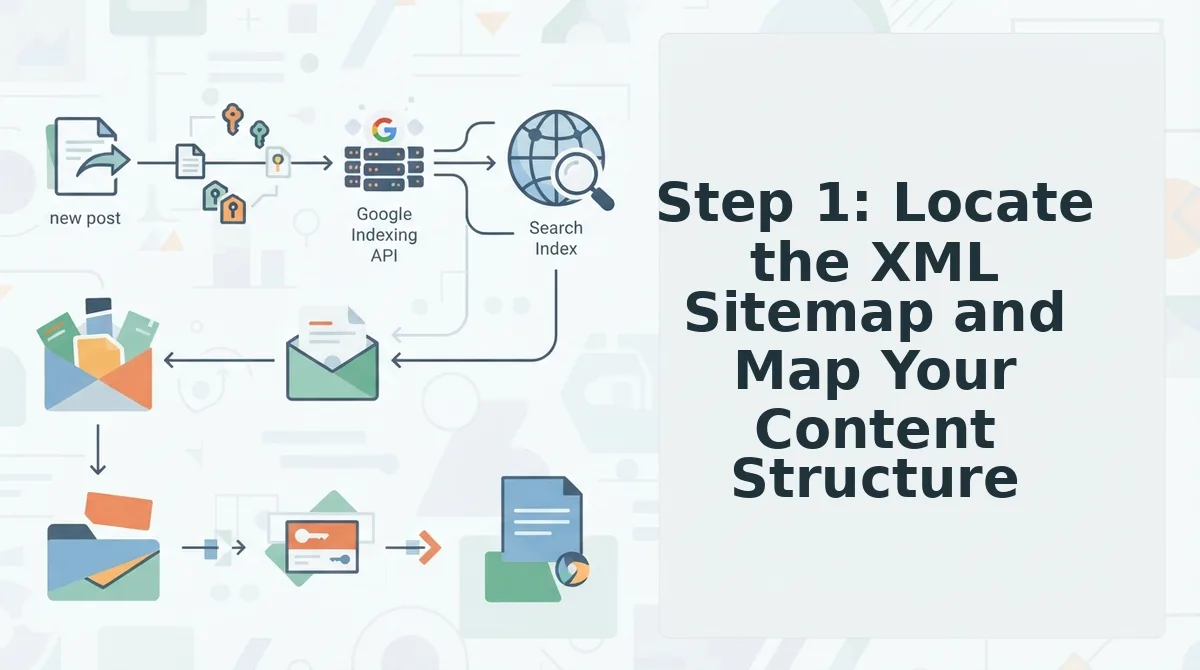
Before you can extract writing rules, you need the complete list of URLs on your site. You'll need browser access to your domain and, optionally, a text editor to record findings. This step takes 5-10 minutes.
- Check robots.txt first. Open
https://yourdomain.com/robots.txtin your browser. Look for a line starting withSitemap:. Most CMS platforms add it automatically. You should see the full sitemap URL listed there. - Try the default location. If robots.txt has no sitemap entry, navigate to
https://yourdomain.com/sitemap.xmlor/sitemap_index.xml. You should see an XML file listing your URLs or linking to sub-sitemaps. - Detect your CMS from URL patterns. If neither method works, look at your site's source code or URL structure. Paths containing
/wp-content/indicate WordPress,/sites/default/files/indicates Drupal, and/media/often indicates a headless CMS. Each CMS has a known sitemap plugin or module you can enable. - Map URL patterns to content types. Scan the sitemap and group URLs by prefix:
/blog/,/products/,/services/,/resources/. You should see clear clusters that reveal your site's content architecture.
If manual sitemap hunting feels tedious, BloGoose's setup wizard automates this, you drop in your domain, and it locates the sitemap and performs sitemap context extraction without touching robots.txt. Once you have your URL map, the next step is opening those pages to hear how your site actually sounds.
Step 2: Inspect Published Pages to Extract Voice Patterns
Inspecting published pages means opening your top 10-15 ranking URLs and reading them as a writer, not a visitor, cataloging tone, sentence rhythm, structure, recurring phrases, and formatting habits that define how your brand actually sounds.
Prerequisites: Your XML sitemap from Step 1, a spreadsheet or note file, and 30-45 minutes. No paid tools required, a browser and a text editor are enough.
- Open your top 10-15 URLs from the sitemap in separate browser tabs. Prioritize pages that already rank on page one, since these represent content Google has validated. You should see a representative mix of blog posts, landing pages, and pillar pages.
- Read the first 200 words of each page aloud. Note the average sentence length, whether the writer addresses the reader as "you," and whether contractions appear. You should see a consistent pattern emerge within 3-4 pages, if not, your site may lack a unified voice, which is itself a finding worth recording.
- Copy 3-5 representative paragraphs into a document labeled "writing-examples." Select passages that feel unmistakably like your brand. You should end with 15-25 total excerpts covering intros, transitions, and conclusions.
- List every recurring phrase, transition word, and formatting habit you observe. Note things like "Here's the thing," em-dash usage, H2 phrasing style, and whether paragraphs run 1-2 sentences or 4-5. You should produce a raw inventory of 20-40 patterns.
- Tag each pattern as "keep," "avoid," or "conditional." Keep patterns that appear across most pages. Avoid patterns that appear only in outdated posts. You should have a prioritized list ready for Step 3.
Here's where most teams go wrong: they stop at the sitemap and never read a single page. A URL list tells you what to write about; only page inspection tells you how to write it. Tone, sentence length, structure, recurring phrases, and formatting habits are invisible in a sitemap but obvious within 10 minutes of reading. Teams that skip this step feed generic voice rules to their AI and wonder why drafts sound like everyone else's. For a deeper look at how ranking pages reveal competitive patterns, see our guide to live SERP analysis.
Step 3: Extract Writing Rules Into a Style Guide
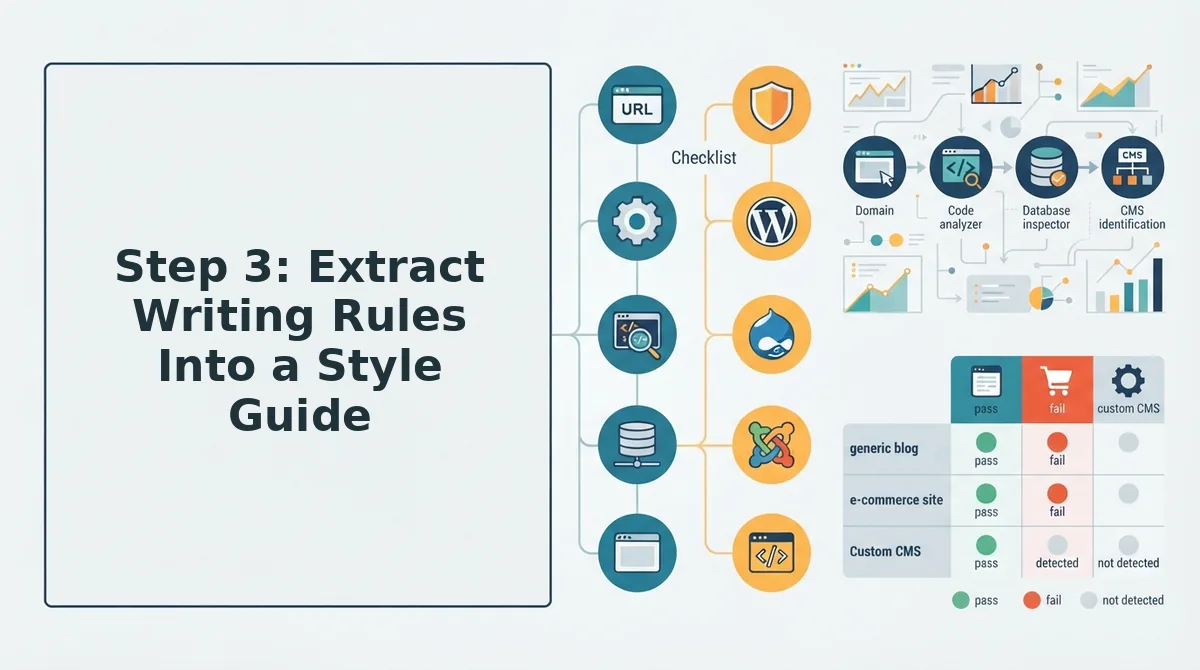
Extracting writing rules means converting your page-inspection notes into a structured style-guide.md file that an AI can parse as explicit constraints, turning observed patterns into enforceable instructions.
BloGoose generates eight Markdown context files from sitemap inspection: style-guide.md, writing-examples.md, tone-words.md, sentence-patterns.md, structure-rules.md, formatting-rules.md, vocabulary-rules.md, and audience-notes.md. Each file grounds a different dimension of AI drafting, so the model never has to guess.
- Sentence length rules. Define a hard ceiling based on your page inspection, for example, "Average sentence length under 18 words. Maximum 25 words." This matters because AI defaults to long, clause-heavy sentences that read as generic. Use it by pasting the rule verbatim into your style guide, not paraphrasing.
- Voice and tone constraints. Specify active vs. passive voice, contractions, and second-person address. For example: "Use active voice. Use contractions. Address the reader as 'you.' Avoid passive voice." This matters because tone drift is the fastest way to break brand trust. Use it by checking every AI draft against these three flags before publishing.
- Structure and formatting rules. Record how your site formats H2s, list types, paragraph length, and callouts. For example: "Paragraphs run 1-3 sentences. Use H2s as direct statements, not questions. Bullet lists for features, numbered lists for steps." This matters because formatting consistency signals editorial rigor to both readers and search engines. Use it by including the rules in your CMS publishing template.
- Vocabulary and banned-phrase lists. List words your brand uses and words it never uses. For example: "Use 'publish,' not 'ship.' Never use 'leverage,' 'delve,' or 'unlock.'" This matters because a small banned list eliminates the most common AI tells. Use it by adding the list to your AI prompt as a negative constraint.
- Audience notes. Define who you write for in one paragraph: their role, pain points, and reading context. This matters because voice rules without audience context produce technically correct but irrelevant drafts. Use it by placing audience-notes.md at the top of every prompt so the AI frames every sentence for the right reader.
If you want this extraction automated, BloGoose reads your sitemap, inspects your pages, and generates all eight context files during setup, no manual note-taking required.
Step 4: Encode Writing Examples Your AI Can Actually Use
Encoding writing examples means pairing every rule in your style guide with 2-3 real paragraphs from your site, because AI models match voice far more reliably from examples than from abstract instructions.
Prerequisites: Your style-guide.md from Step 3, your writing-examples.md file with 15-25 excerpts, and 20 minutes. Any AI writing tool that accepts custom context files will work.
- Open your writing-examples.md file and group excerpts by purpose. Create three sections: "Intros," "Transitions," and "Conclusions." You should see at least 3 examples per section, if not, return to Step 2 and collect more.
- Pair each style rule with a matching excerpt. For the rule "use short sentences," paste a 3-sentence paragraph from your site that demonstrates it. You should end with every rule having at least one concrete example attached.
- Write a before/after comparison for your weakest rule. Take the rule "be conversational" and show the generic AI version next to your site's actual version. You should see the difference immediately: a rule like "be conversational" produces vague, inconsistent output, while an example paragraph shows the exact rhythm, word choice, and sentence length to replicate.
- Upload all eight Markdown files to your AI tool's context or knowledge base. If using BloGoose, drop your domain into the setup wizard, it locates the sitemap, inspects pages, and generates the eight context files automatically. You should see the files appear in your project settings, ready to ground every draft.
- Run a test draft and compare it against your examples. Generate one article and check sentence length, tone, and formatting against your style guide. You should see a close match on the first pass; if not, add more examples to the weakest area.
Examples beat rules because they encode information rules cannot: rhythm, word choice, and the unspoken conventions of your niche. For more on making your content quotable in AI answers, see our AEO content optimization guide.
Next, we answer the most common questions about turning sitemaps into AI writing rules.
FAQ: Turning Sitemaps Into AI Writing Rules
A sitemap gives your AI the structural map of your site, but writing rules come from inspecting the pages behind those URLs. The four-step framework. Locate to Inspect to Extract to Encode, turns raw URLs into a reusable style guide your AI can follow on every draft.
How do I turn my sitemap into writing rules for AI blog posts?
Locate your XML sitemap, map URL patterns to content types, then inspect 5-10 published pages per section to extract recurring voice patterns. Convert those patterns into explicit rules, sentence length, heading style, tone markers, banned phrases, and encode them as examples your AI can reference in every prompt.
Can AI match my brand voice from a sitemap alone?
No. A sitemap only lists URLs and metadata; it contains no prose. You must crawl the pages behind those URLs to extract voice patterns. The sitemap tells your AI where to look, but the writing rules come from analyzing the actual published content on those pages.
What should a style guide for AI content include?
A usable AI style guide includes: sentence length limits, paragraph structure rules, heading capitalization conventions, tone descriptors with before/after examples, a banned-phrase list, transition word preferences, and 2-3 annotated sample paragraphs showing the rules applied. Rules without examples get ignored by most language models.
Why does my AI ignore the writing rules I give it?
Most AI systems weight examples far more heavily than abstract instructions. If your rules say "write conversationally" but your examples are formal, the model follows the examples. Encode every rule as a concrete before/after pair so the AI has a pattern to imitate, not just a principle to interpret.
How many pages do I need to inspect to extract reliable writing rules?
Five to ten pages per content type or site section is usually enough to spot recurring patterns in sentence rhythm, heading style, and tone. Inspect fewer and you risk encoding one-off quirks as rules; inspect more and you hit diminishing returns on pattern discovery.
From Sitemap to Style Guide: Your Next Step
The open loop from the start, whether a sitemap alone can teach an AI to write like you, resolves to a clear answer: the sitemap is the map, but the pages are the voice. The Locate to Inspect to Extract to Encode framework turns that map into a working style guide, and the payoff is compounding: every rule you encode today makes every future draft more consistent, more on-brand, and more likely to earn citations in AI answer engines.
Your next step is to run this framework once on your own site and see which rules emerge. If you would rather skip the manual crawl and extraction, BloGoose's AI SEO content engine automates the entire workflow, it reads your sitemap, inspects your published pages, extracts brand voice rules, and generates the context files your AI needs before drafting a single article.
The sites that win AI citations will not be the ones with the most content. They will be the ones whose content carries a voice consistent enough for models to trust and quote. Encode yours now, and every future article writes itself closer to rank-ready.