
What a Unified Content Engine Replaces in Your SEO Stack
Your content team runs a 12-tab stack: one tab for keyword research, another for SERP analysis, a third for the optimizer, plus a queue of half-finished drafts waiting on tone edits. Every publish cycle burns hours on prompt chaining, manual CMS uploads, and the quiet hope that the next article actually ranks. That is exactly what a unified content engine replaces in your SEO stack, and it's the difference between shipping one article a week and shipping a full cluster.
You're right to be skeptical. "Another chat window with hopes" has burned too many teams already. But here's the promise: by the end of this article, you'll have a precise replacement map showing which tools a unified engine absorbs, which ones legitimately stay on your desk, and where the honest boundaries are.
We'll start by naming the 12-tool stack you're probably running right now, then map every category to the AI SEO content engine capability that replaces it. One finding may surprise you: not every tool deserves to disappear. The engine that crawls your site, extracts your brand voice, and publishes directly to WordPress also knows what to leave alone.
The 12-Tool Stack You're Probably Running Right Now
Most publishing teams stitch together six to twelve separate tools for a single article. Each handoff between tools introduces friction, and each friction point is a place where tone drifts, deadlines slip, or the article never ships. Here is the stack, ordered by how much damage it does to your publishing velocity.
- Keyword research tool. You pull seed terms and volume data, then export a CSV that immediately goes stale. The output lives in a spreadsheet, disconnected from the draft it's supposed to inform.
- SERP analysis tool. You manually inspect the top ten results, note headings and content gaps, then translate those observations into a brief. This is slow, subjective, and rarely survives contact with the actual writing.
- Content optimization tool. You paste a draft into a scorer, chase the suggested keywords, and re-score. The optimization loop runs separately from drafting, so every revision costs a full round-trip.
- AI chat window. You prompt for an outline, then a draft, then a rewrite, each time re-explaining your brand voice because the chat has no memory of your site. This is the "another chat window with hopes" trap.
- Brand voice document. You maintain a style guide in Notion or Google Docs, then manually enforce it during editing. Tone drift happens because the document is advisory, not embedded in the workflow.
- Image generation tool. You create featured images and in-article visuals in a separate AI tool, download them, rename them, and upload them. The image pipeline adds 20-30 minutes per article.
- CMS upload workflow. You copy the final HTML or paste into WordPress, fix formatting, set categories and tags, and add the featured image. Manual publishing is where most articles stall.
- Indexing request tool. You submit URLs to Google Search Console or an indexing API manually, often days after publishing. Delayed indexing means delayed rankings.
- Editorial calendar spreadsheet. You plan topics in a sheet, then manually reconcile it with what actually got published. The calendar and the content pipeline never sync.
- Internal linking checklist. You track which pages link to which, usually in another spreadsheet. Link building happens after publishing, if it happens at all.
Each of these tools is individually reasonable. Together, they form a chain where every link is a manual handoff, and that chain is what automated SEO content workflows are built to break. A unified engine that crawls your site, learns your voice, and ships to WordPress collapses most of these steps into one continuous pipeline.
The Replacement Map: Every Tool a Unified Engine Absorbs
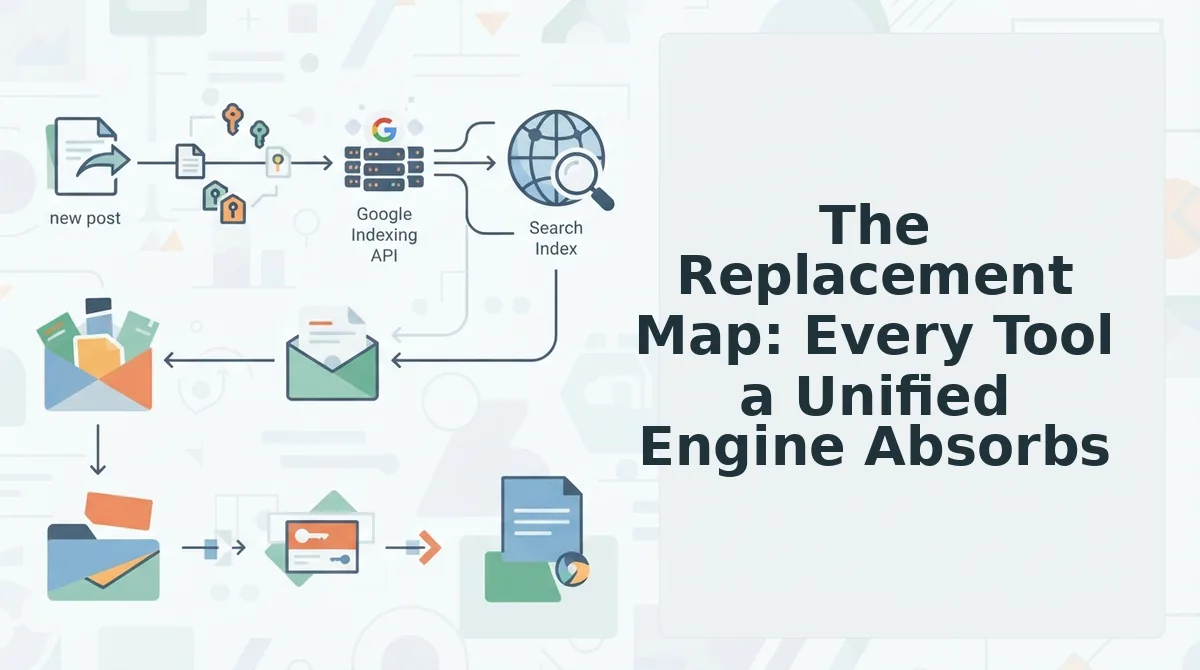
A unified content engine replaces five core tool categories: keyword research, content optimization, image generation, CMS publishing, and indexing. It does not replace editorial judgment, subject-matter expertise, or final approval, those stay human. Here is the map.
| Tool category you run today | What a unified engine does instead | Best for |
|---|---|---|
| Keyword research tool | Live SERP analysis during drafting, the engine inspects ranking pages and builds the brief from current results, not stale exports | Teams that want research embedded in the draft, not in a separate tab |
| Content optimization tool | Built-in SEO and AEO content optimization scoring applied as the article is written, with citation-ready structure baked in | Publishers targeting both Google rankings and AI chatbot citations |
| Image generation tool | Inline AI image creation tied to the article context, no download-rename-upload loop | Solo operators and small teams without a designer |
| CMS upload workflow | Direct publishing to WordPress or a custom API, with formatting, categories, and media handled automatically | Content managers shipping multiple articles per week |
| Indexing request tool | Google Indexing API automation triggered at publish time, so URLs enter the queue immediately | Teams that need rankings faster than manual Search Console submissions allow |
Standalone tools still have a legitimate place. A dedicated keyword research platform offers deeper historical data and competitor tracking than a unified engine's live SERP view. A specialized image suite gives designers more creative control than inline generation. The honest boundary is this: if a tool's output must be manually transferred into another tool, it is a candidate for replacement. If it produces finished work a human reviews and approves, it stays.
Here is the self-contained answer to the question most teams ask: What does a unified content engine actually replace? It replaces the transfer steps between research, drafting, optimization, image creation, publishing, and indexing. Instead of six tools with five manual handoffs, you get one pipeline where the output of each stage feeds the next automatically. The engine crawls your site to learn brand voice, plans a calendar from your structure, drafts with SEO and AEO scoring applied inline, generates images in context, publishes to WordPress or your API, and triggers indexing, all without a single copy-paste between tabs. What it does not replace is the decision about what to publish and the final read before it goes live.
That leaves one question: which tools genuinely deserve to stay on your desk, and why is that good news for your workflow?
What Stays on Your Desk (And Why That's Good News)
A unified content engine absorbs the mechanical work, but it does not, and should not, replace the judgment calls that make your content worth reading. Here are the seven assets that remain firmly in human hands.
- Brand voice decisions. A crawler can extract tone patterns from your existing pages, but only you know whether a new product line should sound more playful or more authoritative. Review the extracted voice rules quarterly and update them when your positioning shifts.
- Final editorial judgment. Automated drafts still need a human to confirm that claims are accurate, examples feel authentic, and nothing reads as generic filler. Treat the engine's output as a strong first draft, not a publish-ready final.
- Customer interviews and proprietary data. Your call transcripts, support tickets, and original survey results are the moat no tool can replicate. Feed these into the engine as source material, but keep collecting them yourself.
- High-level content strategy. Deciding which pillars to build, which audiences to prioritize, and which gaps matter most is a business decision. The engine executes the calendar; you set the direction.
- Subject-matter expertise review. For technical or regulated niches, a specialist should verify that the engine's optimizations did not flatten nuance or introduce errors. Schedule a 15-minute review per article before shipping.
- Competitive positioning. Knowing why your product beats a specific competitor requires context no crawler can infer. Add your differentiators as custom brief notes for each cluster.
- Relationship-based link building. Outreach emails, podcast pitches, and partnership content still depend on personal rapport. Use the engine to produce the supporting assets, not the handshake.
What does a unified content engine actually replace in an SEO stack? It replaces the repetitive execution layer: keyword research spreadsheets, on-page optimization checklists, internal linking audits, image sourcing, and manual CMS uploads. What it does not replace is the strategic and relational layer, the decisions about what to say, why it matters, and who should hear it. Teams that treat the engine as an execution partner rather than a strategy replacement get the highest return, because they redirect the hours saved into interviews, original research, and positioning work that compounds.
The Migration Path: From 12 Tabs to One Engine
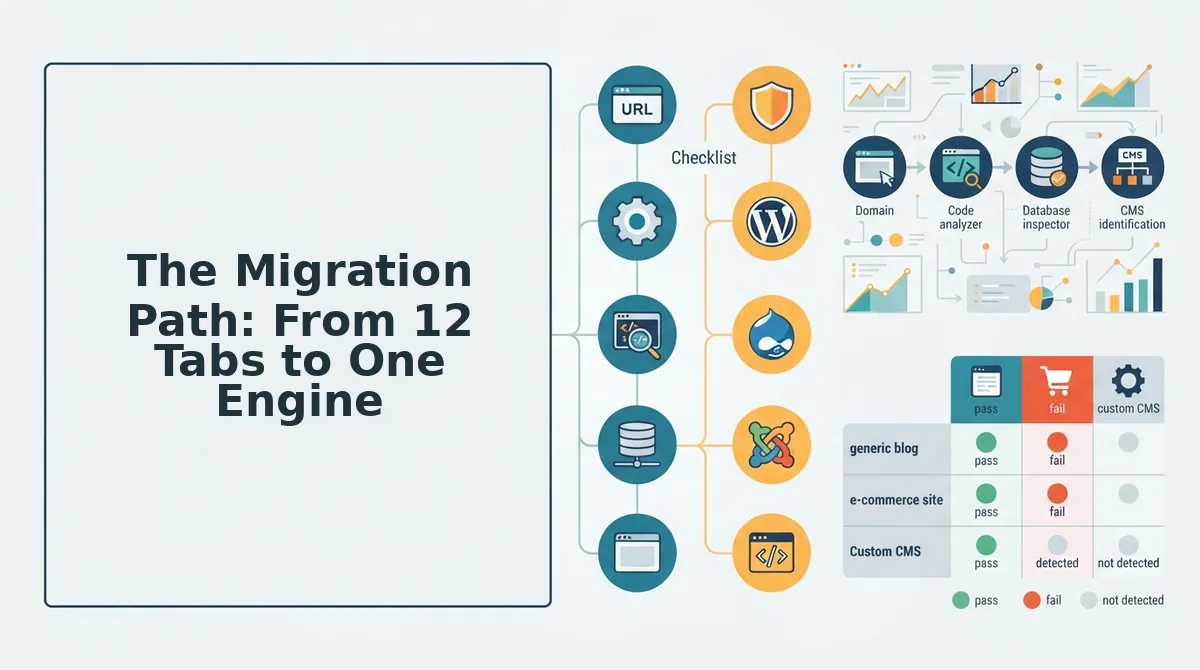
Moving from a fragmented stack to a unified engine takes about one afternoon if you follow a deliberate sequence. The goal is to preserve what works while eliminating the manual handoffs between tools.
Prerequisites: Have your domain URL, WordPress admin credentials or API key, and two or three examples of your best-performing content ready before you start.
- Enter your domain in the setup wizard. Type your site URL into the onboarding field and click Start Crawl. The engine locates your XML sitemap, inspects published pages, and extracts technical structure. You should see a crawl summary listing page count and detected content types within a few minutes.
- Review the generated brand context files. Open the Brand Context panel and check the eight Markdown files produced from the sitemap crawl, tone, vocabulary, formatting rules, and audience signals. Edit any file that misreads your voice, then click Save Context. This step takes roughly 20 minutes and directly improves output accuracy.
- Connect your publishing destination. Navigate to Settings, then Integrations. Select WordPress and enter your site URL plus an application password, or choose Custom API and paste your endpoint. You should see a green checkmark confirming the connection.
- Generate the 30-day calendar. Click Build Calendar and select your priority pillar. The engine proposes a cluster of articles mapped to search intent and AI-answer opportunities. Approve, reorder, or delete items before locking the schedule.
- Review the first drafted article. Open the first generated draft and check the SEO score, internal link suggestions, and AEO-optimized summary block. Make any editorial adjustments, then click Approve.
- Ship directly to your CMS. Click Publish and select your connected destination. The automated blog publishing engine pushes the article, images, and metadata to WordPress or your API without manual uploads. You should see a published URL confirmation within seconds.
- Monitor indexing and iterate. Return to the dashboard after 48 hours and check the indexing status for shipped articles. Use the performance data to refine your brand context files and calendar priorities for the next cycle.
Once the first cluster ships, the next step is to expand your pillar coverage or connect a second site to the same workflow.
FAQ: Unified Content Engine Replacements
A unified content engine consolidates the execution layer of SEO publishing. These answers cover the most common questions from teams evaluating the switch.
What does a unified content engine replace in my SEO stack?
A unified content engine replaces keyword research tools, on-page optimization checkers, internal linking auditors, image generators, and manual CMS upload workflows. It consolidates these into one crawl-to-publish pipeline that reads your site, learns your voice, drafts optimized articles, and ships them to WordPress or a custom API automatically.
Do I still need Surfer SEO if I use a unified content engine?
No. A unified engine bakes on-page optimization, entity coverage, and AEO formatting directly into the drafting process, so a separate content scoring tool becomes redundant. You keep final editorial review, but the optimization pass happens automatically before the draft reaches you.
Can a unified engine handle WordPress publishing automatically?
Yes. After you connect your WordPress site with an application password, the engine pushes finished articles, images, and metadata directly to your CMS. No manual copy-paste, no CSV import, and no separate scheduling plugin is required for standard posts.
Will I lose control over my brand voice?
No, provided you review the extracted brand context files during setup. The engine generates eight Markdown files from your sitemap crawl that define tone, vocabulary, and formatting rules. You can edit these files anytime, and every future draft follows the updated rules.
How long does migration from a multi-tool stack take?
Most teams complete the migration in one afternoon. The crawl runs in minutes, brand context review takes about 20 minutes, and connecting WordPress or an API endpoint takes under five. The first drafted article is typically ready for review the same day.
The Stack Is Gone. The Strategy Remains.
The open loop from the start of this article resolves simply: the tools you remove don't create a gap, they remove friction. Every spreadsheet, every prompt template, every manual upload you eliminate returns hours to the work that actually moves rankings, topic selection, brand voice, and publishing cadence.
But here's the synthesis that matters more than the tool count. A unified engine doesn't just consolidate software. It consolidates decisions. When research, drafting, optimization, and publishing live in one system, the quality bar stops being "did I configure this tool correctly" and becomes "does this content serve the reader and the search query." That's the shift.
Three next steps, in order of commitment:
- Start a site crawl. Drop your domain into BloGoose and get brand context files extracted automatically, voice rules, content patterns, and technical signals you'd otherwise spend days documenting manually.
- Review your AEO readiness. If AI citations matter to your traffic, read the AEO optimization guide to see which of your current pages are structured for answer engines and which aren't.
- Run one migration test. Pick a single content cluster, move it through the engine end-to-end, and compare the output against your current stack's workflow. The time delta will make the case better than any feature list.
The teams that win in 2026 won't be the ones with the most sophisticated tooling. They'll be the ones who removed enough tooling to think clearly about content again.
"A unified content engine doesn't replace your judgment, it removes everything standing between your judgment and a published, rank-ready article."