
How to Use Your Sitemap to Anchor AI Content Planning
Most content teams plan from keyword tools and end up publishing articles that compete with their own existing pages, or ignore the topical authority they've already spent months building. The fix is to use sitemap to anchor AI content planning: treat your existing URL structure as the primary input for every new article, so each piece extends a topic cluster your site already owns instead of starting from zero.
You're right to feel that keyword-first planning misses something. Google Search Central confirms sitemaps help search engines discover content, but almost no one explains how to consume a sitemap for planning purposes. By the end of this guide, you'll know how to extract your sitemap's structure, map URLs to pillar and cluster topics, and feed that map into an AI SEO content engine that drafts and publishes rank-ready articles automatically.
Here's the roadmap: crawl and extract your sitemap structure, map URLs to topic clusters, then hand that map to an automated publishing workflow. One surprising finding ahead, your sitemap's lastmod dates matter more for AI content planning than most teams realize.
What Does It Mean to Anchor AI Content Planning to a Sitemap?
Anchoring AI content planning to a sitemap means using your existing URL structure as the primary input for deciding what to write next, so every new article extends a topic cluster your site already owns. Think of it like building a house extension: you study the existing floor plan before adding rooms, rather than sketching a new blueprint from scratch.
Keyword-tool-first planning shows you demand, what people search for. Your sitemap shows you supply, the topical authority you have already built. When you anchor planning to the sitemap, you stop asking "what should we rank for?" and start asking "what should we rank for next, given what we already cover?"
The workflow progresses in three stages. First, you extract raw structure: URLs, hierarchy depth, lastmod dates, and content type signals. Second, you map those URLs to topic clusters, grouping pages under pillar topics they support. Third, you feed that map into an AI content engine that drafts articles filling the gaps, so every new piece strengthens an existing cluster instead of diluting it.
For passage indexing: Anchoring means treating your sitemap as a content inventory and a strategic map, not just a technical file. A sitemap lists every URL you consider important, organized by section and often timestamped by last modification. When you extract that structure and use it as the planning input, your AI-generated articles inherit the site's existing topical relationships. The result is a content calendar that extends what you already own, rather than a list of disconnected keyword targets.
Step 1, Crawl Your Sitemap and Extract the Structure
Start by locating and parsing your XML sitemap, then extract four data points. URL list, hierarchy depth, lastmod dates, and content type signals, that tell you exactly what your site already covers. You'll need access to your domain and either a sitemap parser tool or a platform that handles this automatically.
- Locate your sitemap. Open your browser and visit
yourdomain.com/sitemap.xmlor checkrobots.txtfor a Sitemap directive. You should see an XML file listing your URLs. - Extract the URL list. Copy every URL into a spreadsheet or use a sitemap parser. Expected outcome: a complete inventory of pages you consider index-worthy.
- Record hierarchy depth. Count path segments in each URL (e.g.,
/blog/seo/sitemap-planninghas three segments). Deeper URLs usually support shallower ones, this reveals your existing pillar-and-cluster structure. - Note lastmod dates. Pull the
<lastmod>value for each URL. Pages with recent dates show where you're actively investing; stale dates reveal clusters that need refreshing. - Identify content type signals. Group URLs by pattern, product pages, blog posts, category archives, tools. Each type plays a different role in your cluster strategy.
If manual XML parsing sounds tedious, XML sitemap extraction is exactly what BloGoose automates: drop in your domain and the platform detects, parses, and structures the sitemap for you. Next, map those URLs to pillar and cluster topics.
Step 2, Map URLs to Pillar and Cluster Topics
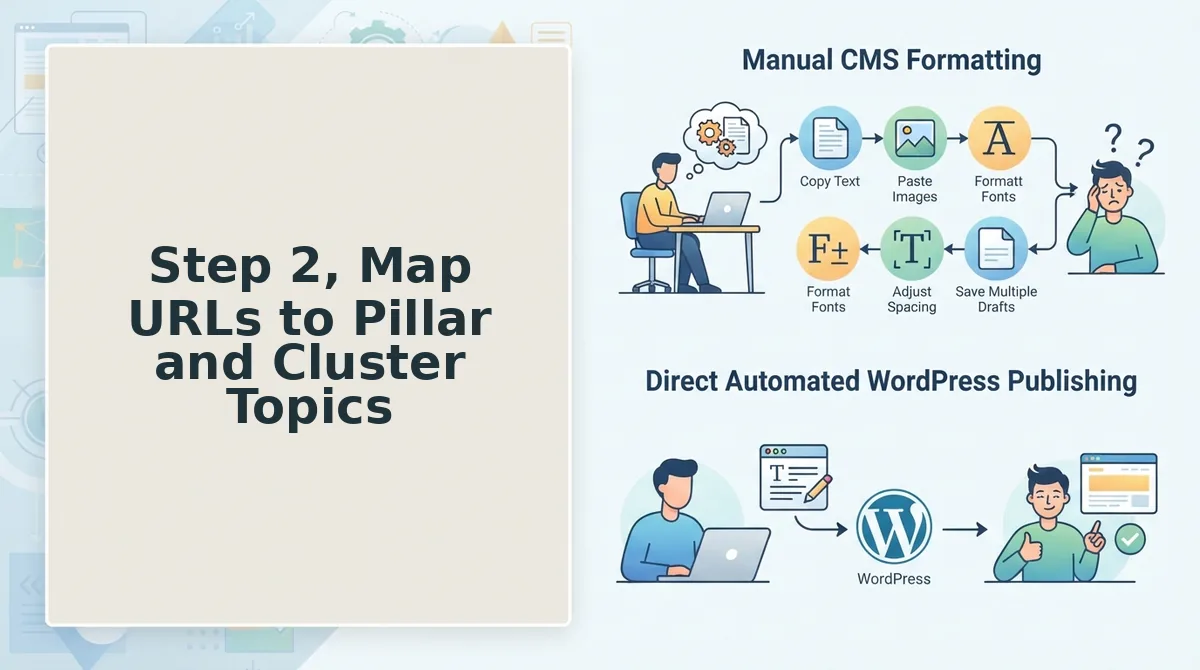
Mapping your sitemap URLs into pillar and cluster topics turns a flat URL list into a strategic content hierarchy you can plan against. You'll need your exported sitemap URL list from Step 1 and a spreadsheet or the BloGoose cluster-mapping view.
Use the four-quadrant Sitemap-to-Cluster Mapping framework to sort every URL into one of four buckets: pillar pages (broad, high-volume topics), supporting posts (narrow subtopics linking up to a pillar), orphan pages (URLs with no internal links pointing to them), and gap pages (topics your structure implies but doesn't yet cover).
- Open your sitemap export and sort URLs by directory depth. Root-level and /learn/ or /blog/ category pages are usually pillar candidates. You should see a clean hierarchy with 3-7 obvious pillar groupings.
- Tag each URL as Pillar, Supporting, Orphan, or Gap in a new column. Assign supporting posts to the pillar they serve based on URL path and topical overlap. Expect 5-10 minutes per 100 URLs.
- Run a quick internal-link check on orphan candidates. Any URL with zero inbound internal links is an orphan, mark it for either integration or pruning. You should see orphan URLs isolated in their own list.
- Compare your mapped clusters against your target keyword list. A worked example: a site with a pillar on "SEO automation" and supporting posts on "sitemap crawling," "content calendars," and "WordPress publishing" reveals a gap on "AI answer optimization." You should see gap topics emerge where no URL exists.
This mapping feeds directly into your SEO content audit, giving you a structural baseline before you write a single brief.
Step 3, Identify Content Gaps from Your Existing Structure
Your sitemap already tells you where your content strategy is leaking, you just need to read the structure instead of starting from a keyword tool. Here are the highest-value gap signals to extract from your mapped clusters.
- Orphan pages signal neglected ranking potential. URLs with no internal links pointing to them are invisible to both crawlers and readers, yet they often already rank for long-tail queries. Pull every orphan from your mapping and decide within one week whether to link it into a cluster or merge it into a stronger page.
- Thin clusters reveal where topical depth is missing. A pillar page with fewer than three supporting posts cannot demonstrate topical authority to Google or AI answer engines. Flag every pillar with a thin support count and prioritize those clusters in your next content sprint.
- Missing subtopics expose competitor-proof angles. Compare each pillar's supporting posts against the questions your audience asks in search results and AI chat. Where a question has no matching URL, you've found a gap page worth a dedicated SEO content brief.
- Duplicate or near-duplicate URLs dilute cluster equity. Multiple URLs targeting the same intent split internal links and crawl budget. Consolidate or canonicalize these before adding new content to the cluster.
BloGoose runs this gap detection automatically when you connect your sitemap, so you can move from structural audit to prioritized briefs in one workflow instead of three tools.
Step 4. Generate a Calendar Anchored to Your Clusters
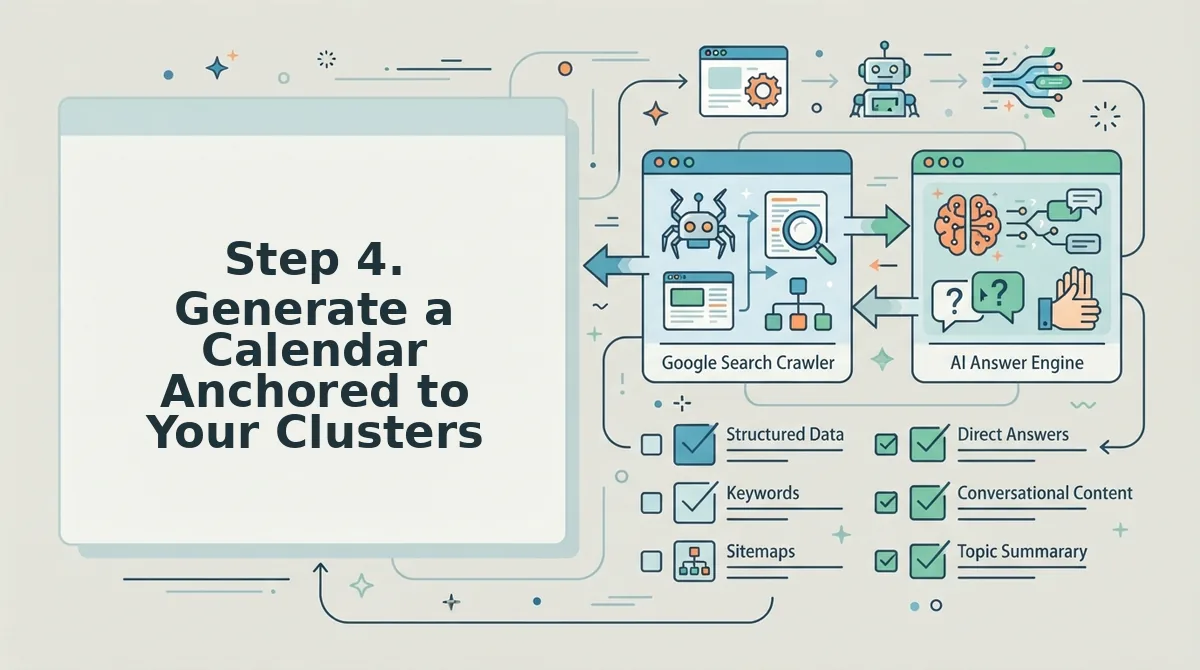
A cluster-anchored calendar sequences your content so each post strengthens the pillar before you publish the next one. You'll need your completed four-quadrant map from Step 2 and your gap list from Step 3.
- Open your calendar tool and create a 30-day view. Select the cluster with the highest business priority and the most identified gaps. You should see a blank 30-day grid ready for slotting.
- Slot the pillar page update or creation first, on day 1-3. Type the pillar topic into the first available slot. The pillar must exist before supporting posts can pass authority upward.
- Add 2-4 supporting posts per week, each targeting one gap from Step 3. Click each day and assign one gap topic, alternating between clusters to avoid topical fatigue. You should see a sample 7-day snippet like: Day 1. Pillar: SEO automation; Day 3. Sitemap crawling; Day 5. Content calendars; Day 7. WordPress publishing.
- Attach the 8 Markdown context files to every draft slot. Upload your style-guide, target-keywords, internal-links-map, and the five remaining context files to each calendar entry. Every draft should inherit these files automatically, keeping output on-brand and on-cluster.
BloGoose generates this calendar and the context files as part of its automated SEO content pipeline, so your 30-day plan ships with every draft pre-wired to the right cluster. Next, you'll signal freshness with lastmod and publish directly.
Step 5, Signal Freshness with Lastmod and Publish Directly
Lastmod is the sitemap field that tells search engines and AI crawlers when a URL was last meaningfully updated, and it is the single most underused freshness signal in content planning. A sitemap with accurate lastmod timestamps works like a grocery store's "baked today" sticker: it tells every system that checks the shelf which items are genuinely new and which are just sitting there.
Start simple: after any substantive edit, update the lastmod date in your sitemap to match the publish timestamp. Intermediate: automate that update so every CMS publish triggers a sitemap regeneration. Advanced: pair lastmod with a content refresh cadence, where older cluster pages get real edits, not cosmetic date swaps, before their timestamps change.
AI systems weight content freshness only when you signal it honestly through lastmod updates. A page that claims a 2026 lastmod but still contains 2023 statistics trains answer engines to distrust your entire domain. The signal only works if the update is real.
Automated publishing closes the loop: the content engine updates the sitemap and pushes to WordPress without manual steps. When your sitemap, CMS, and publishing pipeline move as one system, every article ships with an honest freshness timestamp already attached, no spreadsheet reconciliation, no forgotten XML edits, no stale dates undermining your cluster authority.
Manual vs. AI-Assisted Sitemap Content Planning
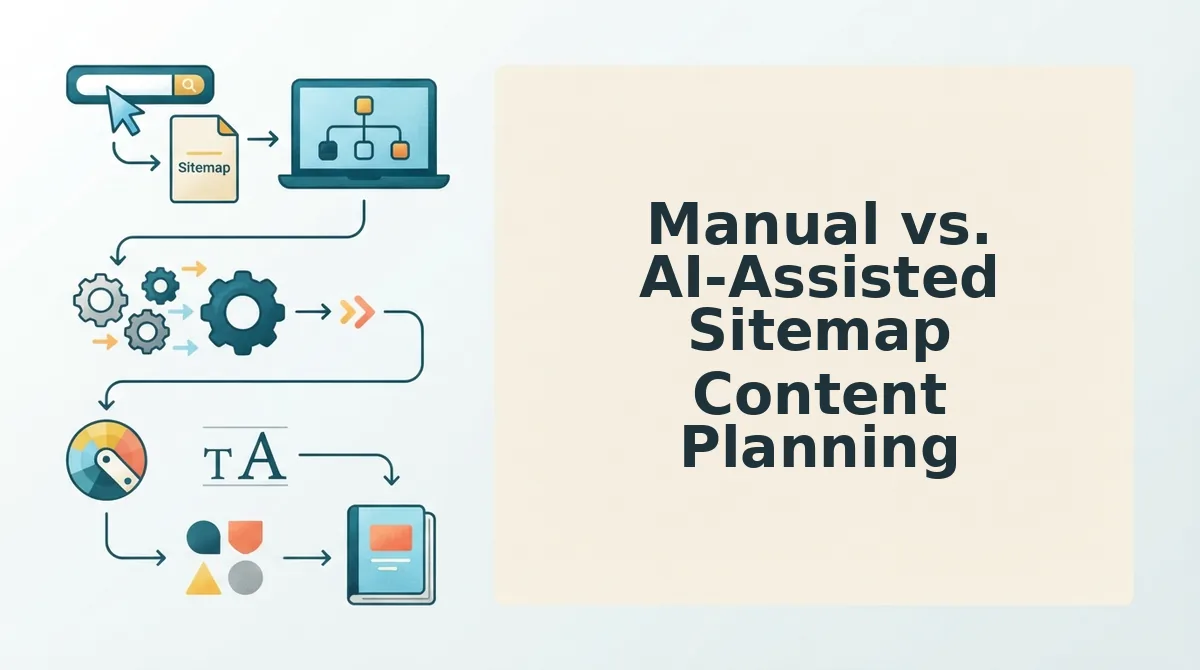
Manual sitemap planning gives you total control and zero tooling costs, but it does not scale past a handful of pages. AI-assisted planning trades some hands-on oversight for speed and gap-detection accuracy that a human scanning a spreadsheet will miss. Both approaches are legitimate; the right choice depends on your publishing volume and team size.
| Criteria | Manual Spreadsheet | AI Chat Prompt | BloGoose |
|---|---|---|---|
| Time per site | Hours to days of URL copying and tagging | Faster, but requires prompt iteration per page | Minutes: sitemap auto-detected and parsed |
| Accuracy of gap detection | Depends entirely on operator diligence | Good for single queries, inconsistent across a full site | Systematic: every URL mapped against cluster coverage |
| Scalability to 30+ posts | Breaks down; spreadsheet sprawl and version conflicts | Possible but labor-intensive per article | Built for 30-day calendars natively |
| Publishing workflow | Copy-paste into CMS, update sitemap by hand | Copy-paste into CMS, update sitemap by hand | Publishes to WordPress or API and updates the sitemap automatically |
Best for a solo operator with one small site: a manual spreadsheet is honest work and costs nothing but time. Best for a content manager testing AI on a single cluster: chat prompts let you experiment without committing to a platform. Best for a team publishing 30+ posts monthly across multiple sites: BloGoose automates sitemap detection, cluster mapping, gap analysis, and publishing in one workflow, the manual steps are where teams lose accuracy and momentum. See BloGoose pricing to compare plans against your current stack's hidden time costs.
FAQ: Using Your Sitemap to Anchor AI Content Planning
How do I use my sitemap to anchor AI content planning?
Feed your XML sitemap URL into an AI content tool that can crawl it, then let the tool map existing URLs into pillar and cluster topics before generating new article briefs. The sitemap becomes the structural skeleton, so every new piece of content connects to pages you already rank for instead of floating as an orphan.
What's the difference between a sitemap for SEO and a sitemap for content planning?
An SEO sitemap tells crawlers which URLs to index; a content-planning sitemap is the same file read as a topic map. The SEO view asks "what exists?" while the planning view asks "what clusters are thin, what gaps exist between related URLs, and where should the next 30 posts go?"
Can I plan content from a sitemap without technical skills?
Yes. Modern AI content engines accept a domain name, locate the sitemap automatically, and present the structure as a visual topic map. You do not need to read XML or understand URL taxonomy; the tool translates the technical structure into plain-language cluster and gap recommendations.
How often should I re-crawl my sitemap for content planning?
Re-crawl before every new content calendar cycle, typically monthly for active sites, and after any major site restructure or migration. A stale crawl produces gap analysis against an outdated structure, so the crawl must reflect the live site at the moment you plan the next publishing sprint.
Your Sitemap Is the Plan You Already Have
You started with a question: why does content planning feel like guesswork when your site already knows what it should say? The answer was sitting in your sitemap the whole time. Crawl, map, gap, calendar, publish, five steps that convert an overlooked technical file into a content strategy with structure baked in.
The teams winning AI citations in 2026 aren't the ones with more prompts. They're the ones whose site architecture and publishing cadence already answer the questions search engines and chatbots keep asking. Your sitemap is that architecture, made visible.
Here's the shift: stop treating your sitemap as a developer artifact and start treating it as your editorial brief. Every URL is a topic you've already committed to. Every gap is a cluster waiting to be built. Every lastmod is a freshness signal you can weaponize.
Drop your domain into BloGoose and get a 30-day calendar anchored to your site structure, published to WordPress automatically. No spreadsheet. No blank page. No 12-tab stack.
A sitemap doesn't just tell search engines where your content lives, it tells you what your content strategy should be.