What to do when a scheduled draft slot is missed
You open your content calendar at 9:00 AM, and the slot meant for today's pillar article sits completely blank. Knowing what to do when a scheduled blog draft is missed starts with a strict triage rule: never panic-publish rushed filler or cram two articles into next week's slot.
A single skipped publishing window rarely hurts domain authority, yet erratic catch-up habits disrupt how often search crawlers visit your site. You have every right to feel frustrated when weeks of editorial planning stall over a silent CMS error or an overdue draft.
This recovery playbook shows you how to pinpoint the exact failure point in ten minutes, protect your crawl consistency, and safely roll your queue forward. First, you will separate technical server timeouts from upstream editorial bottlenecks, then apply a cadence-saving scheduling rule before re-validating your search intent.
Later, you will see why publishing two posts next week to "make up for lost time" actually triggers crawl decay, and why rolling the topic forward keeps rankings steady.
Step 1: Diagnose Technical Glitches vs Pipeline Bottlenecks
To fix a missed scheduled post, verify whether your CMS failed to execute a ready draft or your editorial pipeline stalled before submission. Separating server-level cron timeouts from upstream brief invalidation prevents you from wasting hours troubleshooting healthy software.
Why do scheduled WordPress posts miss their publish time? WordPress relies on WP-Cron, a virtual task scheduler that triggers only when a visitor loads a page on your site. On low-traffic staging or production domains, zero page visits during the scheduled window means the timestamp passes unexecuted, leaving the article stuck in the database as a missed schedule error. Conversely, an editorial stall occurs upstream when search intent shifts between outlining and drafting, invalidating the original brief and forcing writers to pause.
Before starting this 10-minute diagnostic, open your CMS admin dashboard, your editorial calendar, and your live XML sitemap URL.
- Open your CMS dashboard, click Posts, and filter by Scheduled to inspect the exact status badge next to your missing draft. You should see either a red "Missed schedule" timestamp or an unscheduled "Draft" label within 60 seconds.
- Inspect your live site feed to confirm XML sitemap parity whenever the post shows a missed schedule error. Open your sitemap URL in a new browser tab and verify that the missing slug has not been prematurely indexed as a broken link.
- Click Quick Edit on the stalled post, update the timestamp to two minutes in the future, and click Update to force a manual execution test. Refresh the live URL after two minutes; you should see the published article render cleanly without a 404 error.
- Audit your editorial brief against current search results if the post never reached the CMS queue. Review the top ranking pages to confirm whether the primary query intent evolved since the outline was created.
Teams tired of manual server checks and broken handoffs often eliminate this gap with an automated blog publishing engine like BloGoose, which crawls your site structure, validates search intent, and ships rank-ready articles directly to WordPress or a custom API.
Step 2: Apply the Anti-Doubling Rule to Protect Crawl Cadence
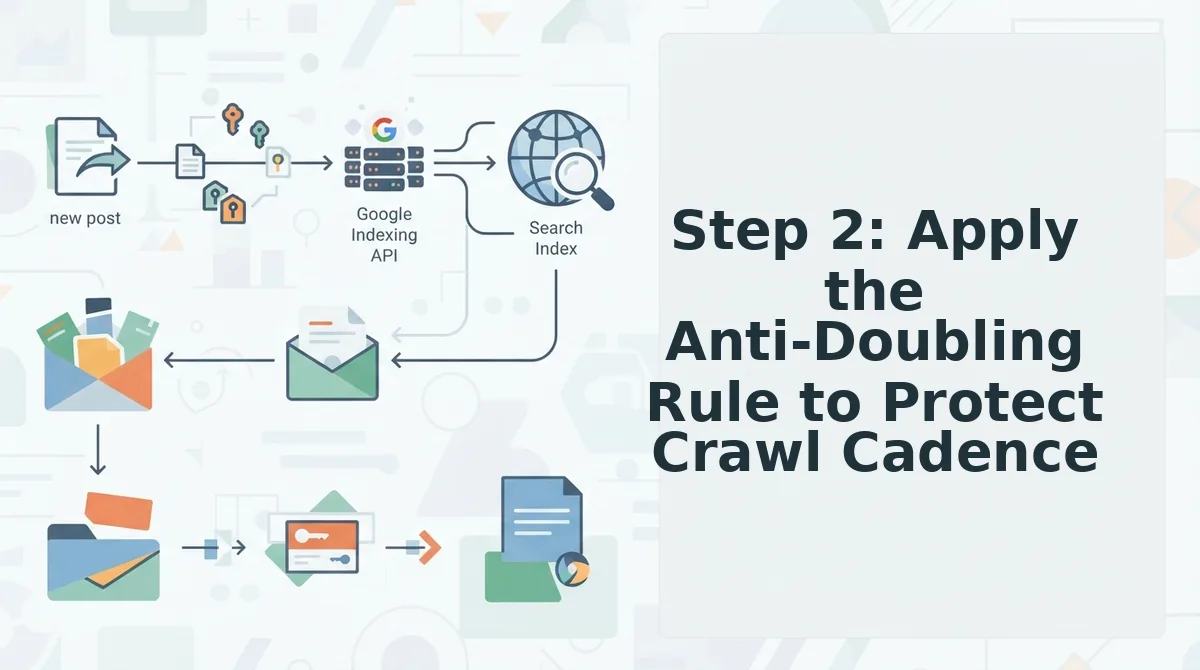
When a scheduled slot slips, roll the missed article forward into your next open calendar slot instead of publishing two posts next week. Maintaining a steady interval protects your crawl budget consistency and keeps reader engagement predictable.
Why does doubling up on blog posts hurt SEO performance? Publishing two articles in a single window creates an artificial indexing spike followed by a sudden lull when your normal cadence resumes. Automated search crawlers allocate crawl frequency based on predictable update rhythms, so erratic bursts confuse re-crawl schedules and cause crawl decay across older URLs. Rolling the delayed draft forward preserves steady crawl budget consistency while giving your team enough breathing room to maintain editorial quality.
Different recovery tactics suit different publishing models, though each carries distinct operational trade-offs:
| Recovery Strategy | Crawl Cadence Impact | Editorial Workload | Best For |
|---|---|---|---|
| Interval Rolling (Recommended) | Maintains steady crawler visit frequency with zero indexing spikes | Low; preserves standard review and QA timelines | Best for solo operators and growth teams protecting long-term rankings |
| Double-Publishing Next Week | Triggers short-term indexing bursts followed by post-burst crawl decay | High; compresses editing and risks thin quality | Best for time-sensitive newsrooms covering breaking product launches |
| Backdating the Timestamp | Hides the gap visually but misses immediate discovery signals | Minimal; requires one timestamp adjustment | Best for compliance archives where chronological order matters most |
Double-publishing works well when you must ship coordinated launch announcements tied to a hard event date, and backdating keeps historical archives clean. However, for evergreen organic growth, rolling your queue forward by one interval remains the safest default.
Before you lock in that new publish date, move to Step 3: Re-Validate Search Intent Before Rescheduling.
Step 3: Re-Validate Search Intent Before Rescheduling
Before pushing a missed draft live, you must cross-reference your existing brief against current SERP data to ensure the context has not drifted or decayed while the post sat in the queue . Search intent is dynamic, and competitor ranking signals can shift significantly in as little as two weeks, rendering static outlines obsolete .
You will need your current documentation and roughly 15 minutes of focus time. Follow this validation protocol:
- Open your content brief: Pull up the original research, target keyword data, and semantic clustering rules .
- Perform a fresh Google search: Type your primary target keyword into an incognito browser window to see the current top three results.
- Compare SERP features: Check if Google has added new rich snippets, People Also Ask boxes, or video carousels that were not present when the post was first drafted.
- Audit for context drift: Identify if any of your planned headings now conflict with high-authority results or if the searchers' primary goal has evolved.
- Update the draft text: Insert or replace content to match the current intent. You should see improved alignment with the top-ranked results after these quick adjustments.
Skipping this validation step is the most common cause of "perfect" content failing to rank. If your content was prepared by an AI SEO content engine, re-running a quick validation check allows you to capture the latest search context without rebuilding the entire article from scratch.
Step 4: Build a Three-Post Queue Buffer to Stop Calendar Slips
A three-post queue buffer acts as an editorial safety net, allowing you to decouple content creation from CMS publishing triggers so a single technical glitch does not cascade into a total calendar collapse. This perpetual reserve system ensures you always have ready-to-publish assets that can be swapped into a missed slot in under ten minutes.
- Establish the "Ready-to -Publish" standard: Every post in your buffer must pass internal QA, including SEO metadata, internal linking, and image optimization. When an automated slot fails, you swap in a finished asset immediately rather than attempting to rush a new draft.
- Maintain a rolling queue: Aim to keep exactly three evergreen articles in reserve at all times. This provides enough volume to handle technical issues without creating massive overhead or content bloat that risks keyword cannibalization.
- Automate the hand -off process: Use an AI SEO content engine to handle the heavy lifting of research and drafting. By automating these inputs, you keep the buffer filled naturally, preventing the human bottleneck that causes queue dropouts in the first place.
- Set up automated queue alerts: Configure your CMS or publishing tool to notify you the moment a scheduled post status changes to "Missed" or "Error." This visibility allows you to execute the swap-in from your three-post reserve before your publishing cadence suffers any visible impact to search crawlers.
How to Verify Your Calendar Recovery Worked
You confirm a successful recovery by validating that the restored draft returns a 200 HTTP status code and reflects immediately in your XML sitemap and indexing logs. The ultimate verification is not just seeing the post live, but ensuring the search engine has re-indexed the URL and registered the corrected timestamp.
After rescheduling your post, take these three steps to guarantee stability:
- Verify the page returns a clean 200 status code via your browser developer tools or a site crawler .
- Check your XML sitemap to confirm the new post URL is present and properly formatted.
- Run a manual request in Google Search Console to index the page if the automated crawl does not pick it up within 24 hours .
To eliminate these manual recovery loops entirely, connect your site to our AI SEO content engine to automate your publishing calendar and ensure content integrity.