
How to Add Inline Images to AI Blog Posts Without Manual Uploads
Every founder who publishes AI-generated blog posts hits the same wall: the text is done in minutes, but adding images takes longer than writing the article itself. Generate, download, rename, upload, place, five separate steps per image, repeated across every post, every week. It's the slowest part of AI publishing for founders and solo operators, and it's the reason most "automated" blogs still feel manual.
You're right to be frustrated. The promise of AI content was supposed to eliminate busywork, not relocate it to your media library. Here's what this guide will teach you: how to add inline images to AI blog posts automatically, no manual uploads, no prompt engineering, no spreadsheet coordination. You'll learn what inline images actually are, how a four-stage pipeline (Crawl, Style, Generate, Place) eliminates every manual step, and why the trick isn't better prompts, it's where the image pipeline starts.
By the end, you'll have a repeatable workflow that ships text and images together, directly to WordPress or your custom API. And there's a surprising finding about placement logic, why most tools get it wrong and what that costs you in rankings, that we'll resolve in the final section.
What Inline Images Actually Mean in an AI Blog Workflow
Inline images are visuals placed inside the article body at contextually relevant points, after an introduction, before a data-heavy section, or beside a step in a tutorial. They are distinct from featured images, which serve as the post thumbnail shown on listing pages and social shares.
Think of inline images like illustrations inside a book chapter: they appear exactly where the reader needs them to understand the text. A featured image, by contrast, is the book's cover, one representative visual that sells the whole piece. The distinction matters because automation logic treats them differently. Inline images require semantic context: the system must understand what a section is about to choose or generate a relevant visual. Featured images require only a single representative visual, with no placement decision inside the body.
Most AI writing tools conflate these terms, which is why their image output feels random. A tool that treats every image as a featured image will dump one hero visual at the top and call it done. A tool that understands inline placement will distribute images at natural reading breakpoints, roughly one per 300-400 words, and match each image to the surrounding content.
This distinction also drives image SEO. Search engines index inline images with the surrounding text as context, which means a well-placed inline image reinforces topical relevance. A featured image alone does far less for on-page optimization. For publishers using automated blog image generation, the placement logic, not the image quality, is what separates a polished article from a wall of text with a decorative thumbnail.
Inline image placement is the process of inserting contextually relevant visuals at specific points within an article body, typically after the first heading, before data-dense sections, and at regular intervals of 300-400 words, so that each image reinforces the surrounding text for both human readers and search engine crawlers. Unlike featured images, which appear only as thumbnails on listing pages and social shares, inline images require semantic understanding of the content to determine where they belong and what they should depict.
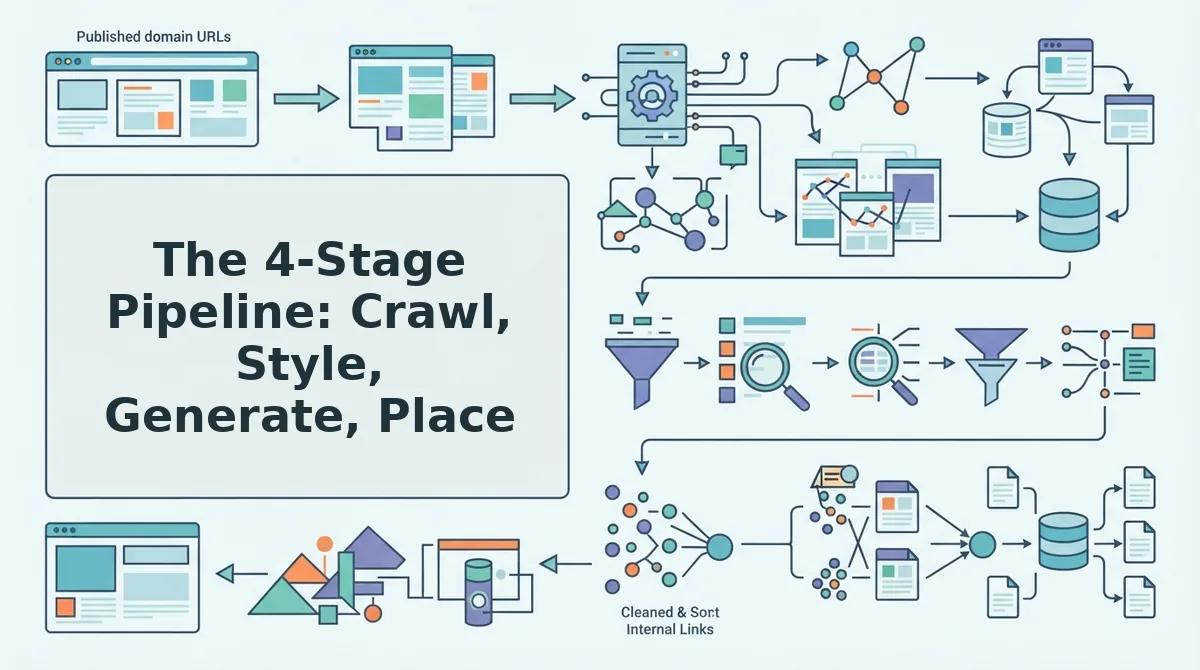
The 4-Stage Pipeline: Crawl, Style, Generate, Place
Inline image automation works as a four-stage pipeline that starts before any image is created. You need a platform that can crawl your existing site, extract visual style rules, generate matching images, and place them at contextually relevant points, then ship everything to your CMS in one pass.
- Crawl your site to extract visual style rules. Enter your domain into the setup wizard. The system locates your XML sitemap, inspects published pages, and analyzes existing images to build a brand context file, color palettes, image dimensions, tone, and formatting conventions. This is the step most competitors skip, and it's why their generated images look generic. You should see a summary of detected style rules within a few minutes. For a deeper comparison of how this works, see sitemap context extraction.
- Generate images that match your detected style. Once the style rules are extracted, the system produces images that fit your brand, no prompt engineering required. You don't write "make it minimalist with warm tones"; the crawl already captured that. Expected outcome: a set of images that look like they belong on your site, not stock-photo placeholders.
- Place images at contextually relevant points. The system inserts images after the first H2, before data-heavy sections, and at roughly one per 300-400 words. Each placement is driven by the semantic content of the surrounding text, not random distribution. You should see images appear exactly where a human editor would naturally pause to add a visual break.
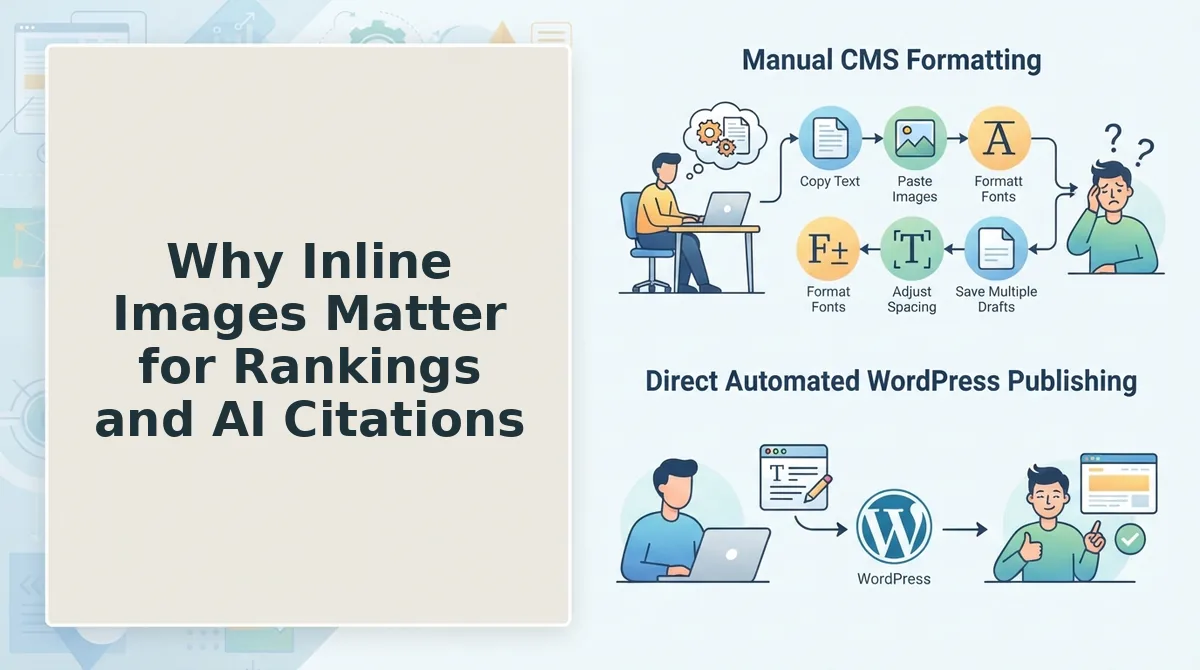
- Ship text and images together. The final article, with inline images already embedded, publishes directly to WordPress or your custom API. There is no separate upload step, no media library cleanup, no manual drag-and-drop. For publishers who want to skip the manual loop entirely, direct WordPress publishing closes the pipeline.
The four-stage pipeline. Crawl, Style, Generate, Place, eliminates manual image workflows by extracting visual style rules from your existing site before any image is created, then generating on-brand visuals and inserting them at contextually relevant points in the article body, with final delivery to WordPress or a custom API in a single automated pass. The crawl stage is what makes the rest possible: without understanding how your site already looks, no generation model can produce images that feel native to your brand.
Once this pipeline is running, the question shifts from "how do I add images faster?" to something more strategic: what those images actually do for your rankings and AI visibility.
Why Inline Images Matter for Rankings and AI Citations
Inline images are contextual visual assets placed within the body of an article that serve both user engagement and machine-readable entity signals. They are not decoration, they are ranking infrastructure.
At the simplest level, inline images break up long text blocks. Readers scan before they read, and a wall of uninterrupted paragraphs triggers immediate tab-closing behavior. Images create visual waypoints that keep readers moving down the page, which directly correlates with higher dwell time and lower bounce rates, two engagement signals search engines measure when evaluating content quality.
Think of inline images like road signs on a highway. A driver on a 500-mile stretch with no signage gets fatigued and exits early. A driver who sees regular, relevant markers stays engaged and reaches the destination. Your readers behave the same way.
At the intermediate level, image placement reinforces topical structure. A screenshot next to a setup instruction, a diagram beside a concept explanation, or a product photo aligned with a feature description tells crawlers that the visual and the text belong to the same entity cluster. This is entity relationship reinforcement, the practice of connecting related concepts so machines understand context, not just keywords.
The advanced layer is where inline images become an AI citation strategy. Descriptive alt text paired with contextual placement makes passages more quotable by AI answer engines, which extract text-image pairs when generating responses. If your image sits next to a definition and its alt text mirrors that definition, the passage becomes a self-contained, citable unit. This is the same principle behind how to get cited in AI answers. AI engines favor passages that are complete and unambiguous without requiring the surrounding article for context.
Setting Up an Autopilot Image Workflow Step by Step
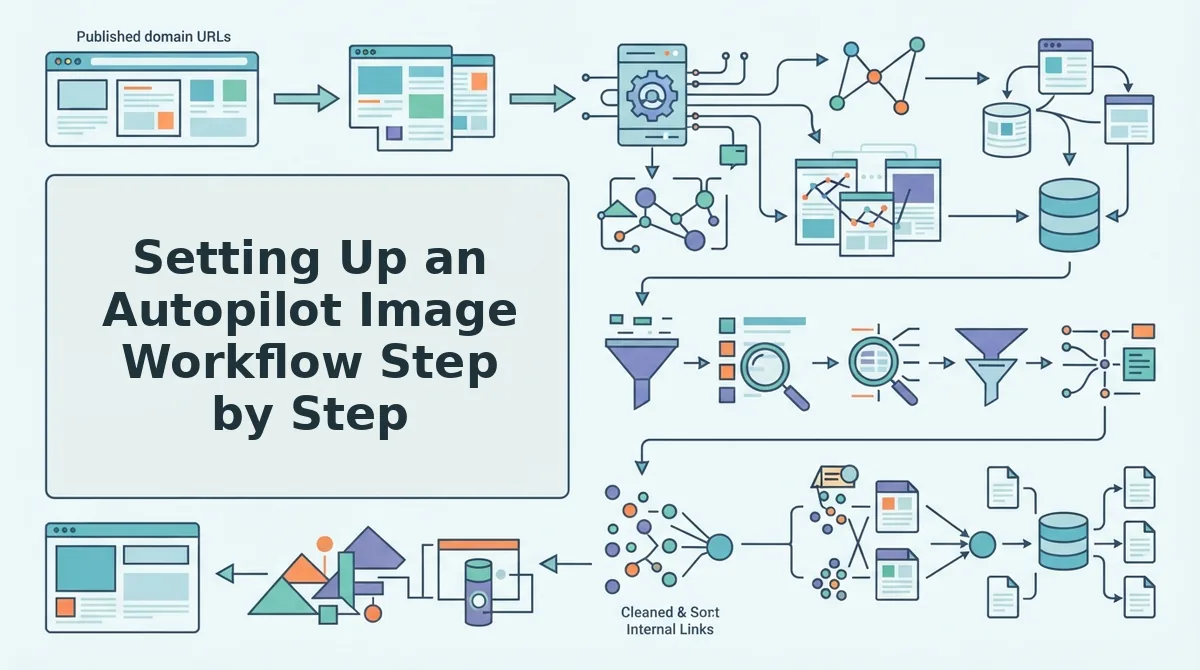
An autopilot image workflow generates, styles, and places inline images during drafting, no separate design tool, no manual CMS upload step. Here is the exact sequence using a single AI content engine.
Prerequisites: Your domain URL, access to your WordPress site or custom API endpoint, and an account on an AI content engine that supports automated publishing. If you are still comparing tooling, see AI content engine vs chat window workflows for the key differences.
- Drop your domain into the setup wizard. Type your site URL and click Start Crawl. The engine locates your XML sitemap, inspects published pages, and extracts brand voice rules including tone, formatting patterns, and existing visual style. Expected outcome: a crawl summary showing detected pages and a style profile. Time: 2-5 minutes.
- Generate a topic from your detected niche. Open the Topic Generator and select your niche from the detected list. The engine runs live SERP and social research to identify gaps and angles. Expected outcome: a ranked list of topic suggestions with search intent labels. Time: 1-3 minutes per topic.
- Review the draft with inline images already placed. Open the generated draft in the editor. You should see images positioned at contextual points, next to definitions, above step lists, and beside data claims. Each image includes descriptive alt text generated from surrounding content. Expected outcome: a complete draft with 4-8 inline images, no upload prompts. Time: 5-10 minutes to review.
- Approve and publish directly to WordPress or a custom API. Click Approve & Publish, select your destination from the Publishing Channels dropdown, and confirm. The engine ships the article with images embedded and alt text intact. Expected outcome: a live post with inline images, no manual media library uploads. Time: under 1 minute after approval.
For a deeper look at how image generation fits into this pipeline, read automated blog image generation. If your current workflow involves exporting images from a design tool and uploading them one by one, this single-engine approach eliminates that entire loop.
FAQ: Inline Images in AI Blog Posts
How do I add inline images to AI blog posts without manual uploads?
Use an AI content engine that generates images during drafting and publishes them directly to your CMS. The engine places images at contextual points, writes alt text automatically, and ships everything in one publish action, no media library uploads required.
Do inline images help SEO?
Yes. Inline images improve dwell time and reduce bounce by breaking up text, and descriptive alt text helps search engines understand image context. Contextually placed images also reinforce topical relevance for the surrounding passage.
What's the difference between inline and featured images?
Featured images appear at the top of a post and often in listing pages or social shares. Inline images appear within the article body at contextual points, such as next to a definition or above a step list, and carry more weight for passage-level relevance.
Can AI match my brand's visual style automatically?
Yes, when the engine extracts style rules during the site crawl. It detects existing color palettes, image types, and formatting patterns from your published pages, then applies those rules to newly generated inline images without manual prompting.
How many inline images should a blog post have?
Aim for one inline image per 200-300 words, typically 4-8 images for a 1,200-word post. Place them at contextual points, beside definitions, above step lists, and near data claims, rather than at fixed intervals.
If manual image placement is still part of your publishing loop, the next section walks through what changes when you stop doing it by hand.
Stop Manually Placing Images in AI Blog Posts
Every minute you spend uploading, resizing, and placing images is a minute your competitors spend publishing. The crawl-first approach eliminates the five-step manual image loop entirely, no more download, rename, upload, insert, repeat.
Here's the synthesis: image placement isn't a creative task. It's a pipeline problem. And pipelines are exactly what automation solves.
Your next step depends on where you are:
- Audit your current workflow. Count how many manual touches each image requires from source to published post. If it's more than two, you're leaking hours.
- Test the crawl-first method. Run one article through a workflow where your site's existing visual style drives image selection and placement automatically. Compare the output to your manual process.
- Ship complete articles with BloGoose. BloGoose sends finished posts, text and inline images together, directly to WordPress, so the publishing step disappears from your to-do list.
The articles that rank and get cited in AI answers won't be the ones you labored over image by image. They'll be the ones you shipped while others were still in their media library.