
How an automated blog publishing engine speeds up SEO output
You generate an article in two minutes, only to spend four hours untangling broken Zapier JSON payloads and repairing mangled Gutenberg blocks across your CMS. Juggling separate tools for search research, draft writing, and uploading turns organic marketing into an exhausting maintenance chore.
A typical multi-tool automation stack requires 5 separate subscriptions and breaks on average once every 14 days due to unversioned API payload changes. Switching to a unified automated blog publishing engine eliminates this multi-tool tax by consolidating research, voice modeling, and CMS delivery into one continuous pipeline.
This guide explains how direct publishing pipelines slash turnaround times and maintain strict brand voice across complete topic clusters. Note that while this framework optimizes operational mechanics and production speed, search visibility still relies on underlying domain authority and search intent match. Later, we examine an unexpected technical indexing method that prompts search bots to crawl new posts immediately without waiting for traditional sitemap cycles.
A unified workflow replaces brittle multi-step pipelines:
- Situation: A publisher spends hours hand-formatting draft exports and debugging failed webhook connections.
- Action: Connect an AI SEO content engine directly to the domain to extract brand context files and schedule drafts directly to WordPress.
- Outcome: Live SERP research translates into fully formatted, rank-ready articles without manual copying or block repairs.
Auditing your current CMS integration will show exactly how much manual formatting overhead you can strip away. Understanding these speed gains starts with how modern publishing engines actually operate.
What Is an Automated Blog Publishing Engine?
An automated blog publishing engine is an integrated software platform that researches search intent, generates voice-calibrated articles, and pushes production-ready posts directly to a CMS without human intervention. The engine inspects existing site structure, incorporates live SERP ranking signals, drafts long-form content, and executes publishing via native connectors like WordPress or custom APIs. By linking niche research, drafting, internal linking, and technical delivery into an automated loop, it replaces fragmented stacks that rely on standalone chat interfaces and manual document uploads. Every post arrives formatted with structured headers and internal links without manual intervention.
Many growth operators try to build this workflow internally by chaining Make, n8n, and Airtable together. While DIY scripts offer complete control over custom data routing, they inevitably introduce severe maintenance debt. In practice, DIY webhook stacks average 6 hours monthly of API troubleshooting when schemas change, rate limits trigger, or authentication tokens expire.
| Publishing Model | Brand Voice Grounding | Maintenance Overhead | Best For |
|---|---|---|---|
| DIY Webhook Stacks (Make / n8n / Airtable) | Static prompt templates and spreadsheet fields | 6 hours monthly of API troubleshooting | Technical builders needing idiosyncratic database workflows |
| Multi-Channel Copilots (Enterprise AI suites) | Uploaded style guides and isolated project spaces | Zero pipeline maintenance; manual CMS publishing | Marketing teams producing multi-channel campaigns and ad copy |
| Native Publishing Engines (Dedicated SEO platforms) | Automated sitemap crawls and Markdown context files | Zero API maintenance via direct CMS integrations | Publishers and solo founders scaling organic search clusters |
How do you choose between these approaches?
Choose DIY webhook stacks if you require custom database manipulation and have the technical time to patch breaking endpoint changes. Choose multi-channel copilots if your daily objective is drafting ad copy, social snippets, and email variants across fragmented brand initiatives.
Our recommendation for search-driven teams is a native publishing engine grounded in markdown brand context files. Dedicated engines eliminate the recurring 6-hour troubleshooting drain while maintaining technical voice rules and pushing rank-ready articles directly to WordPress or custom endpoints.
Deploying this autonomous engine begins with capturing your existing domain architecture and topical boundaries.
Step 1: Extract Brand Rules and SERP Grounding Data
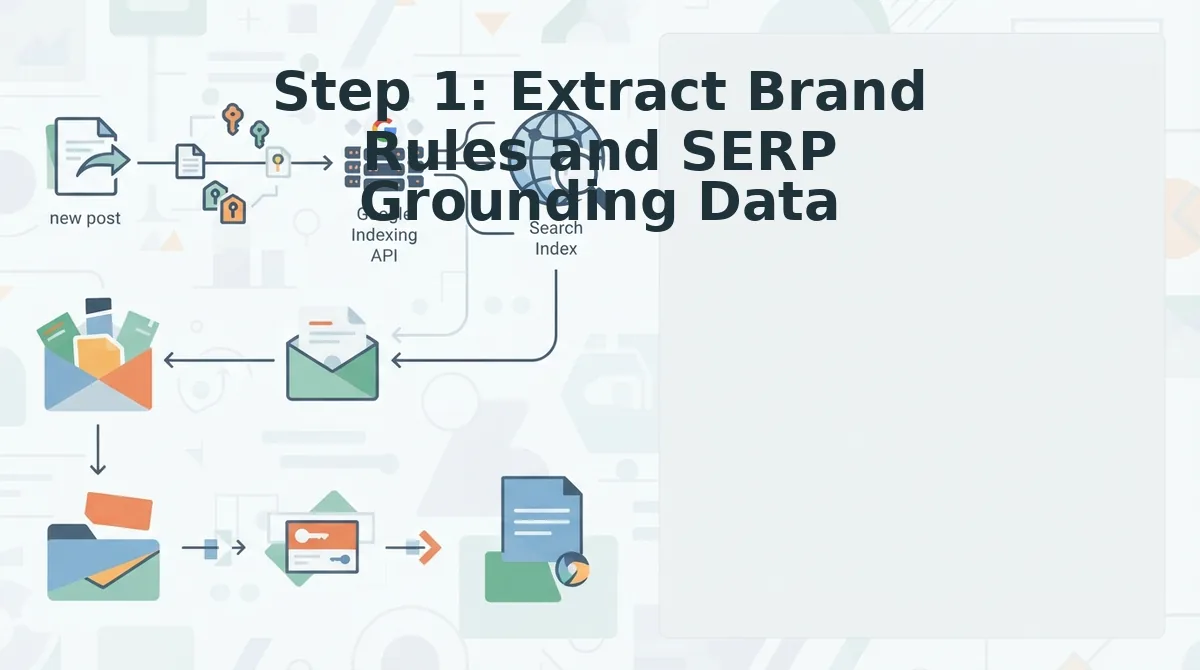
An automated blog publishing engine extracts brand rules and search grounding data by crawling an existing website's sitemap to ingest URL hierarchies, target entities, and editorial tone before drafting begins. Grounding content in structural site data prevents robotic hallucinations and eliminates repetitive prompt engineering.
How do top-ranking sites prevent AI hallucinations without spending forty minutes per article hand-crafting prompts? They automate knowledge retrieval from their own domain structure.
Automated brand context extraction is the automated process of converting a website's structural architecture, existing coverage, and editorial tone into machine-readable rule files. Ingesting an XML sitemap directly extracts internal link architecture and topical clusters across 8 core markdown rule files. These files define precise parameters, including style guides, target keywords, competitor analysis, writing examples, and SEO guidelines, so every downstream generation matches established site standards.
Prerequisites: You need an active website with a publicly accessible XML sitemap and access to the setup wizard of an AI SEO content engine.
- Type your website domain URL into the setup wizard input field (Estimated time: 30 seconds). You should see the system validate the domain and display a confirmation status that the host is reachable.
- Click the Crawl Site button to inspect your XML sitemap and detect your CMS stack (Estimated time: 1 to 2 minutes). You should see the progress bar complete as the crawler indexes published URLs, internal linking structures, and technical site metadata.
- Select the generated context library to review the 8 generated markdown files, verifying files like style-guide.md and target-keywords.md against your editorial goals (Estimated time: 3 minutes). You should see editable text panes containing your verified brand rules, topical clusters, and URL mappings ready for live SERP matching.
Reviewing these generated files early prevents common brand context extraction mistakes, such as carrying over outdated taxonomies or conflicting keyword targets from neglected archive pages.
Worked Example: Grounding a Domain Cluster
A publisher with hundreds of legacy posts needs fresh articles that match existing tone and interlink accurately without manual auditing. The operator inputs the domain into the setup wizard, allowing the crawler to scan the XML sitemap and technical layout. The engine automatically outputs 8 editable markdown files, mapping existing internal links and topical boundaries directly from published URLs. The team reviews the generated files, locks in their keyword parameters, and proceeds with grounded drafts that naturally cite prior coverage.
BloGoose automates this entire onboarding step by turning your sitemap into rank-ready brand rules and live SERP topic research with AI included. Once your context files reflect your actual site authority, the next requirement is establishing a direct publishing pipeline.
Step 2: Connect the Engine Directly to CMS REST APIs
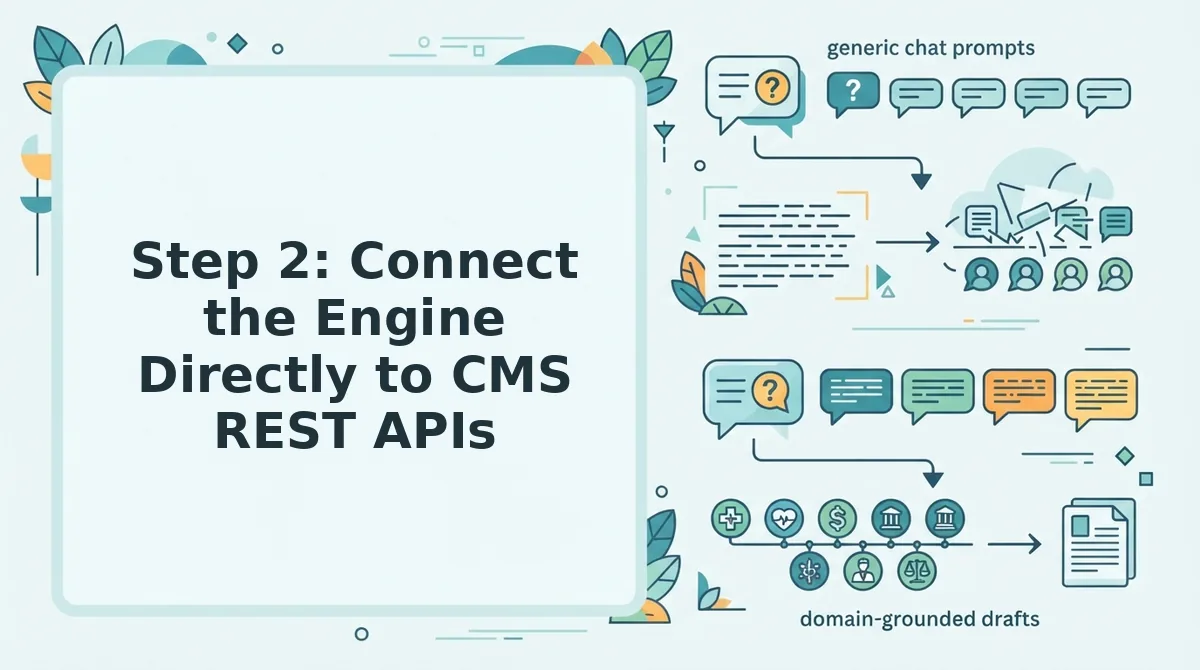
Connecting an automated content engine directly to CMS REST APIs automates the pipeline from drafted text to live publication by transmitting structured JSON payloads containing formatted Gutenberg blocks, metadata, and media directly into your database. A CMS REST API is an application programming interface that enables external software to create, read, update, and delete website content using standardized HTTP requests.
Before beginning, ensure you have administrator access to your WordPress dashboard, your site domain, and an active BloGoose workspace. This configuration takes roughly five minutes to complete.
Imagine inspecting your browser network tab during a live deploy. Instead of manually pasting copied text into an editor, you see a single POST request hitting /wp-json/wp/v2/posts, carrying fully converted HTML block elements, assigned category IDs, Yoast or RankMath SEO descriptions, and an attached featured image ID in one clean payload.
Follow these sequential steps to establish the integration:
- Generate an application password in your CMS (Time: 2 minutes). Open your WordPress admin panel, click Users, select Profile, and scroll to the Application Passwords field. Type a recognizable label like
BloGoose Engineinto the field and click Add New Application Password. You should see a newly generated 24-character authentication token appear on the screen. - Map the REST API endpoint and credentials (Time: 1 minute). Open your BloGoose dashboard, click Settings, and select Integrations. Type your site URL into the endpoint field, select WordPress from the platform menu, and paste your username alongside the generated application password. You should see a green verification indicator confirming that the engine successfully authenticated with the
/wp-json/wp/v2/path. - Configure the REST API payload structure mapping (Time: 2 minutes). Select your publishing preferences under the API settings tab. The automated publishing engine handles payload mapping by translating raw markdown drafts into native Gutenberg block syntax, assigning canonical tags, injecting structured schema markup, and uploading compressed featured images to the media library. You should see your default category and author profile populate automatically in the target fields.
Why waste hours reformatting markdown tables and uploading image files by hand? Establishing direct WordPress publishing eliminates the copy-paste bottlenecks that stall organic growth workflows.
Once your content lands securely in your CMS, verifying that search engine bots immediately crawl those new URLs becomes the next technical hurdle.
Step 3: Trigger Automated Post-Publish Indexing and Verification
Automated post-publish indexing instantly submits newly live article URLs directly to search engine crawl queues the moment your content management system confirms a successful deployment. Publishing a blog post without an automated crawl ping leaves it stranded in search engine discovery queues for weeks.
Automated post-publish indexing is a programmatic feedback loop that broadcasts newly published page URLs to search engine endpoints immediately after a CMS confirms a live upload. Think of automated indexing like dispatching a direct courier to search engine headquarters instead of dropping an envelope into an unmonitored mailbox and hoping someone checks it this month.
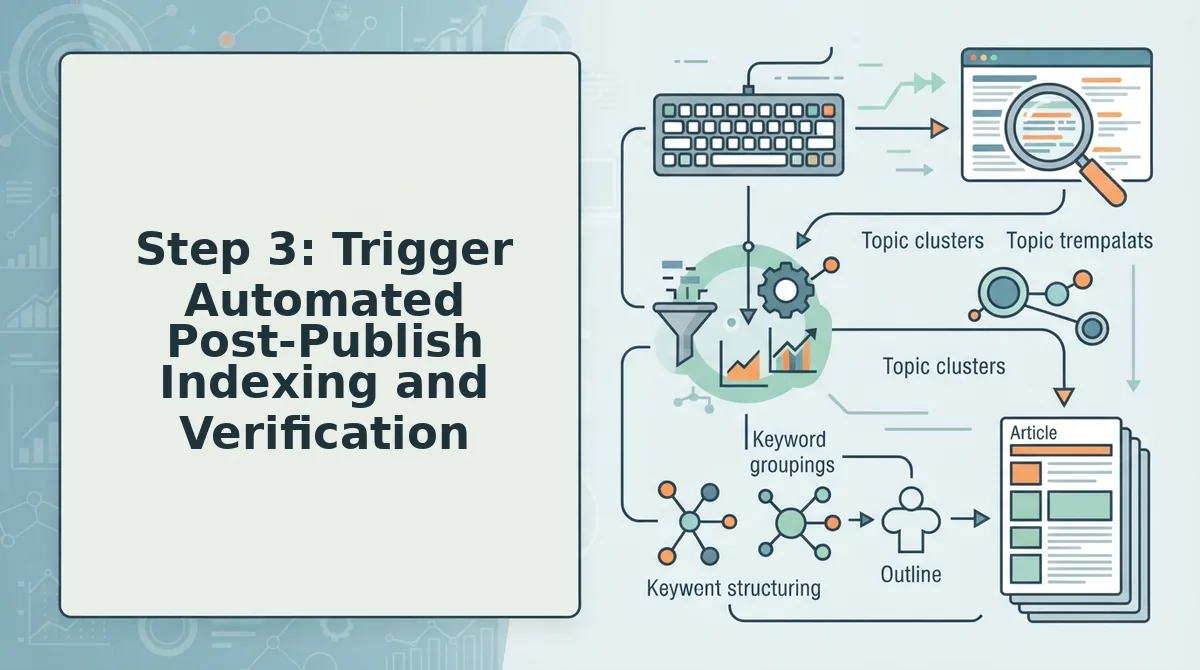
What is automated post-publish indexing? Automated post-publish indexing is a programmatic mechanism that alerts search engines to new URLs instantaneously via direct API calls rather than relying on periodic sitemap discovery. When an automated publishing platform receives an HTTP 200 status code confirming an article is live, it dispatches structured payload requests to search engine endpoints such as the Google Indexing API and IndexNow. This direct notification closes the gap between content deployment and crawler retrieval. Consequently, publishing endpoints triggering automated API crawl requests experience search bot indexation in under 48 hours compared to 14 to 28 days for passive sitemaps.
At an operational level, the automated engine monitors the outbound CMS response before executing network pings. If the CMS returns an error code, such as an HTTP 403 authorization failure or an HTTP 500 server crash, the indexing sequence halts immediately to avoid sending broken links to search bots.
Once an HTTP 200 OK signal confirms the URL is publicly readable, the system executes a multi-step broadcast sequence:
- Service account authorization: The publishing engine signs a secure JSON Web Token to authenticate against Google Cloud project credentials.
- API payload transmission: The engine formats an endpoint request to ask Google to crawl new posts alongside IndexNow pings for alternate search crawlers.
- Log validation: The engine captures the API response receipt, confirming search spiders have accepted the URL into their immediate fetch priority queues.
Automating this verification sequence guarantees that technical publishing pipelines never produce orphaned content that search engines fail to discover.
Ensuring that these indexing requests register cleanly requires monitoring your server logs and search console reports for specific verification signals.
How to Check It Worked and Common Pitfalls to Avoid
To verify an automated publishing setup, inspect HTTP 200 crawl response codes, validate structured data schemas, and audit taxonomy tags directly within your CMS database. Technical errors in these integration layers create indexing bottlenecks long before content quality is ever evaluated.
Over 70% of autoblogging failures stem from missing canonical links and unformatted headless API taxonomy tags rather than writing quality. According to Google Search Central policy clarifications, search systems evaluate content on information utility and topical depth, not the software used to deliver it. Teams trigger quality flags only when flooding search indexes with ungrounded pages that fall under scaled content abuse.
Schema validation is the technical process of confirming that structured JSON-LD code adheres to search engine markup standards.
- Verify automated taxonomy and category mapping: This check confirms that your engine maps articles to existing CMS categories rather than creating duplicate, uncategorized tags. Misaligned category structures dilute internal link equity and spawn thousands of empty archive URLs. Review your REST API response payloads in WordPress to ensure assigned taxonomy IDs match your established site hierarchy.
- Audit canonical URLs and JSON-LD structured data: This audit ensures newly published posts render self-referencing canonical tags alongside valid Article schema. Missing canonical headers or syntax errors strip ranking signals and prevent search bots from parsing core entities. Test live article URLs using Google's Rich Results Test tool immediately after publishing.
- Confirm search indexing API response codes: This step verifies that automated ping requests actually trigger indexing workflows rather than failing silently. Unauthenticated API tokens or broken JSON keys prevent search engines from receiving your new publish notices. Check your indexing engine logs to confirm that outgoing Google Indexing API calls return clean HTTP 200 success responses.
- Track real-time search bot server logs: Counterintuitively, server access logs confirm crawler discovery hours before Google Search Console registers a single URL impression. Monitoring log files reveals whether search crawlers fetch the rendered HTML or hit unexpected redirect loops. Filter your server access logs by user-agent using tools like GoAccess to confirm Googlebot visit timestamps on new URLs.
- Audit internal entity depth against keyword cannibalization: This evaluation ensures newly created posts add unique search value without competing against your existing sitemap pages. Generating articles for overlapping keywords fragments topical authority and causes volatile ranking drops. Cross-reference target keywords against your sitemap using a
site:yourdomain.com "topic"query before scheduling bulk batches.
Understanding these technical validation steps prepares teams to address broader strategic questions about automated publishing workflows.
Frequently Asked Questions About Automated Blog Publishing
Automated blog publishing safely accelerates organic visibility when workflows enforce factual grounding, verified search compliance, and direct CMS integration.
Can you automate a blog without triggering a search engine penalty?
Search engines do not penalize content simply because it was created automatically. Search engine programmatic compliance mandates that articles deliver original value, verified facts, and direct answers rather than thin keyword spam. Grounding your generation engine in live SERP research ensures your published posts consistently satisfy quality rating benchmarks.
How does an automated engine manage internal link mapping?
The engine inspects your XML sitemap to index published URLs, topic clusters, and existing anchor text into an internal link map. During article drafting, the system cross-references this index to insert natural, context-rich hyperlinks automatically, preventing orphan pages while distributing ranking signals across your site structure.
How do automated publishing platforms handle webhook token renewal?
CMS authentication keys often expire within 3,600 seconds of generation. How do publishing engines prevent pipeline disconnects? Integrated middleware performs automated webhook token renewal handshakes prior to every scheduled delivery. This proactive re-authentication ensures articles dispatch cleanly to your endpoint without manual administrative logins.
How does an automated content engine speed up post-publish indexing?
Integrated engines eliminate search discovery delays by triggering immediate crawl requests when an article goes live. Instead of waiting days for search bots to locate new URLs naturally, the engine transmits direct notifications via the Google Indexing API, prompting search engines to inspect fresh content within hours.
Consolidating these technical publishing capabilities provides the foundation for replacing fragmented marketing stacks with a cohesive production system.
Replace Stack Sprawl with an End-to-End Content Pipeline
Stop treating your CMS as a manual destination when it can function as an automated execution node that scales organic reach.
By resolving the operational friction of stitching together separate research subscriptions, chat prompts, and indexing scripts, your team shifts from administrative overhead to continuous distribution.
Why keep burning technical hours on brittle third-party automations when publishing can run as a closed-loop system?
- Crawl your XML sitemap to turn brand voice rules, competitor gaps, and internal link maps into dynamic context files.
- Connect your CMS REST API to receive fully formatted, citation-optimized articles paired with automated search indexing requests.
Review the plan tiers for our automated blog publishing engine to connect your domain architecture directly to rank-ready search output.
Modern organic search performance belongs to operators who treat content publishing as a unified software pipeline rather than an ongoing manual chore.