
Automated Blog Publishing Pipeline vs Surfer SEO Workflows

You've spent three hours perfecting a content score in Surfer SEO, and now you're staring at a WordPress dashboard wondering why "publish" still means copy-paste, reformat, re-upload, and pray. That's the exact stack sprawl and manual publishing loop that keeps content teams stuck at two posts a month instead of twenty. If you've ever felt like your SEO toolchain ends right before the part that actually matters, you're not imagining it.
Here's the agreement: Surfer SEO is genuinely good at what it does, but what it does is optimize, not publish. The promise of this article is a clear, side-by-side breakdown of an automated blog publishing pipeline vs Surfer SEO workflows, so you can see exactly where one ends and the other begins. You'll learn the six stages a true pipeline covers, where Surfer's workflow ceiling sits, and what the manual gap actually costs you in time and rankings.
We'll walk through the full pipeline definition, then contrast it against Surfer's optimization-only loop, and finish with the real cost of tool sprawl. Along the way, one surprising finding might change how you think about "done", because a content score of 92 means nothing if Google never crawls the page.
What an Automated Blog Publishing Pipeline Actually Does
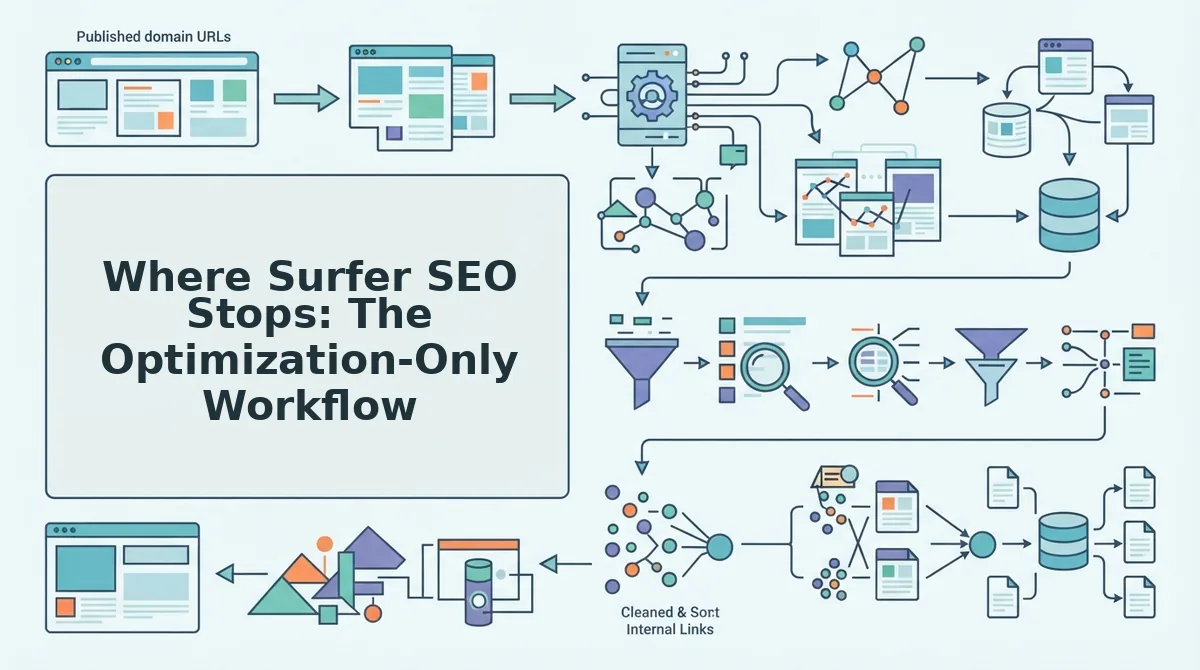
An automated blog publishing pipeline is a connected system that takes a website from raw domain input to live, indexed articles without requiring manual handoffs between separate tools. It covers six stages end-to-end: crawl, brand extraction, SERP research, draft, optimize, and publish/index.
Think of it like a car assembly line versus a garage full of disconnected workbenches. In the garage, you move the chassis yourself from welding to painting to engine install, and every transfer is a chance to drop something. A pipeline is the assembly line: each stage feeds the next automatically, and the car rolls off the end ready to drive.
At the simplest level, the pipeline starts with a crawl. You drop in a domain, and the system locates the XML sitemap, inspects existing pages, and detects the underlying technical structure. From that crawl, it extracts brand voice rules, tone, formatting preferences, terminology, so every new article sounds like the site that published it, not a generic AI output.
The intermediate stage adds SERP research. The pipeline analyzes what's already ranking for target queries, identifies content gaps, and builds a pillar-focused calendar. Drafting then happens against that research, with the brand voice applied automatically. Optimization is baked into the draft rather than bolted on afterward.
Here's the self-contained answer most comparisons miss: a complete automated blog publishing pipeline includes direct WordPress publishing and Google Indexing API integration as native stages, not afterthoughts. That means the finished article is pushed to your CMS in the correct format, and a request to index the new URL is sent automatically. No export, no reformatting, no manual upload, no separate indexing plugin. The pipeline's final stage is the one Surfer SEO doesn't have, and it's the stage that determines whether your content ever gets seen. For a deeper look at that final step, see how to get new posts indexed faster.
The advanced view connects these stages into a feedback loop. Published articles get crawled, their performance feeds back into the research stage, and the calendar adjusts. That's the difference between a pipeline and a stack: a stack holds tools, a pipeline moves work.
Where Surfer SEO Stops: The Optimization-Only Workflow
Surfer SEO's workflow ends at a content score and an export button. It is a content editor and optimization tool, not a publisher, there is no CMS upload, no WordPress integration for publishing, and no indexing request built into its core loop.
To be fair, Surfer does its job well. Its SERP analysis surfaces the terms, headings, and structural patterns of top-ranking pages, and its content editor gives real-time feedback as you write. For a writer who already has a topic, a draft, and a publishing process, Surfer is a sharp tool. The workflow looks like this:
- Research: Enter a keyword, review the SERP data Surfer pulls.
- Score: Write or paste content, adjust until the content score hits your target.
- Export: Copy the text or export a document.
- Manual upload: Paste into WordPress, reformat headings, re-add images, fix internal links.
- Manual indexing: Use a separate plugin or tool to request crawling.
That last step is where the workflow ceiling appears. Surfer optimizes content for what Google wants to see, but it doesn't get the content to Google. The gap between "score 92" and "live URL indexed in Search Console" is entirely manual, and it's the gap most teams underestimate.
| Capability | Surfer SEO Workflow | Automated Blog Publishing Pipeline |
|---|---|---|
| Site crawl & brand extraction | Not included | Automatic from domain input |
| SERP research | Strong, real-time editor | Included, feeds calendar |
| Drafting | Manual writing with guidance | Automated with brand voice applied |
| Optimization | Core strength, content score | Baked into draft stage |
| WordPress publishing | Manual copy-paste | Direct CMS push |
| Indexing request | Separate tool required | Google Indexing API integration |
Best for Surfer SEO: Hands-on content teams and SEO specialists who want granular control over every sentence, already have a publishing workflow, and treat optimization as a craft step. If you enjoy the editing process and have a VA or editor handling uploads, Surfer's depth is a genuine asset.
Best for an automated pipeline: Founders, growth leads, and solo operators who need consistent publishing volume without stitching together five separate tools. If your bottleneck is the manual loop between "optimized" and "indexed," the pipeline removes it entirely. For a fuller breakdown of the tradeoffs, see this Surfer SEO alternative for publishing.
The optimization-only workflow isn't wrong, it's just incomplete. And that incompleteness has a measurable cost, which is exactly what the next section unpacks.
The Real Cost of Tool Sprawl: Pipeline vs Stack
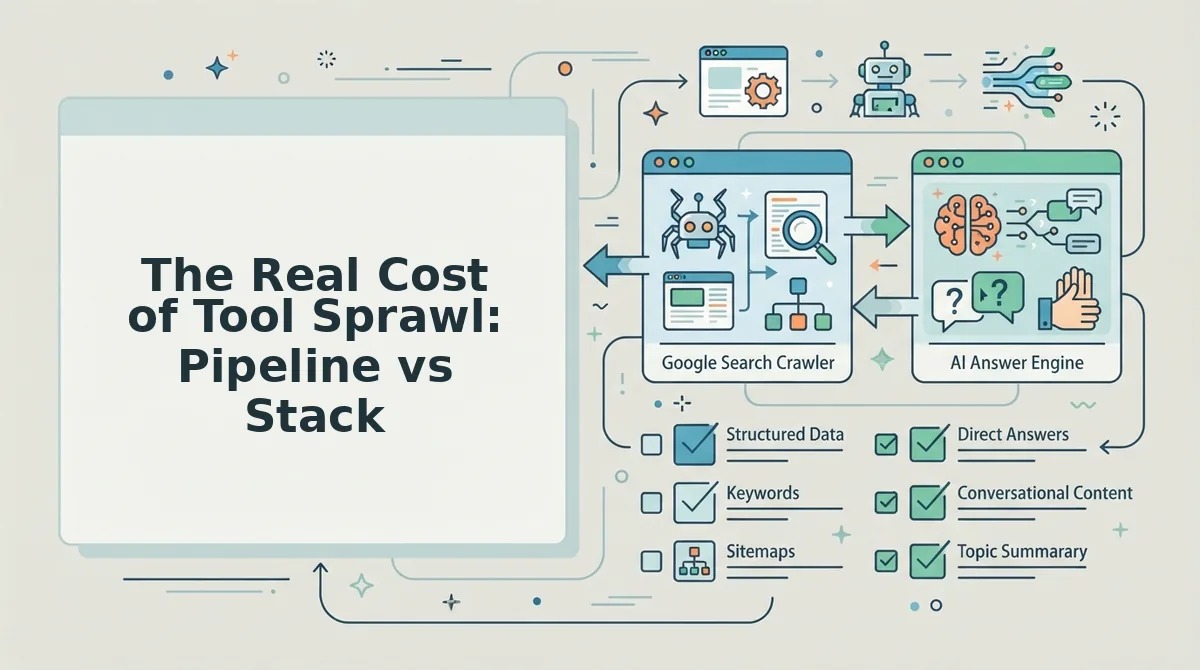
Running Surfer SEO alongside a separate CMS workflow and a standalone indexing tool typically means three subscriptions, three logins, and at least one manual handoff between optimization and publishing. A pipeline like BloGoose consolidates AI drafting, brand extraction, publishing, and indexing into one subscription, eliminating the coordination overhead that stacks quietly accumulate.
Surfer SEO is genuinely strong at what it does: on-page optimization, SERP-driven content scoring, and structural recommendations. If you already have a reliable publishing workflow and only need to tighten content against competitors, Surfer earns its place. The cost problem appears when optimization is just one stop in a longer chain.
Each tool handoff introduces friction: export from Surfer, paste into a CMS, trigger indexing manually, then verify in Search Console. None of those steps are hard individually, but they compound across dozens of articles per month. The table below breaks down the structural difference.
| Workflow Component | Surfer + CMS + Indexing Tool Stack | BloGoose Pipeline |
|---|---|---|
| Content optimization | Surfer SEO (separate subscription) | Included in pipeline |
| AI drafting | Manual or separate AI tool | Included with brand voice extraction |
| Publishing to WordPress | Manual copy-paste or custom integration | Direct to WordPress or custom API |
| Search indexing | Separate indexing tool or manual Search Console requests | Included in pipeline |
| Handoffs per article | 3-4 manual steps | 0 manual steps |
Best for optimization-focused editors: Surfer SEO works well if you have an established publishing team, a CMS you already manage, and only need a scoring layer before hitting publish. Best for lean teams shipping volume: BloGoose fits founders, solo operators, and small growth teams who want finished, indexed articles without stitching tools together. See BloGoose pricing to calculate your stack against one subscription, and read how publishing directly to WordPress removes the manual upload step entirely.
When Surfer SEO Makes Sense (and When It Doesn't)
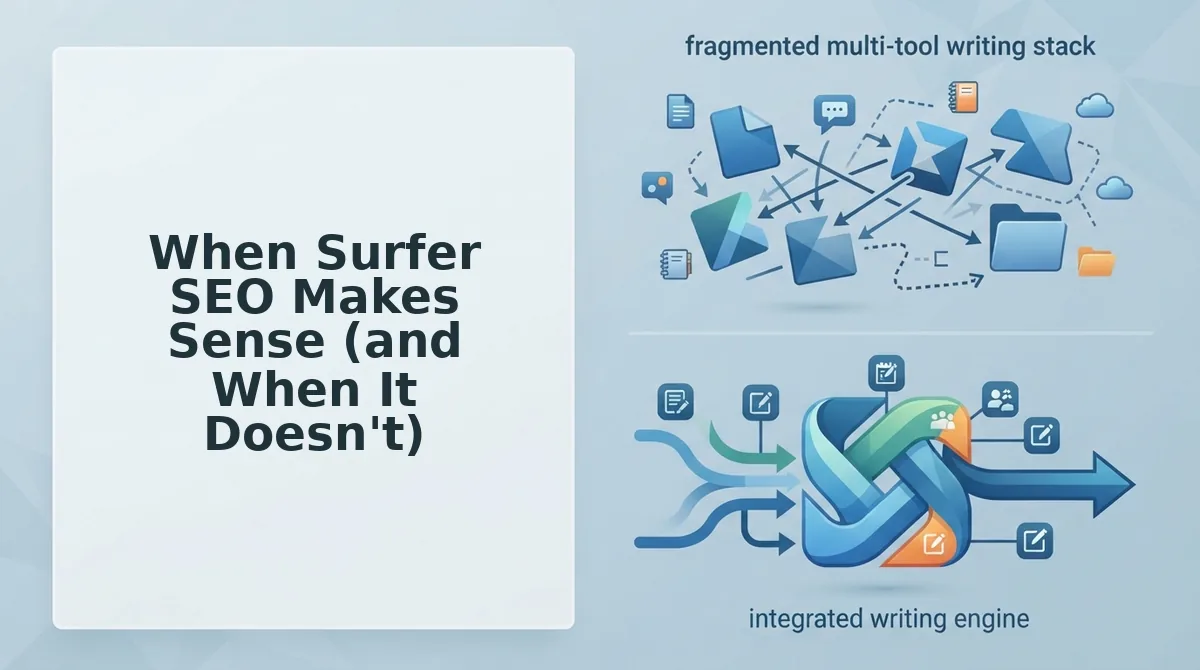
Surfer SEO is an optimization tool, not a publishing pipeline. Choose it when you need to improve content that already exists; choose a pipeline when you need content shipped end-to-end without manual steps.
- You already have a working publishing workflow. If your team drafts, edits, and publishes through a CMS you control, Surfer slots in cleanly as a scoring layer before final edits. It improves what you already ship without disrupting your process.
- You only need on-page optimization, not content creation. Surfer excels at SERP-driven recommendations: term frequency, structure, and competitor gap analysis. If drafting is handled elsewhere, Surfer's optimization focus is exactly what you need.
- You have an editor who reviews every article manually. Surfer's output still requires a human to apply recommendations, rewrite sections, and publish. If that editorial layer already exists, Surfer adds value without redundancy.
- You publish fewer than 10 articles per month. At low volume, the manual handoff between Surfer, your CMS, and indexing tools is manageable. Tool sprawl costs scale with volume, not with intent.
- You need content shipped without manual steps. If your goal is rank-ready articles published and indexed automatically, Surfer stops at optimization. A pipeline like BloGoose handles brand extraction, drafting, publishing, and indexing in one flow, see how it compares to chat-window AI writing tools.
- You want indexing included, not bolted on. Surfer does not publish or index. If you are tired of exporting drafts and manually triggering indexing, a pipeline removes those steps entirely.
- You are a solo operator or small team. Running Surfer plus a CMS plus an indexing tool means three subscriptions and three workflows. One pipeline replaces the coordination overhead with a single subscription.
FAQ: Automated Blog Publishing Pipeline vs Surfer SEO
Does Surfer SEO publish directly to WordPress?
No. Surfer SEO exports optimized drafts that you manually upload or paste into WordPress. It does not publish content or trigger search indexing. An automated pipeline like BloGoose publishes finished articles directly to WordPress or a custom API without manual handoff.
What is the difference between autoblogging and an automated publishing pipeline?
Autoblogging typically generates generic content on a schedule with minimal context. A pipeline includes brand voice extraction, SERP research, pillar-based planning, and indexing. The difference is whether the system understands your site before writing and whether it ships content that is actually optimized for search and AI citations.
Can I use Surfer SEO with an automated publishing pipeline?
Yes, but it adds a manual step. You could optimize drafts in Surfer, then feed them into a pipeline for publishing and indexing. However, if the pipeline already includes SERP research and optimization, running Surfer separately duplicates effort and reintroduces the handoff a pipeline is designed to remove.
How does the Google Indexing API fit into an automated pipeline?
The Google Indexing API lets you notify Google immediately when new content is published, rather than waiting for a crawl. A pipeline that includes indexing automation closes the loop between publishing and visibility. See the Google Indexing API guide for implementation details.
Why does tool sprawl cost more than the sum of subscriptions?
Each tool handoff adds time, error risk, and coordination overhead. Exporting from Surfer, pasting into a CMS, and manually triggering indexing across dozens of articles compounds into hours of lost productivity monthly. A single pipeline removes those handoffs entirely.
If you are tired of optimizing in one tool and publishing in another, the next step is a workflow that does both.
Stop Optimizing in One Tool and Publishing in Another
If you're still exporting from an editor, pasting into WordPress, and manually requesting indexing, you don't have a content strategy problem. You have a logistics problem. Every manual step between "optimized" and "published" is a place where momentum dies, schedules slip, and competitors who automated six months ago pull further ahead.
The pipeline vs editor distinction isn't semantic. It's the difference between producing content and shipping it. Surfer SEO tells you what to fix. BloGoose fixes it, publishes it, and requests indexing automatically, without you touching a single upload button.
Here's the scenario that separates the two approaches:
- Surfer workflow: Optimize in one tab, copy to another, reformat in WordPress, set a category, upload images, hit publish, open Search Console, request indexing. Repeat per post.
- Pipeline workflow: Approve the draft. The system ships it to WordPress and pings search engines. You move to the next brief.
That second flow isn't a luxury. It's the baseline for publishing at the cadence modern search and AI answer engines reward. If you still upload posts manually, you have a bottleneck, and it's you.
Start your pipeline and see what your site structure becomes when publishing stops being a chore.
Optimization without automation is just a better-looking draft. Ranking belongs to whoever ships first, and ships consistently.