
How to Avoid Calendar Sprawl in Automated Blog Planning
Your automated content calendar looked perfect on day one. By week three, it's a wall of red "missed" labels, and you're publishing rushed drafts just to clear the queue, which is exactly how you avoid calendar sprawl automated blog planning turning into a guilt machine. You're not alone: YouTube creators love showing the setup, but nobody films the maintenance decay.
You built the system to save time, and instead it's running you. Here's the fix: this guide walks you through the four-stage Sprawl Loop that breaks automated calendars, then gives you a capacity-first planning method that keeps every scheduled post shippable. You'll learn why filling every slot is a failure pattern, how to stage ideas before they touch a date, and where an AI SEO content engine can enforce the rules automatically. Stick around, the capacity formula in Mistake #1 will change how you read any editorial calendar.
What Is Calendar Sprawl? (And Why Automation Makes It Worse)
Calendar sprawl is a publishing calendar whose scheduled volume exceeds your actual publishing capacity, creating a guilt backlog that erodes trust in the plan itself. It starts small, a few skipped drafts, a rescheduled post, then compounds until the calendar becomes a source of anxiety rather than a roadmap.
Think of calendar sprawl like a restaurant that seats 200 guests but only has four cooks. The host keeps seating tables because the reservation book has empty slots. The kitchen falls behind. Diners wait longer, food quality drops, and eventually the reservation book stops meaning anything to anyone. Your content calendar works the same way: slots are cheap to fill, but every slot represents real writing, editing, and publishing hours.
Automation makes this worse because it removes the friction that used to slow you down. A manual calendar forced you to think before adding a post. An automated planner can generate 30 drafts in minutes, and suddenly the calendar is full before you've asked whether you can actually ship 30 posts this month.
The decay follows a predictable four-stage pattern we call the Sprawl Loop: Over-schedule to Miss to Guilt-publish to Trust decay. You over-schedule because slots look empty. You miss because capacity was never the constraint. You guilt-publish rushed content to clear the backlog. Then you stop trusting the calendar, which makes the next over-scheduling round even easier to justify. Breaking this loop requires planning against capacity, not against calendar slots.
Mistake #1: Planning by Calendar Slots Instead of Publishing Capacity
Filling every empty date on a calendar is the fastest way to create a backlog you'll never clear. The fix is a capacity-first formula: Publishable slots = (writer hours × 0.7) ÷ hours per post. The 0.7 multiplier accounts for meetings, revisions, and the reality that no one writes at full speed all month.
Here's the worked example: a solo publisher fills 30 slots with AI-generated drafts, assuming automation means infinite output. They ship 12. The remaining 18 drafts sit in the queue, each one a small failure that makes the next planning session feel heavier. The calendar wasn't the problem, the capacity math was ignored from the start.
Treat the formula as a heuristic, not a law. It gives you a realistic ceiling before you touch the calendar. Here's how to apply it:
- Calculate your real writing hours. Take your weekly hours dedicated to content and multiply by 4. If you have 10 hours per week, that's 40 monthly hours. Apply the 0.7 multiplier: 28 usable hours.
- Estimate hours per post honestly. Include research, drafting, editing, image creation, and publishing. A 1,500-word post might take 3 hours end to end. Don't round down.
- Divide to get your publishable slot count. 28 usable hours ÷ 3 hours per post = roughly 9 slots per month. That's your ceiling, not 30.
- Schedule only up to that number. Leave the remaining calendar days empty. Empty slots are not failures, they're buffer for reality.
- Review capacity before every planning session. If your available hours change, your slot count changes. Recalculate first, then fill dates.
When you plan this way, every scheduled post has a realistic chance of shipping. An AI SEO content engine can help by drafting posts faster, but it can't create writing hours, which is why the capacity ceiling has to come first. The next mistake is just as common: letting ideas jump straight onto the calendar without a staging area.
Mistake #2: No Staging Area Between Idea and Scheduled
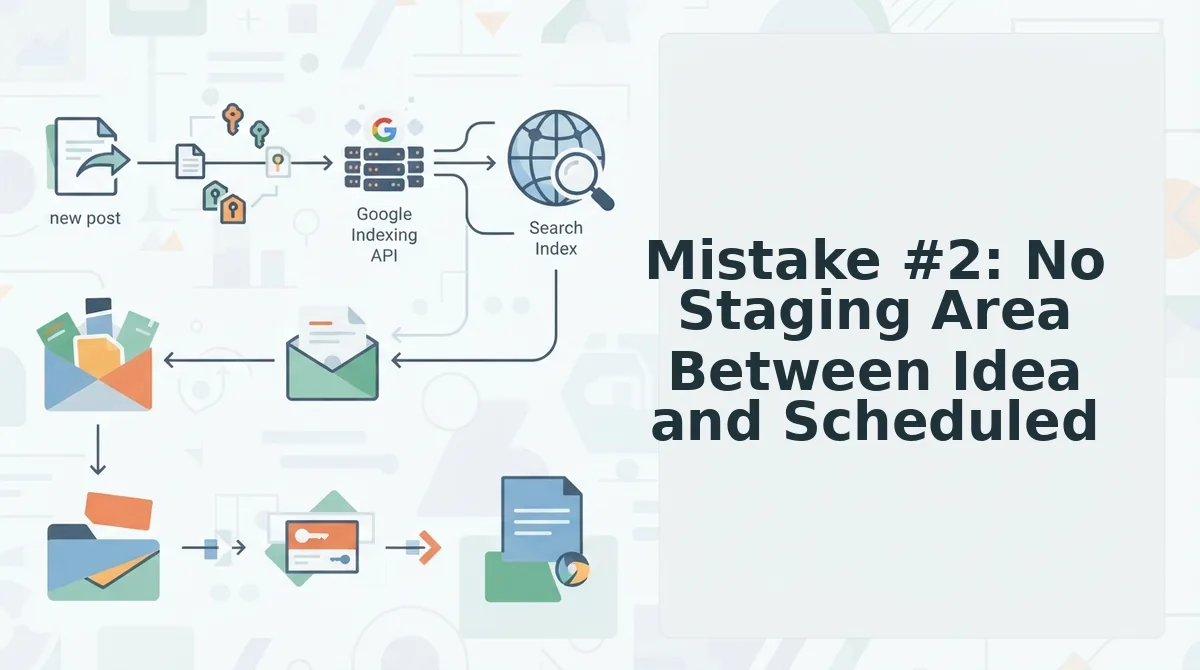
A staging area is a holding zone where topic ideas wait before earning a calendar slot. Without one, every brainstormed idea gets scheduled immediately, and the calendar fills with unvalidated topics that later need reshuffling.
Prerequisites: A topic backlog (spreadsheet, Notion database, or your content tool's draft queue) and a calendar view you can leave partially empty.
- Create an "Unscheduled" column or list in your planning tool. Open your content calendar tool and add a status label called Unscheduled next to your existing Scheduled and Published states. You should see every new topic land here by default, not on a date.
- Route every new idea into Unscheduled first. When a topic comes from a brainstorm, keyword tool, or team Slack message, type it into the Unscheduled list with a one-line search intent note. Expect zero calendar dates attached at this point.
- Apply the 20% buffer rule before assigning dates. Count your total publishing slots for the next 30 days, then leave at least one in five empty. If you publish 20 articles per month, keep 4 slots open until the week before publishing. You should see your calendar visibly resist full occupancy.
- Promote topics from Unscheduled only when a slot opens. Select the highest-priority Unscheduled topic and drag it into the next open slot no earlier than 7 days before its publish date. This mirrors how YouTube creators hold videos in an Unscheduled state until the upload moment, but as a named rule for text content.
- Review the Unscheduled list weekly for stale ideas. Open the list every Monday and delete or archive any topic older than 30 days that no longer matches your current cluster strategy. You should see the backlog shrink instead of growing indefinitely.
An AI SEO content engine can enforce this staging workflow automatically by generating topics into a review queue rather than straight onto dates, so premature commitment never happens.
Mistake #3: Treating Every Topic as Equal Priority
Flat topic lists create sprawl because every idea competes for the same calendar real estate. A three-tier priority system forces strategic choices before scheduling begins.
- Pillar content earns the calendar slots. Pillar pages target your highest-value head terms and serve as hubs for clusters. They get first claim on fixed publishing dates because they carry the most ranking and internal-linking weight.
- Supporting content earns the buffer. Supporting articles target long-tail variations and link up to a pillar. They fill the 20% unscheduled buffer, giving you flexibility to respond to SERP shifts without displacing core assets.
- Standalone content earns the pruning ritual. Standalone topics don't connect to any cluster and rarely justify ongoing calendar space. They go into a monthly review where most get archived, keeping the active plan lean.
Priority is derived from data, not vibes. Run live SERP analysis on each candidate topic to see whether your domain can realistically rank for it before assigning a tier. A topic that looks strategically perfect but shows zero winnable SERP positions belongs in the pruning pile, not the calendar.
Mistake #4: Automating the Schedule Before Automating the Strategy
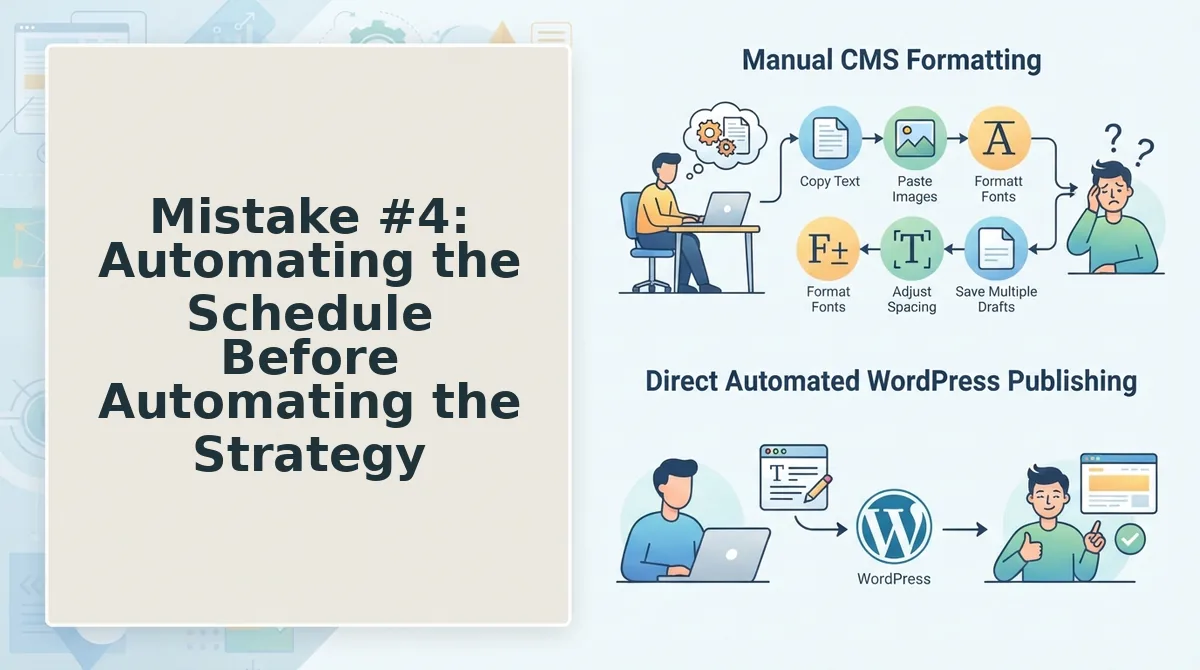
Strategic calendar automation is the practice of generating a publishing plan from your site's existing structure and topic priorities, rather than filling a blank date grid with whatever topics an AI happens to produce. Scheduling is the last step, not the first.
Think of it like building a house: you don't order furniture delivery dates before you've drawn the floor plan. Automating the schedule before the strategy is booking the moving truck for a house that doesn't exist yet.
The correct sequence starts with sitemap context extraction, which reads your existing URL structure to identify topic clusters, content gaps, and internal-linking opportunities. That structural map becomes the strategic foundation. Only then do you assign tiers, apply the 20% buffer, and let automation fill slots in priority order.
This is the mistake that makes the other four inevitable: no staging area, flat priorities, and overstuffed calendars all trace back to scheduling before strategizing. An AI SEO content engine that builds the calendar from sitemap context, not a blank grid, prevents the entire cascade. Next, the pruning ritual keeps that strategic calendar from rotting.
Mistake #5: No Pruning Ritual
A calendar without a pruning ritual becomes a guilt machine. Run this five-question sprawl audit in under two minutes, then follow the steps below to cut, defer, or defend every slot.
Prerequisites: Your live calendar, your priority tier list from Mistake #3, and 15 minutes per week.
- Open your calendar and filter to the next 30 days. Count unscheduled slots. If more than 20% are empty, stop adding topics until you backfill or delete the gaps. You should see a clear ratio of planned to open slots.
- Click each scheduled post and check its priority tier. Remove any post without a tier or with a tier that no longer matches your current strategy. You should see every remaining post carry a P1, P2, or P3 label.
- Select the guilt backlog filter and sort by age. Delete or archive any draft older than 14 days that you have not touched. You should see the backlog shrink to zero or near-zero items.
- Compare the calendar against this month's strategy doc. Cut any post that answers last month's questions. You should see the calendar reflect only current goals and keyword targets.
- Run the skeptic test on the top five posts. Ask: would you defend each one to a skeptical editor? If not, demote it to staging or delete it. You should see a calendar you can justify slot by slot.
Maintenance beats setup. A five-question audit run weekly keeps the calendar a living plan instead of a monument to abandoned intentions.
FAQ: Calendar Sprawl and Automated Blog Planning
A sprawl-proof calendar uses five controls: a capacity formula, a staging buffer, priority tiers, strategy-first sequencing, and a weekly pruning ritual. Skip any one and the calendar starts making strategy decisions for you.
How do I avoid calendar sprawl in automated blog planning?
Use a capacity formula, a staging buffer, priority tiers, strategy-first sequencing, and a weekly pruning ritual. Each control removes one way sprawl enters: over-scheduling, premature scheduling, flat prioritization, automation-before-strategy, and stale backlog.
What's the difference between a content calendar and a content strategy?
Strategy decides what to publish and why; the calendar decides when. Sprawl happens when the calendar makes strategy decisions, such as filling empty slots with topics that do not serve a goal. Keep strategy upstream of scheduling.
How many posts should I actually schedule per month?
Publishable slots equal writer hours multiplied by 0.7, divided by hours per post. Schedule that many, not the number of empty cells. The 0.7 buffer accounts for revisions, research, and AEO content optimization passes.
Why does my automated calendar keep filling with low-priority posts?
Because the automation is scheduling by slot, not by tier. When every empty cell triggers a new topic, priority collapses. Assign tiers before scheduling and let the automation pull only from the P1 queue first.
How often should I prune my content calendar?
Weekly. A 15-minute audit catches stale assumptions before they compound. Check unscheduled-slot ratio, tier coverage, backlog age, strategy alignment, and whether you would defend the calendar to a skeptical editor.
The Calendar Is a Tool, Not a Tyrant
Every sprawl mistake in this article traces back to one inversion: letting the calendar make decisions that strategy should make. Capacity, buffer, tiering, sequence, and pruning are not five separate fixes. They are five walls of the same container that keeps automation serving your publishing goals instead of multiplying your guilt.
The pruning ritual is the ongoing habit that makes the other four walls hold. Run the five-question audit weekly, and the calendar stops being a monument to abandoned intentions and becomes a living plan you can defend slot by slot.
Run a sprawl audit on your current calendar today, or see how an AI SEO content engine builds capacity-aware, strategy-first calendars that publish without sprawl.