
How to Avoid Calendar Sprawl When Automating Blog Planning
You bought the automation tool to save time, but now your editorial calendar has 87 "priority" articles and no clear path to publishing any of them. That's the quiet failure mode of AI content planning, and the reason you need to avoid calendar sprawl when automating blog planning before it quietly eats your topical authority.
You're right to feel frustrated. Automation promised focus, but without the right rules, it just produces more of everything faster. This article will give you a diagnostic framework and four concrete fixes so your automated calendar builds authority instead of noise.
Here's the roadmap: first, we'll define what calendar sprawl actually is and why automation amplifies it. Then we'll break down the four root causes, including one that most teams never diagnose, and finish with a 60-second test you can run on your current calendar today. Along the way, you'll see how an AI SEO content engine with cluster-aware planning prevents the problem at the source rather than cleaning it up after the fact.
What Calendar Sprawl Actually Is (And Why Automation Makes It Worse)
Calendar sprawl is the accumulation of scheduled content that doesn't support a pillar page or strategic cluster, creating the illusion of productivity while diluting your topical authority. A full calendar is not the same as a focused one, and the difference is measurable in rankings.
Think of calendar sprawl like a garden where every seed gets planted but none get pruned. The garden looks lush from a distance, but the plants compete for the same soil, and nothing grows to full size. A bloated calendar does the same thing to your site's crawl budget and internal linking structure: dozens of half-related articles compete for attention, and search engines can't tell what your site is actually an authority on.
Here's the contrarian point most teams miss: automation doesn't cause calendar sprawl, it amplifies existing planning flaws. If your manual process already produced scattered, keyword-first topics, an automated system will produce ten times as many in the same time. The tool isn't the problem; the rules you feed it are.
This is the gap between generation and focus. AI calendar tools can generate a month of topics in minutes, but they still require a human to decide which topics ladder up to a pillar page and which ones are just noise. Without that decision layer, you get a calendar that looks productive in a spreadsheet and does nothing for your rankings.
The fix isn't to slow down automation. It's to build cluster-aware rules into the automation itself, so every generated topic either supports an existing pillar or gets rejected before it reaches the calendar.
The 4 Causes of Calendar Sprawl in Automated Systems
Calendar sprawl has four root causes, and each one is fixable with a specific rule change in your planning workflow. Here they are, ordered by how much damage they do.
- Topic over-generation without pillar anchors. Automation produces dozens of keyword-based topics that don't ladder up to a pillar page. This matters because search engines reward topical depth, not topical scatter, ten articles supporting one pillar will outperform thirty articles spread across fifteen unrelated topics. Fix it by requiring every generated topic to name its parent pillar before it enters the calendar.
- Disconnected tool handoffs creating duplicate entries. When topic research, calendar planning, and publishing tools don't sync, the same topic appears multiple times under slightly different names. This matters because duplicate entries waste editorial review time and create internal competition between your own pages. Fix it by using a single system that carries a topic from research to calendar to CMS without manual re-entry.
- No pruning cadence. Calendars accumulate stale or low-priority entries because nothing ever gets removed. This matters because an unpruned calendar hides your actual priorities behind a wall of "someday" ideas, making it impossible to see what's actually scheduled next. Fix it by scheduling a monthly 15-minute pruning session where every entry must justify its pillar connection or get deleted.
- Keyword-first planning instead of cluster-first planning. Starting from keywords rather than pillar topics produces scattered, unfocused content. This matters because keywords are symptoms of intent, not the intent itself, a cluster-first approach starts with the question your pillar page answers, then finds keywords that support it. Fix it by building your topic clustering map first, then letting keywords fill the gaps.
Once you can name which of these four causes is bloating your calendar, you're ready to run the diagnostic that tells you exactly how much sprawl you're carrying.
The 60-Second Sprawl Diagnostic
Run this five-question checklist against your existing content calendar to identify whether sprawl has already taken root, and which cause is dominant. You'll need your calendar tool open, plus access to your pillar page list.
- Open your calendar and count entries lacking a pillar page. If more than 20% of entries don't map to a pillar, you have a structural gap. Success looks like fewer than 1 in 5 orphaned topics.
- Search your topic list across every tool you use. Check your spreadsheet, project board, and CMS draft queue. If the same topic appears in multiple places, duplication is active. You should find zero cross-tool repeats.
- Check your last 30 days of activity. Count how many entries were removed or archived. Zero removals means nothing is being pruned, a warning sign. Healthy calendars show at least a few deletions per month.
- Review how topics were originally generated. Were they pulled from keyword research before clusters were defined? If yes, mark this question as a yes. Cluster-first generation should produce a no.
- Pick any random entry and state its pillar in under 5 seconds. If you hesitate, the calendar lacks anchor clarity. You should be able to name the pillar instantly for every entry.
Scoring: 0-1 yes answers = healthy calendar. 2-3 yes = early sprawl, correctable with cluster rules. 4-5 yes = full sprawl requiring an architectural reset. BloGoose's pillar-anchored calendar generation applies this diagnostic automatically, so entries never enter without a pillar.
How Pillar-Anchored Clustering Prevents Sprawl
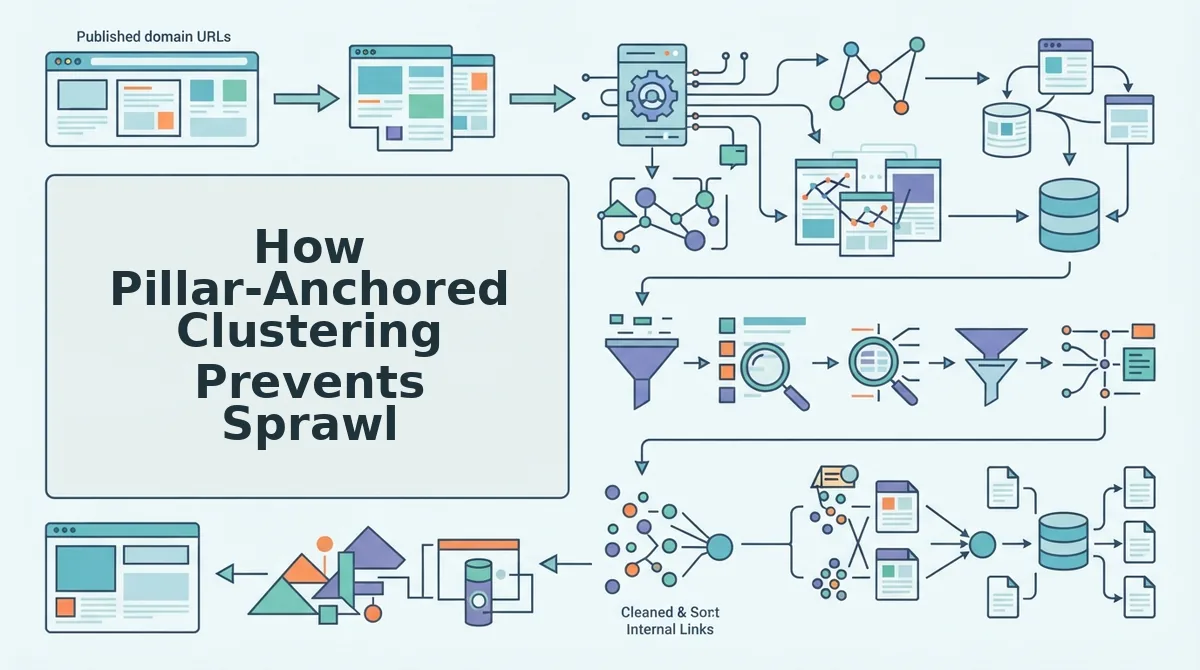
Pillar-anchored clustering is a content planning method where every calendar entry must support a defined pillar page, a comprehensive, authoritative article that covers a core topic, before it earns a place in your publishing schedule. This single rule eliminates the root cause of calendar sprawl: topics generated without structural purpose.
Think of a pillar page like the trunk of a tree. Supporting posts are branches. A branch that doesn't connect to the trunk falls off, it has no nutrient source and no structural role. The same applies to blog topics. A post about "email subject lines" belongs under an "email marketing" pillar. Without that anchor, it floats as an orphan, competing with other orphans for attention and diluting your site's topical authority.
At the intermediate level, cluster-first planning reverses the typical workflow. Instead of starting with keyword lists and hoping they cohere, you define pillars first, then generate supporting topics that answer specific questions within each pillar's scope. This creates a natural boundary: if a topic doesn't support a pillar, it doesn't enter the calendar. The decision rule is binary and enforceable.
Advanced practitioners add a second pruning layer through live SERP analysis. Before a cluster topic enters the calendar, you validate it against current search results to confirm it addresses a real query gap. Topics that duplicate existing high-ranking content or fall outside the pillar's semantic range get rejected. BloGoose reads a website's structure and generates a 30-day calendar anchored to existing pillars, applying both the pillar-support rule and SERP validation automatically, preventing over-generation before it starts. You can see the full workflow in this guide to turning a sitemap into a 30-day content calendar.
Decision rule: Every calendar entry must support a pillar page, or it doesn't enter the calendar. Apply this rule at topic generation, not at review time, and sprawl never gets a foothold.
Automation Settings That Reduce Sprawl (Not Create It)
Configure your automation tool with guardrails before generation begins, so sprawl is structurally impossible rather than manually managed. You'll need access to your tool's settings panel and a defined pillar list.
- Open Settings and set a topic limit per cluster. Enter 5-8 as the maximum supporting posts per pillar. This prevents over-generation. You should see the cap reflected in your next calendar draft.
- Schedule a monthly pruning task. In your calendar tool, create a recurring reminder to remove any entry that doesn't support a pillar or hasn't passed live SERP validation. Success looks like a clean calendar with zero orphans after each review.
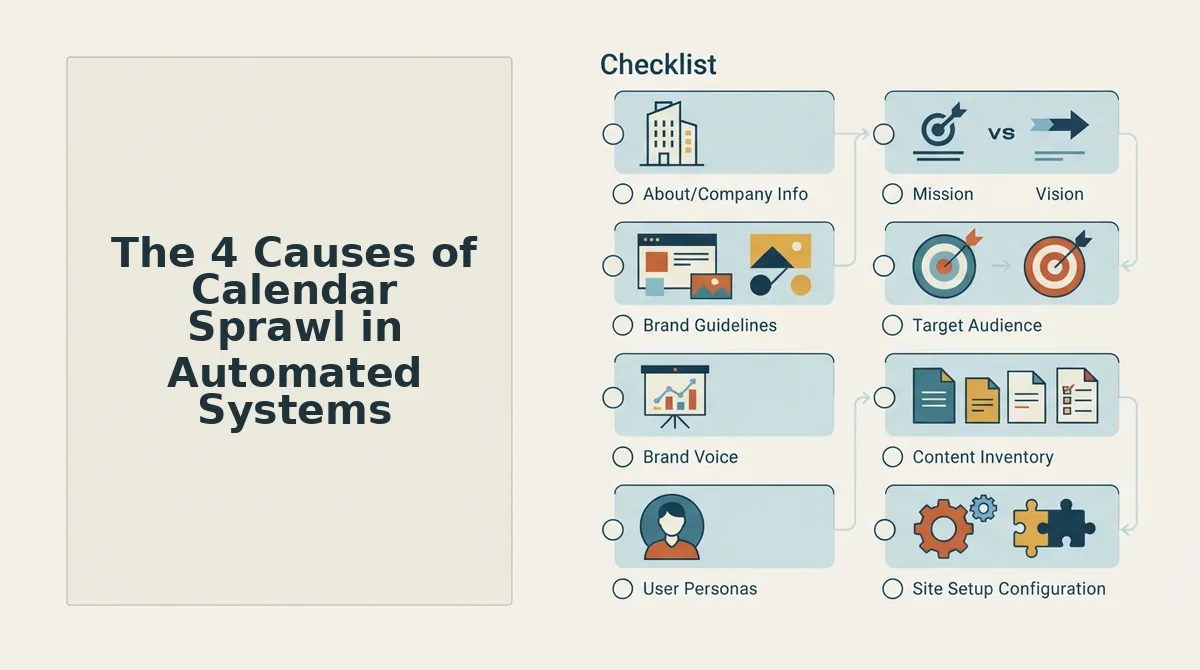
- Upload your brand context files as guardrails. These files define voice, topical boundaries, and audience constraints. Automated generation stays within those limits instead of drifting into adjacent niches.
- Enable deduplication rules. In your automation platform, turn on cross-tool duplicate detection so the same topic can't appear in your CMS, spreadsheet, and project board simultaneously. You should see a warning or block when a duplicate is attempted.
- Run sitemap context extraction before generating. This reads your existing site structure so new topics align with established pillars rather than creating parallel structures. Success means every generated entry maps to an existing pillar.
With these settings in place, sprawl becomes a configuration error rather than an operational inevitability, and the next section answers the most common questions about keeping it that way.
FAQ About Calendar Sprawl and Blog Automation
Calendar sprawl is a planning architecture failure, not a volume problem. These answers address the questions publishers ask most when diagnosing bloated editorial calendars in automated systems.
What's the difference between a full calendar and a bloated one?
A full calendar has every entry supporting a pillar; a bloated one has entries that don't. The test: can you state the pillar for any random entry in under 5 seconds? If not, the calendar has sprawl, not depth.
Can automation cause calendar sprawl?
Automation amplifies existing planning flaws. If your rules are unfocused, automation produces unfocused content faster. Fix the rules, not the tool. A well-configured AEO content optimization workflow prevents sprawl by enforcing pillar alignment at generation time.
How do I know if my calendar is bloated?
Run the 60-second diagnostic. A healthy calendar shows clear pillar coverage with intentional gaps for future clusters.
Why does my automated calendar keep drifting off-topic?
Drift happens when the automation rules prioritize volume over pillar alignment. Without a decision rule that rejects off-pillar topics before drafting, the system fills slots with whatever keywords are available. Anchor every entry to a pillar before generation begins.
How often should I prune my automated calendar?
Prune every 30 days. Review entries against their assigned pillars, remove anything that doesn't support a cluster, and reallocate those slots to pillar gaps. Monthly pruning keeps sprawl from compounding across quarters.
Sprawl Is a Planning Problem, Fix It Before You Automate
Calendar sprawl doesn't come from publishing too much. It comes from publishing without an architecture. Every bloated calendar started as a well-intentioned content push that lacked one thing: a decision rule connecting every entry to a pillar before it entered the queue.
That's the open loop from the start of this article: automation doesn't create sprawl, it exposes it. The fix isn't slower publishing or more spreadsheet tabs. It's a cluster-first rule applied at the moment a topic enters your calendar.
Start with the 60-second diagnostic. Then apply the pillar-anchored clustering rule to every new entry. When you're ready to remove the manual loop entirely, BloGoose generates a 30-day calendar anchored to existing pillars, applies the decision rule automatically, and publishes directly to WordPress or a custom API through its AI SEO content engine.
Your calendar should work like a map, not a junk drawer. Build it that way from the first entry.