
How to Avoid Generic Stock Photos in Automated Blog Posts
Your automated blog posts are publishing the same 12 smiling-handshake photos as every other site in your niche, and readers can tell within two seconds. YouTube creators across niches, from Zero To G to click2ai to Electric Egg, are actively telling their audiences to stop using stock photos because the visual sameness has become a credibility killer. If you want to avoid generic stock photos in automated blog posts, you're not alone: the frustration is real, and the fix is more systematic than swapping one image library for another.
You already know the problem. Every article feels interchangeable, and the imagery does nothing to reinforce your brand or your argument. What you'll learn here is a diagnostic framework, the Stock Photo Tell, that lets you identify generic imagery in under 10 seconds, plus a measurable scoring model for choosing visuals that actually earn rankings and AI citations. We'll cover why generic photos hurt you, how to score any image against your content, and how automated blog image generation can replace the stock photo loop entirely. The surprising part? AI answer engines treat context-matched visuals as first-hand content signals, a detail most publishers miss entirely.
Why Generic Stock Photos Hurt Your Blog (The Stock Photo Tell)
The Stock Photo Tell is the instant, subconscious recognition that an image is staged, reused, and disconnected from the content it accompanies, and it erodes reader trust before a single paragraph is read. Generic stock photos signal low editorial investment, and readers transfer that judgment to your expertise.
Think of generic stock photos like a restaurant menu with identical clip-art illustrations for every dish. The food might be excellent, but the menu tells you the kitchen cut corners somewhere. Your blog's images make the same promise, or break it.
Here is the 5-point Stock Photo Tell checklist. Run any image through it in under 10 seconds:
- Over-lit smiles: Teeth too white, eyes too wide, lighting too even. Real editorial photos have shadows and imperfect expressions.
- Sterile office backgrounds: Glass walls, empty desks, and laptops at unnatural angles. No real workspace looks like a stock photo set.
- Handshake clichés: Two people in suits gripping hands across a conference table. This single image type has become a parody of itself.
- Watermark remnants: Faint logos, cropped edges, or compression artifacts that reveal the image was pulled from a free library.
- Mismatched brand colors: The photo's palette clashes with your site's design, breaking visual continuity and signaling the image was an afterthought.
For search and AI visibility, the cost is concrete. AI answer engines ignore decorative images entirely but index context-matched visuals as first-hand content signals, meaning a relevant, original image can become a citation anchor, while a generic one contributes nothing. This is why image SEO is no longer optional: it determines whether your visuals get indexed as evidence or discarded as filler.
At the intermediate level, the problem compounds across a content cluster. Ten articles with ten different stock photo styles fragment your brand identity. At the advanced level, the damage is measurable: lower time-on-page, higher bounce, and zero image-driven traffic from Google Images or AI answer engines. The fix is not finding better stock photos, it is replacing the selection process with a scoring standard.
The Image-to-Content Match Score: A Better Standard
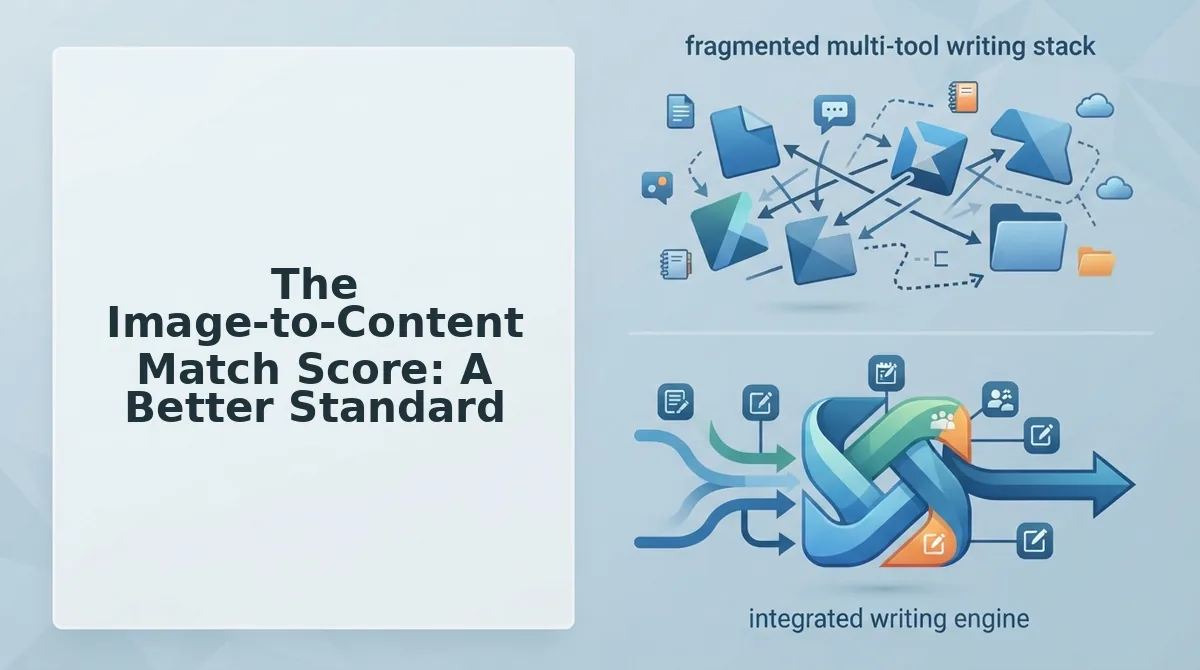
The Image-to-Content Match Score is a 10-point mental model for evaluating any blog image on three criteria: topical relevance, brand consistency, and information density. Generic stock photos typically score 2-3 out of 10, while custom or context-matched generated images score 8 or higher.
Before you start, you need your brand context documented: color palette, tone, and the specific subject of the article section where the image will appear. If you haven't extracted these rules yet, review your brand context extraction process first.
- Score topical relevance (0-4 points). Open the image next to the paragraph it accompanies. Ask: does this image show the specific concept being discussed, or just a vague theme? A photo of a generic laptop scores 1 for an article about API rate limiting; a diagram of request queues scores 4. You should be able to describe the image's connection to the text in one sentence without using the word "business."
- Score brand consistency (0-3 points). Check the image's dominant colors against your brand palette. Select images where at least two of the top three colors match your site's primary or secondary colors. You should see visual continuity when scrolling from text to image and back.
- Score information density (0-3 points). Determine whether the image adds information the text does not already state. A chart, annotated screenshot, or labeled diagram earns full points. A smiling person at a desk earns zero. You should be able to point to one new detail the reader learns from the image alone.
- Calculate the total. Add the three scores. If the result is below 8, reject the image and generate or source a replacement. You should have a clear pass/fail decision in under 60 seconds per image.
An image scoring 8/10 or higher is context-matched: it reinforces the specific claim in the adjacent text, carries your brand's visual signature, and adds at least one piece of new information. That is the threshold where AI answer engines begin treating the visual as a first-hand content signal rather than decoration. With a documented brand context and a scoring habit in place, the next step is removing the manual search entirely.
How Automated Image Generation Replaces Stock Photos
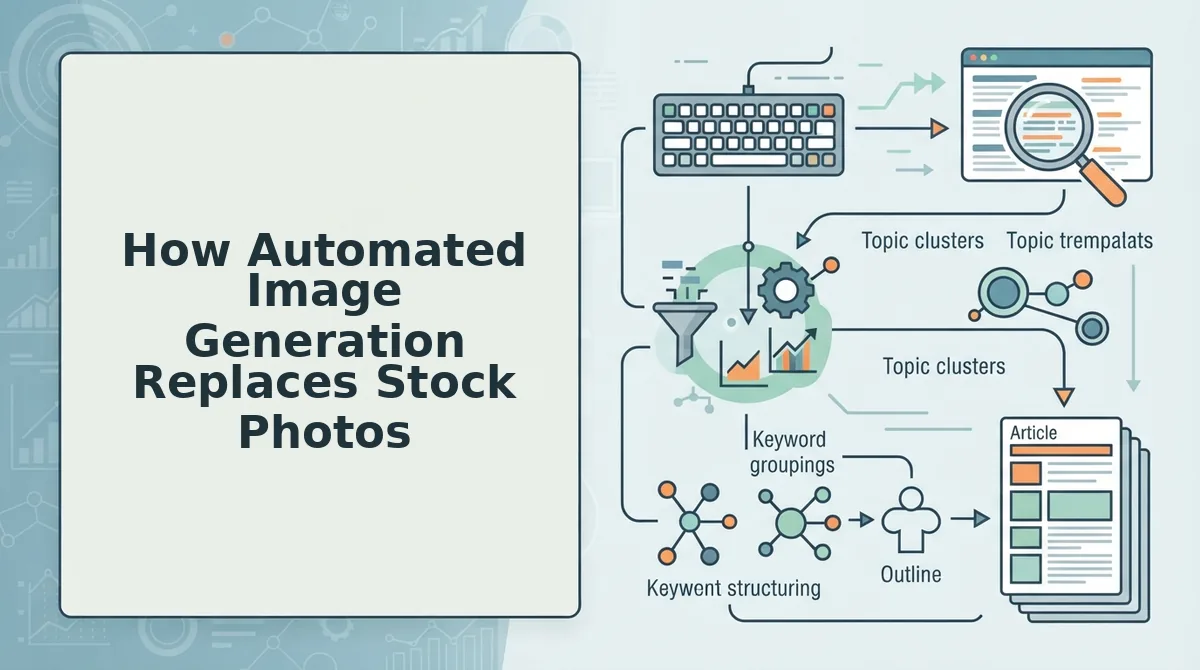
Automated image generation replaces stock photos by extracting your brand's visual rules from your existing site, then producing on-topic images inline during drafting, before the post ever reaches your CMS. The workflow below uses BloGoose's crawl to brand context extraction to inline generation pipeline.
Prerequisites: A live website with at least 5 published pages, an XML sitemap, and a BloGoose account connected to your WordPress site.
- Enter your domain in the setup wizard and click "Start Crawl." BloGoose locates your XML sitemap, inspects published pages, and extracts brand voice rules including tone, formatting patterns, and visual style cues. You should see a crawl summary with page count and detected brand attributes within 2-3 minutes.
- Review the extracted brand context panel and confirm the visual rules. The panel lists detected color palettes, image style preferences, and layout conventions pulled from your existing content. Toggle off any rule that doesn't match your current brand direction. A green checkmark appears next to each confirmed rule.
- Select a pillar topic from the generated calendar and click "Draft Article." BloGoose builds the automated SEO content outline and begins writing. During this drafting phase, not after, the engine generates inline images matched to each section's topic and your confirmed brand rules. You should see placeholder images appear in the draft preview within 60-90 seconds per image.
- Review each generated image and click "Regenerate" on any that miss the mark. The regeneration prompt includes the section context, so the replacement image stays on-topic. Expected outcome: every image in the draft carries your brand's visual signature with zero stock-photo watermarks or generic handshake shots.
- Click "Publish to WordPress." BloGoose pushes the article with matched visuals through direct WordPress publishing, no manual upload or media library cleanup required. You should see the post live with images already attached and alt text populated.
Worked example: A DTC skincare brand's sitemap reveals muted earth tones and flat-lay product photography. BloGoose extracts those rules, then generates a blog post on "winter moisturizer routines" with images that use the same palette and composition style, from sitemap to published post with matched visuals in under 10 minutes.
Stock vs. Generated vs. Custom Photography: A Decision Matrix
Stock photos, AI-generated images, and custom photography each solve different problems, the right choice depends on your budget, timeline, and how much brand equity a given image needs to carry. No single option wins across every publishing scenario.
| Option | Cost profile | Speed | Brand consistency | Best for |
|---|---|---|---|---|
| Stock photos | Low per-image or subscription | Instant search and download | Low, same images appear across competitor sites | Low-stakes filler: generic blog headers, internal documentation, placeholder visuals where topic relevance is loose |
| AI-generated images | Included in platform pricing; no per-image licensing fees | Seconds to minutes, generated inline during drafting | High, when brand rules are extracted from your existing site before generation | Content teams publishing at scale who need on-topic, consistent visuals across dozens of posts without a designer in the loop |
| Custom photography | Highest, photographer, equipment, location, retouching | Days to weeks | Highest, full art direction control | Hero brand moments: product launches, team pages, flagship campaigns where visual uniqueness is a differentiator |
Stock libraries remain genuinely useful when a post needs a quick, low-stakes visual and brand consistency isn't critical. Custom photography earns its cost for hero moments where no generated approximation will do. Automated blog image generation occupies the middle: it scales like stock but carries brand rules like custom work, at platform-included cost.
FAQ: Avoiding Generic Stock Photos in Automated Blog Posts
To avoid generic stock photos in automated blog posts, use a content engine that extracts your brand's visual rules from your existing site before generating images inline during drafting. This replaces generic library searches with on-topic, brand-matched visuals produced at the same time as the article text.
How do I avoid generic stock photos in automated blog posts?
Use a platform that crawls your existing site to extract brand voice and visual rules, then generates images inline during drafting rather than pulling from stock libraries. This ensures every image matches your palette, composition style, and topic context before the post reaches your CMS.
Can AI-generated images match my brand?
Yes, when the generation pipeline starts with brand context extraction from your published pages. The engine detects color palettes, image styles, and layout conventions, then applies those rules to every generated image. Without that extraction step, AI images default to generic aesthetics just like stock photos.
Do images affect SEO and AI citations?
Yes. Relevant, original images improve on-page engagement signals and can appear in Google Image Search. For AI answer engines, images with descriptive alt text and clear topical alignment increase the likelihood your content gets cited when chatbots assemble visual answers.
What if I don't have design skills?
You don't need them. Automated blog image generation handles prompt construction, style matching, and alt text automatically. You review the output and click regenerate if an image misses the mark, no design software or prompt engineering required.
The Stock Photo Tell Is Now Optional
You don't need to keep publishing with the same 12 stock photos. The Stock Photo Tell and the Image-to-Content Match Score are not abstract standards, they're checks your publishing workflow can run automatically. When your brand context is extracted from your actual site, every image decision inherits the visual language you already own.
The shift is bigger than swapping one image library for another. Automated publishing used to mean accepting visual sameness as a cost of scale. That trade-off no longer holds. A content engine that reads your site structure can also read your visual identity, and apply it without a designer in the loop.
Here's the sequence that closes the loop from the intro:
- Start a crawl of your domain and let BloGoose extract your brand context in minutes.
- Review the match score on your first generated article, before it ships to WordPress.
- Publish with images that pass the tell test, not just the file-size test.
Generic stock photos are a publishing default, not a publishing law. The moment your automation knows what your brand looks like, every post can look like it was made by you, because it was.