
How to Avoid Manual Image Uploads in Automated Blog Publishing
Every week, content teams burn hours dragging images into media libraries, renaming files, and re-uploading the same hero shot three times because the aspect ratio broke on mobile. If that sounds familiar, you're not alone, the 12-tab content stack has made manual image handling the default tax on every post. Here's the good news: you can avoid manual image uploads in automated blog publishing entirely by moving image creation into the drafting stage itself.
In this guide, you'll learn why the upload step silently breaks your publishing pipeline, how three distinct approaches compare in cost and failure points, and what drafting-stage image generation actually looks like in practice. Along the way, you'll see why the most reliable fix isn't faster uploading, it's removing the step altogether.
An AI-powered SEO content engine can generate, size, and attach images before the article ever reaches your CMS. But before we get there, one surprising finding changes the whole equation: most image workflow failures happen before the upload button is ever clicked.
Why Manual Image Uploads Break Automated Publishing
Manual image upload is the process of sourcing, resizing, compressing, renaming, and attaching image files to a blog post by hand inside a CMS media library. It is the single most common point where otherwise automated publishing pipelines stall.
Think of your publishing workflow like an assembly line. Every other step, research, drafting, SEO optimization, can run on rails. But the moment a human has to stop the line, open a file picker, and drag an image into WordPress, the automation ends. One manual step turns a 30-second publish into a 15-minute detour.
The failure points compound quickly. Alt text drifts out of sync when a writer reuses an old image but forgets to update the description. Wrong aspect ratios break featured images on social cards. Duplicate uploads pile up when nobody remembers whether "hero-final-v3.jpg" was already used. Orphaned media files accumulate in the library, slowing backups and confusing editors. And the worst case: a broken featured image that goes live because no one previewed the post after the upload step.
The hidden costs go beyond time. Every manual upload forces a context switch, the writer leaves the drafting flow, enters the media library, and returns with momentum lost. Multiply that by three to five images per post across a 30-day content calendar, and the upload step quietly consumes hours each week while introducing the exact inconsistencies that erode search rankings and AI citation quality.
Three Ways to Remove the Upload Step
There are three practical paths to eliminate manual image uploads: keep uploading by hand but optimize the process, automate uploads through API scripts or tools like n8n, or generate images during drafting so no separate upload step exists at all. Each path trades time, technical skill, and failure risk differently.
| Path | Time Cost per Post | Technical Skill Required | Common Failure Points | Best For |
|---|---|---|---|---|
| Manual upload (baseline) | 10-20 minutes | None | Alt text drift, duplicate files, wrong aspect ratios, broken featured images | Solo bloggers publishing fewer than 4 posts per month |
| API automation (n8n or custom scripts) | 2-5 minutes after setup | Intermediate. REST APIs, authentication, error handling | Script breakage on CMS updates, unhandled image format edge cases, orphaned files on failed runs | Technical operators who enjoy maintaining custom infrastructure |
| Drafting-stage image generation | 0 minutes | None, handled by the content engine | Minimal; images are generated, sized, and attached before publishing | Content teams and publishers who want images handled inside the writing flow |
Path 1, manual upload, is the honest baseline. It works fine at low volume, and no one should feel bad for using it when publishing cadence is slow. The problem emerges at scale: a 30-day calendar with 20 posts and 4 images each means 80 manual uploads, 80 chances for alt text drift, and roughly 5 hours of context-switching per month.
Path 2. API automation with n8n or custom scripts, deserves real credit. It removes the human from the upload loop and can handle batch operations cleanly. The trade-off is maintenance: CMS updates break endpoints, image format edge cases require error handling, and a failed automation run can leave orphaned files that nobody notices until the media library is a mess.
Path 3, generating images during drafting, is the step-removal approach. Instead of automating the upload, you eliminate the need for it. An AI-powered SEO content engine creates, sizes, and attaches images while the article is still being written, so the post arrives at your CMS already complete. That's the approach the next section unpacks in detail.
How Drafting-Stage Image Generation Works
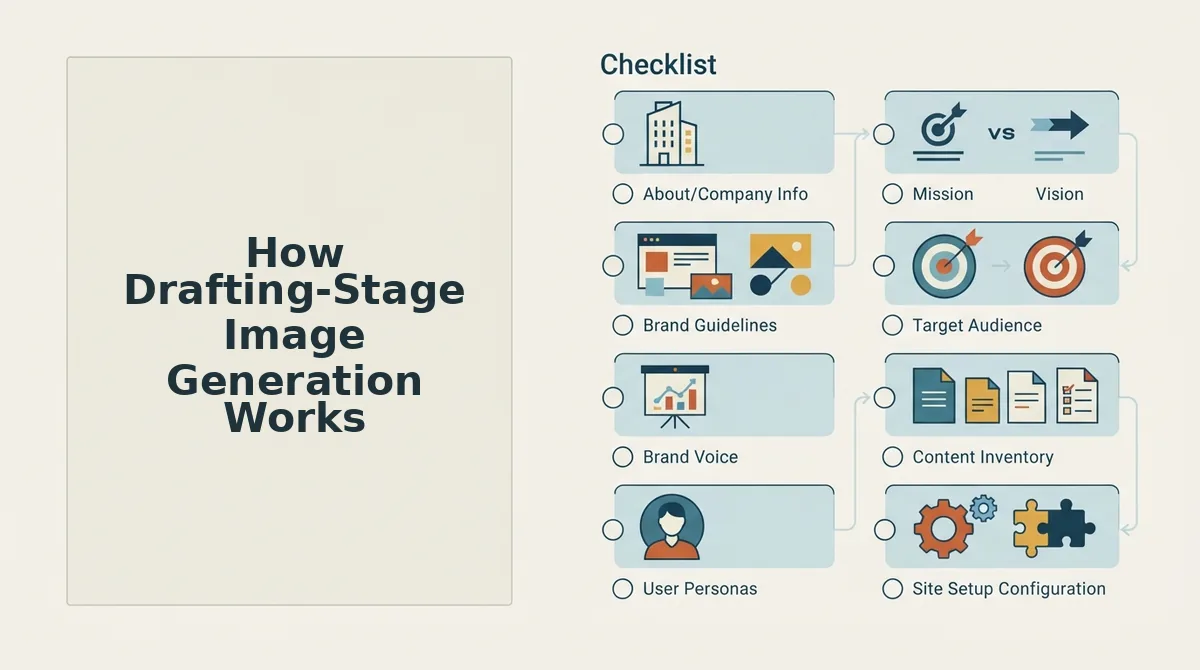
Drafting-stage image generation removes the upload step by creating images while the article is still being written. The engine reads the draft, identifies where images belong, generates context-matched visuals, inserts them inline with alt text, and ships the finished article to WordPress with images already attached.
Prerequisites: A connected WordPress site or custom API endpoint, an active BloGoose workspace with your brand voice configured, and a completed draft (or an approved outline the engine can draft from). No image library, stock photo account, or manual upload workflow is required.
- Open the draft in your BloGoose workspace and click "Generate Images." The engine scans the article's headings, paragraph structure, and keyword targets to identify image slots, typically one per H2 section plus a featured image slot. You should see a preview panel listing each detected slot with its proposed placement.
- Review the context-matched image proposals. Each generated image is created to match the specific section it sits in, a screenshot-style visual for a how-to step, a conceptual graphic for a definition, a product-style render for a comparison. This takes roughly 30-60 seconds per image. You should see thumbnails populate in the preview panel with a relevance score next to each.
- Click "Insert Inline" to place images into the draft. The engine writes descriptive alt text for every image based on the surrounding paragraph and the article's target keywords, then positions the image at the correct point in the HTML. You should see each image appear in the editor with its alt text field already filled, no manual tagging required. For a deeper look at how this works, see our guide on inline image generation.
- Click "Publish" to ship the article to WordPress. The engine uploads every image to your WordPress media library, attaches the featured image to the post, and rewrites image URLs in the article body to point to your own domain. You should see the post live with all images rendering from your media library, no upload step, no broken hotlinks. Featured images follow the same pipeline; learn more in our featured image automation walkthrough.
If you are currently downloading AI-generated images to your desktop and re-uploading them one by one, drafting-stage generation collapses that loop into a single publish action. The image workflow becomes part of the draft itself rather than a separate post-production task.
What to Look for in an Automated Publishing Tool
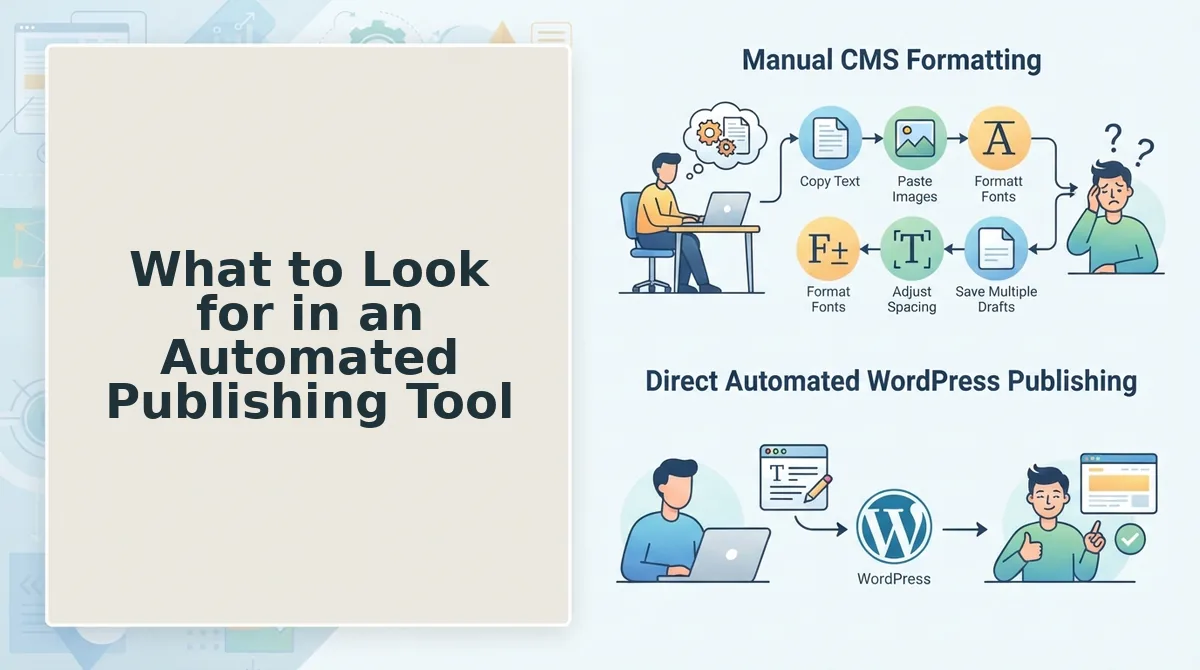
Most automated publishing tools still treat images as a separate step. The five criteria below are the ones that actually determine whether your image workflow is truly hands-off.
- Inline image generation during drafting. The tool should generate images while the article is being written, not after. This means each image is created with the section's context in mind, a how-to step gets a process visual, a definition gets a conceptual graphic. You use it by enabling image generation in the draft settings and reviewing proposals before publishing.
- Automatic alt text generation. Alt text should be written by the engine from the surrounding paragraph and target keywords, not left blank for you to fill in. This matters because alt text is a ranking and accessibility signal that manual workflows routinely skip. You use it by verifying the pre-filled alt text during the review step rather than writing it from scratch.
- Featured image automation. The tool should generate and attach a featured image to the post without a separate upload. This matters because featured images drive social sharing and search appearance, yet they are the most commonly forgotten step in automated pipelines. You use it by confirming the featured image proposal in the publish preview.
- Direct WordPress media library shipping. Images should land in your own WordPress media library with URLs pointing to your domain, not a third-party CDN you do not control. This matters for site speed, image SEO, and long-term link stability. You use it by checking that published posts reference your own domain in image URLs.
- No manual upload step anywhere in the pipeline. The tool should never require you to download, rename, resize, or re-upload an image. This matters because every manual touchpoint reintroduces the bottleneck you bought the tool to remove. You use it by auditing your workflow once a month and flagging any step that still requires a human hand. For a broader view of how these criteria fit into automated content workflows, including AEO optimization, see our platform overview.
FAQ
Drafting-stage image generation is the process of creating and placing images into an article while it is still being written, rather than after publishing. The engine detects image slots from the draft structure, generates context-matched visuals, writes alt text, and inserts everything inline before the article ships to WordPress.
What is the fastest way to get images into WordPress without uploading them one by one?
Use a content engine that generates images during the drafting stage and ships them directly to your WordPress media library on publish. The engine reads the draft, identifies image slots per section, creates context-matched visuals with alt text, and attaches the featured image automatically. You review once, click publish, and every image lands in your media library with URLs pointing to your own domain, no download, rename, or re-upload step exists in the pipeline.
Can AI generate images that match my blog post content automatically?
Yes. Drafting-stage image generation reads the surrounding text of each section and produces images that match that specific context, a process visual for a how-to step, a conceptual graphic for a definition, a comparison-style render for a product breakdown. The engine also writes descriptive alt text from the paragraph content and target keywords. See inline image generation for the full mechanics.
What is drafting-stage image generation?
It is the process of creating and inserting images into an article while the draft is still being written, before publishing. The engine scans the draft, identifies where images belong, generates visuals matched to each section's context, writes alt text automatically, and positions images inline in the HTML. The article then ships to WordPress with images already attached to the post and stored in your media library.
Does this work with featured images?
Yes. The same drafting-stage pipeline generates a featured image proposal, attaches it to the post during publishing, and uploads it to your WordPress media library. You confirm the proposal in the publish preview and the featured image goes live with the article, no separate upload step. Learn more in the featured image automation guide.
Why does my automated blog still require manual image uploads?
Because most tools separate content generation from image handling. They draft text, then leave images as a post-production task you complete by downloading, renaming, and re-uploading files. Tools that integrate image generation into the drafting stage eliminate this split by treating images as part of the draft itself, shipped to WordPress in the same publish action.
Stop Uploading Images Before You Start Writing
The drafting-stage insertion principle changes the entire workflow: images become part of the article's creation, not a post-production chore. Once you accept that reframe, the three-path decision matrix stops feeling like a trade-off and starts feeling like a filter. You are no longer choosing between manual uploads, stock libraries, and AI generation. You are choosing where in the pipeline the image decision belongs.
Here is the synthesis that ties it together:
- Manual uploads belong in the past for any publisher producing more than a handful of posts monthly.
- Stock libraries remain useful for hero shots and brand-specific photography, but they should never gate publication.
- Drafting-stage generation is the only path that keeps the publishing loop fully automated from outline to live URL.
If you are still dragging files into a media library while your competitors ship complete, image-ready posts on schedule, the bottleneck is not your team. It is your pipeline. An AI-powered SEO content engine that generates and inserts images during drafting removes the last manual step standing between your calendar and your CMS.
Your next move: explore how automated content workflows handle image generation, optimization, and publishing as one continuous process, then map that flow against your current stack. The gap you find is the time you are losing every single week.
Automation is not about removing humans from publishing. It is about removing the steps that make humans the slowest part of it.