How to Request a Recrawl After Updating an Existing Blog Post
The edit is live. You filed the request two weeks ago. And Google is still serving the pre-edit title with a price that changed in spring.
That is the loop: a pricing table six months stale gets rewritten, the writer clicks Request Indexing, and the SERP keeps quoting the old figure. You are not being penalized. You are treating a crawl nudge as though it were a reindex button â and a request that never reaches Google still costs you a slot in a quota nobody publishes.
You can ask Google to recrawl after updating a blog post, and this guide shows how to make that ask land: the check to run before you touch the button, the four clicks inside URL Inspection, and the two submission channels that promise 24-hour indexing but do not reach Google at all.
Gather three things first: a verified Search Console property for the same hostname readers see (www and non-www are separate properties), the post's final canonical URL, and the edit deployed to production rather than sitting in a draft. Then we will cover why the status still reads Crawled â currently not indexed long after you hit publish.
How Do You Get Google to Recrawl a Blog Post Step by Step
Open URL Inspection in Search Console, paste the canonical URL, run Test live URL, then click Request Indexing â a request that asks Google to check the page again, not a command to reindex it or move its ranking.
Crawling is Googlebot fetching a URL and reading its HTML. Indexing is Google storing that content and deciding where it can surface. Recrawling is a repeat fetch of a page Google already knows, triggered by Google's own scheduling or by a request you submit.
You need Search Console access to the correct property and the live canonical URL. Budget ten minutes.
- Open Search Console, select the property, and paste the full canonical URL â including
https://â into the inspection bar at the top. You should see the URL Inspection panel populate for that single URL, not for your whole domain. - Click Test live URL and wait 30â60 seconds for the fetch. You should see "URL is available to Google" and a successful page fetch with a rendered screenshot. This is the only pre-request signal you get, and it catches what a request cannot fix: a
noindexheader switched on by an editor's SEO plugin, a canonical pointed at a staging host, or a robots.txt block. If the test fails, stop and fix the page first. - Click Request Indexing. A queued confirmation appears within seconds. Google's documentation frames this as asking for a recrawl â it prioritizes a crawl check; it does not guarantee a reindex or a ranking change.
- Verify after 2â5 days by reopening URL Inspection and comparing the "Last crawl" date against the date you submitted. Google publishes no recrawl timeline, so measure days to weeks, not hours.
The per-property daily submission quota is not published. Treat every number you read online as an estimate and spend requests only on pages whose content genuinely changed.
Does Request Indexing do anything for a page that is already indexed? Yes, but narrowly. An already-indexed URL does not need to be discovered again, so the request functions as a priority nudge for a fresh fetch of the existing entry. It does not invalidate the cached copy, does not force the new snippet to appear, and does not reset a ranking. If Google's last crawl postdates your edit and the SERP still shows old text, the crawl already happened â the mismatch is editorial or structural, not a missing request.
Automating this loop is where most teams lose time; connecting Search Console to your blog workflow lets you spot which refreshed posts were actually recrawled instead of guessing. BloGoose runs the same crawl-and-refresh cycle for scheduled content, so published edits ship with structure and schema intact.
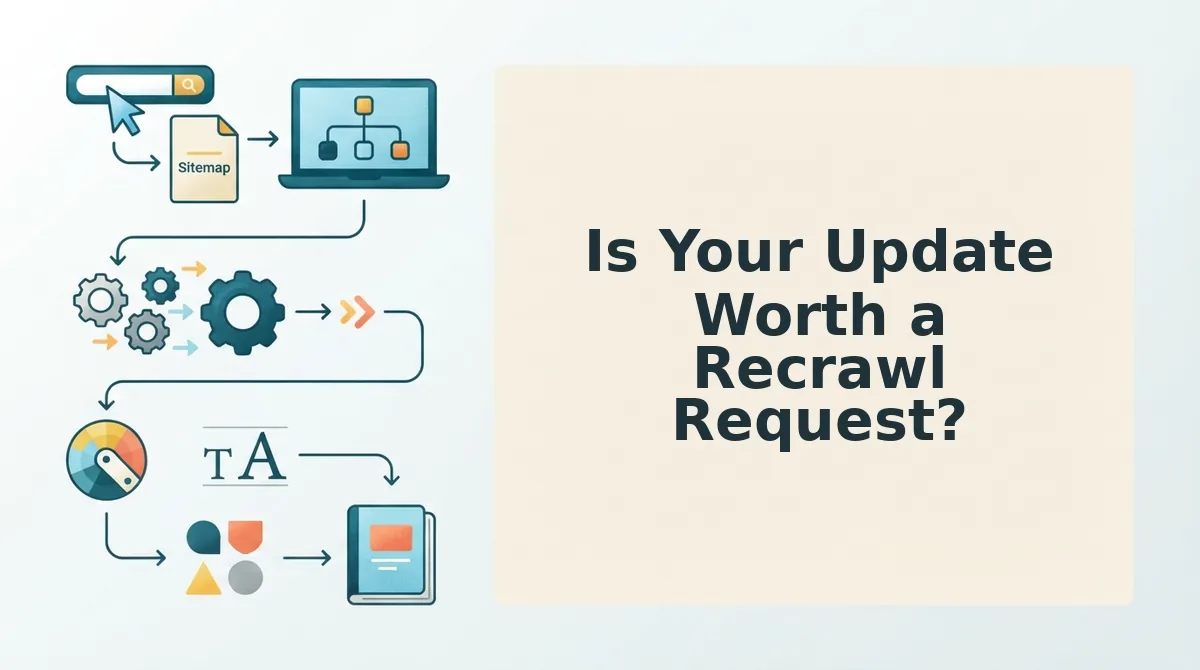
Is Your Update Worth a Recrawl Request?
Only when the page's core answer, its above-the-fold text, or its URL, title, and schema actually changed. If none did, the request burns a quota slot and the real fix is editorial.
A recrawl request is a signal to Google that a known URL deserves a fresh fetch. Run three questions before you send one: does the page's core answer change, do the changed words sit above the fold or inside the answer block, and did the URL, title, or schema change? Three noes mean do not submit â rewrite the section instead, as part of a proper content refresh.
If you do submit, give the crawler something truthful to find. Visible update date, sitemap lastmod, and dateModified in your Article schema must agree.
| Practice | What lastmod does | Outcome |
|---|---|---|
| Bump on a substantive rewrite | Matches visible date and dateModified | Trusted; may prompt a sooner recrawl |
| Bump on a typo fix | Changes without meaningful content change | Noise; repeated use erodes trust |
| Stamp on every deploy | Resets to build time, not edit time | Ignored |
Think of lastmod like a library's "last revised" stamp: a branch that stamps every book during a shelf check teaches readers to ignore the stamp entirely. Google's sitemap documentation says lastmod is used only when it is consistently accurate and reliable, and unreliable values are ignored â a cost that lands site-wide, not on one post.
BloGoose writes the visible date, sitemap entry, and schema timestamp from one source on every refresh, so the three signals never drift.
Which raises the practical question of which submission channels Google actually honors.
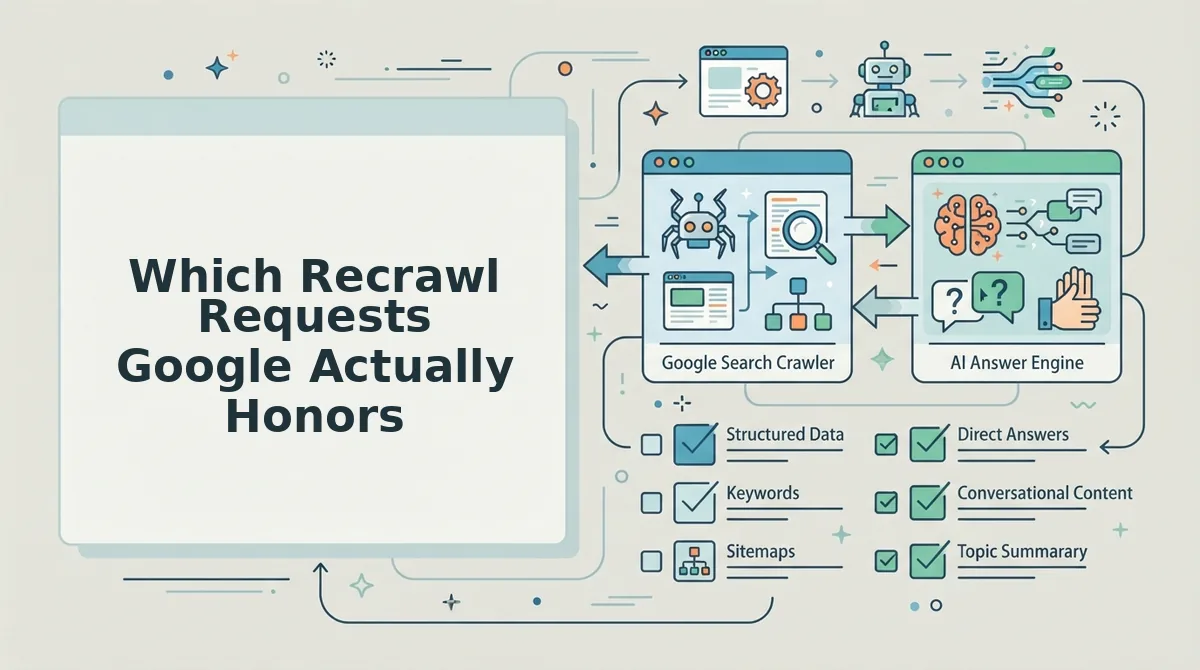
Which Recrawl Requests Google Actually Honors
Only one of the five channels most guides recommend works passively and permanently: an internal link from a page Google crawled recently. Three of the others are tools that cannot reach Google's index at all.
- URL Inspection request â Moves Google. A one-off crawl nudge, best used after a change that alters the page's core answer.
- XML sitemap lastmod â Moves Google, slowly. Only when the timestamp is genuinely accurate; an inflated lastmod gets ignored site-wide, not just on one post.
- Internal links from recently crawled pages â Moves Google, passively. The only channel that keeps working after you stop thinking about it.
- Google Indexing API â Does not move Google for blog posts. Google's own documentation scopes it to JobPosting and BroadcastEvent.
- IndexNow â Does not move Google. Its participating engines do not include Google.
The question left open at the start of this article resolves here: the edits that recover fastest are rarely the ones submitted most. They're the ones sitting one link away from a page Google already trusts.
The honest order for a blog post
Internal link first, lastmod second â and only when the timestamp is true. URL Inspection third.
A submission asks Google to look. The other two give it a reason to, and they keep giving it long after the request has been processed and forgotten.
Next step: drop your domain into BloGoose's setup wizard. It crawls your published pages, reads your existing site structure, and shows which posts your update should link from â so the recrawl happens as a byproduct of the edit instead of a chore a week later.
Google doesn't honor requests â it honors structure, and the recrawl you build into your links is the one you never have to ask for again.