How to Keep a Continuous Blog Publishing Queue From Running Dry
The 30-day calendar reaches its last page on a Tuesday. Nobody approved new topics, and the Scheduled lane empties in silence until a reader emails to ask why the blog stopped.
That is not a tooling failure â it is a missing rule. A continuous blog publishing queue is a backlog you refill on a threshold instead of a mood, and this guide hands you the threshold, the math and the lane minimums that keep it full.
You will see what a healthy queue looks like before you build one, how to construct a self-refilling pipeline in five steps, and how to spot the quiet failures before they cost you a week of silence. Along the way, one unnamed number turns out to decide whether your queue survives a busy month â and almost no team sets it.
The five video results on this topic demonstrate daily auto-posting but never define a publishing queue or give a refill rule. Closing that gap is the entire point of what follows, and the automated SEO content engine is where the loop can run itself once the rule exists.
What Does a Healthy Publishing Queue Look Like Before You Start?
A healthy queue is a three-lane backlog that never lets its scheduled lane reach zero, and you cannot build one until cadence, lead time, review ownership and a publish path are all decided. Everything else is scaffolding on top of those four decisions.
A publishing queue is the ordered set of posts moving toward publication, tracked in work stages rather than as one flat list. Buffer days is how many days of finished, scheduled content you hold in reserve. A rolling horizon is a planning window that slides forward every time a post ships, instead of resetting to day one each month. A refill trigger is the threshold â a lane minimum or a buffer-day floor â that forces new topics into the pipeline before the queue thins out.
What you are buying is a single outcome: the Scheduled lane holds content at all times. The prerequisites are concrete. You need a decided cadence, a draft lead time you have actually measured, a named human who owns review, and one working publish path â a scheduled post status in WordPress plus sitemap access so topic generation can read your own site structure. If you plan to request indexing on publish, create a service account for the Google Indexing API and store its key before step five.
Quick answer: To keep a queue from running dry, trigger refills in days of buffer rather than calendar dates. When buffer days fall below draft lead time plus review time plus slack, generate new topics immediately â and never let the Scheduled lane drop under two weeks of posts.
Pick your scaffolding before you build on it:
| Scaffolding | Refill effort | Voice consistency | Publish step |
|---|---|---|---|
| Manual spreadsheet | Manual re-plan at month end | Depends on whoever writes the prompt | Copy-paste into WordPress |
| Sheets-to-blog automation (Pabbly Connect) | Fires when a new row is added | Drifts row to row | Automated push, one row at a time |
| Daily autopilot posting (My Content Creator Pro workflow type) | Daily auto-post, no refill rule shown | Not addressed in the demo | Auto-published daily |
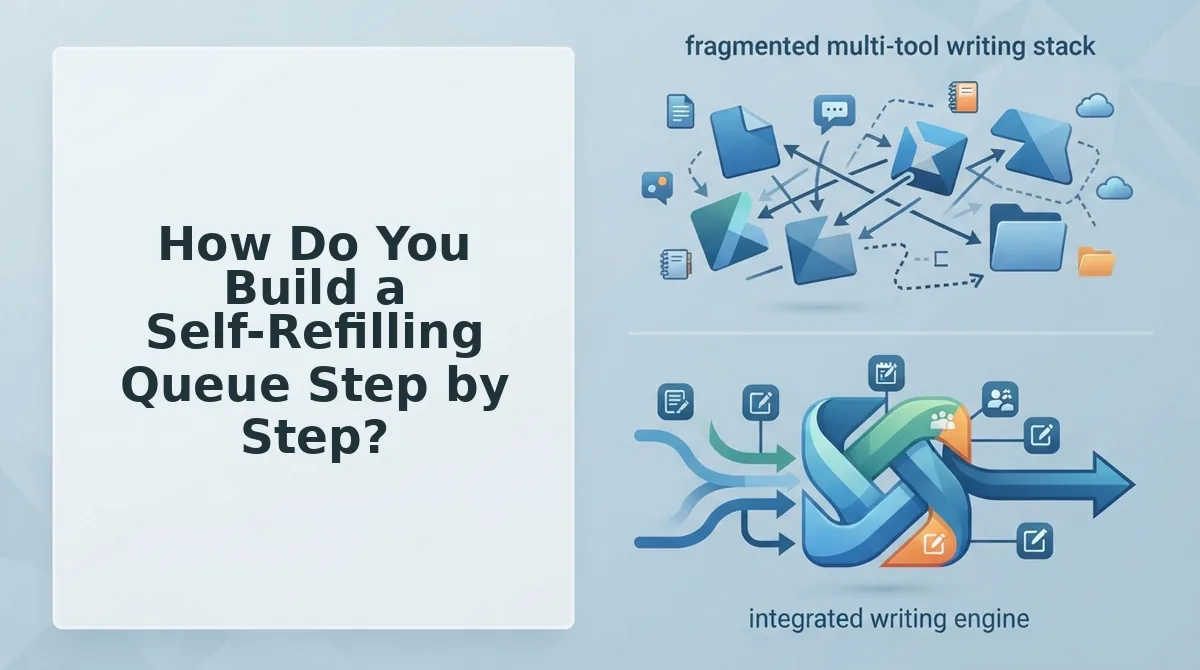
| Integrated publishing engine | Fires on lane minimums | Extracted from your published pages | Direct to WordPress or custom API |
Whichever row you choose, pair it with a rolling 30-day content calendar built from draft scheduling intervals â and note that an engine which crawls your sitemap and drafts in your voice removes the refill chore entirely.
How Do You Build a Self-Refilling Queue Step by Step?
Build it in five moves: fix cadence, split the queue into three lanes with minimums, run the buffer math, set the lane-floor trigger, then publish and request indexing. Budget about an hour for the setup and ten minutes a week to maintain it.
Before you start, have these ready: your publishing calendar, your last five publish dates for measuring lead time, a named review owner, WordPress admin access, and â if you want indexing requests â a Google Indexing API service account key.
- Fix your cadence (10 minutes). Open your calendar and commit to posts per week, not posts per month. Write the number at the top of your queue sheet. You should see one agreed integer that every later calculation references.
- Split the queue into three lanes (20 minutes). Create Planned, Drafted and Scheduled as separate lists. Assign entry criteria, exit criteria and a minimum count to each, using the table below as the template.
- Run the buffer math (5 minutes). Fill in the formula worksheet with your own inputs. Here's the math most teams skip:
| Variable | What it means | Where to get it |
|---|---|---|
| Draft lead time | Days from topic approval to a finished draft | Timestamp difference across your last five posts |
| Review time | Days a draft waits for human approval | Your review owner's actual turnaround |
| Slack days | Padding for illness, launches and holidays | Your call â set it deliberately |
| Posts per day | Cadence divided by seven | Step 1 |
| Buffer days | (Draft lead time + review time + slack days) ÷ posts per day | Calculated |
| Lane | Entry criteria | Exit criteria | Minimum count |
|---|---|---|---|
| Planned | Topic tied to a cluster and a search intent | Brief approved | 4 weeks à cadence |
| Drafted | Brief written, draft in progress | AEO-ready draft passed review | 2 weeks à cadence |
| Scheduled | Reviewed and dated in WordPress | Published and indexed | Buffer days à posts per day |
A publishing queue refills on a floor, not a date. When the Scheduled lane hits its minimum, the trigger fires and topics are pulled forward immediately; when buffer days drop below lead time plus review plus slack, planning starts that day. Teams that wait for the calendar to end discover the gap only after it has already published nothing for a week.
- Set the lane-floor trigger (15 minutes). Enter the Scheduled minimum as an alert or a review task. When the Planned lane drops below its floor, generate topics from a sitemap crawl plus SERP research that same day â rolling horizon, not cycle batching. Success looks like new Planned entries appearing mid-month, not on day 30.
- Publish and request indexing (5 minutes per post). Confirm the post sits in WordPress with scheduled status, then submit the URL to the Indexing API after it goes live and verify your sitemap still lists it.
Keep the Drafted lane's exit bar at AEO-ready drafts, not raw model output, and keep review human â that gate is what protects voice while volume climbs. Balance the topics themselves with search intent in the content calendar, since a full queue of mismatched intent is just a faster way to miss.
A queue that generates, drafts and schedules on its own lane minimums is the workflow the platform is built to run â you set the thresholds once, and the engine handles refills and publishing to WordPress or your API.
Setup is the easy half; the failures are quieter.
How Do You Know the Queue Is Working, and What Breaks It?
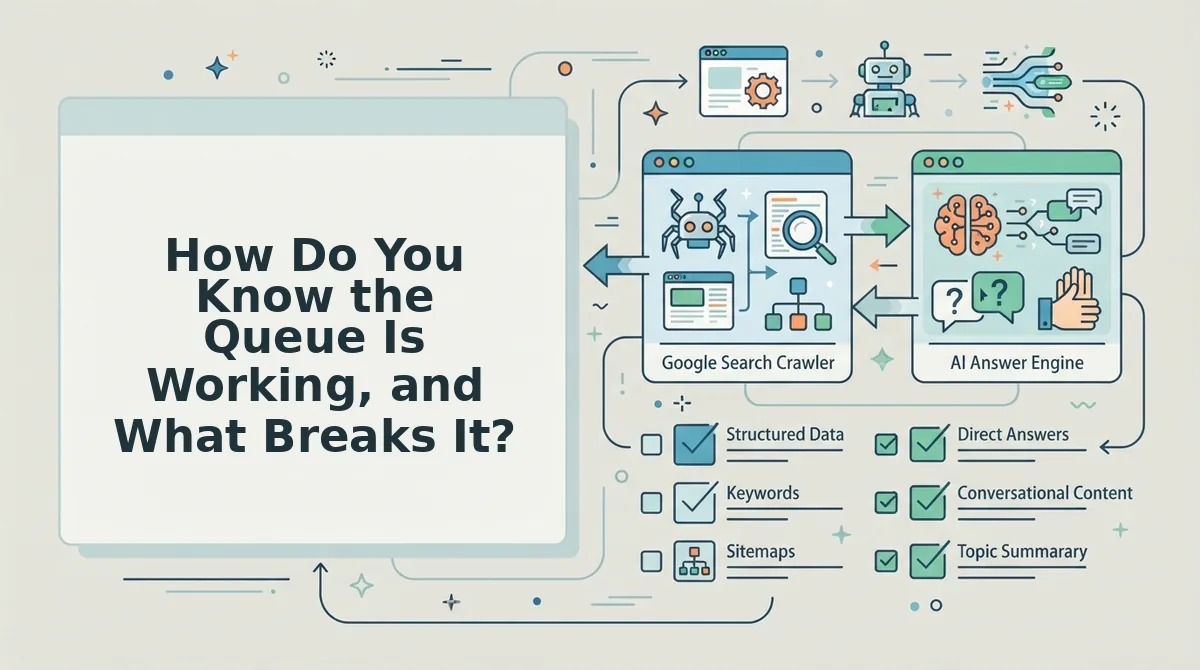
A queue is healthy when five signals hold at the same time: every lane sits above its minimum count, no publish date has slipped, posts leave Drafted with images attached, publish status reads scheduled rather than draft, and an indexing request fires after publish.
Check those five once a week. Any single miss is an early warning, not a cosmetic glitch.
But there's a catch.
A queue can measure clean and still ship nothing, because every failure mode below happens at a handoff. Each fix maps back to a variable in the buffer formula: buffer days = (draft lead time + review time + slack) ÷ posts per day.
- A draft stalls in review. The reviewer goes quiet, the Scheduled lane drains, and the calendar shows a gap you cannot backfill from a standing start. The fix is raising the slack days variable â not hiring more writers, who would only pile drafts onto a lane that is already congested.
- The CMS connection breaks. Posts marked scheduled never leave the platform, and you find out from a reader instead of a dashboard. Fix it with a daily publish-status check plus a few extra slack days, so a two-day outage does not become a missed date.
- Two drafts chase the same topic. This is a planning failure, not a proofreading one â by the time you spot the overlap, both pieces are written. Prevent it with topic clusters that stop two drafts from chasing the same search intent, which keeps posts per day honest instead of inflated by near-duplicates.
- Images are missing at publish time. A post without its asset is not drafted, it is half-drafted, and chasing images late extends your real draft lead time. Make the image part of the definition of done, so a post only enters the Scheduled lane once the asset is attached.
- Tone drifts from the brand. Voice erodes gradually across a long queue, and readers notice before rankings do. Raise the review time variable and check drafts against the brand voice rules captured at setup, rather than rewriting after publication.
The honest limit: automation still needs a human review lane, and a green dashboard does not mean the writing is good. Dashboards prove the machine ran; only a reader can tell you whether it was worth reading.
What Do Publishers Ask About Cadence, Crawling and Volume?
Four questions come up every time a team moves from batch planning to a rolling queue, and the refill rule from the top of this guide resolves them: refill on buffer days, not on the first of the month.
Does publishing frequency affect how often Google crawls a blog?
No primary source in this research confirms that publishing frequency changes how often Google crawls a blog. Treat cadence as a planning variable you control rather than a crawl lever, and read BloGoose's article on publishing frequency and crawling before you rebuild a calendar around a claim nobody has sourced.
How long does Google take to crawl a new post?
Rather than quote a timeline nobody has measured, control the request step: keep the XML sitemap current and fire an Indexing API request after publish. That converts a wait you cannot influence into an action you can log and verify.
Daily versus weekly cadence â which needs a bigger buffer?
Cadence sets posts per day, which sets the buffer you need. Daily posting divides the same lead time by a larger number, so a five-day stall costs five missed slots; weekly posting absorbs the same stall inside one. Match buffer depth to cadence, not to ambition.
Is more volume better?
The question clearly has demand: the Niche Pursuits video titled "I Tried Publishing 1,000 Blog Posts in 12 Months" carries 154,251 views. That shows publishers are asking it, not what the experiment concluded â so test volume against your own buffer math before scaling posts per day.
The next action is one setup step: point BloGoose at your domain, and it crawls the site, extracts your brand voice, and drafts the 30-day calendar your queue refills from.
A queue that refills on buffer days instead of calendar dates is the difference between a blog that publishes and a blog that published.