
How to Build a Blog Calendar From Detected Site Structure
You already own a content map, you just haven't read it yet. Most teams spend hours in spreadsheets trying to build blog calendar from site structure, when the answer is sitting in their XML sitemap, quietly listing every page Google already knows about.
You're not wrong to want a calendar. You're wrong to start from a blank sheet. The manual approach, a 12-tab spreadsheet, a brainstorming session, a prompt chain, burns a full workday before the first topic is even approved. YouTube creators like Robin Maylone and Sophia Lee show exactly this: polished spreadsheet templates or blank whiteboard sessions that ignore the structure you already paid to build.
Here's the promise: by the end of this guide, you'll turn your detected site structure into a 30-day calendar without guessing a single topic. We'll cover crawling your sitemap, clustering URLs into pillar and supporting pages, and assigning dates based on what your site actually signals. One finding ahead may surprise you: your sitemap already ranks your priorities, and most teams never notice. An AI SEO content engine can automate this extraction, but the logic works manually too.
Why Your Sitemap Is Already a Content Calendar
A sitemap is a machine-readable index of every URL you've deemed publishable, and it already encodes your content priorities through depth, internal links, and cluster relationships. If you've published it, you've already made an editorial decision, the sitemap just hasn't been translated into a schedule yet.
Think of a sitemap like a restaurant's inventory sheet: the ingredients are already on the shelf, counted, and categorized. Building a calendar from a blank spreadsheet is like writing next week's menu without opening the pantry. You'll either duplicate what exists or miss what's already half-prepared.
Start simple: export your sitemap and look at URL depth. A URL three levels deep (/blog/seo/sitemap-calendar/) signals a supporting page; a top-level URL (/seo/) signals a pillar. That's a hierarchy you didn't have to invent.
At the intermediate level, count internal links pointing to each URL. Pages with the most inbound internal links are the ones your own site treats as authoritative, they're your pillars by evidence, not opinion. Advanced practitioners then map keyword cannibalization: two URLs targeting the same query reveal a merge or split decision the calendar must schedule.
The Business Management Blog's free Google Sheets template is the default manual approach, but it starts from zero and ignores the structure you already have. A sitemap reveals URL depth, internal link counts, and content clusters that manual brainstorming misses, and that's the cost of the blank-sheet habit.
Here's the passage worth saving: when you extract every URL from your sitemap and record its depth, internal link count, and word count, you get a ranked list of content assets that already reflects your site's own authority signals. Pillar pages emerge as the URLs with the most internal links and the shallowest depth. Supporting pages cluster beneath them by URL path. Gaps appear where a pillar lacks enough supporting URLs, or where two URLs compete for the same keyword. This ranked list is a calendar waiting for dates, no brainstorming required.
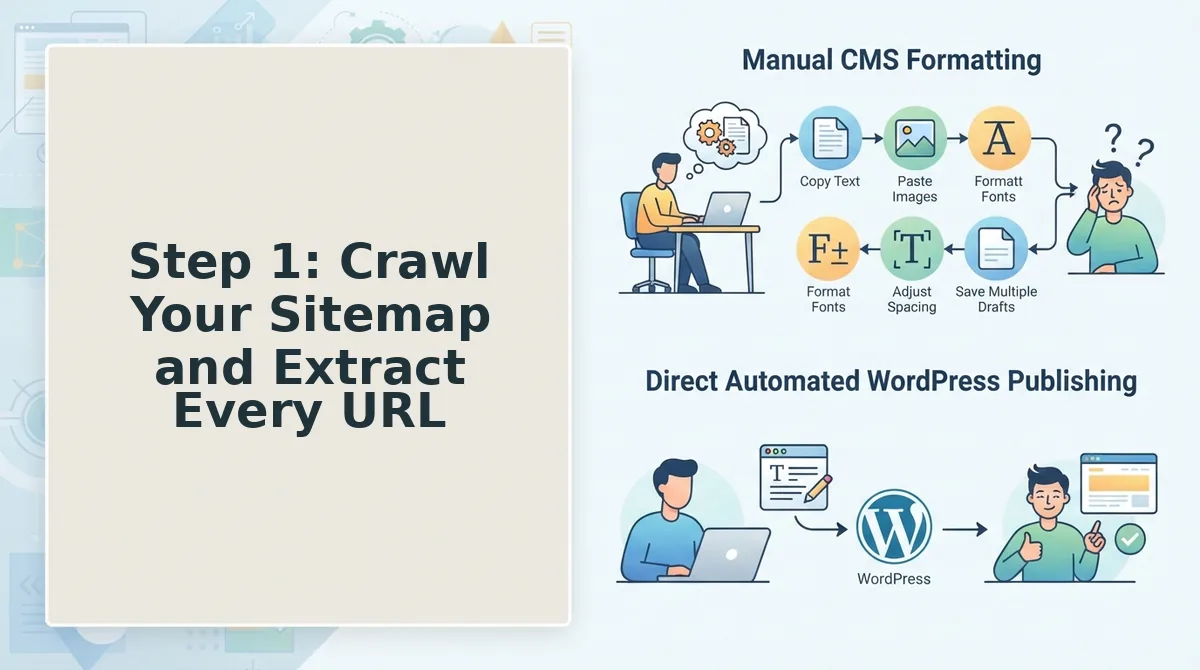
Step 1: Crawl Your Sitemap and Extract Every URL
You need a full URL inventory before you can cluster or schedule anything. You'll need access to your sitemap (usually at /sitemap.xml or /sitemap_index.xml), a spreadsheet, and either a crawler like Screaming Frog or an automated sitemap context extraction tool that does this without manual export.
- Open your sitemap URL in a browser. Type
yoursite.com/sitemap.xmland press Enter. You should see a structured list of URLs in XML format. If you see a sitemap index, open each child sitemap listed inside it. - Export every URL into a spreadsheet. Copy the URL list and paste it into column A of a new sheet. If you're using a crawler, select Import from Sitemap and let it fetch all URLs automatically. You should end up with one row per URL, no duplicates.
- Add four columns: depth, internal links, word count, and primary keyword. Depth is the number of slashes after your domain. Internal links is how many pages on your site link to that URL. Word count is the published page length. Primary keyword is the query that page appears to target.
- Fill the columns using your crawler or manual inspection. A crawler populates depth and internal link counts automatically. For word count and keyword, open the page or check your CMS. You should see a complete table where every URL has a measurable profile.
- Sort by internal link count, descending. Click the column header and apply a descending sort. You should see your most-linked pages rise to the top, these are your pillar candidates, identified by your own site's structure, not by guesswork.
BloGoose automates this entire step: it crawls your sitemap, extracts URL depth, internal links, and word counts, and builds the inventory without a single manual export. That's the difference between a 20-minute setup and a half-day spreadsheet session.
Next, you'll turn this ranked URL list into pillar and supporting clusters.
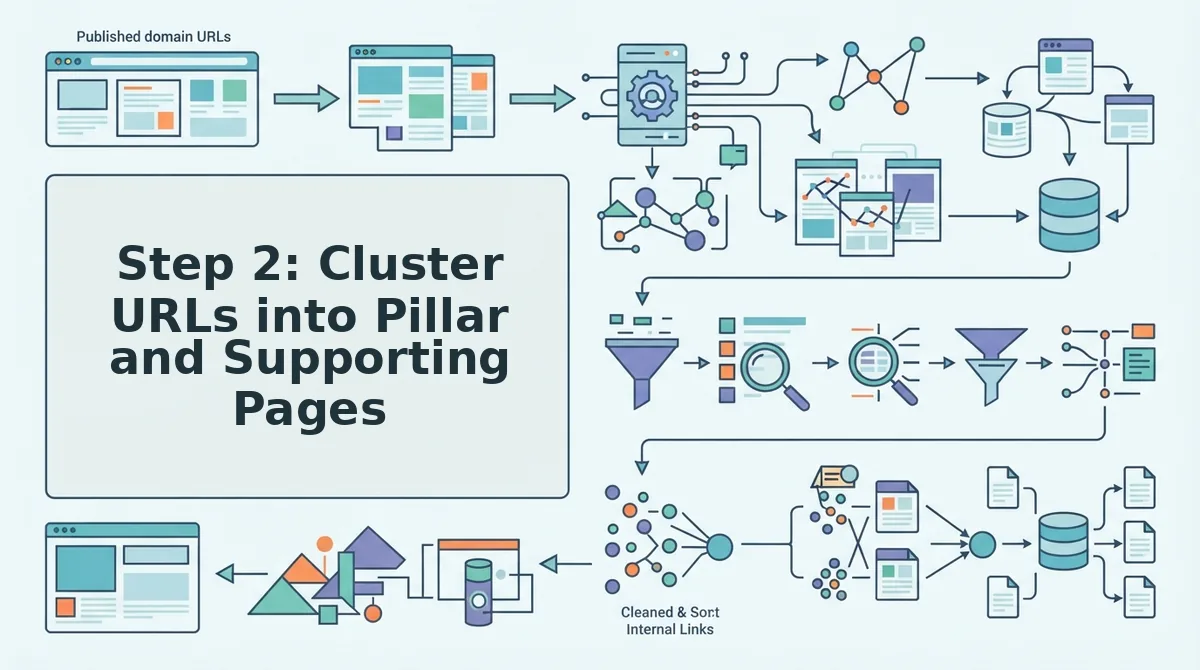
Step 2: Cluster URLs into Pillar and Supporting Pages
Clustering turns a flat URL list into a hierarchy you can schedule against. A reliable pillar detection heuristic is: URL depth ≤ 2, internal links ≥ 10, and word count ≥ 1,500, pages meeting all three thresholds become pillars; everything else becomes supporting content.
Prerequisites: an exported URL list from your crawl (Step 1), access to your CMS or analytics for word counts, and a crawler that reports internal link counts, such as Screaming Frog or the BloGoose site crawl.
- Open your crawl export and add three columns: URL depth, internal inlinks, and word count. Depth is the number of slashes after the domain,
/blog/seo-toolsis depth 2, while/blog/seo-tools/ahrefs-alternativesis depth 3. You should see every URL tagged with a numeric depth value. - Filter for URLs where depth ≤ 2, internal links ≥ 10, and word count ≥ 1,500. Mark these as Pillar in a new column. Expect roughly 10-15% of URLs to qualify on a typical site.
- Assign every remaining URL to the nearest pillar by URL path or topical similarity. A URL at
/blog/seo-tools/keyword-research-guidesupports the pillar at/blog/seo-tools. You should end with zero unassigned URLs. - Name each group as a topic cluster and record the pillar URL as its head. You should see a clean table: one pillar row per cluster, with supporting URLs listed beneath it.
Worked example: a 40-URL DTC sitemap for a skincare brand typically resolves into 5 pillars and 35 supporting posts. The five pillars might be Skincare Routines, Ingredient Guides, Product Comparisons, Skin Concerns, and Brand Education, each pillar holding between 5 and 9 supporting URLs. That 5-pillar structure becomes the skeleton of your 30-day calendar.
If a URL sits at depth 2 with 40 internal links but only 800 words, it is a strong candidate for pillar expansion, not a pillar yet. Clustering exposes these near-misses before you schedule anything.
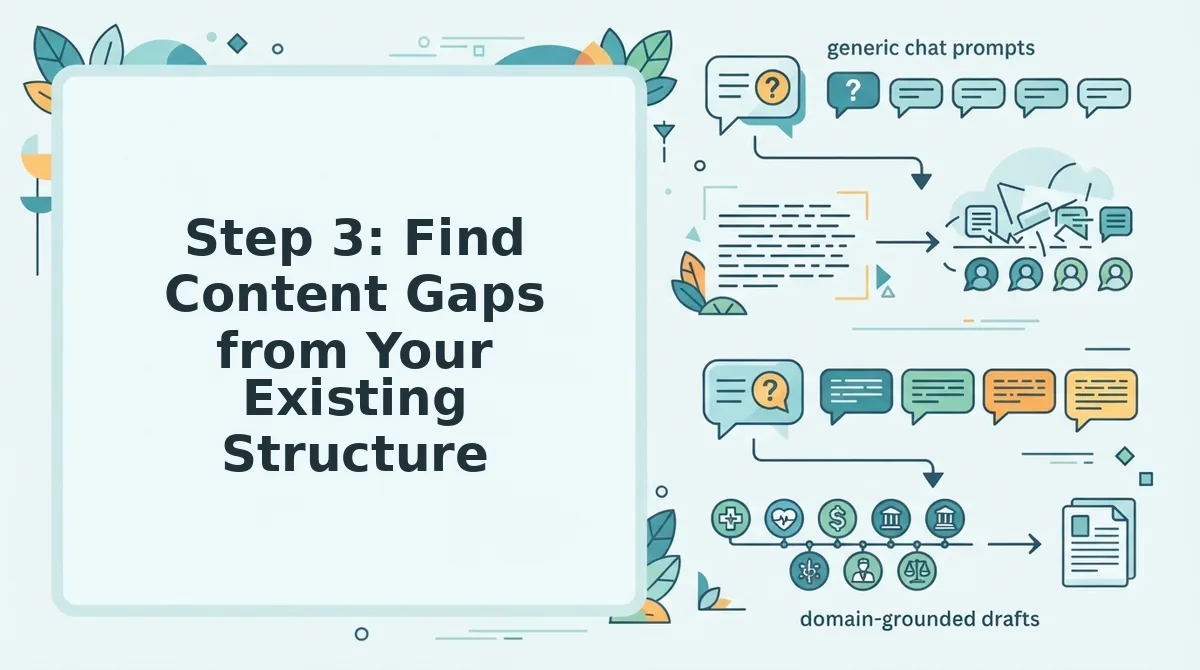
Step 3: Find Content Gaps from Your Existing Structure
Content gaps are structural weaknesses you can detect before touching a keyword tool: pillars with too few supporting posts, orphan URLs with no internal links, and clusters where average word count is too thin to rank.
Prerequisites: your clustered URL table from Step 2, plus access to live SERP analysis for validation after detection.
- Count supporting URLs per pillar in your cluster table. Flag any pillar with fewer than 5 supporting posts. You should see a "Support Count" column where gaps are highlighted in red.
- Open your crawl report and filter for orphan URLs, pages with zero internal inbound links. These pages receive no link equity and rarely rank. Expect 5-15% of URLs to be orphans on sites older than two years.
- Sort clusters by average word count and flag any group averaging under 800 words per post. Thin clusters signal shallow topical coverage. You should see a ranked list with the weakest clusters at the top.
- Run a live SERP check on your flagged pillar topics to confirm the gap is worth filling. If competitors ranking on page one publish 2,000+ word pillar pages and you have 900, the gap is validated. You should see a shortlist of confirmed gaps ready for the calendar.
Structure-first gap detection works because your sitemap already encodes your content strategy, or its absence. A pillar with two supporting posts tells you the topic was started and abandoned. An orphan URL tells you a page was published without a linking plan. A thin cluster tells you the topic was covered superficially. None of these signals require a keyword tool to surface; they are visible in the URL structure itself. Once detected, live SERP analysis confirms whether the gap represents a ranking opportunity or a topic you should consolidate.
Feed confirmed gaps into your BloGoose calendar as priority slots, and the engine drafts supporting posts that match your existing pillar voice.
Step 4: Schedule Posts by Cluster Priority and Crawl Budget
Scheduling by crawl budget means matching publishing frequency to your site's size, not to generic "publish daily" advice. Small sites can support 2-3 posts per week; large sites need priority-based scheduling to avoid wasting crawl capacity on low-value URLs.
Prerequisites: your gap list from Step 3, your cluster table from Step 2, and a 30-day calendar view in your CMS or content tool.
- Open your calendar tool and create one column per cluster. Label columns with pillar names. You should see 5 columns for a 40-URL site.
- Rank clusters by revenue proximity or search opportunity, then assign each a weekly slot count. A 40-URL site publishing 8 posts in 30 days gives roughly 2 posts per week across 5 clusters. You should see a balanced distribution with top clusters receiving 2-3 slots and low-priority clusters receiving 1.
- Schedule supporting posts before pillar updates. Supporting posts are faster to produce and start earning internal links immediately. You should see weeks 1-3 filled with supporting posts, week 4 reserved for pillar refreshes.
- Check your crawl budget before adding more slots. Sites under 100 URLs can handle 2-3 posts per week without issue; sites over 10,000 URLs should cap new content at 1-2 posts per week and prioritize updating existing high-value pages. You should see a calendar that respects your site's crawl capacity, not one that overflows it.
Sample 30-day calendar for a 40-URL site: 8 posts across 5 clusters, 2 posts for the top cluster, 2 for the second, 2 split across the middle two, and 1 each for the remaining clusters, with the final week reserved for pillar updates and internal linking passes.
With the calendar locked, the next step is answering the questions your structure raised along the way.
FAQ
Building a blog calendar from detected site structure means crawling your sitemap, clustering URLs into pillar and supporting pages, identifying content gaps, and scheduling posts by priority, a process you can automate with an AEO optimization engine that reads your existing architecture.
How do I build a blog calendar from my existing site structure?
Crawl your XML sitemap to extract every live URL, then group those URLs into topic clusters around your strongest existing pages. Identify which clusters lack supporting content, assign each gap a priority based on search demand and crawl budget, and map those assignments onto a dated calendar in publishing order.
What is a pillar page in site structure?
A pillar page is a broad, high-authority URL that covers a core topic comprehensively and links out to related supporting posts. In site structure terms, it is the hub URL that search engines recognize as the canonical entry point for a topic cluster, typically sitting one level below the homepage in your sitemap hierarchy.
How do I find content gaps from my sitemap?
Compare your sitemap URL list against the keyword topics your audience searches for, then flag clusters where you have a pillar page but fewer than three supporting posts. Also check for orphaned topics, keywords you rank for on page two or three that have no dedicated URL in your sitemap at all.
Can I automate my blog calendar?
Yes. An AI SEO content engine can crawl your site, detect your existing structure and brand voice, generate a 30-day calendar of gap-filling posts, draft each article with SEO and AEO baked in, and publish directly to WordPress or a custom API without manual spreadsheet coordination.
Why does my sitemap matter for content planning?
Your sitemap is the machine-readable map of every page search engines have indexed, which makes it the most reliable inventory of what you have already published. Planning from the sitemap prevents duplicate topic cannibalization and reveals exactly where new posts should slot into your existing hierarchy to strengthen topical authority.
Turn Your Site Structure into a Publishing Engine
Your sitemap was never just a technical artifact, it is a ranked inventory of what search engines already trust you to cover. The four-step framework above turns that inventory into a publishing cadence: crawl, cluster, gap-fill, schedule. Each step compounds the previous one, so a calendar built from detected structure strengthens topical authority with every post you ship.
The manual version works, but it stalls the moment your site grows beyond a few dozen URLs. An AI SEO content engine closes that loop by generating a 30-day content calendar from your detected site structure and publishing finished articles directly to WordPress or a custom API, no spreadsheet maintenance, no prompt engineering, no stack sprawl.
Run a site crawl on your domain and let the structure you already built tell you what to publish next.