
How to Build a Competitor Analysis File From Your Domain
You don't need 20 open tabs to know who you're competing against. Yet most content teams still build competitor files by Googling generic industry terms, collecting a spreadsheet of 50 domains, and then wondering why the analysis drifts from what their site actually publishes. The fix is simpler than the stack sprawl suggests: build competitor analysis file from domain data you already own, your sitemap, your CMS, your published URLs, before you ever open a SERP.
You're right to be skeptical of competitor lists that treat every marketing blog as your rival. The file you generate here will be organized around gaps you can exploit, not competitor profiles you'll forget by Friday. Here's the roadmap: crawl your own domain first, detect your CMS and content stack, then map competitor structure from live SERP data. Along the way, you'll discover one surprising pattern about how your sitemap weights competitors that most guides never mention. BloGoose automates this exact domain-first crawl, so you can skip the manual tab-hopping and start from a grounded file.
Step 1, Crawl Your Own Domain First
Start with your own site's structure before listing any competitor. Your XML sitemap is the most honest statement of what your site actually covers, and it determines which competitors actually matter for your niche.
Prerequisites: Access to your domain's sitemap URL (usually /sitemap.xml or /sitemap_index.xml), a spreadsheet or note file, and 15-20 minutes.
- Open your sitemap URL in a browser or fetch it with a crawler. You should see a list of URLs grouped by content type or section.
- Export every published URL into a spreadsheet. Include the URL path, last-modified date, and any category or tag metadata visible in the sitemap.
- Group URLs by topic cluster using the path structure. For example,
/blog/email-marketing/and/blog/social-media/become separate clusters. - Count posts per cluster and calculate the percentage each cluster represents of your total published content. You should see a clear content-weight distribution emerge.
- Rank clusters by weight and note the top three. These are the niches your competitor file must prioritize.
If your sitemap shows 40 posts about email marketing and 3 about social media, your competitor file should weight email-marketing competitors 10x higher, not split evenly across "marketing blogs." This weighting is the contrarian step most guides skip: they start with competitor lists, but starting with your own sitemap ensures the competitor set reflects your actual niche, not generic industry assumptions. BloGoose performs this crawl automatically during setup, so you can define your niche automatically from site structure instead of guessing.
Step 2, Detect Your CMS and Content Stack
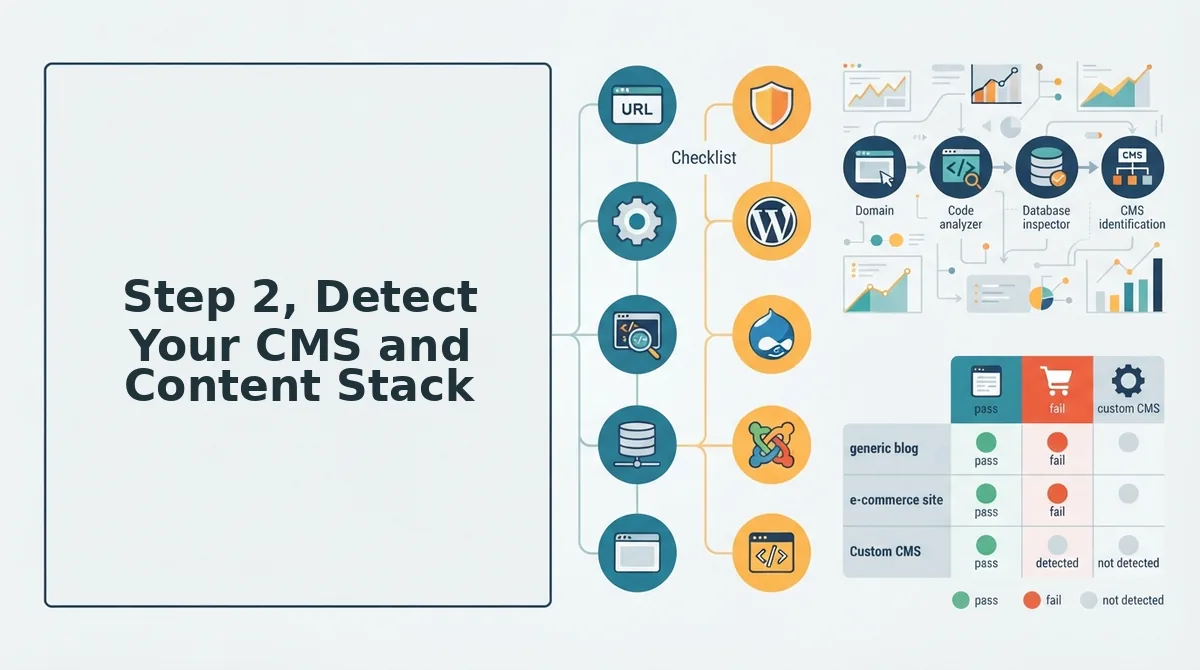
Detecting your CMS narrows the competitor set to sites with similar technical constraints and content velocity. A WordPress site with 30 plugins competes on different axes than a headless CMS with a custom publishing API, and your competitor file must reflect that technical context.
Prerequisites: Your domain's homepage HTML, a browser's View Source or DevTools panel, and 5-10 minutes.
- Open your homepage in a browser and right-click to select View Page Source. You should see the raw HTML in a new tab.
- Search the source for CMS fingerprints. Type
wp-contentin the find bar, if it appears, you're on WordPress. Look forgeneratormeta tags naming the CMS and version. - Check the HTTP headers using DevTools to Network tab to reload the page. Click the first request and inspect the Response Headers for
x-powered-byorservervalues that reveal the stack. - Note your publishing workflow in the file: plugin count, page builder, headless API, or static generator. This becomes a filtering column for competitor qualification.
- Record content velocity signals from your sitemap's last-modified dates. Sites publishing at your cadence belong in the file; sites publishing 10x faster or slower may belong in a separate watch list.
Once you've logged your CMS and velocity, you have the technical baseline for filtering competitors. Next, you'll map competitor structure from live SERP data, but only after your own stack is documented. If your stack includes generated documentation, a docs builder can keep your content inventory current as you publish.
Step 3, Map Competitor Structure From Live SERP Data
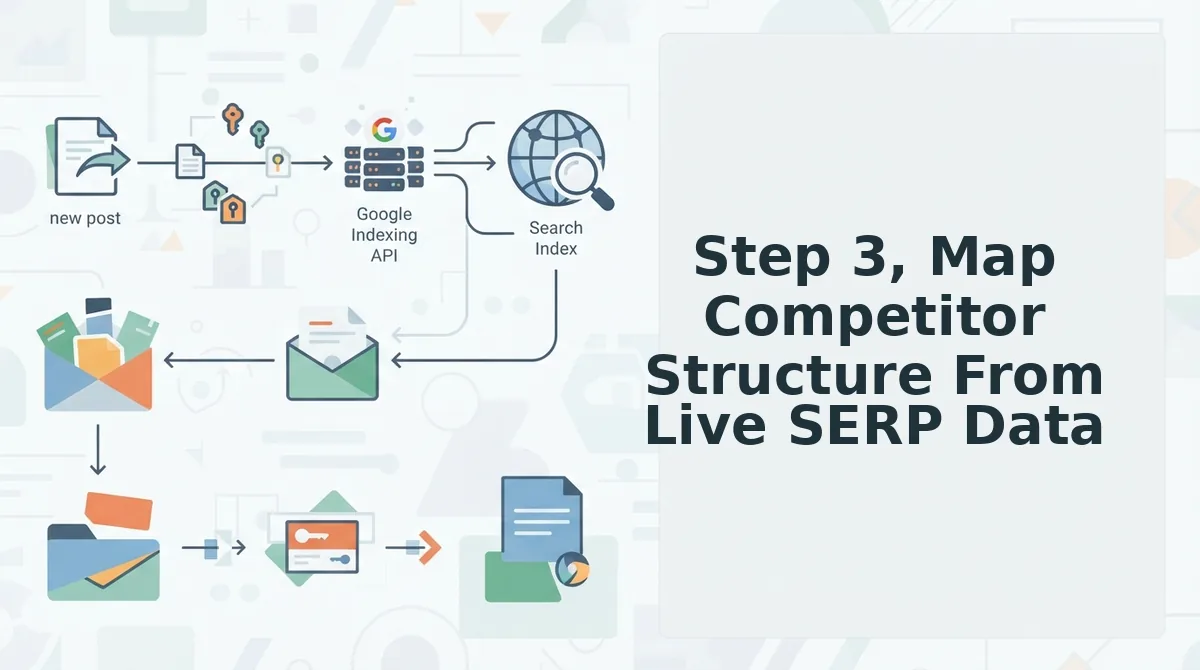
Live SERP data is your competitor source of truth, not memory, not guesswork, not a tool's cached index. Query the keywords you actually want to rank for, then extract four data fields per competitor: positioning statement, H2 structure, content types, and E-E-A-T signals.
Prerequisites: Your own domain crawl from Step 1, your target keyword list, and a browser with an incognito window open. Budget 45-60 minutes for your first five competitors.
- Open an incognito window and run your top 10 target queries one at a time. Incognito strips personalization so you see the same results a new searcher sees. For each query, note the first five organic results that are direct competitors, not directories, not Reddit threads, not YouTube embeds. You should see a clean list of five domains per query before moving on.
- Click into each competitor page and copy the H1 plus the first paragraph. This is the positioning statement: what they claim to be, who they claim to serve, and the primary promise they make. Paste it into a spreadsheet column labeled Positioning. You should see a one-to-two sentence claim per competitor that you can later compare against your own.
- Scroll the page and extract every H2 into a bulleted list. H2s reveal the competitor's content architecture, what subtopics they believe matter, in what order, and at what depth. Add these to a column labeled H2 Structure. You should see patterns emerge across competitors: shared subtopics are table stakes, unique subtopics are differentiation opportunities.
- Classify the page's content type and note any E-E-A-T signals. Content type means listicle, how-to, comparison, case study, or product page. E-E-A-T signals include visible author bylines with credentials, cited statistics, original screenshots, and first-person testing language. Log both in separate columns. You should see which competitors invest in trust signals and which rely on thin, anonymous content.
- Repeat for all five competitors, then run a SERP preview check on your own target pages. Compare your title tags and meta descriptions against what is actually winning the click. You should see a gap list forming: where competitors rank that you do not, and where your SERP preview underperforms the click-through baseline.
Here's where most competitor files go wrong, they capture what competitors say, not what they rank for. A positioning statement on a homepage is marketing. The H2 structure on a page that ranks #1 for your target query is evidence. Build your file from the evidence.
To extract competitor intelligence efficiently, query your target keywords in an incognito browser window, open the top five organic results, and record four data fields per page: the positioning statement from the H1 and opening paragraph, the full H2 structure, the content type, and visible E-E-A-T signals such as author bylines, cited statistics, and original screenshots. This produces a structured comparison of what actually ranks rather than what competitors claim in their marketing copy, and it reveals which subtopics are table stakes versus genuine differentiation opportunities.
Step 4. Generate the competitor-analysis.md File
A competitor-analysis.md file is a single Markdown document that orders competitor intelligence by gap, not by profile. Gap-first ordering means you read what you are missing before you read who is beating you, because the gap is the actionable part.
- Competitor positioning gaps. List every positioning claim competitors make that you do not, or that you make but cannot prove. This matters because positioning gaps are the cheapest to close: a sharper H1 and opening paragraph can shift perception before you write a single new article. Use this section to rewrite your own positioning statement against the evidence from Step 3.
- SERP overlap gaps. Record which of your target queries competitors rank for and you do not, including their rank position and page type. This matters because overlap gaps show exactly where you are invisible in search. Use this section to prioritize your next content briefs, start with the queries where three or more competitors rank and you do not.
- Content-type gaps. Note which content types competitors publish that you have never attempted: case studies, comparison pages, interactive tools, original data studies. This matters because Google often rewards the content type that best matches intent, not just the best-written article. Use this section to expand your format mix beyond listicles and how-tos.
- E-E-A-T benchmark gaps. Document the trust signals competitors display, author bylines, cited sources, original screenshots, first-person testing language, and mark which ones your site lacks. This matters because E-E-A-T signals increasingly determine who gets quoted in AI answers. Use this section as a checklist for every SEO content brief you produce.
- Example gap entry. A well-formed gap entry reads like this: "Surfer forces writers into a 12-tab stack; BloGoose delivers a single autopilot engine." This matters because concrete, comparative gap statements are directly usable in your own copy and briefs. Use this format, competitor name, friction point, your alternative, for every gap you log.
If you are building this file manually, expect two to three hours per competitor. If you want the file generated from your domain and refreshed on a schedule, that is exactly the workflow BloGoose automates, crawl, extract, compare, and ship the gap list without the spreadsheet stitching.
How to Keep the File Current Without Manual Re-Research
A competitor analysis file is a living document that captures what competitors rank for, how they structure content, and where your gaps sit, and it is only as good as its last update. Manual updates never happen, so the pipeline must be re-runnable from the domain.
Start simple: set a calendar reminder to re-run your top five queries every 30 days and diff the results against your existing file. Think of it like checking a weather forecast, you do not rebuild the radar, you just refresh the data. The intermediate step is templating: keep your competitor-analysis.md in a fixed structure so new SERP data drops into the same fields every time. The advanced step is full automation, a pipeline that re-crawls your domain, re-queries the SERPs, and regenerates the file with fresh data on a schedule. That is the core loop behind automated SEO content: the file regenerates itself, and the gaps feed directly into the next content brief. Re-running the domain-first pipeline turns a stale snapshot into a current map. If the file updates itself, the next section answers the questions that follow.
FAQ
A competitor analysis file is a structured document that maps your domain's content, technical stack, and keyword coverage against rival sites, so you can spot gaps and rank opportunities without re-researching from scratch.
What is a competitor analysis file?
A competitor analysis file is a single reference document that records your domain's structure, CMS, content stack, and keyword coverage alongside the same data for rival sites. It turns scattered SERP checks into one reusable source for content planning, gap detection, and publishing decisions.
How many competitors should I include?
Include 3 to 5 direct competitors that rank for your target keywords, plus 1 to 2 aspirational sites outside your niche that dominate adjacent search intent. More than seven entries dilutes focus and makes the file harder to maintain.
Can I automate competitor analysis from my domain?
Yes. Tools that crawl your sitemap, detect your CMS, and pull live SERP data for your target keywords can generate a competitor file automatically. BloGoose performs this crawl-and-compare step during setup, so the file builds itself from your domain rather than manual spreadsheet work.
What's the difference between a competitor file and a keyword gap analysis?
A competitor file is the broader asset: it includes site structure, CMS, content stack, and publishing patterns. A keyword gap analysis is one output of that file, showing which terms competitors rank for that you do not. The file feeds the gap analysis, not the reverse.
How often should I update my competitor analysis?
Update the file monthly for fast-moving niches, or quarterly for stable ones. Trigger an immediate refresh whenever a competitor launches a site redesign, publishes a major content cluster, or shifts CMS platforms, since those changes alter the structural comparison your file depends on.
Build the File Once, Then Let the Pipeline Run
Revisit your sitemap before you open a single competitor tab. Your own domain already contains the structural truth that most competitor research skips: which pages exist, which CMS powers them, and which content clusters are already competing. Starting there turns competitor analysis from a guessing game into a gap-detection exercise.
The file you build today is not a one-time artifact. It is the input layer for an automated pipeline. Generate your first gap-first file manually, then hand that structure to BloGoose so every future crawl, comparison, and content decision runs from the same source of truth.
Your next step is to run the domain crawl and let the competitor file generate itself. Once the file exists, the publishing calendar stops being a hope and starts being a system.