
How consistent blog post visuals reinforce your brand identity
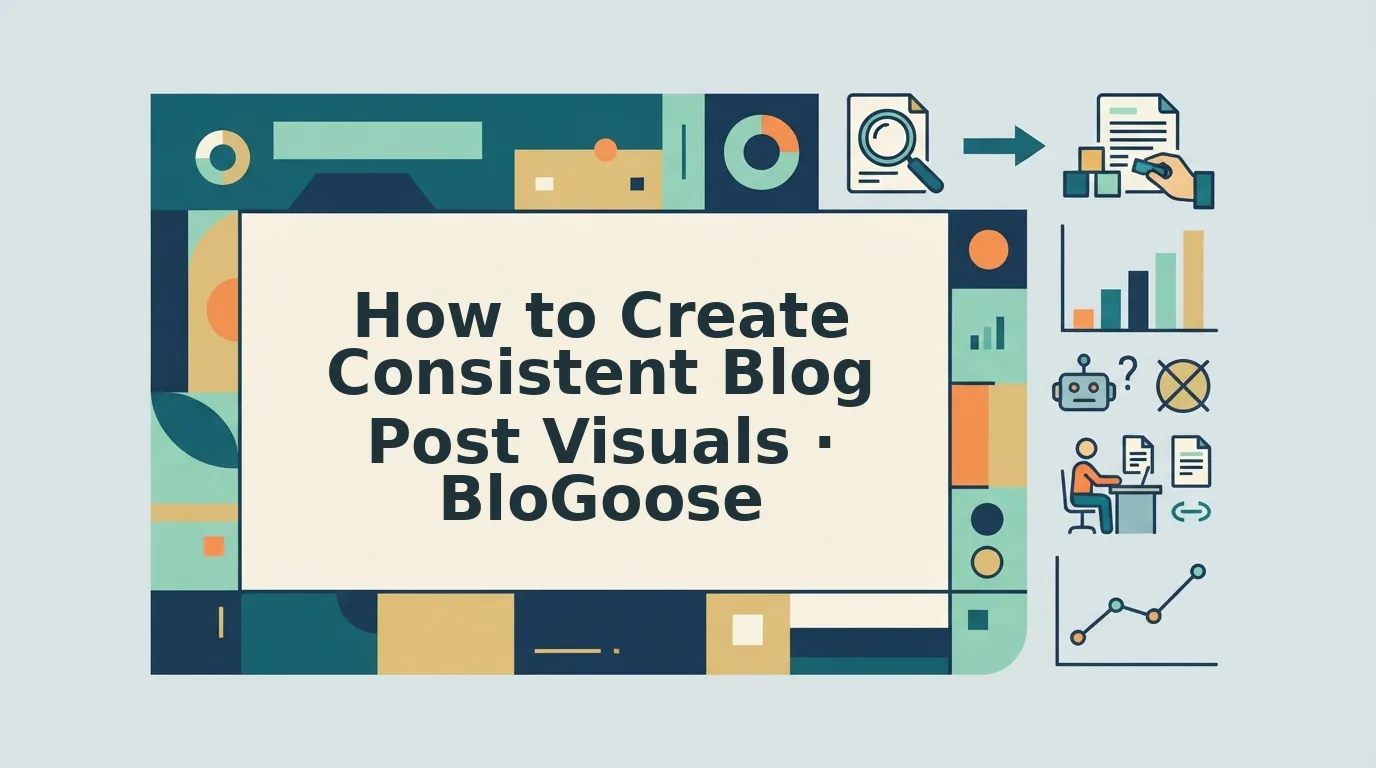
You publish a sharp, well-researched article, but the header image is a washed-out stock photo, the pull quote uses a font you've never used before, and the social card looks like it belongs to a different company entirely. That mismatch quietly erodes the trust you spent months building. If you've ever scrolled through your own archive and felt like five different brands wrote it, you already know the problem: consistent blog post visuals aren't a polish step, they're the visual signature that tells readers "this is us" before they read a single word.
You're right to feel frustrated. Managing visual consistency across multiple writers, designers, and publishing sprints is genuinely hard, and most advice skips straight to "make a mood board" without explaining why your brain treats inconsistency as a red flag. In this guide, you'll learn the psychology behind visual trust, a 4-step framework to extract your brand's visual rules from your existing site, and an 8-element checklist you can apply to every post before it goes live.
By the end, you'll also see why one specific visual element, the one most publishers never codify, has an outsized effect on whether readers return. And if you're publishing at scale, an autopilot SEO content platform can bake these rules into every draft automatically, so consistency stops depending on willpower.
Why Consistent Blog Post Visuals Matter for Brand Identity
Consistent blog post visuals are the repeated use of the same color palette, typography, image treatment, and layout patterns across every article you publish, so readers recognize your content instantly and trust it as coming from one coherent source. When your posts look uniform, readers process them faster, remember them longer, and return more often.
Think of visual consistency like a familiar storefront. You don't re-read the sign every time you walk past your favorite coffee shop, the awning color, the logo placement, and the window display all signal "this is the place" in under a second. Your blog's visuals do the same job. When a reader lands on any article, the header style, font pairing, and image treatment should fire that same instant recognition, the way a storefront does before you even check the address.
The psychology is straightforward. Humans are pattern-matching machines, and predictability reduces cognitive load. When every post uses the same visual grammar, readers spend less mental energy orienting themselves and more energy absorbing your ideas. That predictability builds trust, and trust is what turns a one-time visitor into a subscriber. Inconsistent visuals, by contrast, force the brain to re-evaluate whether it's in the right place, a subtle friction that accumulates into "this site feels scattered" and quietly suppresses return visits.
The cost of inconsistency compounds as your team grows. A solo blogger can hold visual rules in their head. A team of five writers, two designers, and a freelance illustrator cannot, not without a documented system. That's why AEO content optimization increasingly treats visual consistency as a ranking and citation factor, not just a branding nicety. When AI answer engines pull your content into a response, a recognizable visual identity helps users attribute the information to you, reinforcing brand recall across every surface where your content appears.
How to Extract Your Brand's Visual Rules in 4 Steps
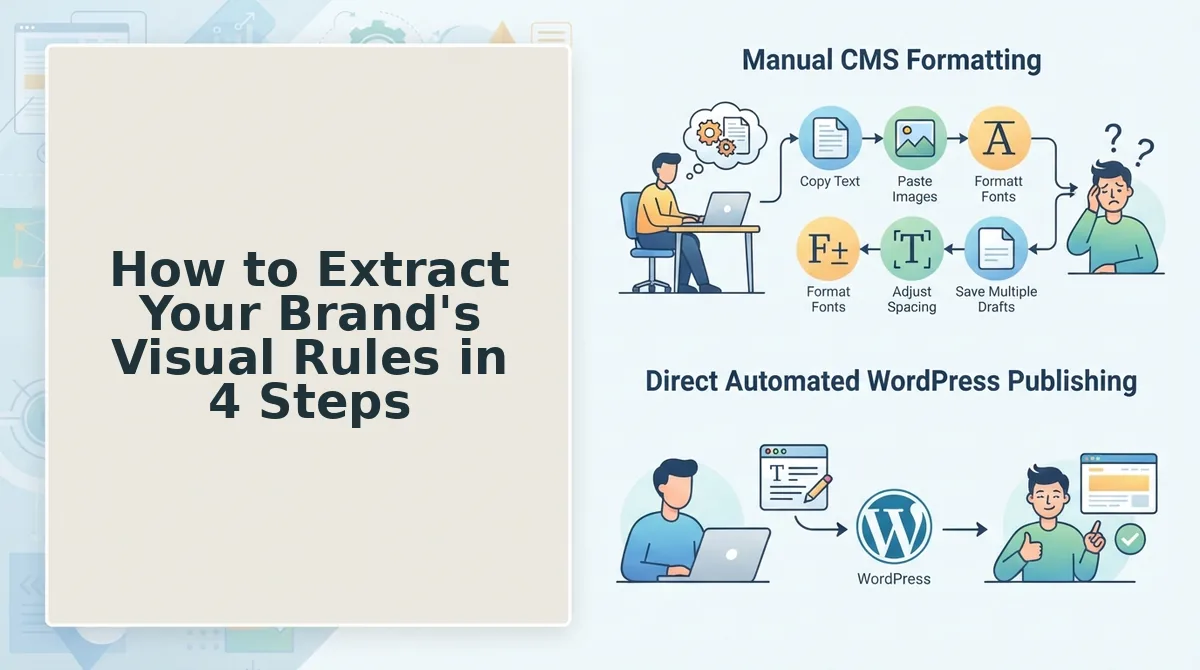
You can extract your brand's visual rules by auditing your existing site, identifying the patterns you already use, and documenting them in a shareable style guide. This 4-step framework, derived from BloGoose's site context extraction mechanic, turns your live site into a visual rulebook without guesswork.
Prerequisites: Access to your website's sitemap, a spreadsheet or doc for inventory, and 30 - 45 minutes of focused time.
- Crawl your sitemap and inventory visual assets. Open your sitemap URL (usually
yoursite. com/sitemap. xml) and list every published post. For each one, note the header image style, any in-post graphics, and the social share card. You should see patterns emerge, for example, 80% of your posts use illustrated headers while 20% use photos. That split is your first rule to codify. - Extract your color palette and typography. Open three to five of your best-performing posts and use a color picker tool on the header images, buttons, and accent elements. Record the hex codes that repeat. Then inspect the CSS or use a browser extension to identify your heading and body fonts, including weights and sizes. You should end up with a short list: 2 - 3 brand colors, 1 heading font, 1 body font, and their fallback stacks.
- Codify image treatment and layout rules. Look at your inventory and write down the non-negotiables: Do images use a duotone overlay? Are they always full-width or always right-aligned? Is there a consistent corner radius on screenshots? Write each observation as a rule, not a preference, "All header images use a 20% brand-blue overlay" is a rule; "headers look nice in blue" is not. You should see a checklist forming that any designer or writer could follow without asking you.
- Document everything in a visual style guide. Compile your palette, typography, image rules, and layout patterns into a single living document. Share it with every content contributor and link it in your publishing workflow. You should see fewer revision requests within two publishing cycles, because the guide answers the "what should this look like?" question before it's asked.
Many teams skip this extraction step and jump straight to designing new templates, a common brand context extraction mistake that produces rules disconnected from what already works. Once your rules are documented, the next step is applying them to every post with a checklist.
The 8-Element Visual Consistency Checklist
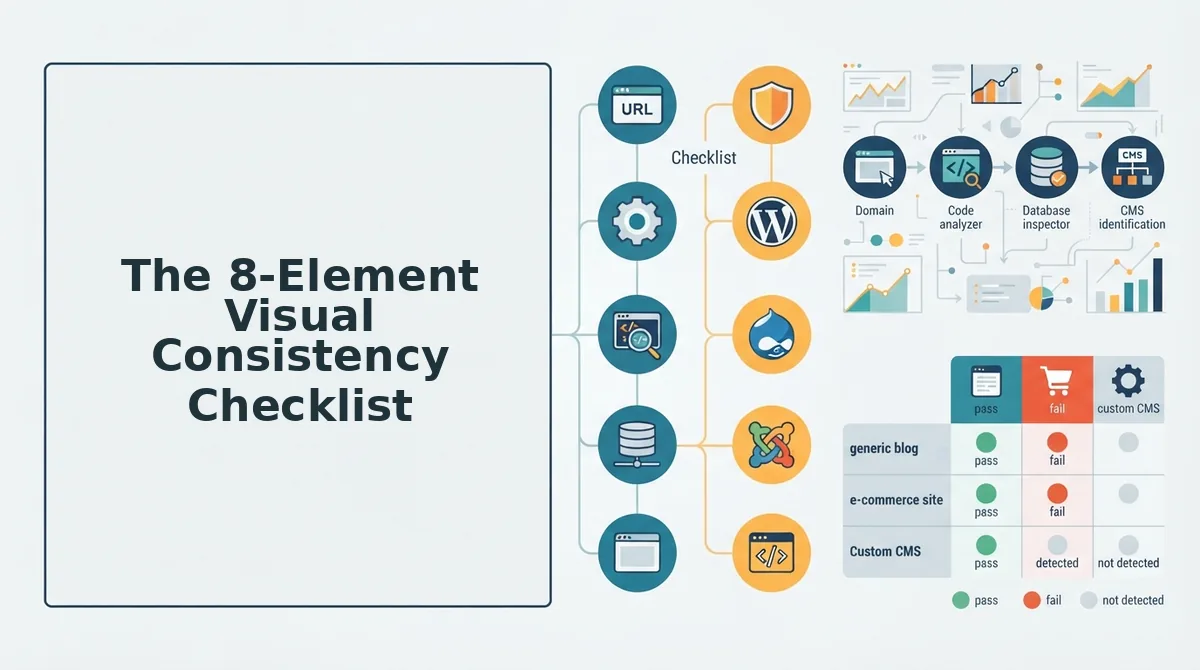
Consistent blog visuals require eight specific elements to stay uniform across every post. Each element below is tied directly to brand recognition and professional appearance, and skipping any one of them creates visible drift that readers and search engines both notice.
- Color palette, lock 3-5 brand colors and never deviate. A fixed palette creates instant recognition in feeds and search results, where readers identify your content before reading a single word. Apply your primary color to headings and CTAs, secondary colors to backgrounds and accents, and a neutral for body-adjacent elements across every blog graphic.
- Typography hierarchy, assign one display font and one body font. Consistent font pairing signals professionalism and makes your posts scannable at a glance. Use the display font for titles and pull quotes, the body font for captions and labels, and never introduce a third typeface without updating the rule everywhere.
- Image treatment, apply the same filter, overlay, or border to every photo. Uniform treatment prevents a mismatched collage effect when posts appear side by side in archives or social feeds. Define one preset (e. g., 5% dark overlay, rounded corners, or a duotone filter) and apply it to all photography before publishing.
- Logo placement, position your logo in the same corner of every graphic. Consistent placement builds subconscious brand association and protects your content when images are shared without attribution. Choose one corner, set a minimum size relative to the canvas, and never move it between posts.
- Aspect ratios, standardize dimensions for featured images and in-post graphics. Fixed ratios prevent awkward cropping in social previews, Google Discover, and AI answer citations. Define one ratio for featured images (e. g., 16:9 or 3:2) and one for inline illustrations, then template both.
- Illustration style, use one visual language for all custom graphics. Whether flat vector, hand-drawn, or 3D render, a single style makes your blog feel cohesive rather than assembled from stock libraries. Document the style with examples so contributors and AI tools can replicate it without guesswork.
- Icon set, choose one icon family and reuse it across all posts. Mixing line icons with filled icons or switching between icon libraries creates subtle visual noise that erodes polish. Select one set with matching stroke weight and corner radius, then reference it in every diagram, list, and callout.
- Whitespace rhythm, define consistent padding and margin rules. Predictable spacing makes your graphics feel intentional and improves readability in both desktop and mobile layouts. Set a base spacing unit (e. g., 24px) and use multiples of it for all padding, gaps, and element separation.
If you are unsure where to start, BloGoose can generate a style guide from your website automatically, extracting the visual rules already present in your published pages.
Manual Design vs. Automated Visual Consistency
Manual design in Canva gives you full creative control but requires repeating the same steps for every post, which is time-consuming and prone to drift. Automated workflows generate visuals that match your site context automatically, eliminating design drift at scale.
| Factor | Manual Design (Canva) | Automated Visual Consistency |
|---|---|---|
| Setup effort | Low to start; high per-post repetition | One-time brand extraction, then hands-off |
| Consistency risk | High, human error and fatigue cause drift | Low, rules applied programmatically every time |
| Scalability | Limited by designer hours | Unlimited, images generated per post automatically |
| Custom graphics | Best for one-off, highly bespoke visuals | Best for high-volume, on-brand inline images |
| Best for | Solo creators publishing a few posts monthly | Teams and publishers shipping weekly or daily content |
Manual design remains the right choice for hero graphics, infographics, and campaign-specific artwork where a human eye adds unique value. But for teams publishing at volume, an AI SEO content engine that includes automated blog image generation removes the bottleneck entirely, every image matches your extracted brand rules without a designer touching each file.
FAQ: Consistent Blog Post Visuals
Consistent blog visuals mean applying the same color palette, typography, image treatment, logo placement, and aspect ratios to every post graphic. This uniformity builds brand recognition, improves perceived professionalism, and makes your content instantly identifiable in search results and social feeds.
What size should blog post featured images be?
Use 1200×630 pixels for featured images, this is the standard Open Graph size that renders correctly on Facebook, X, LinkedIn, and Google Discover. For WordPress themes, 1200×675 (16:9) is also common. Always export at 2x resolution for retina displays.
Can I use stock photos and still maintain visual consistency?
Yes, if you apply the same treatment to every stock photo, a consistent filter, overlay, crop ratio, or color grade unifies otherwise unrelated images. Choose stock photos with similar lighting and subject style, then apply your preset before publishing.
How many fonts should I use in blog post graphics?
Use two fonts maximum: one display font for titles and one body font for captions and labels. Adding a third font fragments your visual identity and makes graphics look unprofessional. Keep weights and sizes consistent across all posts.
Do consistent visuals actually improve SEO?
Consistent visuals improve SEO indirectly by increasing dwell time, reducing bounce rates, and strengthening brand recognition that drives repeat visits and branded searches. Google does not rank images based on style consistency, but user engagement signals influenced by professional visuals do affect rankings.
Consistency compounds: turn your visual rules into a system
Visual consistency isn't a design skill, it's a codification problem. Once you've extracted your brand rules and run the 8-element checklist, the gap between manual discipline and scalable output becomes obvious. High-volume publishers don't drift because they lack taste; they drift because no human can apply 20+ micro-decisions identically across 50 posts a month.
That's the open loop from the start: consistency fails at scale, not at intention. The payoff is that automation closes it.
Your next step is concrete:
- Apply the checklist manually to your next three posts. Measure how many elements you get right without thinking.
- Codify the misses into written rules, exact hex codes, spacing ratios, image treatment specs.
- Automate enforcement with an automated blog publishing engine that applies your extracted brand rules to every draft before it ships.
The publishers who win visual trust aren't more talented. They're more systematic. Rules you write once and apply automatically never forget themselves at 11 p. m. on a deadline.
Visual consistency is brand memory made mechanical, and the brands that mechanize it first own the recall.