
How editorial images for blog posts replace stock photo hunting
You've spent 20 minutes scrolling through stock photo sites, and you still haven't found an image that doesn't look like every other blog in your niche. Worse, you're not entirely sure whether that photo of a person in a coffee shop is legally safe to use without a model release, a confusion so common that Wollertz Photography's explainer video on editorial versus commercial licensing has drawn 6,614 views from people asking the same question.
You're right to be frustrated. The stock photo hunt is a time sink that rarely pays off in engagement, and the legal gray areas make it worse. This article will show you how editorial images for blog posts replace the hunt with a repeatable pipeline: you'll learn what actually makes an image editorial, which six image types drive measurable engagement, and how to kill the 20-minute search loop for good.
Along the way, you'll see a placement matrix that maps each image type to the exact blog section where it performs best, and one of those placements contradicts what most content teams assume. If you're publishing through an automated content engine, the same rules apply to every article it ships.
What Makes an Image Editorial (And Why It Matters for Your Blog)
An editorial image is a photograph used to illustrate newsworthy, educational, or commentary content rather than to sell a product or service. If your blog post informs or reports, editorial licensing applies; if the image promotes something for purchase, you need commercial rights.
Think of editorial and commercial licensing like borrowing a library book versus renting a billboard. The library book is for learning and discussion, you can quote it, reference it, and share what you learned. The billboard is for persuasion, you're using the asset to drive a transaction, which requires a different agreement and often a model release.
The distinction matters because editorial images can feature recognizable people, brand logos, and private property without model or property releases. Commercial use of the same photo would require signed releases from every identifiable person and trademark owner in the frame. Most bloggers unknowingly operate in the commercial zone because their posts include affiliate links, product reviews, or calls to action.
| Factor | Editorial Image | Commercial Image |
|---|---|---|
| Primary purpose | Inform, report, educate, comment | Sell, promote, endorse, advertise |
| Model release required | No | Yes, for identifiable people |
| Property release required | No | Yes, for private property and trademarks |
| Typical blog use | News roundups, tutorials, analysis, opinion | Product pages, sponsored posts, lead magnets |
| Risk if misused | Low, when content is clearly informational | High, legal claims from subjects or brands |
An editorial image is any photograph licensed for use in content that informs, reports, or comments on matters of public interest, rather than content that sells or promotes a product. Editorial images can legally depict recognizable people, corporate logos, and private locations without model or property releases because the image supports journalistic or educational context. The same photograph used in a commercial context, such as an advertisement, sponsored post, or product listing, requires signed releases from every identifiable person and property owner. For bloggers, the practical test is simple: if your article would still make sense in a newspaper, editorial licensing applies. If the image exists to drive a purchase decision, you need commercial rights.
The advanced layer is context drift. A blog post that starts as a neutral tutorial can become commercial the moment you add an affiliate link or a "buy now" button beside the image. Courts and stock platforms evaluate the page as a whole, not the image in isolation. When in doubt, treat any post with a transactional element as commercial and source accordingly.
The 6 Image Types That Actually Improve Blog Engagement
These six image types map to specific blog sections and each triggers a distinct engagement mechanism, from scroll depth to share rate. CreatorVista's blog image design tutorial has accumulated 100,853 views, confirming that publishers actively seek this placement guidance.
- Original data visualizations. A chart, graph, or annotated screenshot that visualizes a statistic or process from your article. Data visuals earn backlinks and social shares because they compress complex information into a scannable asset. Place them directly below the paragraph that introduces the data point, and use them in citation-optimized articles to increase the odds an AI answer engine quotes your figure.
- Annotated screenshots. A screenshot of a real interface, dashboard, or workflow with arrows and callouts explaining each element. Annotated screenshots reduce bounce because they give readers a concrete reference point for every step you describe. Place them inside tutorial sections, immediately after the instruction they illustrate.
- Custom illustrations. Simple vector or hand-drawn graphics that visualize abstract concepts like workflows, hierarchies, or comparisons. Illustrations differentiate your brand from template-heavy competitors and improve time-on-page by giving readers a visual anchor for complex ideas. Use them in introductions and concept-explanation sections where stock photos feel generic.
- Pull-quote graphics. A designed card featuring a key sentence from your article or a sourced expert quote. Pull-quote graphics drive social sharing because they package a single compelling idea into a standalone asset. Place them after the paragraph containing the quote, and size them for X and LinkedIn preview dimensions.
- Process diagrams. A step-by-step visual showing a sequence, decision tree, or before-and-after transformation. Process diagrams increase completion rates on how-to content by giving readers a mental model before they start. Place them at the beginning of any multi-step section, then repeat the steps in text below.
- Behind-the-scenes photos. Authentic, unpolished photos of your workspace, team, tools, or production process. Behind-the-scenes images build trust because they signal transparency that stock photos cannot replicate. Use them in author bios, case studies, and company updates where authenticity outweighs polish.
Each type earns its place by solving a specific reader problem, comprehension, trust, shareability, or navigation, not by filling white space. That distinction is what separates the 20-minute stock photo hunt from a deliberate image pipeline.
The 20-Minute Stock Photo Hunt (And How to Kill It)
The stock photo hunt is the repetitive loop of searching, previewing, rejecting, and downloading generic images that eats 15 - 25 minutes per blog post before a single word gets written.
Think of it like grocery shopping without a list: you wander aisles, pick up items, put them back, and leave with nothing that actually fits the recipe. The search workflow follows the same dead-end pattern every time, type a keyword, scroll past 40 near-identical handshake photos, open three tabs, download two candidates, realize neither matches the subheading, and start over.
Stock photo fatigue is real and measurable in the YouTube creator landscape, where editors openly track their "asset hunting" time and report it as the single most resented pre-production task. The intermediate fix is building a saved library of reusable editorial images, but that only shrinks the loop, it doesn't eliminate it.
The advanced answer is generating images inline at the exact moment the draft needs them, inside the same pipeline that writes the post. That removes the search step entirely, turning a 20-minute hunt into a 30-second prompt.
The Image Pipeline: Plan, Generate, Publish
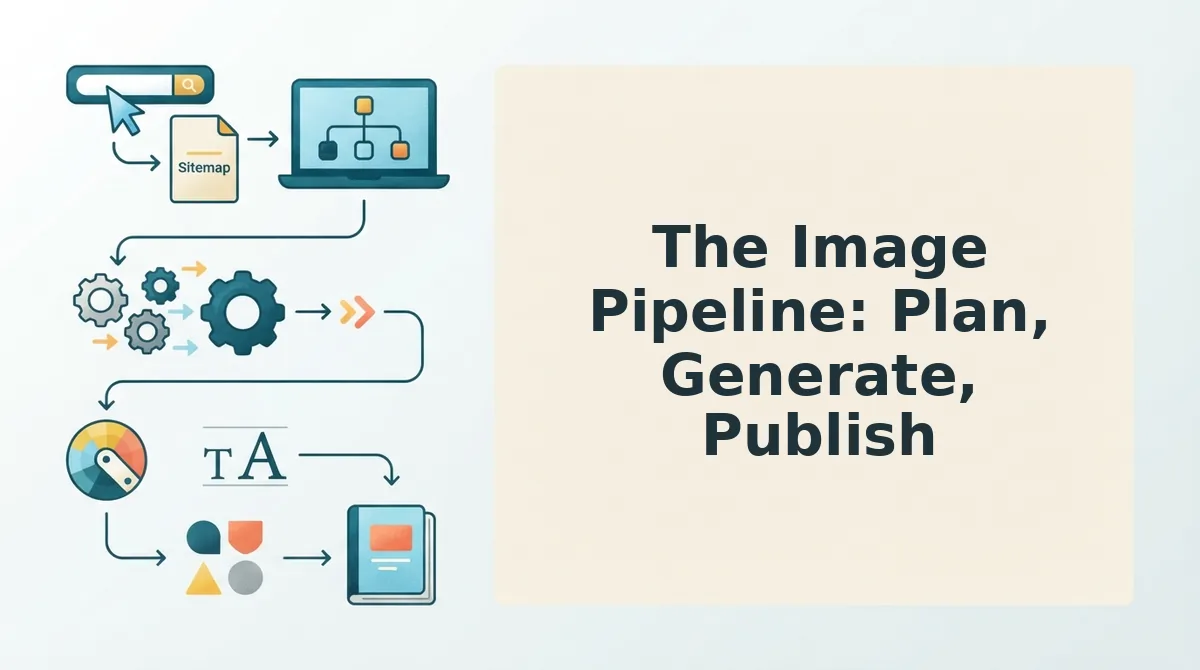
An image pipeline is a repeatable three-stage workflow that moves every blog image from concept to live post without a separate stock photo search. You need a content draft, a defined image slot per section, and inline image generation enabled in your publishing tool.
- Plan the image slots before writing. Open your draft outline and mark one image position per H2 section. Type a one-line description of what each image must show, a concept, a comparison, a process step. Expected outcome: a list of 5 - 8 image briefs that match your subheadings exactly, with zero time spent browsing a stock library.
- Generate each image inline as you finish its section. Click the image placeholder in your editor, type the brief from step one into the generation field, and select the aspect ratio your theme uses. Expected outcome: a draft image appears in under 30 seconds, styled to match the surrounding content because the generator reads the section context, not just the prompt.
- Review and replace only what fails the editorial test. Check each generated image against two questions: does it illustrate the section's point, and does it match your brand's visual tone? Regenerate any image that misses either test. Expected outcome: a full set of on-topic images in under 10 minutes total.
- Publish with images already attached. Click Publish in your CMS. The images ship with the post because they were created inside the same pipeline that wrote it. Expected outcome: a live article with zero orphaned downloads, zero license checks, and zero leftover stock photo tabs.
BloGoose applies this pipeline automatically: the platform generates editorial images inside the content workflow as each section is drafted, so the image exists before you even think about searching for one. That's the contrarian answer to stock photo hunting, don't optimize the search, remove it.
How inline image generation fits a content pipeline: Inline image generation is the feature that creates a blog image directly inside the editor at the moment a section is written, using the section's text as context. Instead of leaving the draft to search a stock library, the writer types a brief and receives a context-matched image in seconds. The image is then attached to the post automatically, so publishing requires no separate upload step. This removes the entire search-download-upload loop and keeps every visual aligned with the article's actual content rather than a keyword guess.
FAQ: Editorial Images for Blog Posts
How do editorial images replace stock photo hunting?
Editorial images replace stock photo hunting by being generated or created for the specific section they illustrate, so no search step exists. Instead of typing keywords into a stock library and scrolling through generic results, you define what the image must show and produce it inline. The 20-minute hunt collapses into a 30-second prompt, and every image matches the surrounding text by design.
Can AI-generated images replace stock photos for blog posts?
Yes, AI-generated images can replace stock photos for most blog use cases, especially conceptual illustrations, process diagrams, and section headers. The key advantage is context matching: a generated image reflects the exact subheading it sits under, while a stock photo reflects a keyword. Licensing is also simpler, since generated images carry no third-party rights.
Why do stock photos make a blog feel generic?
Stock photos make a blog feel generic because the same top 100 images appear across thousands of sites in the same niche. Readers subconsciously recognize the repeated handshake, the same smiling customer-service headset, the identical dashboard screenshot. That repetition signals templated content, which lowers perceived expertise and reduces the chance a reader quotes or shares the post.
What makes an image editorial rather than decorative?
An editorial image carries information that the text alone doesn't, it shows a relationship, a sequence, a scale, or a contrast. A decorative image only fills space and could be swapped with any other image without losing meaning. Editorial images earn their place by answering a visual question the section raises, which is why they outperform decorative stock photos on engagement.
How many images should a blog post have?
One editorial image per major section, typically 5 - 8 for a 1,500-word post, is the practical ceiling. More images than sections creates redundancy, and fewer leaves long text blocks unbroken. The count matters less than the match: each image must illustrate the specific point of the section it appears in, not just the post's general topic.
Do editorial images affect AI search citations?
Yes, editorial images affect AI search citations because answer engines extract structured content that includes visual context. A post with section-matched images provides clearer topical signals than one with generic stock photos, which improves the chance an AI assistant quotes the surrounding text. Images that illustrate a concept also give the model a concrete reference point when summarizing the page.
The Image Pipeline Is One Piece of a Larger Content Engine
Editorial images solve the visual half of your publishing bottleneck. But the deeper pattern from this article applies to every content asset: manual hunting fails, systematic generation scales.
You can build that system piece by piece. Or you can connect the entire pipeline, research, drafting, optimization, images, and publishing, through an autopilot content engine that already treats editorial visuals as a first-class output, not an afterthought.
Here's the payoff you should expect: a 20-minute stock photo hunt becomes a 2-minute image selection, and your publishing cadence stops stalling on visual assets.
Start with one post. Replace its stock photos with editorial images using the pipeline from Section 5. Measure engagement on that single article before scaling the workflow across your calendar.
Editorial images don't just decorate your content, they make it citable, shareable, and worth ranking for.