
How to Generate Blog Images Without Design Skills
You just spent three hours writing a 1,800-word post, and now you're staring at a blank featured image slot wondering whether a generic stock photo of a handshake will kill your click-through rate. You're not alone: most content managers and solo operators can generate blog images without design skills, but the real bottleneck isn't making one image, it's making 30 that all look like they came from the same brand.
Here's the honest truth: you don't need Figma, Photoshop, or a design degree to produce scroll-stopping blog visuals. What you need is a repeatable prompt system and a publishing workflow that doesn't force you back into "another chat window with hopes" every time a new post goes live.
In this guide, you'll learn the exact definition of skill-free blog image generation, the three image types every post actually needs, and a step-by-step AI workflow you can run today. YouTube creators like Phil Henderson claim 30 images in under 15 minutes with ChatGPT Image 2.0, but the surprising part is that almost no competitor explains how to keep those images on-brand across posts. That's the gap we'll close, and it's the same reason an autopilot SEO content engine bakes image generation into the publishing pipeline rather than leaving it as a manual afterthought.
What Does Generating Blog Images Without Design Skills Actually Mean?
Blog images without design skills means using AI image generators or automated content engines to create visuals from text prompts, with no manual layout, color, or typography work. You describe what you want in plain language, and the tool returns a finished image you can drop into a post.
At the simplest level, this looks like typing "minimalist desk setup with a laptop and coffee, soft morning light" into an AI image tool and downloading the result. No layers, no color pickers, no font pairing decisions.
At an intermediate level, you start controlling output through structured prompts. Instead of hoping the AI guesses your brand's look, you specify subject, style, composition, and context in a consistent order. This is where most guides stop, but it's also where brand consistency starts to break down.
At the advanced level, you stop generating images one at a time entirely. Think of it like a vending machine versus a meal-prep service: a single AI image generator is the vending machine, fine for one-off cravings, but an automated content engine is the meal-prep service that already knows your dietary rules and portions every plate the same way. The engine extracts your brand's visual rules once, then applies them to every hero image, inline graphic, and diagram it produces for your content calendar.
Every blog post needs three image types: a hero image for the top of the post and social sharing, inline images to break up long text sections and illustrate key points, and diagrams to explain processes or comparisons that words alone can't clarify. Most competitors jump straight to tool recommendations without defining this problem space, which is exactly why readers finish those articles still unsure what "done" looks like.
If you're searching for a quick answer: generating blog images without design skills is the process of converting a text description into a publish-ready visual using AI, where the only skill required is writing a clear prompt. The output quality depends less on artistic ability and more on how precisely you describe the subject, visual style, framing, and surrounding context.
How to Generate Blog Images with AI Step by Step
You can generate a full set of blog images in under 15 minutes using ChatGPT Image 2.0 and a structured 4-part prompt framework: subject, style, composition, and context. The workflow below works whether you're producing one hero image or a batch of 30, as demonstrated by Phil Henderson's method.
Before you start, you'll need access to an AI image generator that accepts detailed text prompts. ChatGPT Image 2.0 or Grigora both work, and a written description of your brand's visual rules, including colors, fonts, and image mood. If you haven't locked down your brand's visual identity yet, review AI image prompt rules for brand colors before generating anything.
- Open your AI image tool and start a new chat or project. In ChatGPT, click the image generation option or select the Image 2.0 model. You should see an empty prompt field ready for your first description.
- Type your prompt using the 4-part framework: subject + style + composition + context. For example: "A woman writing at a wooden desk (subject), flat vector illustration with muted earth tones (style), centered with negative space on the left for text overlay (composition), morning light from a window on the right (context)." This structure is what lets you generate 30 images in under 15 minutes without rethinking each prompt from scratch.
- Generate the first image and review it against your brand rules. Check that the colors match your palette and the style matches your other posts. If something is off, adjust only the style or context portion of the prompt, not the whole thing.
- Repeat the prompt with variations for your remaining image types. Change the subject to match each section of your post: a hero image for the introduction, inline images for key points, and a diagram-style visual for any process or comparison. You should see consistent styling across all outputs because the style and context portions stay identical.
- Download all images and insert them into your post. Place the hero at the top, inline images every 300-400 words, and diagrams where they clarify a concept. You should see a visually cohesive post that looks professionally designed, not AI-generated.
If you're wondering how the 4-part framework works in practice: the subject is what appears in the image, the style is the visual treatment (flat illustration, photorealistic, watercolor), the composition is how elements are arranged in the frame, and the context is the setting or mood. Keeping style and context constant across prompts is what creates brand consistency, while varying subject and composition gives each image a distinct purpose within the post.
Once you've run this workflow manually a few times, the next question is how to remove the manual step entirely.
The Automation Shortcut: Brand Rules Without Manual Design
Brand rule automation is a system that extracts your site's existing visual identity and applies it to every new image automatically, so you never describe your brand twice. Think of it like a restaurant kitchen with a fixed recipe book: once the chef writes down the sauce formula, every line cook reproduces it identically without asking.
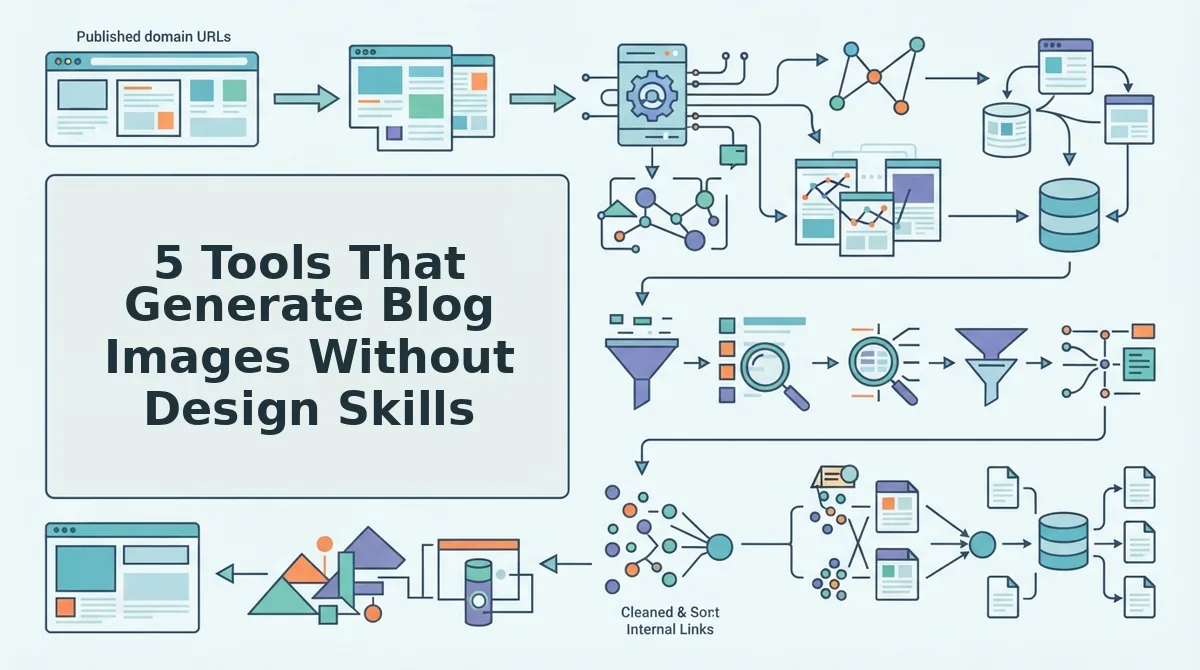
At the simple level, you upload a domain and let a crawler read your sitemap. The system inspects your published pages, detects recurring colors, typography, image composition, and tone, then converts those observations into style rules. At the intermediate level, those rules feed an image generator during drafting, so each article gets a header image, inline graphic, or social card that matches your existing library. At the advanced level, the rules become a persistent brand memory: every future post inherits the same constraints without a single prompt.
Manual prompt chaining fails at scale for three reasons. First, inconsistency: a human re-describing "minimalist, navy-accented, flat illustration" across 30 posts will drift. Second, time cost: each image requires a new prompt, review cycle, and revision loop. Third, no brand memory: chat tools forget your style between sessions, so post 14 looks nothing like post 3.
An AI SEO content engine solves this by making brand extraction a first-class step, not an afterthought. The workflow is sitemap crawl to style rule extraction to automatic inline blog image generation during drafting. You get on-brand visuals in the same pass that writes the article, with zero design software and zero prompt rewriting.
If you are currently pasting the same style description into a chat window for every post, that repetition is a signal your workflow is missing a brand memory layer. A content engine that learns your site once and applies the rules forever removes the single biggest source of image inconsistency: human re-description.
5 Tools That Generate Blog Images Without Design Skills
Each tool below solves a real part of the image problem, but they differ sharply in workflow depth. The honest tradeoff: standalone generators give you creative control, while content engines give you consistency at scale.
| Tool | Best For | Key Strength | Limitation |
|---|---|---|---|
| Grigora | Bloggers who want quick, decent images inside a writing tool | Built-in image generation alongside drafting | No brand memory; you re-describe style each post |
| ChatGPT Image 2.0 | Prompt-savvy solo creators who want full creative control | High-quality output from detailed natural-language prompts | Manual prompt chaining; no site crawl or style extraction |
| Contentpen | Content teams that need image generation paired with SEO drafting | Combines writing and visuals in one interface | Does not extract brand rules from an existing website |
| Buddydevelopers' top tools | Developers evaluating multiple image APIs before committing | Curated comparison of API-based generation options | List format without workflow integration guidance |
| BloGoose | Publishers and SEO teams that need on-brand images at scale | Automates brand context extraction from a sitemap crawl, then generates images during drafting | Less manual creative control than a standalone generator |
BloGoose is the only option in this list that automates brand context extraction from an existing site. Competitors either list tools without workflow depth or focus on a single generator. If you publish weekly and want every featured image to match your site's identity without re-prompting, that distinction matters. For a deeper workflow, see how to automate featured image generation in WordPress.
FAQ: Generating Blog Images Without Design Skills
How do I keep blog images consistent across posts?
Use a content engine that extracts brand rules from your existing site. The system crawls your sitemap, detects recurring colors, typography, and composition, then applies those rules to every new image automatically. Manual re-prompting drifts over time; a persistent brand memory does not.
What prompt do I use to get a good blog image?
Use a 4-part framework: subject + style + composition + context. For example, "A laptop on a clean desk, flat illustration, centered subject with negative space, for an article about SEO automation." Specific subjects and named styles produce far better results than vague requests like "make something professional."
Do AI-generated blog images need adjustments before publishing?
Most need at least a crop or compression pass. AI images often arrive at square or non-standard aspect ratios, so resize to your theme's featured image dimensions and compress for page speed. Check text rendering carefully: AI still garbles words inside images.
Can I use AI images commercially on my blog?
Yes, most major generators grant commercial usage rights for images you create, but read the specific tool's terms. Some free tiers restrict commercial use or require attribution. If you generate images through a content engine, confirm the license transfers to your published posts.
Why do my AI blog images look generic?
Generic prompts produce generic images. "A person at a computer" will always look like stock art. Add a specific subject, a named art style, a composition rule like rule-of-thirds, and context tied to your article's angle. Better yet, let a tool extract those style rules from your existing site so every image inherits your visual identity. For more on making content quotable in AI answers, see AEO content optimization.
Two Paths to Blog Images, One Clear Next Step
You now have two working routes. The manual path uses a four-part prompt framework, subject, style, composition, and technical constraints, to generate usable images from any AI tool in under ten minutes. The automated path removes even that effort: BloGoose extracts your brand's visual rules from your existing site and applies them to every image it generates, so consistency stops being a decision you make and becomes a default you inherit.
Here's the tiered approach that works for most publishers:
- Start manual. Run the four-part prompt framework on your next three posts. You'll learn what your brand actually needs from an image before you automate anything.
- Then automate. Once you've validated your visual direction, let BloGoose handle image generation as part of its end-to-end content pipeline, no prompt rewriting, no design software, no manual uploads.
The open loop from the start of this article resolves simply: you don't need design skills because the skills that matter, clear description, brand consistency, and technical constraints, are already writing skills. You've been practicing them every time you've briefed a freelancer or edited a draft.
Design-free blog images aren't a compromise. They're a compression of intent into prompt form, and the tools now do the rest.