How to Generate Blog Topics From Your Detected Niche
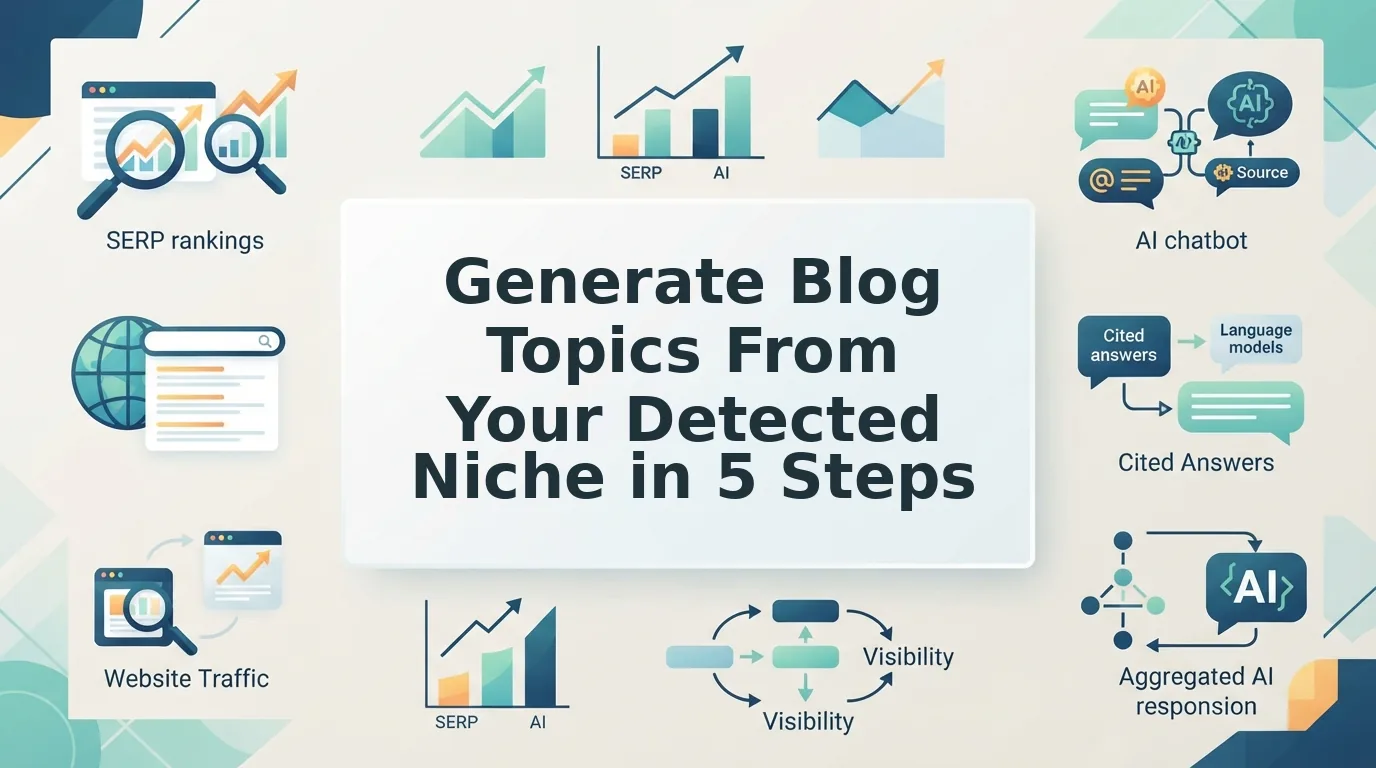
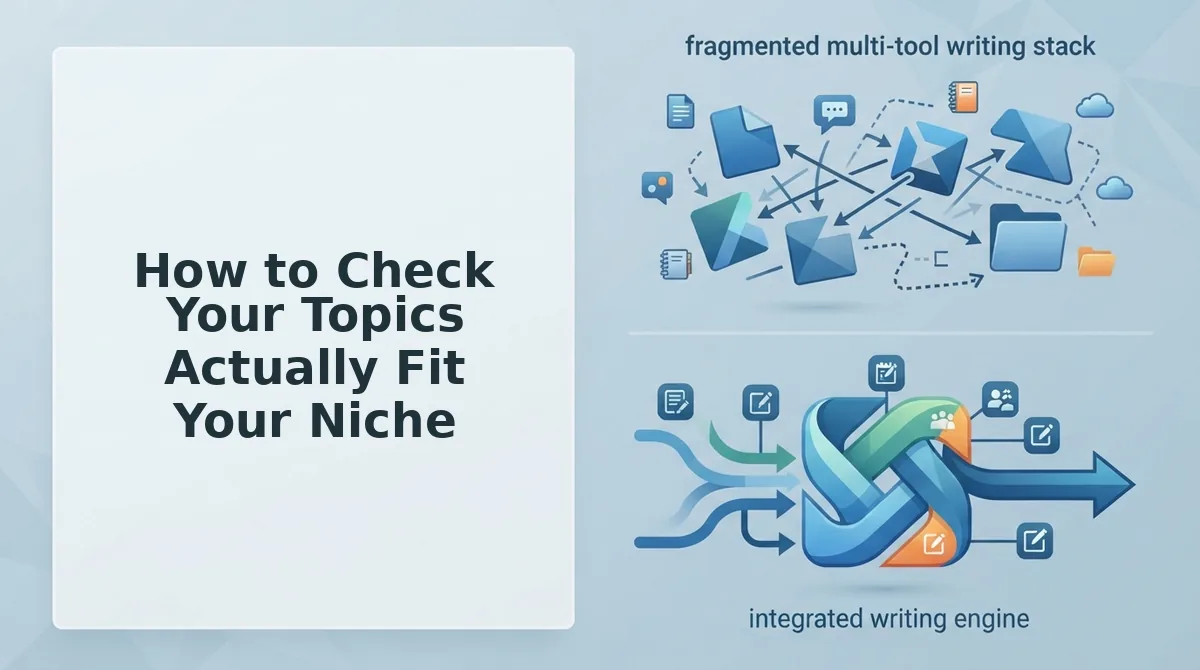
You already run a live site, but your topic list still comes from the 12-tab content stack: a keyword tool, a SERP checker, a spreadsheet, and another chat window with hopes. Generic AI topic generators make it worse. They return an instant list from one seed keyword, with no site context and no fit test.
That frustration is fair, and you should generate blog topics from detected niche data instead. Topic ideation is the real bottleneck because every draft, internal link, and calendar slot depends on choosing the right subject first.
This guide shows you how to produce topics that inherit your niche, your clusters, and your link targets. It walks through five steps: crawl your domain, review the context files, map coverage, generate topics against live search data, and approve them into a calendar.
You will also get a four-question test that filters out off-niche and cannibalizing topics. Its last question is one that generic generators never ask. Use an AI SEO content engine to run the workflow, then apply the test before you publish.
Key Takeaway: Topics generated from a crawled sitemap inherit your niche, clusters, and link targets. Generic prompts inherit none of them.
What You Need Before You Start (and What Detected Niche Means)
A detected niche is the topic territory inferred from your published sitemap and stored as brand context files. You do not pick it from scratch. To use one, you need a live domain, a discoverable XML sitemap, and a CMS such as WordPress or a custom API.
Think of it like a tailor who measures you instead of guessing your size from a catalog. Your existing pages already show what you cover, so the system reads them rather than asking you to describe your business again.
Brand context files are plain-text documents that record your niche, voice, and keyword rules so that every article starts from the same facts. BloGoose produces 8 Markdown context files from the crawl. They include seo-context for business and audience, brand-voice for tone, seo-guidelines for on-page rules, and target-keywords for primary and long-tail terms.
A topical cluster is a pillar page plus the supporting posts that link to it. Your detected niche is the sum of those clusters.
Most niche advice fails existing sites. Video guides from creators such as Usman Nazir and Jacksons AI teach you how to choose a new niche. When a live site re-researches a niche its sitemap already encodes, its topics drift away from that niche.
Edward Sturm's "Blogging Isn't Dead" argues that bad blogging is what died. Topic fit is the fix. BloGoose crawls your site and extracts brand voice rules automatically, so fit starts from what you have already published.
How to Generate Blog Topics From Your Detected Niche Step by Step
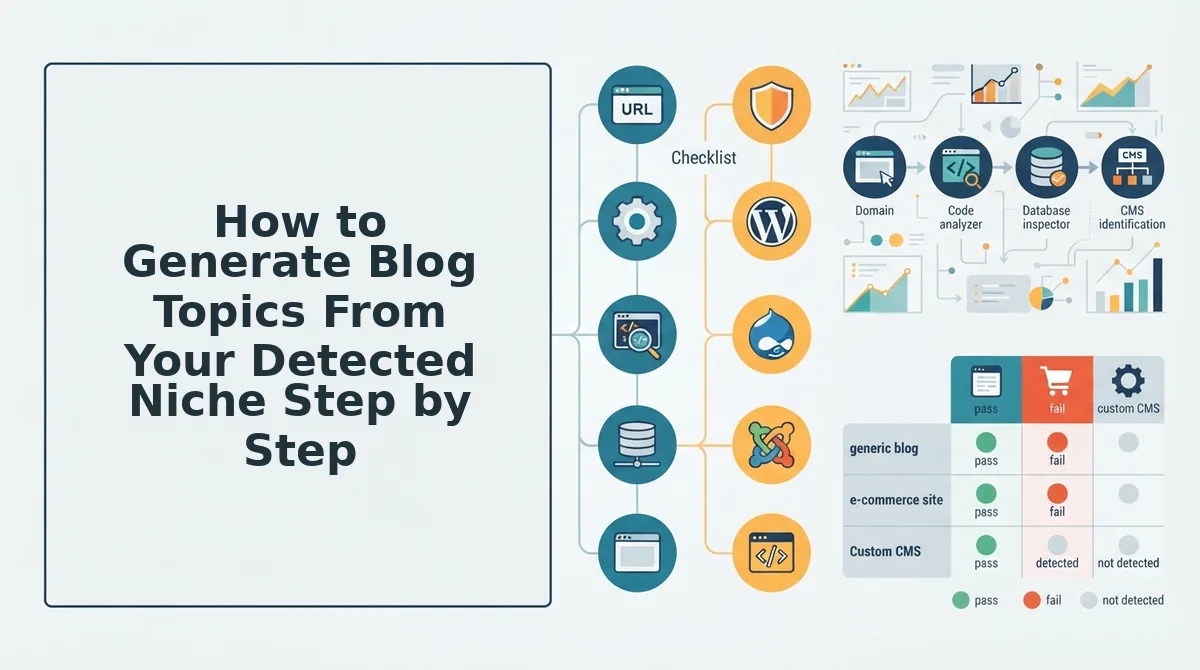
To generate blog topics from your detected niche, follow five steps in order. Crawl your domain, review the context files, map your existing coverage, run topic generation against live search data, and then approve the results into a calendar.
How do I generate blog topics from my site's niche automatically?
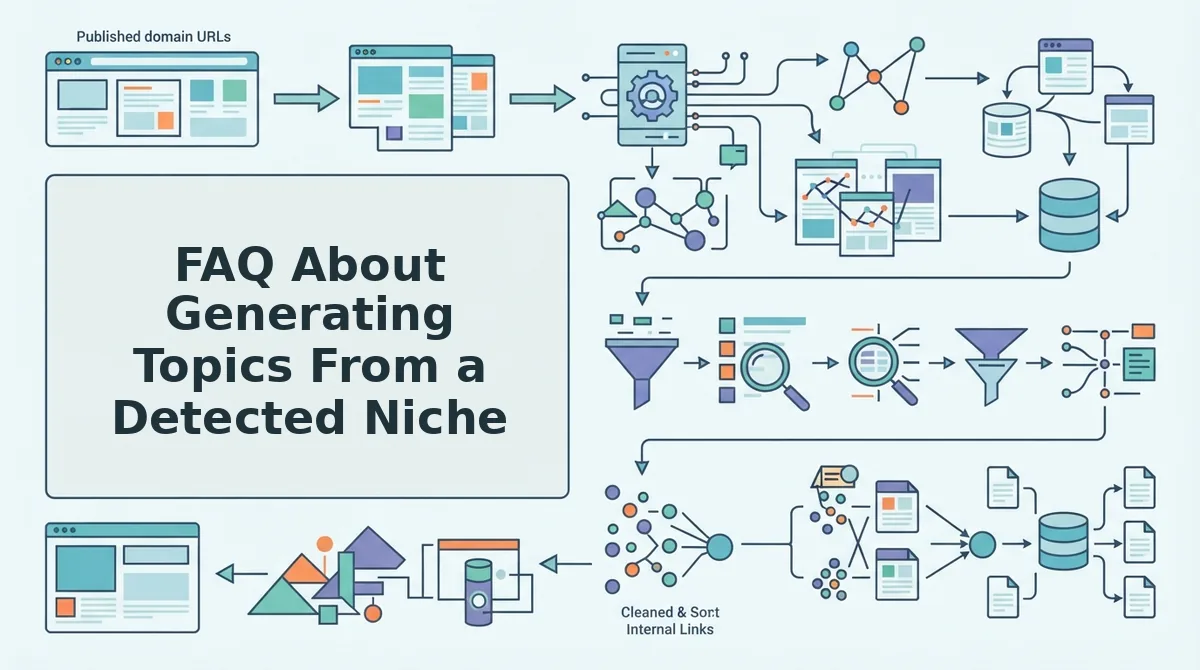
Point an AI SEO content engine at your domain. It crawls your XML sitemap, infers your niche from your published pages, and stores that niche as editable brand context files. Next, the engine sorts your existing pages into pillars, supporting posts, and gaps, and it runs live SERP and social queries to find competitive gaps and intent patterns within that territory. You then approve topics into a pillar-first 30-day calendar, and finished articles publish to WordPress or a custom API without spreadsheets or prompt loops.
Before you start: Have your live domain, a discoverable XML sitemap, and admin access to WordPress or your custom API endpoint ready.
- Drop your domain into the setup wizard. Type your root URL and start the crawl. BloGoose locates your XML sitemap, inspects your published pages, and detects your CMS. Time: a short wait that scales with site size. You should see your sitemap and CMS listed as detected.
- Review and edit the generated context files. Open each of the 8 Markdown files, starting with seo-context and target-keywords. Correct any audience, product, or keyword details that the crawl misread. Time: one focused editing session. You should see files that describe your business the way you would describe it yourself.
- Map your coverage. Check how your crawled pages are sorted into pillars, supporting posts, and visible gaps. Reassign any page that sits under the wrong pillar. You should see each pillar with its supporting posts and a clear list of the gaps you want to fill first.
- Start topic generation from the detected niche. The engine runs live SERP and social queries to surface competitive gaps and intent patterns. It then proposes topics inside your mapped territory. To avoid common topic research mistakes, reject vague ideas that do not trace back to a pillar. You should see a topic list that you can link to the gaps from step 3.
This single workflow replaces your separate SERP research subscription, keyword spreadsheet, and chat prompts. Your topic ideas arrive already grounded in your own site.
- Approve topics into a pillar-first 30-day calendar. Select the topics you want, and schedule pillar content before its supporting posts. Approved topics are drafted and then publish to WordPress or your custom API. You should see a filled calendar with pillars scheduled first.
Manual tutorials, such as PC Grabber's, stop at brainstorming. They never ground topics in your existing site plus a live SERP.
Before you approve anything, run each topic through a quick fit check.
How to Check Your Topics Actually Fit Your Niche
A topic fits your niche when it passes four checks: cluster fit, an internal-link target, SERP intent match, and AI-citable phrasing. Now the part most tools skip: verifying each topic before it reaches your calendar.
| Niche Fit Check | Pass | Fail |
|---|---|---|
| 1. Cluster fit | Maps to a cluster in target-keywords.md | No matching primary, secondary, or long-tail keyword |
| 2. Internal-link target | An existing sitemap page can link to it | Orphan topic with no related page |
| 3. SERP intent | Ranking results match your planned format | You plan a guide where SERPs show product pages |
| 4. AI citation phrasing | Heading answers a "What is" or "How do I" question | Clever title with no answerable question |
What is the four-check rule for blog topic fit? The four-check rule says a blog topic belongs on your calendar only if it passes all four tests. First, it must map to a keyword cluster you already target. Second, at least one existing page must be able to link to it, so it strengthens your site structure. Third, the pages currently ranking must use the same format you plan to publish. Fourth, the topic must be phrased as a question an AI answer engine can quote directly. A topic that fails any single check gets rewritten or dropped, because one weak link breaks rankings or citations. Check four is the core of AEO content optimization.
Next, run a cannibalization check. Content cannibalization happens when two pages on the same site target the same query and compete against each other in search results. Compare every topic against your sitemap coverage map, and if an existing page already owns the primary keyword, update that page or choose a distinct angle.
| Approach | Relevance | Cannibalization Risk | SERP Grounding | Time-to-Calendar |
|---|---|---|---|---|
| Manual brainstorming | High with deep expertise | Medium | Manual only | Slow |
| Generic AI prompts | Variable | High | Low | Fast |
| Niche-detected generation | High | Low | Built in | Fast |
- Manual brainstorming captures customer insights no crawler sees. Best for subject-matter experts with small archives.
- Generic AI prompts are flexible and need no setup. Best for solo operators exploring a niche before a site exists.
- Niche-detected generation works from your published pages. Best for publishers and agencies with an established sitemap.
FAQ About Generating Topics From a Detected Niche
Why do AI topic generators suggest off-niche ideas?
Generic AI generators see only your seed keyword, never your published site. Without your pages, clusters, and voice, they guess at relevance and often repeat topics you already cover.
Can I edit the brand context files if the detected niche is off?
Yes. BloGoose stores context as editable Markdown files, so you can correct audience, keywords, or positioning directly. Future topics then follow your revised niche definition.
How many topics should a 30-day calendar hold?
Plan pillars first, then fill the remaining slots with supporting cluster posts that link back to each pillar. Size the calendar to your publishing cadence, not an arbitrary count.
Is blogging still worth it?
Yes, when topics fit. Edward Sturm frames it as "bad blogging is dead." Off-niche, generic posts fade, while niche-matched content keeps earning rankings and AI citations.
Turn Your Sitemap Into a Niche-Matched Calendar
Your sitemap already defines your niche, so stop re-researching it and start verifying topics against it. Strong topics come from detection plus discipline, not more brainstorming.
- Detect: generate topics from your crawled pages, not a seed keyword.
- Filter: run every topic through the four fit checks and the cannibalization check.
- Schedule: place pillars first, then supporting posts.
Drop your domain into BloGoose, the AI SEO content engine, and get a niche-matched 30-day calendar that publishes directly to WordPress or your custom API. Your next month of content can start from what you've already built.