
How to Generate a Competitor Analysis File from Your Niche

Most competitor research dies in a spreadsheet graveyard, 40 tabs open, a half-filled Google Sheet, and a file nobody on your content team ever opens again. If you've spent hours manually scraping niche competitors only to abandon the output, you're not alone. The problem isn't your research effort; it's that you never had a workflow to generate a competitor analysis file from your niche that's actually executable.
By the end of this article, you'll have a repeatable three-step process that turns raw niche signals into a structured, decision-ready file your team can act on immediately. We'll cover niche signal detection, live SERP competitor identification, and file assembly that maps findings to positioning moves. Along the way, you'll see why most templates, including HubSpot's, which is a spreadsheet, not a Markdown file a content team can execute against, fail at the exact point yours won't. One surprising finding: the competitor list you build manually is almost always incomplete, and we'll show you why in Step 2.
If you're already using a platform like BloGoose, its site crawl and brand context extraction can generate eight brand context files, including competitor-analysis.md, directly from your domain, so you can skip the manual assembly entirely.
What a Competitor Analysis File Actually Needs to Do
A competitor analysis file is a structured document that maps detected niche signals to positioning decisions, turning raw research into an executable content and SEO strategy. It's not a research artifact, it's a decision tool.
Think of it like a pre-flight checklist for a pilot. A pilot doesn't collect weather data for fun; every reading feeds a go/no-go decision. Your competitor file should work the same way: every data point either defines your niche, exposes a gap, or guides a positioning move. If a row doesn't do one of those three jobs, it doesn't belong in the file.
At the simplest level, the file answers one question: who competes with you for the same search intent? At the intermediate level, it categorizes those competitors by page type, target keyword cluster, and content depth. At the advanced level, it maps each competitor's strengths to specific gaps in your own site structure, gaps you can close with a targeted content calendar.
A useful competitor file performs three jobs. First, it defines the niche by documenting which page types and keyword clusters actually appear across competitor sites. Second, it exposes gaps by comparing your published pages against the union of competitor coverage. Third, it guides positioning by flagging where competitors are weak, thin, or absent, the exact spaces where your next articles should land. Most tutorials stop at job one, which is why their files never get used.
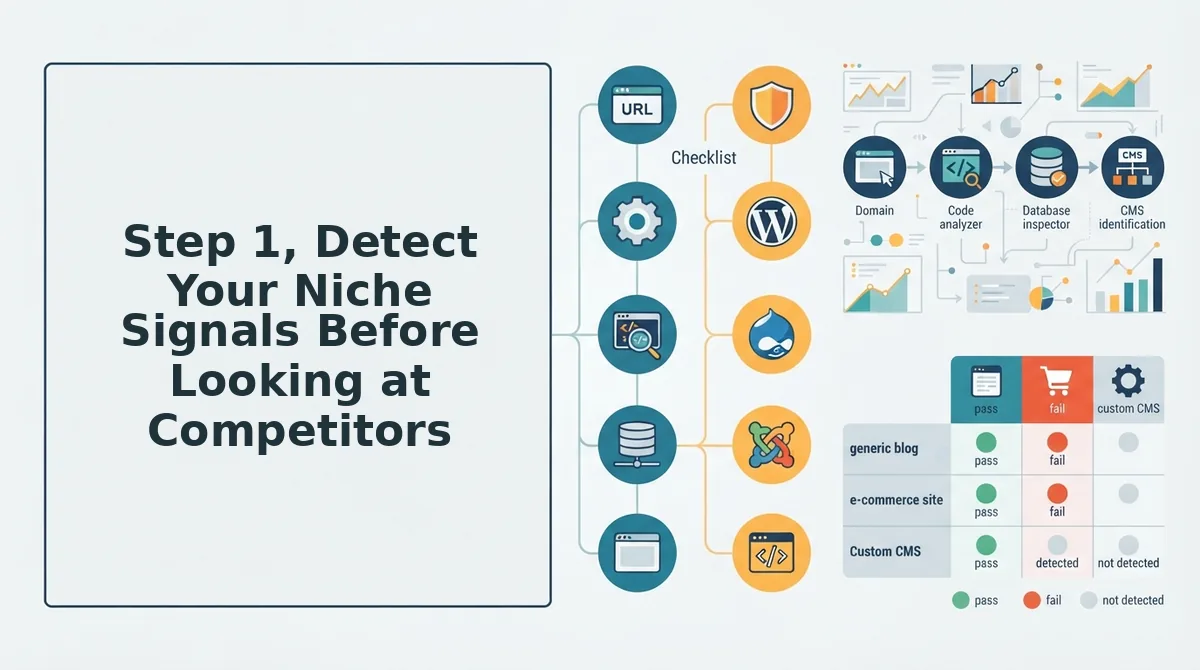
Step 1, Detect Your Niche Signals Before Looking at Competitors
You can't identify real competitors until you've defined the niche you're competing in. Start by capturing four signal types from your own site: sitemap structure, published page types, target keywords, and brand voice markers.
Prerequisites: Access to your website's XML sitemap, your current keyword list (or a target-keywords.md file if you maintain one), and 30-45 minutes of focused time.
- Open your XML sitemap in a browser or text editor. Scan the URL patterns and group them by page type, product pages, blog posts, category pages, landing pages. Expected outcome: a clear list of the 3-7 page types your site actually publishes. You should see distinct URL patterns for each type.
- List your published page types in a new document, one row per type. For each, note the primary search intent it serves (transactional, informational, navigational, or commercial investigation). Expected outcome: a table showing which intents you currently cover and which you ignore.
- Open your target keyword list and tag each keyword with the page type it maps to. If you don't have a structured list, create one now. BloGoose's site crawl and brand context extraction can generate this automatically from your domain. Expected outcome: every keyword assigned to a page type, with no orphans.
- Extract brand voice markers from your top 5 highest-traffic pages. Note sentence length, tone (formal vs. conversational), use of first person, and recurring phrases. Expected outcome: a 5-8 bullet voice profile you can compare against competitors later.
Once these four signals are captured, you have a niche definition that's grounded in your own site, not a guess. That definition becomes the filter for Step 2.
Next, you'll query live SERPs to find out who actually ranks for those signals.
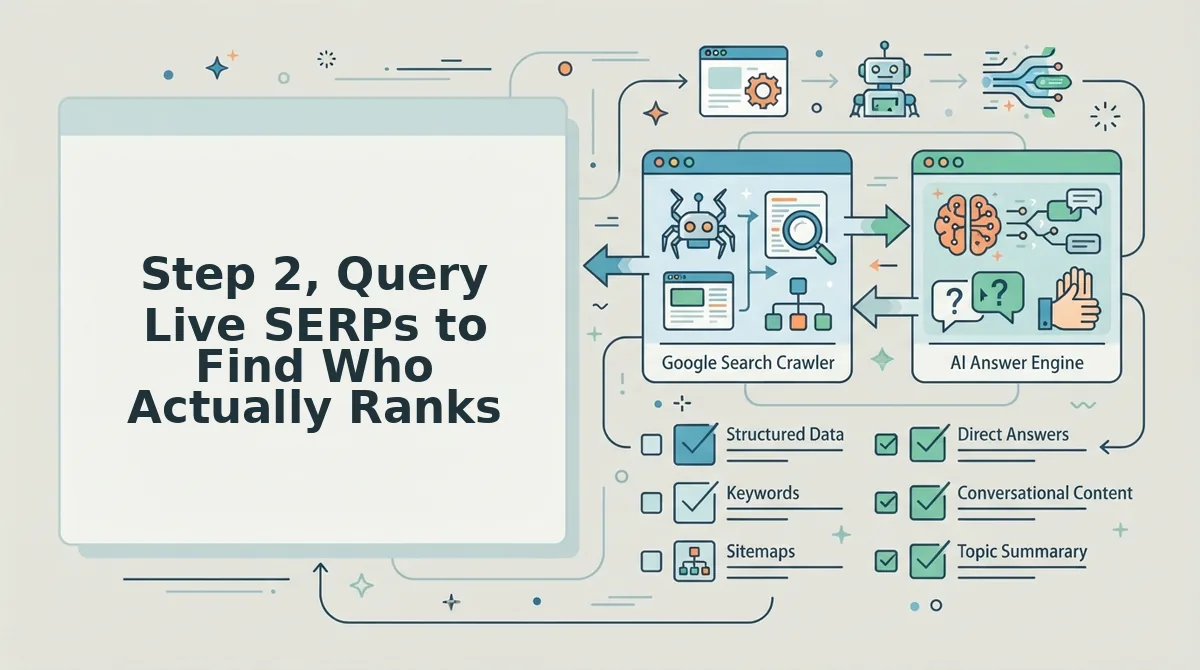
Step 2, Query Live SERPs to Find Who Actually Ranks
Live SERP queries replace guessed competitors with ranking reality. You need a browser in incognito mode, a spreadsheet or Markdown file open, and 30-45 minutes per seed keyword.
- Open an incognito browser window and navigate to your preferred search engine. Incognito strips personalization so you see the SERP a new visitor sees, not results shaped by your own search history. You should see a clean results page with no account-specific features.
- Type your first seed keyword from the niche-signal list you built in Step 1, then press Enter. Record the top 10 organic results, not ads, not map packs, in your file. You should capture 10 distinct ranking URLs within about 5 minutes per keyword.
- Click through to each ranking page and extract seven data points per URL: the full URL, word count, content type (listicle, guide, product page, tool page), H2 structure, the page's unique value proposition, its most visible weakness, and any E-E-A-T signals such as author bios, cited sources, or original data. You should end with a table where each row is one competitor page and each column is one of those seven fields.
- Repeat the query for 3-5 seed keywords in your niche, appending new URLs to the same table and marking duplicate domains. You should see the same 5-8 domains recurring across queries, those are your true ranking competitors, not the brands you assumed.
Semrush's tutorial shows SERP-based competitor identification, but it requires a subscription and produces no exportable file. A manual query pass costs nothing and gives you the raw table a tool would gate behind a paywall.
For a deeper method of reading ranking pages as structured data, see our guide to live SERP analysis. Stopping here is a mistake: a list of URLs is not a decision file. You still need to convert the table into a structure your team can execute against.
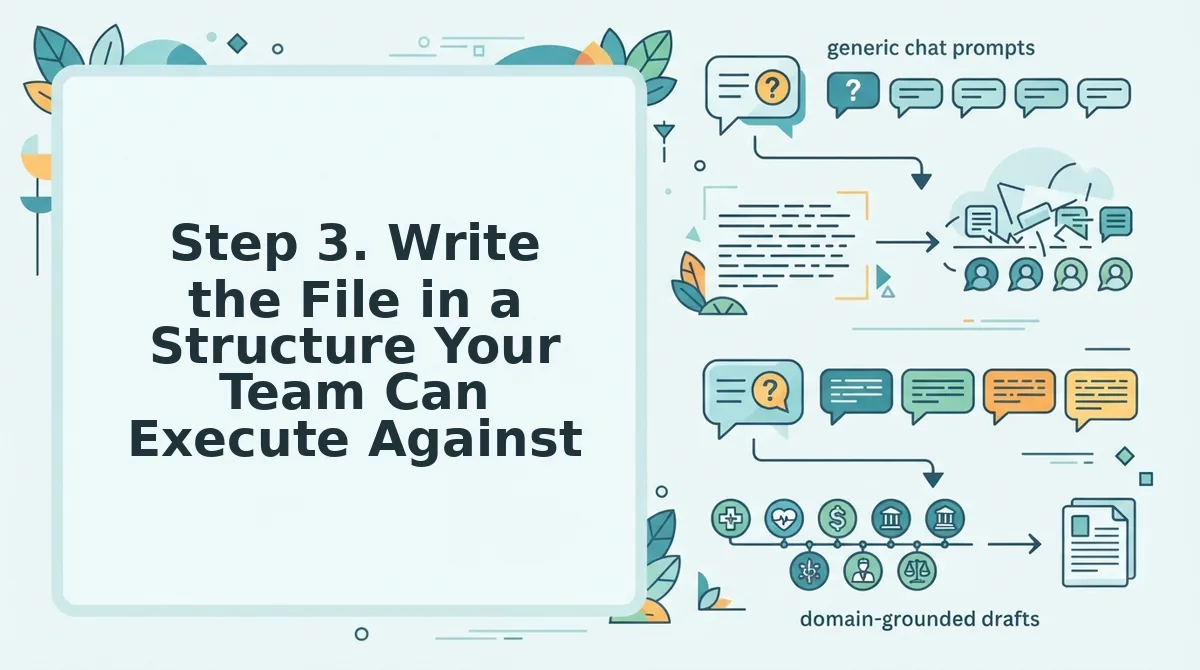
Step 3. Write the File in a Structure Your Team Can Execute Against
A competitor analysis file only works if every section ends in a decision. You need the SERP table from Step 2, a Markdown editor or Google Doc, and roughly 45 minutes to draft the full document.
- Create a new file named
competitor-analysis.mdin your content repository or shared drive. Name it exactly that so teammates can find it without asking. You should see a blank document ready for six sections. - Add the six required sections as H2 headings in this order: Positioning, Gap, Content-Type Coverage, E-E-A-T Signals, SERP Landscape, and Internal-Link Opportunities. Each heading should appear as a top-level section with 3-5 bullet points under it. You should have a skeleton you can fill in under 30 minutes.
- Fill the Positioning section by writing one sentence per competitor describing how they frame their offer, then one sentence describing how your site frames yours differently. You should end with a clear statement of where you can credibly claim ground no competitor currently owns.
- Fill the Gap section by listing every weakness you recorded in Step 2, then applying the Attack / Match / Ignore rule to each one. Attack a gap when your site can win it with existing expertise. Match a strength when it is table stakes your audience expects. Ignore a signal when it is not relevant to your niche. You should see each row in your SERP table now mapped to one of three actions.
- Fill the remaining four sections using the same rule: Content-Type Coverage records which formats competitors use and which you should match or skip; E-E-A-T Signals records trust elements worth replicating; SERP Landscape records feature types (featured snippets, People Also Ask, video carousels) present for each keyword; Internal-Link Opportunities records topic clusters competitors interlink that you have not yet built. You should finish with a file where no section contains raw data without a decision attached.
For a full template with the exact Markdown anatomy, see our guide to building a competitor-analysis.md file. If drafting this manually feels slow, BloGoose can generate the same six-section file from your site crawl and SERP data, then turn each decision into a scheduled brief, so the file stops being a document and starts being a publishing queue.
Step 4. Turn the File into Content Positioning Decisions
A competitor file is only as useful as the decisions it forces. These three decision branches map directly to fields in your competitor-analysis.md file and tell you what to write next.
- Attack a gap when the file shows a competitor weakness and your site has relevant expertise. If a ranking page skips a sub-topic your audience asks about, or covers it thinly, that gap is your opening. Write a dedicated piece that goes deeper than any current result, then link it from your existing pillar content to signal topical authority.
- Match a strength when the file shows a competitor content type your audience expects. If every top result is a step-by-step tutorial and you only publish opinion pieces, the SERP is telling you the format is table stakes. Produce the expected format first, then differentiate with better data, clearer structure, or fresher examples inside that familiar frame.
- Ignore a signal when the file shows a competitor tactic that does not fit your niche or brand voice. A competitor might win with aggressive listicle churn or influencer quotes, but if your audience values depth and your brand voice is analytical, copying that tactic dilutes trust. Mark it Ignore in the file and move budget to gaps you can actually win.
Running these decisions through an AI content engine turns the file into a ranked brief queue: each Attack decision becomes a brief, each Match decision becomes a format requirement, and each Ignore decision gets filtered out before drafting starts. That is the difference between a research artifact and a publishing system.
With the file now driving decisions, the next step is answering the questions your team will ask about the process itself.
FAQ
A competitor analysis file is a structured document that maps who ranks in your niche, what they publish, and where your content gaps sit, built from live SERP data rather than assumptions.
How do I generate a competitor analysis file from my niche?
Start by defining your niche signals, the topics, intents, and content types your site already targets, then query live SERPs for those exact terms. Record the ranking domains, their content angles, and gaps, and write everything into a structured file your team can execute against.
What should a competitor analysis file include?
Include ranking URLs, content angle, word count, publish date, target keyword, SERP features present, and a gap column for what each competitor misses. Add a priority score for each opportunity so the file drives action instead of sitting in a shared drive.
How do I identify competitors in a small niche?
Query the long-tail and mid-tail keywords your audience actually searches, not just head terms. In small niches, competitors are often adjacent sites, forums, or niche blogs that rank for 10-20 related queries rather than large publishers competing on volume.
Can competitor analysis be automated?
Yes. Tools like BloGoose crawl your site to define the niche, query live SERPs for ranking domains, and structure the findings into a file automatically. Manual review still matters for judging content quality and angle, but data collection and file generation can run without hand-built spreadsheets.
Why does my competitor file go stale so quickly?
SERPs shift as Google updates algorithms and competitors publish new content. A file built from a single snapshot loses accuracy within weeks. Re-query your target keywords monthly and flag ranking changes so your content team works from current data, not last quarter's assumptions.
A competitor analysis file only earns its place in your workflow when it connects three layers: your niche signals, the live SERP landscape, and an execution-ready structure. The fastest path is to crawl your own site to define the niche, query live SERPs for who actually ranks, then write the file in a structure your content team can execute against, with a gap column and priority score on every row.
Conclusion
The competitor analysis file is not a research artifact, it is a decision document. Every row should answer one question: what do we publish next, and why will it outrank what already exists?
The three-step workflow, detect your niche signals, query live SERPs, write an execution-ready file, collapses what most teams stretch across weeks of fragmented tooling into a repeatable afternoon. The payoff from the start of this process is the gap column: the place where competitor blind spots become your publishing calendar.
Your next step is to run a BloGoose site crawl to define your niche signals automatically, then let the live SERP data populate the file structure above. The niche is already telling you what to write, the file is how you hear it clearly enough to act.