
How to Generate a Style Guide From Your Published Blog Posts
Your last 10 blog posts read like they were written by 10 different people, and your readers can tell. Tone drift is the silent killer of publishing credibility, yet most teams only notice it after a subscriber asks, "Did you change writers?" The fix isn't hiring an editor or writing a 40-page brand manual from scratch. You can generate a style guide from published blog posts you already have, the posts that performed best, and turn them into a repeatable ruleset in under an hour.
You're right to be frustrated: pasting "write like us" into a chat window produces generic output, and manually reverse-engineering your own voice feels like archaeology. Here's the promise: by the end of this article, you'll know exactly what to extract from your archive, how to structure it so AI tools actually follow it, and which generation method fits your workflow. We'll cover the minimum viable style guide, two extraction paths (manual vs. automated), and the specific elements worth pulling from your top posts. One surprising finding ahead: most publishers already own 80% of their style guide, they've just never read their own sitemap as a data source. Platforms like an AI SEO content engine can automate that extraction, but the principles work even with a blank document and your best three articles.
What a Style Guide Actually Needs (Before You Generate One)
A style guide is a set of editable rules extracted from your best-performing posts that controls voice, formatting, terminology, and structure across every future piece of content. It is not a prompt, it's a reference document that both human writers and AI tools can check against.
Think of a style guide like a kitchen recipe card for your brand. A recipe doesn't say "make something tasty", it lists ingredients, measurements, and steps in order. Your style guide should do the same for content: specific words to use or avoid, sentence length preferences, heading patterns, and formatting rules. Vague instructions produce vague output.
The 8-File Markdown Context Model
Instead of one bloated document, structure your style guide as a set of small, purpose-built Markdown files. Each file controls one dimension of AI output, which makes updates surgical, change one rule without rewriting everything. The core files include:
- style-guide.md, voice, tone, sentence rhythm, banned phrases, and punctuation rules
- target-keywords.md, primary and secondary keyword clusters mapped to specific pages
- internal-links-map.md, which URLs to link from which content clusters, and anchor text preferences
- brand-voice.md, positioning statements, audience jobs-to-be-done, and messaging pillars
- features.md, product or service facts, capabilities, and canonical descriptions
- seo-context.md, business audience definitions and search intent notes
- formatting-rules.md, heading hierarchy, paragraph length, list usage, and media placement
- examples.md, 3-5 annotated excerpts from your best posts showing rules in action
This model matters because AI content tools treat context files as ground truth. A well-structured style-guide.md that says "write in second person, keep paragraphs under 40 words, never use 'leverage' as a verb" produces measurably different output than a prompt that says "sound friendly and professional." The difference is the same as giving a new hire a checklist versus a pep talk.
For teams optimizing for AI answer engines, the same files feed directly into AEO content optimization workflows, answer engines quote content that follows consistent, extractable patterns, and a style guide enforces those patterns at scale.
Two Ways to Generate a Style Guide from Your Posts
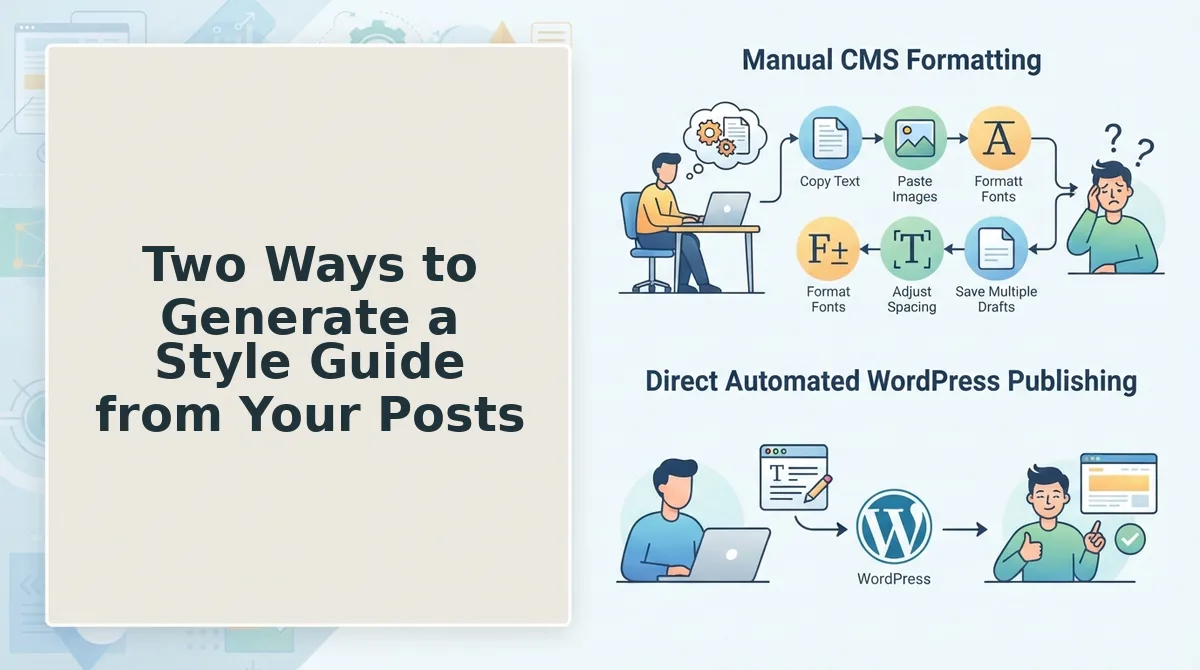
You can generate a style guide manually by pasting 3-5 representative posts into a chat tool and asking for a structured extraction, or automatically by crawling your sitemap and processing every published page. Both produce usable output; they differ in coverage, consistency, and review effort.
Manual prompt-chaining is the fastest way to start and costs nothing beyond your existing ChatGPT or Claude subscription. The workflow is straightforward: select your three highest-performing posts plus one post you consider off-brand, paste them into a single conversation, and ask for a style guide organized by voice, formatting, terminology, and structure. The honest strength of this method is control, you choose exactly which posts define your voice, and you can iterate on the output in real time. The failure modes are equally real: three posts may not represent your full range, the model can miss formatting rules that only appear across dozens of articles, and examples go stale as you publish new content. Manual extraction also struggles with multi-author blogs, where voice varies by writer and a small sample skews the rules toward whoever wrote the posts you happened to pick.
Automated extraction flips the coverage problem. Instead of sampling, a tool crawls your XML sitemap, inspects every published page, and generates editable Markdown files, the 8-file model from the previous section, based on patterns found across your entire archive. This approach catches rules that manual sampling misses: consistent use of sentence-case headings across 200 posts, a recurring internal link pattern, or a banned phrase that appears in 40% of your drafts but never in published work. The honest limitation is that automation needs human review for nuance. Sarcasm, niche jargon, and intentional rule-breaking don't always survive algorithmic extraction, and multi-author sites may need per-author voice files rather than one blended guide. Platforms like an AI SEO content engine handle the site crawl and brand context extraction automatically, but the review step remains a human job.
| Factor | Manual Prompt-Chaining | Automated Sitemap Crawl |
|---|---|---|
| Coverage | 3-5 posts you select | Every published page in your sitemap |
| Setup time | Under 30 minutes | Under 10 minutes (domain input) |
| Output format | Single document or chat transcript | Editable Markdown files (8-file model) |
| Failure modes | Tone drift, missed formatting rules, stale examples | Needs human review for sarcasm, niche jargon, multi-author voices |
| Best for | Solo bloggers and small teams validating voice before scaling | Publishers, agencies, and DTC brands running 30+ post calendars |
Best for solo bloggers and small teams: manual prompt-chaining. You control the sample, iterate quickly, and learn what rules actually matter before committing to a formal guide. Best for publishers, agencies, and DTC brands: automated extraction. When you publish weekly or manage multiple client voices, sampling five posts cannot represent your archive, and a crawl-generated guide stays current as your site grows.
Whichever path you choose, the next step is the same: decide which specific elements to extract from your posts and how to structure them so the guide actually gets used. That's what we'll break down next.
What to Extract from Your Published Posts
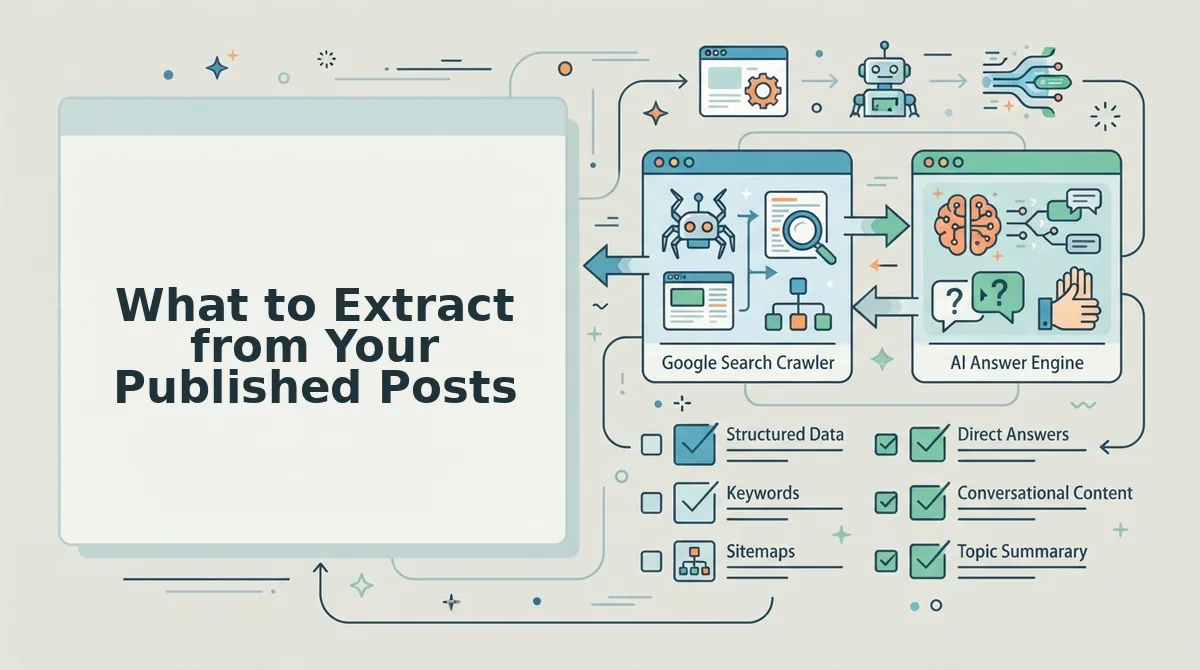
A style guide is only as useful as the rules you actually pull from your archive. Extract these seven elements in order of impact, each one directly shapes how future drafts read and rank.
- Voice rules: word choice, banned phrases, and sentence length. Scan your top 10 posts for repeated vocabulary and sentence rhythm. If "leverage" appears where "use" would do, or passive constructions dominate, log the transformation pair, "leverage" to "use," passive to active, so every future draft applies the same filter. This is the highest-leverage extraction because voice consistency is what readers and AI answer engines both reward.
- Formatting rules: headings, lists, callouts, and image placement. Note whether your best-performing posts use H2s as direct-answer statements, how many list items they average, and where images sit relative to subheadings. These patterns are your formatting baseline. Without them, AI drafts drift into wall-of-text territory, the same formatting breaks that plague AI drafts pushed straight into a CMS.
- Structural rules: intro formula, CTA placement, and internal linking. Identify the recurring skeleton of your strongest posts. Does every intro open with a stat, a question, or a bold claim? Does the CTA appear mid-post or only at the end? How many internal links per 500 words? Codify these as structural rules so drafts don't reinvent the wheel each time.
- Banned phrases and overused jargon. Run a frequency check across your archive for filler words, clichés, and industry buzzwords that dilute authority. List them explicitly as "never use." A banned-phrase list is the fastest way to stop AI drafts from sounding like every other blog in your niche.
- Tone markers: contractions, humor, and direct address. Decide whether your posts use "you" or "we," contractions or formal phrasing, dry wit or straight delivery. Extract 3-5 example sentences from your archive that embody the tone, and paste them into the guide as reference anchors.
- Citation and data habits. Note how your best posts handle evidence, inline links, named studies, or parenthetical stats. If your archive shows a pattern of linking to primary sources over secondary summaries, make that a rule. Consistent citation habits build the trust signals search engines and AI crawlers look for.
- Multi-author variance flags. If your archive contains posts from different writers, extract the voice differences that should be normalized versus preserved. One publisher found their old posts used three different intro formats, a stat-led hook, a question hook, and a story hook, and the style guide fixed it by mandating one formula across all new drafts.
Turning the Style Guide into Consistent AI Drafts
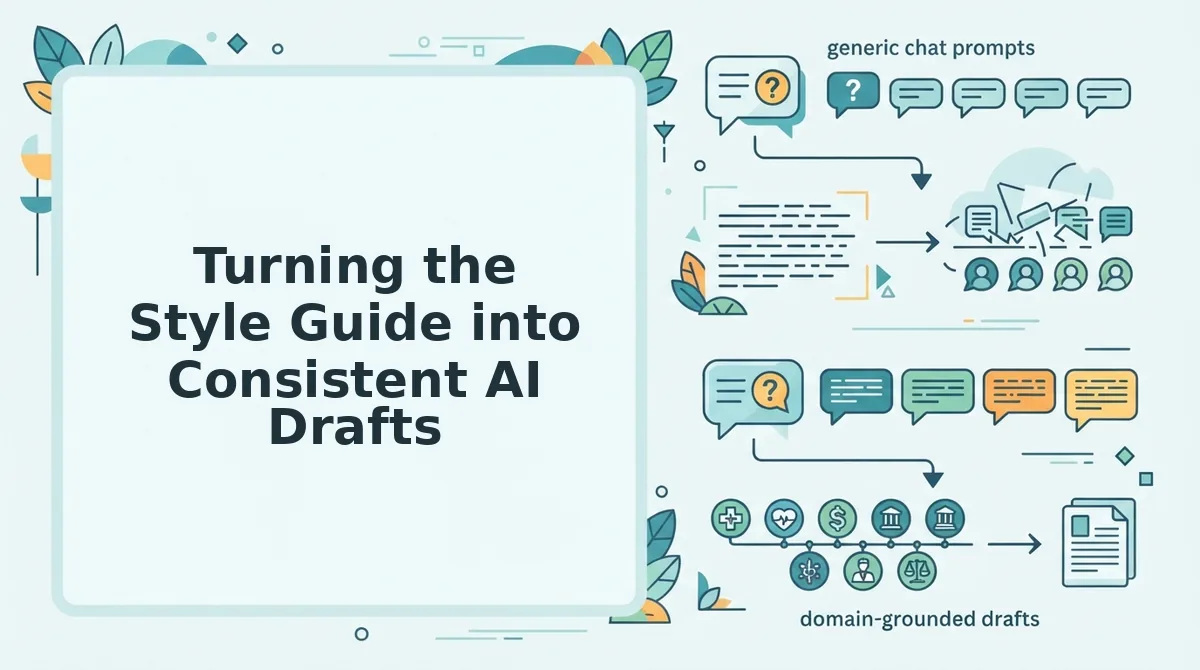
A style guide that lives in a doc you never open is worthless. The fix is a single editable Markdown file, style-guide.md, that plugs into any AI drafting session, freelancer brief, or unified content engine without locking you into one platform. Here's the workflow.
- Review the extracted rules and trim to essentials. Open your extraction notes and cut anything that isn't actionable. A 2-page guide beats a 12-page manifesto. Expected outcome: a focused rule set you can scan in under 60 seconds.
- Edit for edge cases before you freeze the file. Add exceptions, "use sentence case in H2s except for product names" or "contractions allowed in list items, not in intros." Expected outcome: a guide that survives real drafting scenarios without constant revision.
- Save as
style-guide.mdand attach it to every AI drafting session. Upload the file as context in your AI tool of choice, or paste it into the system prompt. Editable Markdown files work across tools, unlike a shareable ChatGPT link that locks you into one platform. Expected outcome: every draft starts from the same voice baseline. - Run a 5-minute audit on each draft against the rules. Check the first 200 words for banned phrases, passive voice, and intro formula compliance. Expected outcome: you catch drift before publishing, not after.
- Update the guide quarterly from new top performers. When a post outperforms your average, extract what it did differently and add it to the file. Expected outcome: the guide compounds in value instead of going stale.
FAQ
Can I share my style guide with freelancers or other AI tools?
Yes. Save the guide as an editable Markdown file (style-guide.md) and share it via your project management tool, GitHub, or a shared drive. Unlike a ChatGPT share link, a Markdown file works across Claude, Gemini, any API-based drafting tool, and human freelancers without platform lock-in.
What if my blog has multiple authors with different voices?
Extract rules per author or create a core guide with author-specific addendums. The core guide holds non-negotiables, formatting, structure, banned phrases, while each addendum captures one author's tone markers, sentence-length preferences, and example sentences.
How many blog posts do I need before I can extract a style guide?
Ten published posts is the practical minimum. Fewer than that and you're codifying habits, not patterns. With 10-20 posts you can spot recurring voice, formatting, and structural choices that actually reflect your brand rather than one-off experiments.
How do I turn my style guide into a ChatGPT prompt?
Paste the full style-guide.md content into your system prompt or custom instructions, then add one line: "Apply these rules to every draft. Flag any sentence that violates them." This turns the guide from a reference doc into an active constraint the model enforces on each output.
Why does my AI-generated content sound different from my old posts?
Because the AI has no memory of your archive unless you give it one. Without an extracted style guide, the model defaults to generic patterns, neutral tone, medium sentence length, no banned-phrase awareness. Attaching a style-guide.md file to each session closes that gap.
The Fastest Path to a Style Guide Is Already on Your Server
Your published posts contain every rule you need. The fastest path is to automate extraction from your sitemap, review the eight files, and feed them into every AI draft from now on. Automated extraction captures formatting, phrasing, and link rules you'd forget to mention in a manual prompt, the exact details that make AI output sound like you instead of a generic chatbot.
Here's the sequence that works:
- Point a crawler at your XML sitemap and let it pull 20-50 of your best-performing posts.
- Review the eight extracted files, voice rules, formatting patterns, link conventions, and the rest, before you lock them in.
- Attach the style guide to every AI draft, whether you're writing one post or a 30-day content cluster.
One question remains: will you do this manually every time, or let the engine handle it? BloGoose crawls your site, extracts the style guide, and applies it to every article it drafts and publishes, no prompt engineering required. See BloGoose pricing to compare plans.
Your blog already knows how it wants to sound. The style guide just makes that knowledge portable, and the brands that automate this loop will publish consistent, citation-ready content while everyone else is still copy-pasting voice rules into a chat window.