How does the engine pick what an inline image shows?
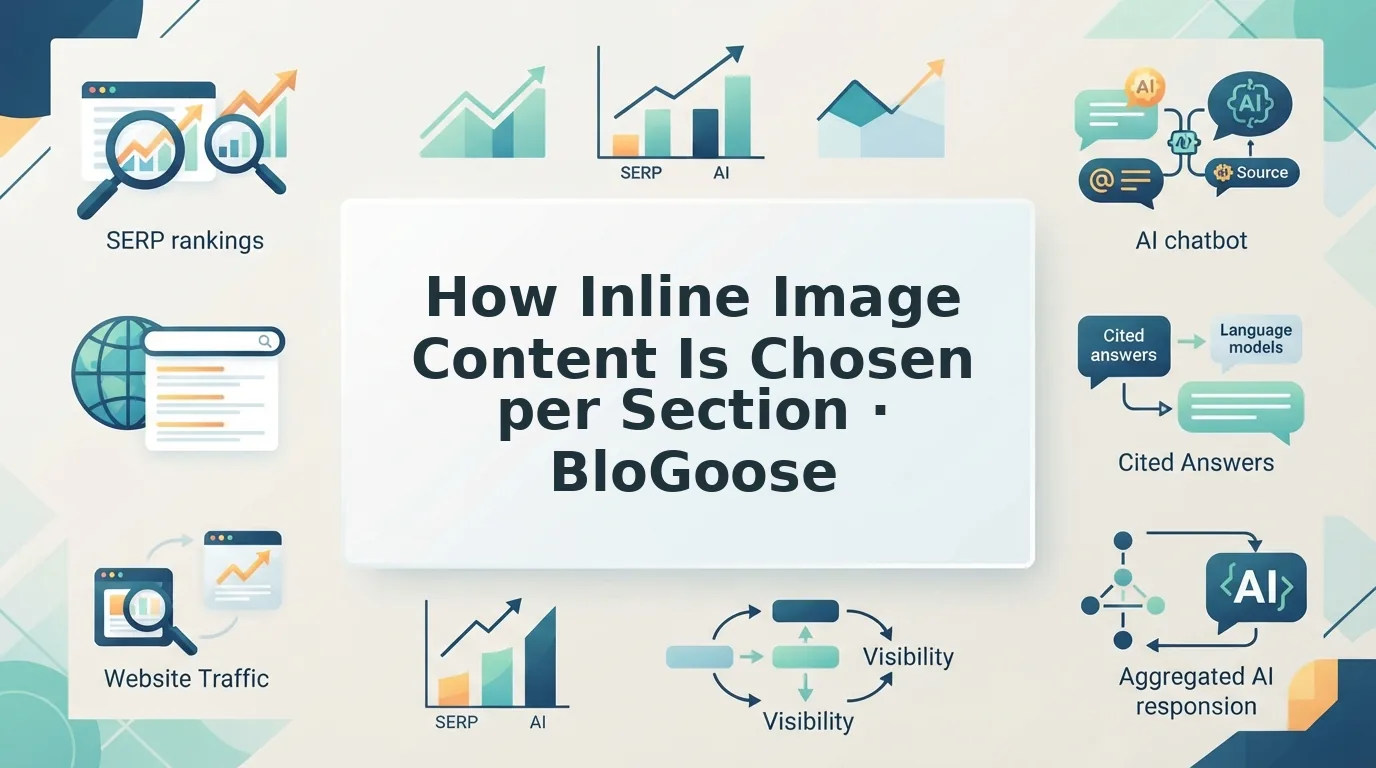
Stitching together a twelve-tab content stack just to match text with relevant visuals leaves content teams managing disjointed, generic stock art. Understanding how inline image content is chosen per section reveals why traditional manual handoffs break down when scaling organic traffic. Most search results confuse physical text wrapping in WordPress or Shopify with programmatic semantic asset generation.
An AI-powered SEO content engine resolves this disconnect by deriving visual prompts directly from local semantic boundaries rather than broad article themes. You will discover the exact mechanics modern engines use to isolate section topics, align styling with brand guidelines, and generate context-accurate media automatically.
Below, we break down how document syntax trees govern local visual prompts, why standard prompt chaining causes visual drift across mid-article subheadings, and how a dual-layer context model maintains brand consistency across your entire site structure.
How Automated Engines Decide What Each Inline Image Should Show
An automated image engine selects section visuals by parsing the document's Abstract Syntax Tree (AST) to isolate local heading entities rather than re-reading the entire article. This local sub-tree extraction guarantees that each generated visual directly reflects the immediate sub-topic instead of defaulting to generic document-level themes.
Abstract Syntax Tree parsing is a programmatic technique that breaks formatted content down into structured computational nodes such as headings, paragraphs, and list items. Think of an AST like a department store directory: rather than describing the entire building on every signpost, each sign highlights only the specific inventory available on that single aisle.
Global prompt chaining fails because feeding 2,000 words into an image generator forces the model to average all concepts into an ambiguous visual metaphor. In contrast, local sub-tree AST isolation extracts only the active H2 or H3 node, its immediate child paragraphs, and key subject nouns. This local isolation feeds directly into AEO content optimization workflows by generating synchronized visual concepts and descriptive alt text attributes simultaneously from a single content block.
Automated platforms use this synchronized entity extraction to produce precise editorial graphics for niche topics without requiring manual prompt engineering for every section.
The Dual-Context Model That Merges Section Entities with Brand Rules
The dual-context model merges transient section-level entities with persistent brand style files to generate visually cohesive, topic-accurate images. This architecture prevents prompt drift by balancing local sub-topic details against site-wide visual rules and negative constraints.
Single-prompt image generators frequently produce mismatched visuals because they lack awareness of site-level design standards, while rigid static templates fail to reflect specific technical concepts. A dual-context pipeline pairs real-time node semantics with persistent vertical rules, passing shared negative prompts across every block to suppress abstract 3D clichés and irrelevant stock elements. This unified pipeline strengthens overall image SEO by maintaining technical subject accuracy alongside consistent visual branding.
| Context Layer | Primary Data Inputs | Operational Role | Best Suited For |
|---|---|---|---|
| Local AST Node Data | Sub-heading entities, active verbs, immediate semantic context | Determines specific visual subject matter and semantic alt tags | Publishers covering deep technical steps and granular concepts |
| Global Brand Context | Brand color palettes, target audience sophistication, negative prompt rules | Enforces visual consistency and eliminates off-brand imagery | Design-conscious brands demanding unified multi-article styling |
| Dual-Context Engine | Merged local entity tokens and global styling parameters | Constructs section-tailored art adhering strictly to brand criteria | Growth teams automating end-to-end publishing without visual drift |
Next, we examine how the engine builds mid-article visuals step by step.
How the Engine Builds Mid-Article Visuals Step by Step
The engine generates mid-article visuals through an automated pipeline that parses the section Abstract Syntax Tree (AST), extracts salient entity tokens, appends brand visual rules, and injects the resulting media file directly into your CMS structure. This sequential extraction prevents semantic hallucination and matches every image to its immediate contextual block.
Before initiating generation, ensure you have configured your publishing credentials under Settings > Integrations and completed the initial domain setup crawl. If you need to refresh existing content instead of generating a new draft, you can also add images to an already published post using the same pipeline.
- Parse the Markdown AST boundary under the target H2: Click Run Section Analysis to scan the active document. The parser isolates the target H2 node and its directly nested paragraphs, establishing hard boundary limits in approximately two seconds so the engine processes only the relevant subsection text.
- Isolate primary entity tokens and strip conceptual fluff: Select Extract Entities to trigger semantic token filtering. The engine strips conversational filler words and extracts the core physical subjects, displaying a highlighted token list (such as "server rack" or "data pipeline") within three seconds.
- Inject persistent brand style guides and industry vocabulary: Open Brand Context to verify asset style constraints. The system automatically merges your account-level style parameters, custom color palettes, and vertical negative prompts with the local entities, displaying an active "Style Rules Applied" badge.
- Format prompt syntax, aspect ratio, and dynamic alt text payload for CMS upload: Click Generate and Attach Asset to finalize the media asset. The system produces a 16:9 visual, writes an entity-matched alt text tag derived from the sub-heading AST, and updates your post draft with a green "Media Injected" status indicator ready for WordPress or API sync.
Automating your image creation via BloGoose eliminates multi-tool writing stacks by turning raw domain structure into rank-ready, fully illustrated content clusters.
How to Check That Your Inline Images Match Section Intent
You can verify that inline images match section intent by auditing foreground entities against local H2 topics, checking for prompt bleeding from earlier paragraphs, and confirming that dynamic alt text matches the immediate subsection context. Resolving the challenge of disconnected, repetitive AI graphics requires auditing your programmatic outputs against specific structural anchors.
- Entity correspondence between H2 text and foreground subjects: Check that the primary visual element illustrates the exact operational concept defined in the immediate heading rather than generic article-wide metaphors.
- Absence of semantic bleeding from adjacent sections: Ensure visual tokens from preceding sub-headings do not leak into the current graphic, confirming that the AST boundaries successfully isolated the prompt context.
- Conformance of generated alt text and filename with the specific subsection context: Inspect the rendered HTML tags to confirm the accessibility text and media filename reflect the localized H2 topic rather than a duplicate of the main page title. If your sync shows media errors, troubleshoot a missing featured image after auto publish to confirm API upload permissions.
- Brand style continuity across consecutive inline assets: Verify that color saturation, compositional style, and illustration fidelity remain uniform across every sub-heading visual without aesthetic drift.
Drop your website domain into the setup wizard at BloGoose to inspect your published sitemaps and automate voice-accurate, structurally aligned search content directly to your CMS.