Why Jasper blog drafts need heavy editing before publishing
A team runs a long-form Boss Mode generation, has a full draft within minutes, and then spends the afternoon fixing it. Call it the Jasper blog drafts heavy editing tax: the words arrive fast, but the publish-ready post does not.
Popular tutorials celebrate only the first half. "How to Write a 1000 Word Rough Draft Blog Post in 5 Minutes with Jasper Boss Mode" (Darby Rollins) and "How To Write A Blog Post With Jasper AI (2000+ words in 10 minutes)" (Digital Creator Avi) measure speed to words, not speed to a post you can publish.
Your frustration is valid. A common pattern: a writer generates a 1,000-word rough draft in one Boss Mode pass, then edits it section by section to restore the voice.
This guide shows how to get a draft that needs only a light human pass. Before you start, have an existing Jasper or copilot draft, your brand voice rules, and CMS access ready. You will map where drift enters, then follow five steps to cut editing. The problem starts before the first word is generated.
Why do Jasper blog drafts need so much editing before publishing? One-shot generation runs without persistent brand context, live SERP input, or per-section review. Voice, structure, facts, and format drift as the draft grows, so the cleanup lands on the editor instead of the workflow.
Why Do Jasper Drafts Drift in Tone and Structure?
AI draft tone drift is the gradual loss of a specified voice, structure, or format as a model writes a long output. Jasper drafts drift because one-shot generation has no persistent brand context, no live search input, and no review between sections, so small deviations stack up.
Think of it like giving a new hire verbal directions once at 9 a.m. and expecting every detail to hold at 5 p.m. The instructions were clear; they just faded as the day went on.
The Drift Map: where each edit comes from
Every edit you make traces back to a specific workflow stage. A SERP (search engine results page) is the list of results Google shows for a query.
| Drift type | Where it enters | What you end up editing |
|---|---|---|
| Voice | No persistent brand context | Generic phrasing, wrong tone, off-brand word choices |
| Structure | No live SERP input; manual prompt chaining | Missing subtopics, repeated points, uneven sections |
| Facts | Unsourced claims | Vague statistics and assertions you must verify or cut |
| Format | Manual formatting, images, and CMS upload | Headings, links, image placement, and publishing fixes |
Why tone changes halfway through a long AI draft
Tone changes midway because the model treats your instructions as one input among many. At the start, your voice rules sit close to the text being written and shape every sentence. As the draft grows, the model's own output becomes the dominant context, and early instructions lose influence over what comes next. The model starts imitating its recent paragraphs instead of your style guide. Any small deviation, such as one overly formal sentence, then gets copied forward and amplified. By the final third, the draft reflects the model's default voice more than yours.
The fix is to keep voice rules persistent rather than re-typed. BloGoose crawls your sitemap and generates editable Markdown brand context files, such as style-guide.md and writing-examples.md, so every draft reads from the same rules.
How to Cut Jasper Draft Editing in 5 Steps
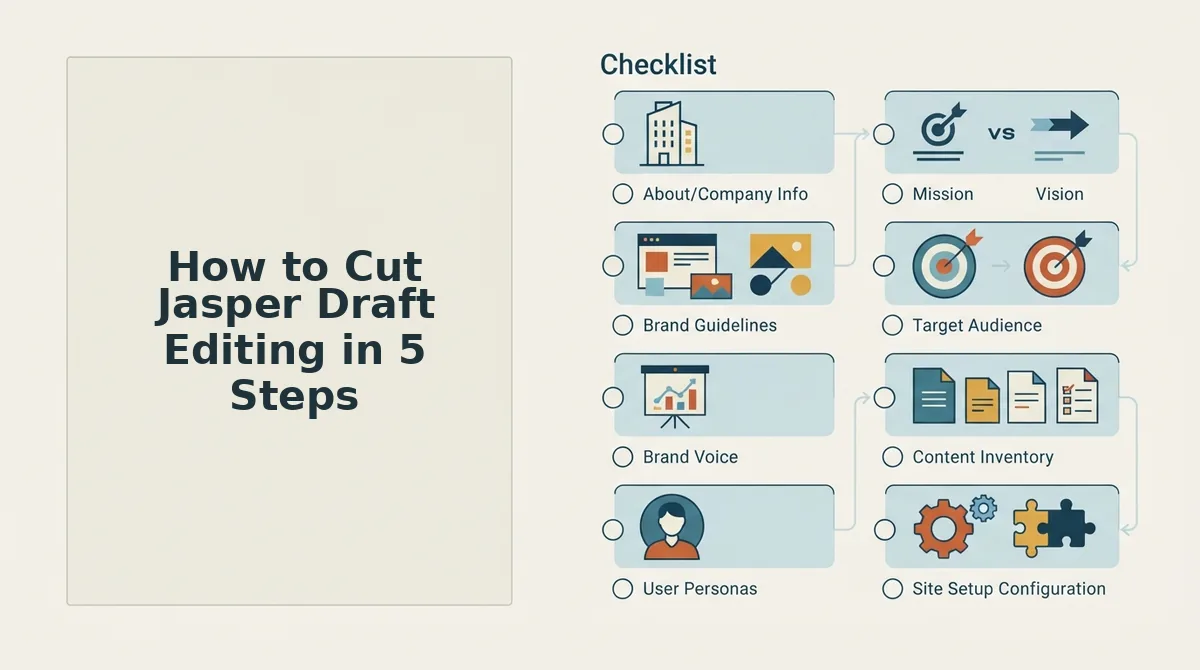
You cut editing by fixing the workflow that causes drift, not by writing longer prompts. Draft section by section, store voice rules persistently, research before outlining, review as you go, and remove manual formatting and upload work.
Prerequisites: your existing Jasper or copilot draft, written brand voice rules, a list of target keywords, and admin access to WordPress or your custom CMS API.
- Split the draft into sections. Stop generating the whole post in one shot. Write one H2 section per prompt, with your outline visible each time. Expect a few minutes per section. Success looks like each section matching the voice of the first.
- Save voice rules in persistent context files. Move tone, banned phrases, and sample paragraphs into one reusable document instead of re-typing them. Allow about 30 minutes once. You should see the same rules applied across every draft without pasting them again.
- Pull live SERP and social research before drafting. Open the top-ranking pages for your keyword and note the subtopics most of them cover, plus questions people ask in forums. Allow 20 to 30 minutes. Your outline should now include the consensus topics, not only the model's guesses.
- Review each section as it is drafted. Check voice, claims, and structure before writing the next section, so errors do not compound. Consider a team that fixes the tone in section 3 of a chained draft, then has to re-prompt sections 4 and 5 to match. Per-section review prevents that cascade.
- Remove the edits after the edit. Handle formatting, inline images, and publishing in one connected step. In WordPress, open Users, then Profile, then Application Passwords to authorize direct publishing. Success looks like a post that lands in your CMS formatted and ready to schedule.
Prompt engineering cannot fix a workflow problem. A faster generation that produces more cleanup is slower to publish, so time-to-publish-ready is the metric that matters.
BloGoose builds this into an automated SEO content workflow. It drafts section by section, applies a quality review loop to each section before writing the next, generates images, and publishes directly to WordPress or a custom API.
Next, confirm the result before it goes live.

How to Check Your Draft Is Publish-Ready
A draft is publish-ready when its voice holds to the last section, its outline covers what top results cover, every claim is sourced, and it uploads cleanly. The table below traces each failure to its cause, whichever copilot wrote the draft.
| Symptom | Cause | Fix |
|---|---|---|
| Voice changes after the first few sections | Brand rules dropped between generations | Regenerate later sections with the voice rules attached |
| Outline misses a subtopic that top results cover | Outline built without SERP research | Compare your headings to the top-ranking pages and fill the gap |
| Same point repeats across sections | Each section written blind to the others | Feed earlier sections in as context, then cut duplicates |
| A stat has no source | Figure generated without research | Find the original source by citing sources, or delete the stat |
| Formatting breaks on upload | Editor output doesn't match the CMS | Paste clean HTML and preview before publishing |
Worked example: Tag every edit in one draft with a Drift Map row. A rewritten intro tone is voice. A missing subtopic is structure. An unsourced stat is facts. A broken table is format. The row with the most tags shows where drift enters your workflow.
To check whether a Jasper draft is ready to publish, run four tests. First, read the last section next to the first and confirm the voice matches. Second, compare your headings with the top-ranking pages and confirm no subtopic is missing. Third, confirm every statistic links to its original source. Fourth, preview the post in your CMS to catch broken tables, lists, or headings. A draft that passes all four tests needs a review pass, not a rewrite.
Jasper is fast at rough drafts. It is best for writers who already have an editor in the loop. This manual check suits solo operators. A section-by-section engine with AEO content optimization built in is best for growth leads publishing whole clusters.
Jasper Draft Editing FAQ
These answers cover what the sections above leave open, including what still needs a human editor in any workflow.
Can better prompts fix Jasper drafts?
Better prompts help only partly. A sharper prompt improves tone and focus within a single section. It cannot restore the context the workflow drops between sections, such as earlier points, voice rules, and outline decisions. That lost context is why repetition and voice drift return in long posts.
Is Jasper bad for blog posts?
No. Jasper is fast at producing rough drafts and useful for getting past a blank page. The heavy editing load comes from the one-shot workflow, not the writing quality. Long articles generated without research, persistent brand rules, or section-level context need the most repair before they can be published.
What still needs human editing with a better workflow?
A human still has to add first-hand experience, make judgment calls, and do the final fact check. Brand-sensitive claims also need human sign-off, including legal, medical, financial, and competitor statements. No workflow can supply real expertise or take accountability for what your brand publishes.
Does section-by-section drafting remove editing entirely?
No. Section-by-section drafting shifts editing from repair to review. Each section carries forward the voice rules and earlier content, so you rarely rewrite tone or cut duplicates. You still read the whole piece, verify sources, and add the experience-based details only you can provide.
Fix the Workflow Before You Fix the Draft
Heavy editing is a workflow symptom, not a writing flaw. Drift enters wherever context gets lost, and every later edit pays for it.
Three takeaways follow from that:
- Change the metric. Track time-to-publish-ready, not minutes-to-words.
- Find the source of the drift. Tag your next draft's edits with the Drift Map.
- Fix the earliest stage. Repair research, brand rules, or outlining before you touch the prose.
Your next step: let BloGoose, the AI SEO content engine, crawl your sitemap and build your brand context files. It then drafts your first article section by section, ready to publish to WordPress or your custom API. Your editors can spend their time on judgment and expertise instead of repairs.