Jasper brand voice vs site-crawled context files for blog posts
Your third blog post this month sounds like a different writer than your first, even though you pasted the style guide in twice. Tone drift across blog posts is real, and fixing it one draft at a time is exhausting.
Picture a content manager who pastes style notes into a marketing copilot and gets a decent draft back. Then they still add internal links by hand to every post, because the voice is close but everything else stays manual.
That gap is the core of the jasper brand voice vs context files question. One approach asks you to describe how you sound. The other reads your published site and writes the rules down for you, which removes the prompt-engineering homework, the robotic AI mush, and the stack sprawl.
This guide separates what a voice profile controls from what crawl-built context files control. You will get a direct verdict, an 8-criteria matrix, and the limits of each option, including the part a voice profile can't see.
Jasper Brand Voice shapes how your copy sounds across channels. Context files, like the ones an AI SEO content engine builds from your sitemap, also carry keywords, internal links, competitors, and SEO rules. For blog clusters, that wider scope usually matters more than tone alone.
How Does Jasper Brand Voice Compare to Context Files?
Jasper Brand Voice is a manually configured profile of how your brand sounds. Context files are editable Markdown rules generated by crawling your sitemap and published pages. A voice profile covers tone, while context files cover voice plus target keywords, internal links, competitors, and SEO rules.
Context files are a set of plain-text rule documents that tell an AI writer how a site sounds, what it sells, which keywords it targets, and where it should link. They work as a rule set, not as a single voice profile.
Think of a voice profile as a dress code and context files as the full employee handbook. The dress code controls how you show up. The handbook also explains what you sell, who you compete with, and which departments to send people to.
Manual Input Versus Derived Input
With a voice profile, the inputs are manual: you describe your tone, paste sample copy, and update the profile whenever your positioning shifts. With crawl-built context files, the inputs are derived: BloGoose locates your XML sitemap, inspects published pages, and writes files such as brand-voice.md, seo-context.md, target-keywords.md, and features.md that you can edit like any document. Because these files come from what you have already published, they reflect the internal pages worth linking, the products you actually sell, and the keywords your site is built around, not just the adjectives you chose for your tone.
Best for: Jasper suits multi-channel campaign copy. Context files suit SEO blog clusters.
If you choose the context-file route, review the common errors in Markdown brand context files before you rely on them. BloGoose then uses those files to plan a 30-day content calendar and draft each post.
Voice vs Context Across 8 Criteria
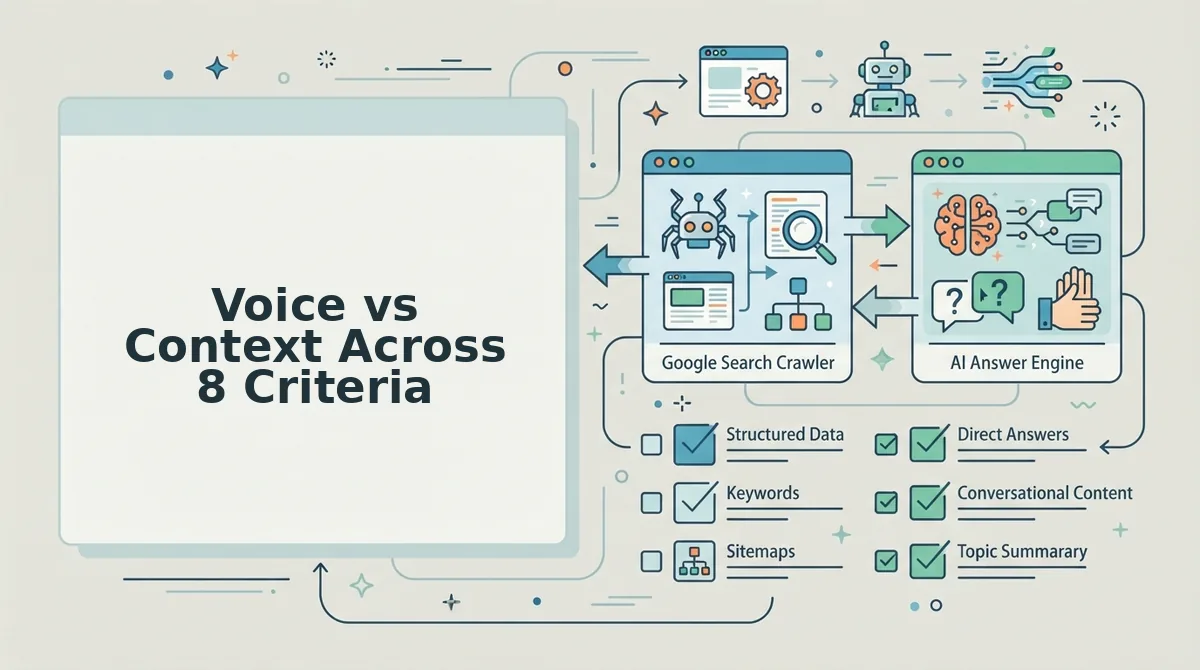
A voice profile controls how you sound, while crawl-built context files control how you sound, what you know, and where you link. Across eight blog-relevant criteria, tone is only one row. The other seven cover keywords, links, competitors, SEO rules, examples, and publishing.
| Criterion | Voice profile (Jasper) | Crawl-built context files (BloGoose) |
|---|---|---|
| Tone | Core purpose of Brand Voice | Extracted into brand-voice.md from published pages |
| Style rules | Configured manually [verify against current Jasper docs] | Written as editable Markdown rules |
| Target keywords | Not part of the voice profile [verify against current Jasper docs] | Stored in target-keywords.md |
| Internal links | Added by hand per draft [verify against current Jasper docs] | Derived from the crawled sitemap |
| Competitors | Can be noted in Memories [verify against current Jasper docs] | Captured in seo-context.md positioning |
| SEO rules | Outside voice scope [verify against current Jasper docs] | SEO and AEO rules applied per draft |
| Writing examples | Samples you upload or paste | Pulled from your live published pages |
| Publishing | Manual CMS uploads, drafts often need heavy editing | Direct to WordPress or a custom API |
Jasper has real strengths. It handles ads, email, social, and landing copy in one workspace, and a single voice profile keeps that campaign output consistent.
Best for: Jasper fits marketing teams producing multi-channel campaign copy. Crawl-built context files fit founders, growth leads, and solo publishers shipping SEO blog clusters that need AEO content optimization and CMS publishing in one pipeline.
Here is the part a voice profile can't see. It can make the tone perfect while the post targets the wrong keyword, ignores your product pages, and links nowhere.
That leads to a contrarian point: tone drift is often strategy drift. When a draft feels off-brand, the cause is frequently a missing keyword target or a link plan, not the adjectives.
Jasper still has a clear role, so the next section looks at where it fits better.
What Jasper Brand Voice and Memories Do (and When Jasper Fits Better)
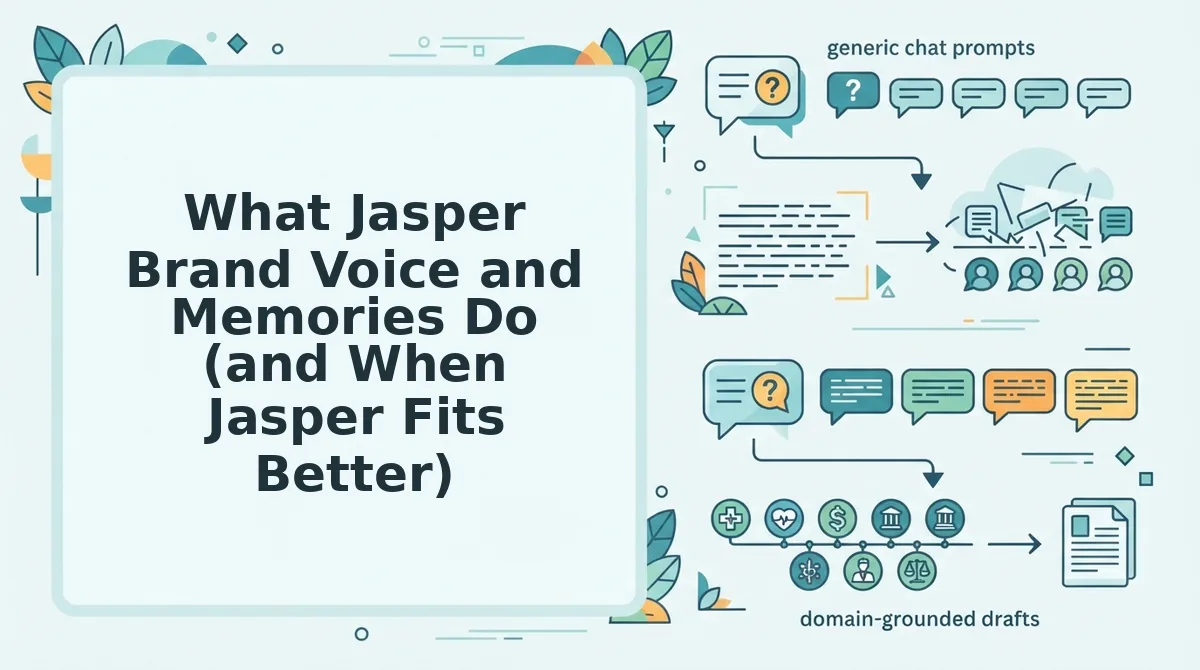
Jasper Brand Voice is a feature that teaches Jasper how your company sounds. Jasper Memories is a separate feature that stores facts about your company, products, and audience. You write or upload the information for both yourself [verify against current Jasper docs].
Think of Brand Voice as an accent and Memories as a fact sheet. The accent shapes how something is said, and the fact sheet supplies what the writer knows.
How the manual setup works
Two YouTube tutorials walk through the process: Molly Mahoney's "How to Use Jasper Brand Voice, Jasper Memories, and More!" and WordsAtScale's "Jasper Brand Voice & Memories." The general path looks like this [verify against current Jasper docs]:
- Open the brand settings area in your Jasper workspace.
- Paste or upload sample copy, such as a strong blog post or product page, so Jasper can infer your tone.
- Review the generated voice description and rewrite any wording that misses the mark.
- Add Memories one at a time, such as product names, audience details, and positioning statements.
- Select the voice and the relevant Memories when you start a new piece of content.
Jasper learns only what you feed it. If your best examples are scattered across dozens of published pages, you decide which ones to upload and which facts to type in.
For some teams, that manual curation is an advantage. A voice profile is a stored description of tone, vocabulary, and style rules. Because it is not tied to one website's structure, it can travel across ads, emails, social posts, and landing pages.
When Jasper is the better choice
Choose Jasper for multi-channel ad and campaign copy. Suppose your team ships paid social ads, email sequences, and launch pages for the same campaign. In that case, one reusable voice across many formats matters more than SEO internal linking. Jasper is positioned for that work.
How Crawl-Built Context Files Work for Blog Posts
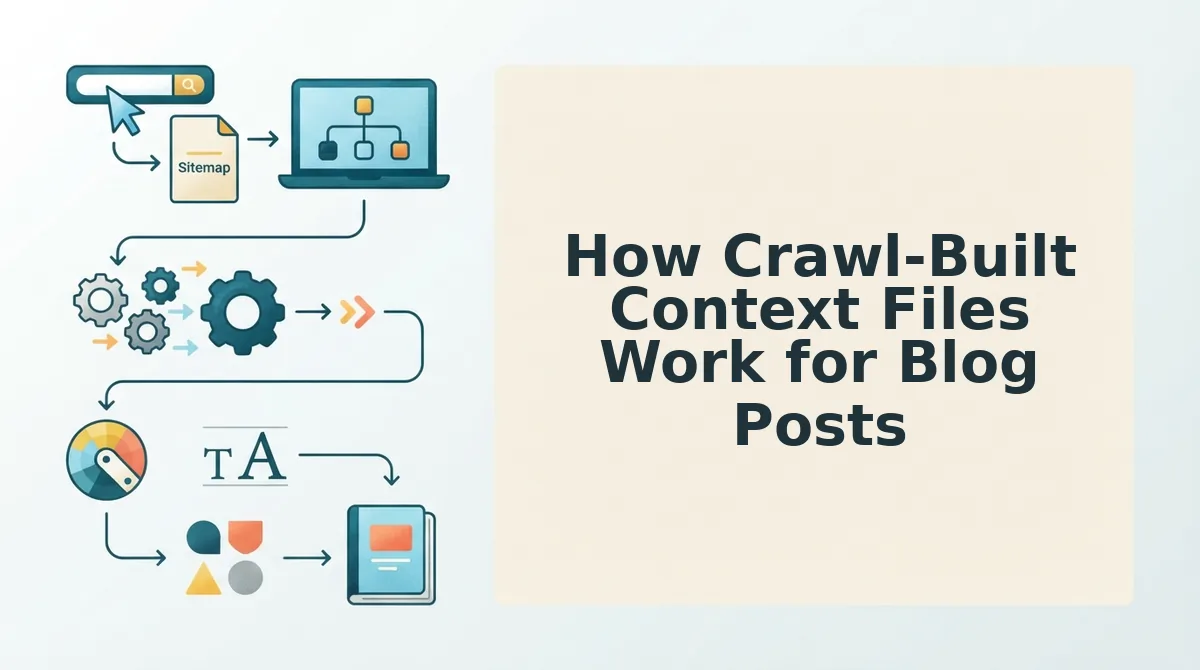
Crawl-built context files are Markdown documents generated from the pages you have already published, so you don't have to write a voice profile from scratch. Here's where the paths split: Jasper waits for you to upload examples, while BloGoose reads your site first.
Prerequisites: a live domain with an XML sitemap and published pages. You also need a WordPress site or a custom API endpoint if you plan to publish directly.
- Type your domain into the setup wizard. BloGoose automatically locates your XML sitemap, which is the file that lists every page you want search engines to find. You should see the sitemap detected within the wizard. Your own input takes about a minute.
- Let the crawl inspect your published pages. BloGoose reads your existing content and detects the CMS behind it, such as WordPress or a custom setup. When the crawl finishes, your platform appears as detected.
- Open the eight generated Markdown files. Each file holds one category of rules, written in plain text you can read. You should see a complete file set tied to your domain.
- Edit target-keywords.md before drafting. In this worked example, you remove a keyword you no longer target and add a new pillar term. Budget a few minutes for this review. Saved changes shape every draft that follows.
- Start drafting from your calendar. New articles pull from the updated files automatically.
The generated set includes:
- style-guide.md
- target-keywords.md
- competitor-analysis.md
- writing-examples.md
- internal-links-map.md
- seo-guidelines.md
- and others
Can you edit BloGoose's brand rules? Yes. BloGoose stores its brand and SEO rules as editable Markdown files, not as a hidden profile inside the software. You can open style-guide.md or target-keywords.md, change a line, and see exactly what the AI will follow on the next draft. Because Markdown is plain text, the rules stay transparent and auditable. They also work well with version control, the practice of saving each revision so you can compare changes or roll them back. An opaque voice profile shows you an output. A Markdown file shows you the rule that produced it.
Does it know your internal links? Yes, through internal-links-map.md. That file records your existing pages so new drafts can link to related articles and strengthen your topic clusters without manual cross-checking.
If you are tired of juggling a voice tool, a keyword sheet, a link tracker, an image app, and a CMS login, BloGoose runs them as one integrated workflow. It goes from crawl to published post in a single place.
Where Context Files Fall Short
But no setup is free of trade-offs. A crawl-built context file is a rule set derived from your published pages, so it can only be as complete as the site it reads.
Think of it like a portrait painted from photographs. Give the artist three blurry snapshots and the likeness will be rough.
The same applies to a new or thin site. A domain with only a handful of posts gives BloGoose less material to learn from. As a result, style-guide.md and writing-examples.md will be thinner too.
The files also need human review. The crawl produces a strong first draft of your rules, but someone who knows the brand should still edit tone notes, keyword priorities, and positioning before drafting begins.
Site changes create a third limit. After you rebrand, restructure URLs, or retire product lines, the old files describe a site that no longer exists. You will need to re-run the crawl or update brand context files after a redesign.
Finally, BloGoose targets SEO blog content. It is not built for ad variations or multi-channel campaign copy.
So how do you weigh these trade-offs against Jasper's?
Which Setup Should You Choose?
Choose Jasper Brand Voice for multi-channel campaign and ad copy. Choose crawl-built context files for SEO blog clusters.
- Jasper Brand Voice: one tone stretched across ads, emails, and social posts.
- Crawl-built context files: posts that need target keywords, internal links to real pages, and direct publishing.
Consider a publishing team building a pillar cluster. BloGoose crawls their sitemap, extracts voice rules, and drafts each article with keywords and internal links already placed. The team then publishes the drafted article straight to WordPress, with no copy-paste step between editor and CMS. Teams on custom stacks push to their own API instead.
That resolves the intro's question. Voice controls how a post sounds. Site context determines whether the post fits your cluster and links into it.
Your next step: run the setup wizard on your domain and review the context files BloGoose builds from your existing pages.
A brand voice tells AI how to talk, but a site crawl tells it what your blog is actually about.