Monthly Content Calendar Planning for Agency Client Blogs
Most agencies build a monthly content calendar for agency clients the same way: download a template, rename it per account, and watch every blog start sounding alike by month three.
The tutorials that rank for this job do not cover it. Nearly all of the most-watched calendar walkthroughs in this space are social-media and creator calendars, so none of them touch the three failures that actually break a blog: indexation, keyword cannibalization, and refresh debt.
If you run six accounts from one master sheet with a client column, you are in good company, and the sheet is not what is failing.
Here is the per-domain build instead: the five inputs a calendar needs before day one, the case for one calendar per client over one shared template, and the 30-day plan that keeps six blogs from converging on the same post.
Watch for the keyword-collision check in the comparison section. It explains how two clients in the same vertical can cannibalize each other's rankings while both calendars look perfectly healthy.
What does a monthly content calendar for agency clients need before day one?
It needs five inputs read off the client's own site, because a calendar that starts at the template cannot fix what the template caused.
A monthly content calendar for agency clients is a per-domain publishing plan built from that domain's crawled context and checked against live search demand â one calendar per client domain, never one master sheet with a client column.
Two definitions first. A brand context file records how one site writes and what it already covers, and the calendar reads from it at every slot. A pillar map is the three-to-six core topics a domain will own, with each supporting article attached to exactly one of them.
Building a calendar without a crawl is like quoting a renovation without walking the house.
- Sitemap crawl: existing URLs, so new slots extend coverage instead of repeating it â pull brand context from the sitemap first.
- Voice file: sentence length, formality, banned phrases, formatting habits.
- Existing keyword coverage: what ranks, what stalls, what was never targeted.
- Internal link map: which pages need inbound links, which are orphaned.
- Publishing capacity: hours available per month, divided by client count.
Blog calendars live or die on indexation and refresh rather than posting cadence, so a social calendar's inputs do not transfer.
Assign answer-engine intent at planning time, not during drafting: tag each slot with the question it should answer. Writing for AI citations is a calendar decision before it is a writing decision.
BloGoose runs the crawl step for you: point it at a domain and it locates the XML sitemap, inspects published pages, and writes the voice rules before a single slot is filled.
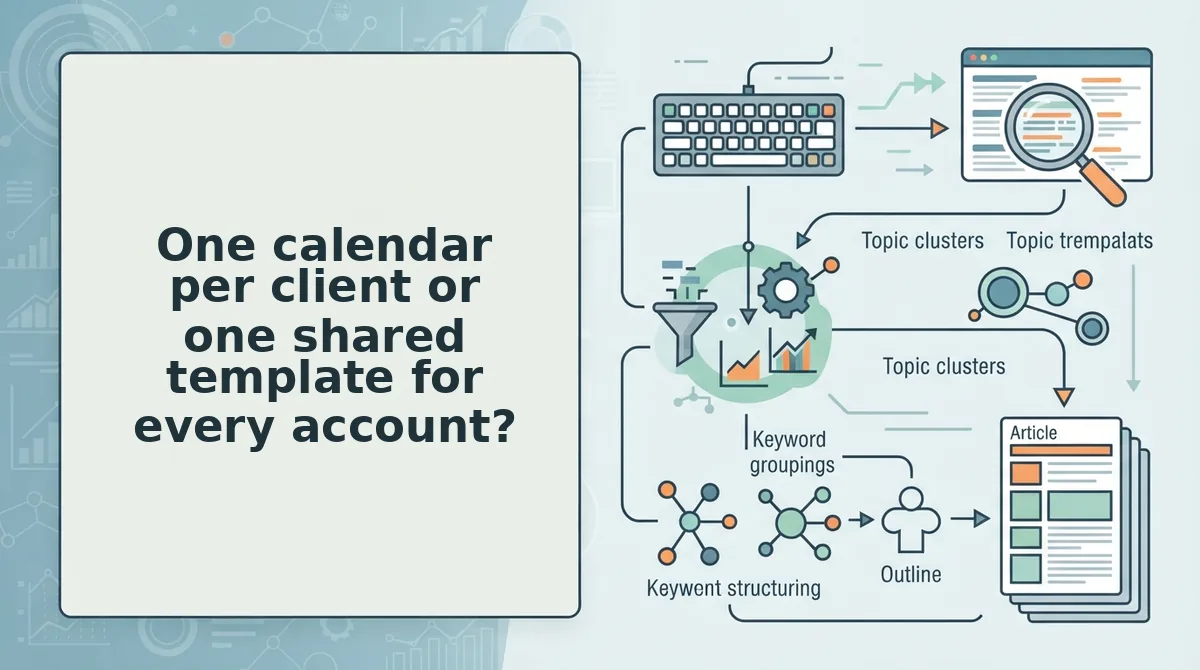
One calendar per client or one shared template for every account?
One calendar per client domain. A shared template with a client column is not a multi-client system â it is a single-brand system printed six times, and it produces the same three failures on every account.
Tone drift comes first. When six accounts draw from one rule set, the distinct phrasing that made each brand recognizable gets averaged into a house style no client signed off on.
Cross-client cannibalization is next, and it is the expensive one. Two clients in the same vertical chase the same keyword, compete against each other, and neither calendar flags it because the collision lives across files rather than inside one.
Pillar overlap finishes the job, leaving both blogs thin on the same topic instead of one blog deep on it. Social calendars fail on posting gaps; blog calendars fail on indexation, cannibalization, and refresh debt.
| Structure | What breaks | Best for |
|---|---|---|
| One shared master template | Tone drift, invisible keyword collisions, thin pillars | Solo operators with a handful of non-competing accounts |
| One workbook, tab per client | Tidy files, shared context; collisions still unseen | Agencies that need a single billing view |
| One calendar per client domain, built from that site's topic clusters | Requires a crawl step per account | Teams past three clients with overlapping verticals |
Credit where it is due: a shared spreadsheet is genuinely the right call under three clients, on design-led content where the visuals carry the strategy, or on a budget with no crawl step to spare. Its weakness is scale, not craft.
How do you build a 30-day content calendar, one client at a time? It starts with the same crawl.
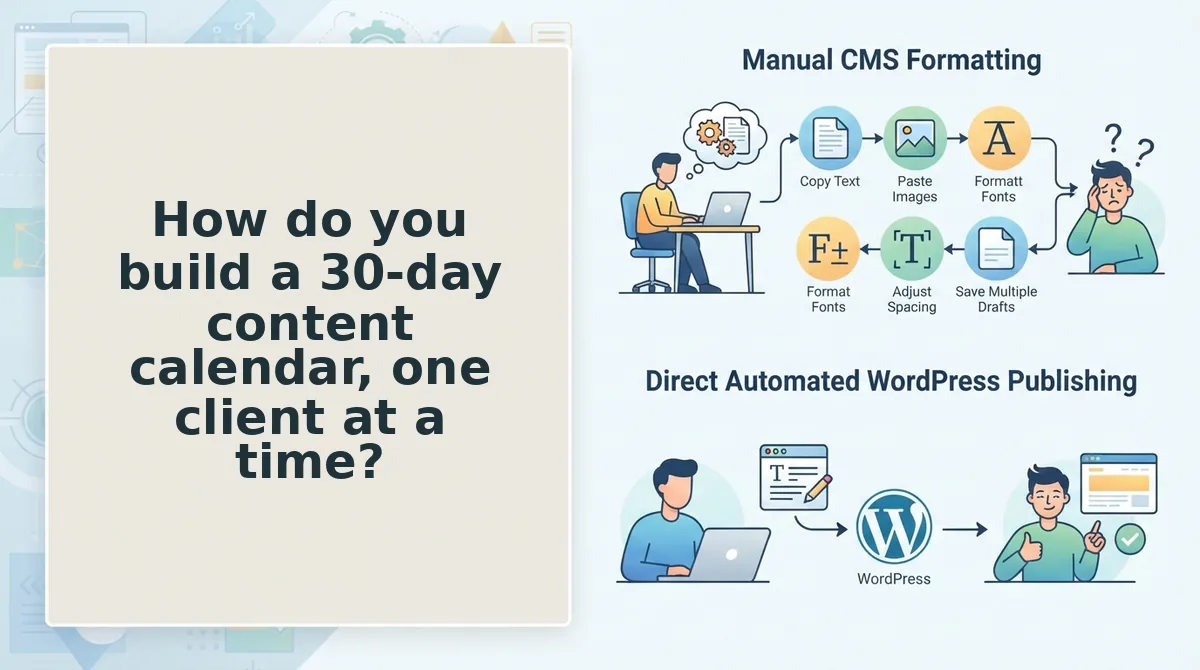
How do you build a 30-day content calendar, one client at a time?
Build a 30-day calendar for one client by crawling the domain, extracting its brand context files, mapping pillars to coverage gaps, validating every target against the live SERP, then scheduling slots to measured writer capacity. A slot is done only when its URL is submitted and confirmed.
Prerequisites: sitemap access, indexing credentials for that domain, a keyword source, and a writer-hours figure. One crawler that outputs context files and a calendar replaces the rest.
- Crawl the domain (Day 1â3, 20 minutes). Enter the client's domain in the setup wizard so it finds the XML sitemap and reads live pages. You should see eight context files saved to that domain alone.
- Map pillars from gaps (Day 4â7). Compare crawled pages against the keyword set; unclaimed clusters become pillars. You should see each pillar backed by an existing page to link from.
- Validate every target live (Day 8â10). Search each keyword and read the top results before it earns a slot, using the same method to validate each topic against the live SERP. You should see weak topics cut before they cost writer hours.
- Run the collision check (Day 10, 15 minutes per account). Diff this client's keyword set and internal link map against every other account in the niche. Overlap goes to the stronger page; the rest get a new angle.
- Assemble and schedule (Day 11â14, 30 minutes). Add the internal links flagged in step 2, then apply the cadence math: writer hours ÷ active accounts ÷ hours per piece.
Cadence input Example Writer hours per month 120 Active accounts 6 Hours per finished piece 5 Posts per client per month 4 - Publish and index (Day 15 onward). Each client domain has its own indexing setup, so close a slot only when the URL is submitted and confirmed.
Two client blogs in the same niche should never share a target keyword, because Google resolves the overlap by ranking one and burying the other. Before scheduling, export each account's keyword set and internal link map and diff them against every other client in that vertical. Where they collide, keep the keyword with the account that holds the stronger indexed page and a real internal link path. The loser gets a longer-tail variant or another pillar. Rerun the diff monthly, not once at onboarding.
Running six accounts through that sequence by hand is where the spreadsheet version collapses. The AI SEO content engine runs crawl, pillar map, and schedule from a single domain input.
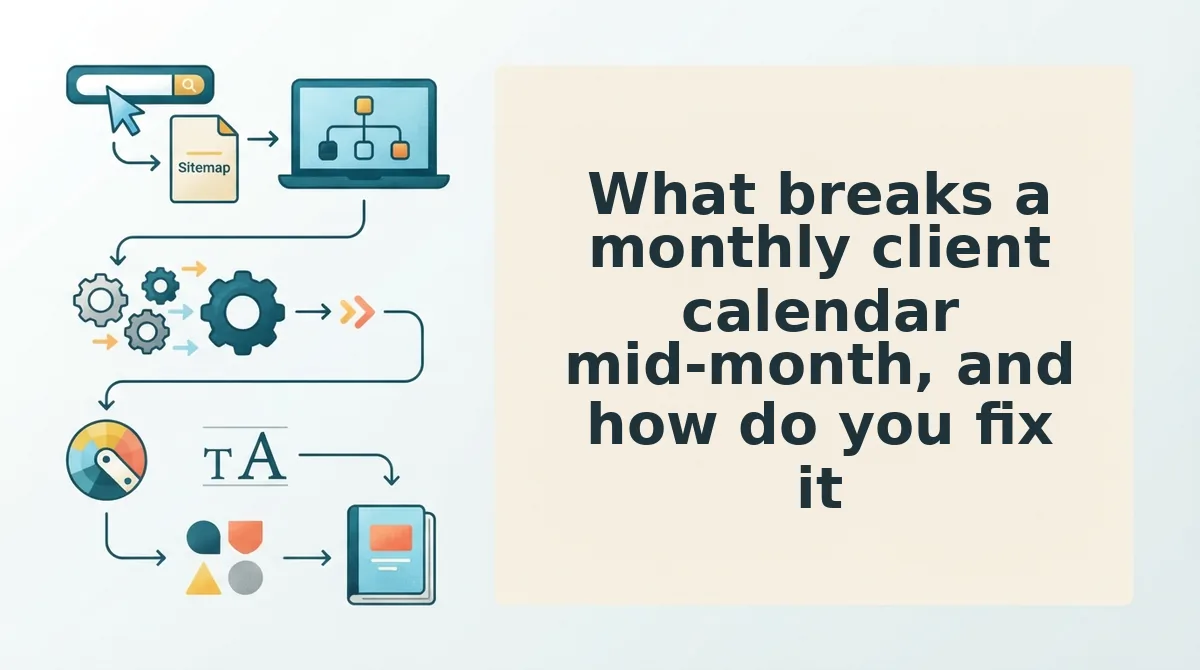
What breaks a monthly client calendar mid-month, and how do you fix it?
Calendars rarely fail at approval; they fail on the inputs nobody rechecks afterward. These are the six that derail a monthly client calendar mid-month, ordered by how silently they break.
- Missing indexation on a new client domain. A post marked shipped but never submitted looks identical to a published one in your tracker. Verify submission status per domain before a slot closes, because a fresh domain is the account most likely to sit unindexed for weeks.
- A cannibalizing post discovered after publishing. Two URLs competing for one query split their own signals. Decide canonical, merge, or re-angle in the refresh queue rather than the calendar â move it into a refresh queue and schedule the consolidation as its own slot.
- Stale SERP data surfacing at draft time. A target validated on day 8 may read differently on day 20. Re-validate on the day of drafting, then narrow the angle or swap the slot for the next pillar item.
- A writer bottleneck in week three. When hours fall short, recalculate the cadence formula and cut slots from the bottom of the priority order. Compressing research on every remaining post is how quality collapses across an account.
- Client scope creep mid-month. A "quick" request arriving by email displaces a scheduled slot without anyone deciding to drop it. Convert the request into a calendar slot with a date so the sequence absorbs it and the client sees the trade.
- Tone drift at draft time. Two writers across six accounts is how the logo-swap problem returns. Enforce the per-domain voice file while drafting, and replace the separate research subscription with crawl output instead of a style correction pass.
Start with one domain, not a template library
The reason client B's calendar reads like client A's with the logo swapped sits upstream of the calendar: the template was the input. Make the crawl the input instead, and the pattern breaks at the source â the same context files that set voice also set pillars and cadence, so the schedule stops being a document you fill in and starts being an output you read.
Take the version that fits today. Audit the five inputs on your next client's calendar before you rebuild it. Or run one client domain through the AI SEO content engine and read the context files it returns for that account. Then build that client's first 30-day calendar from the output and publish the first two posts.
One domain at a time is slower on paper and faster in practice, because nothing gets de-duplicated later. Before you commit, see what the plan covers, then crawl the account you are least confident about and let its context files make the argument.