
How to Publish AI Blog Posts Directly to WordPress
You just spent 45 minutes pasting a ChatGPT draft into WordPress, re-uploading every image, fixing broken headings, and manually setting the meta description, only to realize the post still isn't indexed two weeks later. If that loop sounds familiar, you're not alone: most teams stitching together AI writing tools and manual publishing workflows burn more time on cleanup than creation. The good news is that you can publish AI blog posts directly to WordPress without the copy-paste tax, and the gap between "AI wrote it" and "it's live and ranking" is smaller than most tool vendors admit.
Here's the pattern we'll unpack: Agree, the manual publishing loop is the real bottleneck, not the writing. Promise, by the end of this guide, you'll know exactly what direct publishing means, which architecture actually delivers it, and how to ship a finished post in under five minutes. Preview, we'll define the direct-publish category, walk through BloGoose's crawl-first workflow step by step, then compare it against MCP and n8n approaches.
Along the way, you'll see why competitors like Wooninjas, PkSkills, and Tech Area show you how to connect AI to WordPress but quietly skip the indexing step, and why BloGoose's AI blog generator with direct WordPress publishing extracts brand voice from your existing sitemap before generating a single sentence. That crawl-first distinction changes everything about how publish-ready your drafts actually are. Keep reading, the surprising part is what "publish-ready" really requires.
What Publish Directly to WordPress Actually Means
Direct publishing means the article arrives in WordPress as a formatted, publish-ready post, not a draft requiring manual cleanup. It's the difference between a courier handing you a sealed, labeled package and a courier dumping loose parts on your porch.
Think of direct publishing like a restaurant's expediting station. In a busy kitchen, the expeditor checks every plate against the ticket before it leaves: correct dish, correct sides, correct garnish. Direct publishing does the same for content, brand voice, internal links, images, and meta tags are all verified before the post hits your CMS, not after you discover the problems in the editor.
This is where the category splits from autoblogging. Autoblogging tools scrape or spin content and fire it into WordPress on a schedule, with no quality gate and no brand context. Direct publishing, by contrast, is a publish-ready pipeline: the system generates content against a known standard, then ships it only when that standard is met. Competitors often use vague "automate your workflow" language without ever defining what publish-ready means in concrete terms.
Here's the 4-point readiness checklist a post must pass before direct publishing is legitimate:
- Brand voice match, sentence rhythm, terminology, and tone align with your existing published pages, not a generic AI default.
- Internal links present, relevant links to your own pillar pages and supporting posts are embedded, not left for you to add later.
- Image assets generated, featured images and in-post visuals are created and attached, not referenced as placeholders.
- Meta tags set, title tag, meta description, and slug are populated and optimized before the post is created.
If any of those four items is missing, you're not doing direct publishing, you're doing assisted drafting with extra steps. The distinction matters because it determines whether you spend five minutes or fifty minutes per post.
Under the hood, direct publishing relies on WordPress's REST API, which lets external applications create posts programmatically. "REST API" is simply a set of rules that lets one piece of software talk to another over the internet, in this case, letting a content engine send a finished article to your WordPress site the same way a mobile app sends a new comment. The engine authenticates with an application password or API key, then submits the post with all its fields, content, categories, tags, featured image, SEO metadata, in a single request. WordPress treats it exactly like a post you typed by hand, which means it's immediately eligible for your normal sitemap and indexing flow.
That indexing flow is where the real gap appears. A post can be technically "published" and still invisible to Google if your sitemap doesn't update, your internal linking is weak, or your content lacks the entity coverage search engines expect. This is why sitemap context extraction matters before generation: a system that has already crawled your existing URL structure knows which internal links to include and which topic clusters to reinforce, so the published post arrives with its discovery path already built.
How BloGoose Ships Finished Articles to WordPress
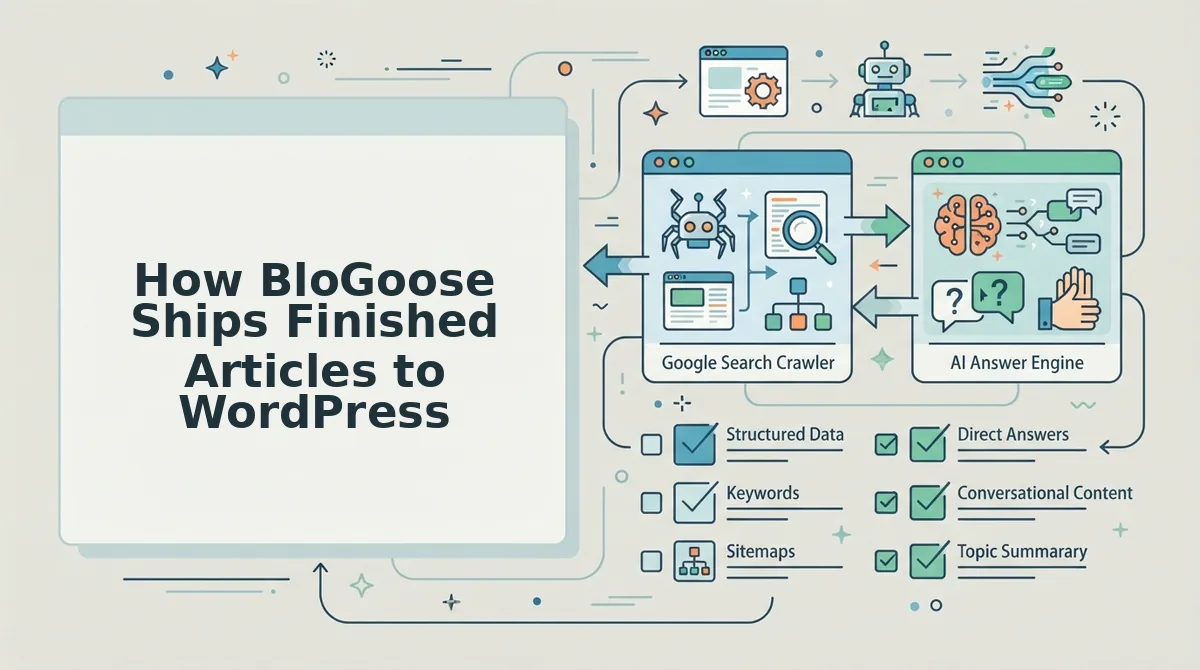
BloGoose uses a crawl-first architecture: it inspects your existing site before writing anything, then publishes finished posts to WordPress through the REST API or a custom API endpoint. You'll need your WordPress domain, an application password or API key, and about five minutes per post once the initial setup is complete.
- Connect your domain and let BloGoose crawl your sitemap. Open the setup wizard and enter your site URL. BloGoose automatically locates your XML sitemap, inspects your published pages, and extracts brand voice rules, sentence patterns, terminology, formatting habits, from the content you've already shipped. You should see a summary of detected pages and a brand profile within a few minutes.
- Review the extracted brand context and confirm your content pillars. Click through the detected topic clusters and confirm which pillars you want BloGoose to build around. This step ensures every future article reinforces your existing internal link structure instead of creating orphan pages. You should see your pillar pages mapped with their supporting topics.
- Select a keyword cluster and let BloGoose run SERP research. Pick a target keyword or let the calendar suggest one. BloGoose analyzes current search results for that query, identifies the entities and subtopics ranking pages cover, and builds a sectional outline before drafting. You should see a research summary showing which subtopics will be covered and why.
- Generate the article and publish directly to WordPress. Click Publish. BloGoose drafts the full article with brand voice applied, internal links embedded, images generated, and meta tags set, then sends the finished post to WordPress via the REST API or your custom API. You should see the post appear in your WordPress dashboard as a formatted, publish-ready article with all four readiness checklist items already in place.
Each step takes under two minutes after initial setup, and the crawl-first sequence is what separates BloGoose from tools that generate content in a vacuum. Because the system already knows your sitemap, your voice, and your internal link graph, the article it ships is built to be discovered, not just published. For teams that want the full pipeline without manual handoffs, BloGoose operates as an AI content engine with search indexing built into the publishing flow, so the post arrives with its discovery path intact.
Next, we'll compare how WordPress publishing methods stack up: MCP, n8n, and BloGoose.
WordPress Publishing Methods Compared: MCP, n8n, and BloGoose
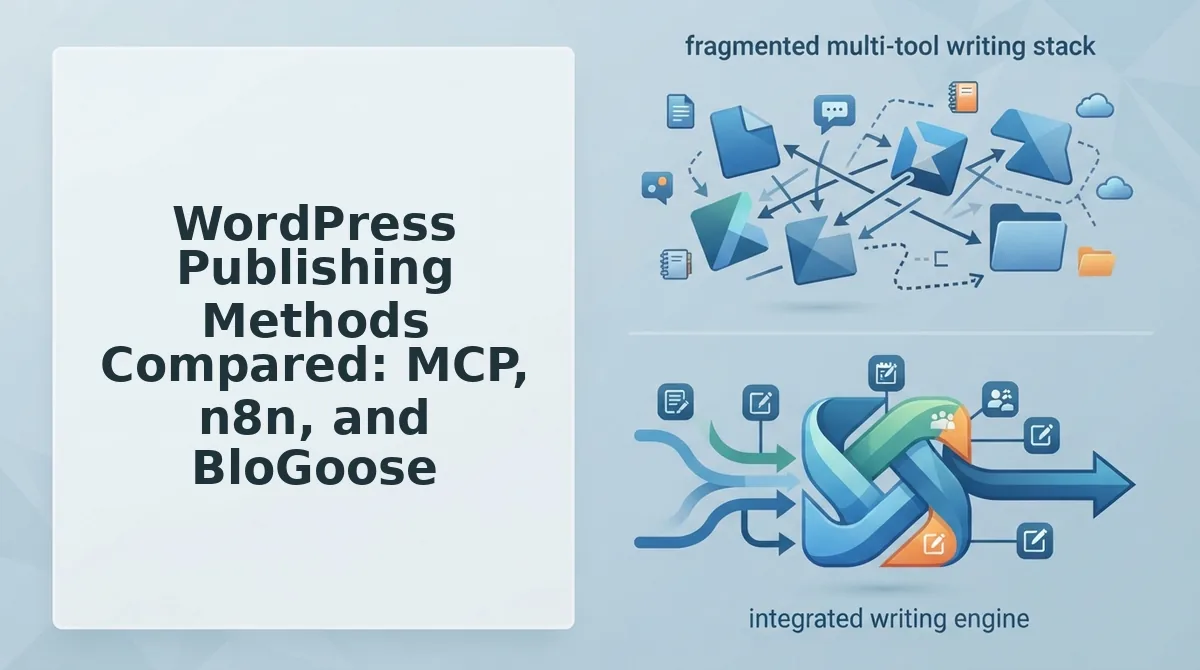
Three viable paths exist for pushing AI-generated content into WordPress: MCP (Model Context Protocol) plugins, n8n automation workflows, and a crawl-first platform like BloGoose. Each approach solves the same publishing problem with a different trade-off between setup labor, flexibility, and long-term maintenance.
| Method | Setup Effort | Flexibility | Maintenance Burden | Best For |
|---|---|---|---|---|
| MCP Plugins | High, requires configuring a local MCP server, connecting it to your AI client, and mapping WordPress credentials | Moderate, works inside chat windows like Claude Desktop or Cursor, but limited to whatever the plugin exposes | Medium, plugin updates, auth token refreshes, and local server restarts are recurring friction | Developers who already live in an MCP-compatible AI client and want ad-hoc publishing from a chat session |
| n8n Workflows | High, you build the workflow node by node: trigger, AI generation step, WordPress API call, error handling | Very high, n8n can connect nearly any tool to any other tool, including custom logic between steps | High, every workflow is custom code you own; breaking changes, rate limits, and edge cases are yours to debug | Technical operators who need multi-step automations beyond publishing, such as syncing content across CRM, email, and social platforms |
| BloGoose | Low, drop in your domain, BloGoose crawls the site, extracts brand voice, builds the calendar, and publishes to WordPress without manual configuration | Moderate, focused on the SEO content pipeline rather than arbitrary tool orchestration | Low, the platform handles auth, formatting, and scheduling as a managed service | Founders, content leads, and publishers who want rank-ready articles shipped on a schedule without owning the plumbing |
MCP plugins, the approach popularized by creators like Wooninjas, are genuinely useful for developers who want to publish from inside their existing AI chat environment. The honest limitation is that MCP servers run locally, meaning your publishing pipeline stops working when your laptop is closed or the server process dies. You are also responsible for keeping the plugin updated and your WordPress application passwords secure.
n8n workflows, as demonstrated by channels like Tech Area and Simon Scrapes, offer the most flexibility of the three. You can build a workflow that generates a post, runs it through a fact-checking step, resizes images, and publishes, all with custom branching logic. The trade-off is real: every node is a potential failure point, and self-hosted n8n instances require server maintenance, version upgrades, and ongoing debugging when APIs change.
BloGoose takes the opposite stance: instead of asking you to assemble the pipeline, it crawls your existing site first, learns your brand voice and site structure, then publishes finished articles to WordPress with zero configuration. You sacrifice the arbitrary flexibility of n8n in exchange for a pipeline that does not break when you step away. For a deeper look at why this matters, see our breakdown of AI content engine vs chat window workflows.
Best for developers who want publishing inside their existing AI client: MCP plugins. Best for technical operators building multi-tool automations: n8n. Best for publishers who want the content pipeline handled end to end without setup labor: BloGoose.
The Missing Step: Getting AI Posts Indexed After Publishing
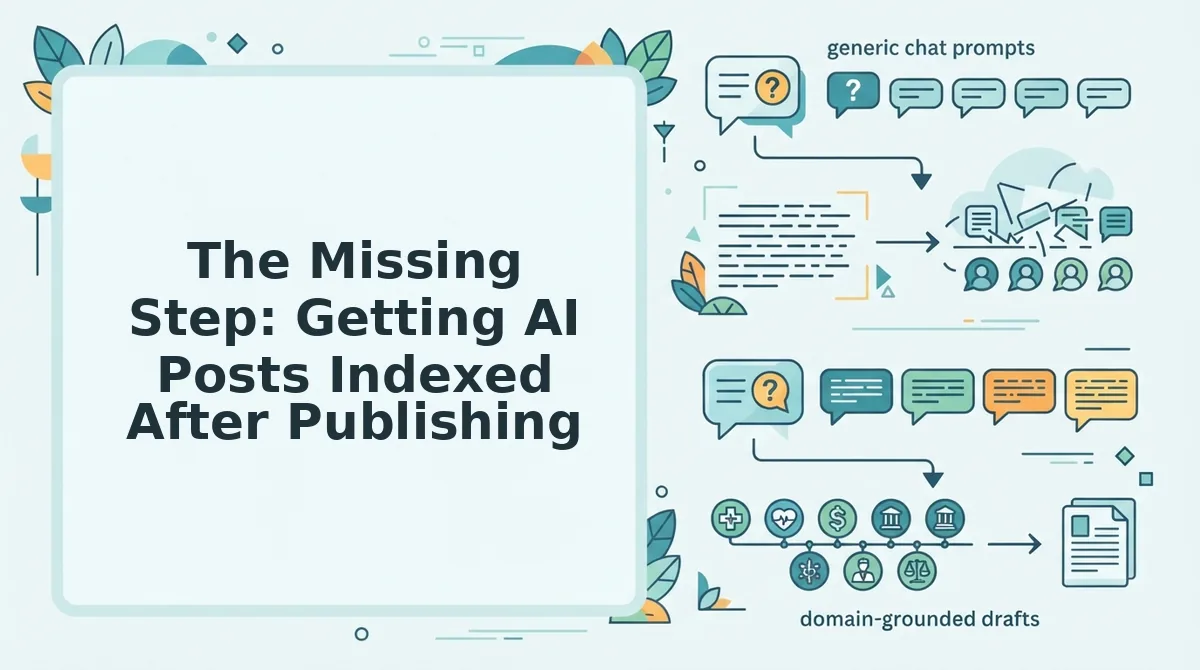
Post-publish indexing is the process of notifying search engines that a new or updated URL exists so it enters the crawl queue faster than organic discovery would allow. Publishing an article to WordPress is only half the job, if Google never crawls the URL, the post earns zero traffic regardless of quality.
Think of publishing like printing a book and indexing like placing it on the library shelf. A printed book sitting in a warehouse is invisible to readers. Google's crawler is the librarian who must catalog your new page before anyone can find it. The default process, waiting for Googlebot to discover your URL through sitemap re-crawls or internal links, can take days or weeks for smaller sites.
The Google Indexing API is a tool that lets publishers submit URLs directly to Google for faster crawl scheduling. Originally designed for job postings and livestream content, it now accepts submissions for any page type when used through a service account. For WordPress publishers, the practical workflow is: publish the post, confirm the URL returns a 200 status, then submit the URL through the Indexing API with a URL_UPDATED notification type.
If your post is published but not indexed, the fix follows a diagnostic sequence. First, check Google Search Console's URL Inspection tool to see whether the page is "Discovered, currently not indexed" or "Crawled, currently not indexed." The first status means Google knows the URL exists but has not scheduled a crawl; submitting via the Indexing API or requesting indexing in Search Console usually resolves this within 48 hours. The second status means Google crawled the page but chose not to index it, this points to content quality, thin content, or duplicate content issues rather than a technical crawl problem.
For a step-by-step walkthrough of the submission process, see our guide on how to ask Google to crawl new posts. The key insight most publishing workflows miss: an automated pipeline that stops at the WordPress REST API leaves the indexing step to chance. A complete workflow pairs publishing with immediate index submission so every article enters the crawl queue the moment it goes live.
The Publish-Ready Checklist for AI Blog Posts
Run this seven-point audit before any AI-generated article goes live on WordPress. Each item catches a failure mode that separates content that ranks from content that sits unread.
- Brand voice match, does the article sound like your site? AI drafts default to a generic, neutral tone that erodes reader trust when it clashes with your established voice. Compare the draft against two or three of your best-performing posts and check for consistent vocabulary, sentence rhythm, and point of view. BloGoose extracts voice rules from your existing site during setup so this check happens automatically, for a manual reference, see brand voice writing examples to build your own voice file.
- Internal links present, are relevant existing posts linked? Internal links distribute authority across your site and give crawlers a path to discover new URLs. Every published article should link to at least three relevant existing posts using descriptive anchor text, and at least one older post should link back to the new article.
- Image assets generated, are images optimized and embedded? Posts without images underperform in both search results and social sharing. Confirm every article has a featured image plus at least one supporting image, each with descriptive alt text and compressed file sizes under 200 KB where possible.
- Meta tags set, title, description, and slug configured? The SEO title and meta description control how your article appears in search results, and the slug determines the URL structure. Verify the title is under 60 characters, the description under 155, and the slug is short, keyword-relevant, and free of stop words.
- Heading hierarchy valid, one H1, logical H2/H3 structure? Search engines and screen readers both rely on heading structure to understand content organization. Confirm the post has exactly one H1, that H2s break the article into scannable sections, and that H3s nest logically under their parent H2s.
- Factual claims sourced, are statistics and quotes attributed? AI drafts can hallucinate numbers, studies, and quotes that sound plausible but do not exist. Every statistic, named source, or direct quote must link to a verifiable external page before the post goes live.
- Publish action confirmed, is the post live and index submission queued? The final check is confirming the WordPress API returned a success status, the URL resolves with a 200 response, and an indexing request has been submitted so the post enters Google's crawl queue immediately rather than waiting for organic discovery.
Run this checklist on every post, and the publishing step becomes the least interesting part of your workflow. Next, let's answer the most common questions about publishing AI blog posts to WordPress.
FAQ: Publishing AI Blog Posts to WordPress
Direct answers to the most-searched questions about sending AI-generated content straight to WordPress, drawn from real user queries across search and social platforms.
How do I publish AI blog posts directly to WordPress?
Connect an AI content engine to your WordPress site via REST API or an official plugin, then let the tool push drafted or finished posts with titles, categories, and featured images automatically. BloGoose crawls your domain first, extracts brand voice rules, and ships rank-ready articles without manual copy-paste or prompt engineering.
Can ChatGPT publish directly to WordPress?
ChatGPT cannot publish natively; it only generates text. You need a connector like a WordPress plugin, a Zapier or n8n workflow, or an integrated AI content engine to move ChatGPT output into your CMS. BloGoose handles the entire pipeline, from research and drafting to publishing and indexing.
What's the best AI blog writer for WordPress?
The best option depends on whether you need drafting help or full automation. Standalone writers generate text you still upload manually, while an autopilot SEO content platform like BloGoose crawls your site, builds pillar-focused calendars, writes voice-accurate articles, and publishes them directly to WordPress with indexing support included.
How do I automate WordPress blog publishing without coding?
Use a no-code integration path: connect your WordPress site to an AI content engine that handles the REST API calls for you. BloGoose requires no custom scripts or middleware; you drop in your domain, approve the workflow, and finished articles ship to your CMS on schedule.
Does AI content get indexed by Google?
Yes, Google indexes AI-generated content when it demonstrates expertise, experience, authority, and trust. The practical risk is orphaned or thin posts that never get crawled, which is why BloGoose includes search indexing signals and publish-ready checks so AI articles are discoverable immediately after going live.
Why do AI blog posts sometimes never appear in search results?
Most AI posts fail indexing because they are published without internal links, sitemap updates, or crawl signals. A publish-ready workflow that ships articles with proper structure, interlinking, and indexing triggers solves the problem before the post goes live.
Start Shipping AI Posts to WordPress Today
The gap between writing an AI blog post and actually ranking it has never been the writing. It is the pipeline: the copy-paste loop, the missed internal links, the orphaned posts that sit in WordPress for weeks without a single crawl. Every section of this guide points to the same fix: treat publishing and indexing as part of the content engine, not an afterthought.
That is the real shift. A tool that only drafts text leaves you holding the upload burden. A tool that only publishes leaves you holding the ranking burden. BloGoose closes both loops in one crawl-first workflow: it reads your site structure, extracts your brand voice, writes rank-ready articles, and ships them directly to WordPress or your custom API with indexing signals baked in. No prompt engineering, no manual uploads, no separate LLM bills.
Your next step is simple: start with a site crawl on the autopilot SEO content platform and watch the first article move from domain to draft to published post without touching a spreadsheet. The pipeline you have been stitching together manually is now one workflow. Run it, and let your content start earning citations instead of waiting for uploads.