
A Workflow for Publishing Blog Posts Without Leaving One Tool
Every time you switch from your keyword tool to your outline doc, then to your AI chat window, then to your image generator, and finally to WordPress, you pay a tax that no one puts on an invoice. The average publisher juggles research, outline, draft, image, and CMS tools for a single post, and each handoff silently erodes tone consistency, freshness of data, and the will to publish at all. If you have ever closed twelve tabs at the end of a writing session and wondered why the post still is not live, you already know the problem.
You are right to be frustrated. The promise of AI content was supposed to remove busywork, not multiply browser tabs. This guide will show you how to publish blog posts without leaving one tool, a single workflow that takes you from site crawl to live article with zero manual handoffs. You will learn the six-step sequence, the specific failure points that occur when you switch tools, and the capabilities a single platform must actually have.
Here is the open loop: creators like Website Learners and WriteRush are already demoing single-tool publishing workflows on video, but almost no text guide documents the exact step sequence. By the end, you will know the workflow they use, and the one surprising reason most "all-in-one" tools still force you to leave the dashboard. A true AI SEO content engine closes that gap by crawling your site, extracting brand voice, and publishing finished articles directly to your CMS.
Why Switching Tools Breaks Your Publishing Workflow
Context switching is the hidden tax in blog publishing: every handoff between research, drafting, and CMS tools costs time, breaks tone consistency, and lets SERP data go stale. Each time you move from one app to another, your brain reloads the task, your brand voice drifts, and the data you gathered an hour ago becomes less accurate than the live search results page.
Think of a publishing workflow like a relay race. A relay team only wins if the baton passes cleanly between runners. In a multi-tool content stack, you are the only runner, and every tool change is a baton drop. You stop, pick it up, re-orient, and start running again. The race is not lost in the sprints; it is lost in the handoffs.
The failure points are predictable, and they map to specific handoffs in the publishing chain:
| Handoff | What Breaks |
|---|---|
| Research to Outline | Stale SERP data: rankings shift between your keyword tool session and your outline doc |
| Outline to Draft | Tone drift: the AI draft no longer matches the voice you established in your brief |
| Draft to Image | Manual re-formatting: image dimensions, alt text, and placement require separate tooling |
| Image to CMS | Lost context: internal links, meta descriptions, and formatting get stripped or forgotten |
At the intermediate level, the cost compounds. A single post may require five tool transitions. If each transition costs only three minutes of re-orientation, that is fifteen minutes per post. Across a 30-post monthly calendar, you lose seven and a half hours, nearly a full workday, to handoffs alone. That is before accounting for the quality loss from stale data and inconsistent tone.
For advanced publishers, the deeper problem is systemic. A fragmented stack means no single source of truth for brand voice, no persistent memory of past topic clusters, and no automated way to push finished content to WordPress or a custom API. The workflow becomes a series of manual bridges between tools that were never designed to talk to each other. The solution is not more discipline; it is a tool architecture that removes the handoffs entirely.
The 6-Step Single-Tool Publishing Workflow
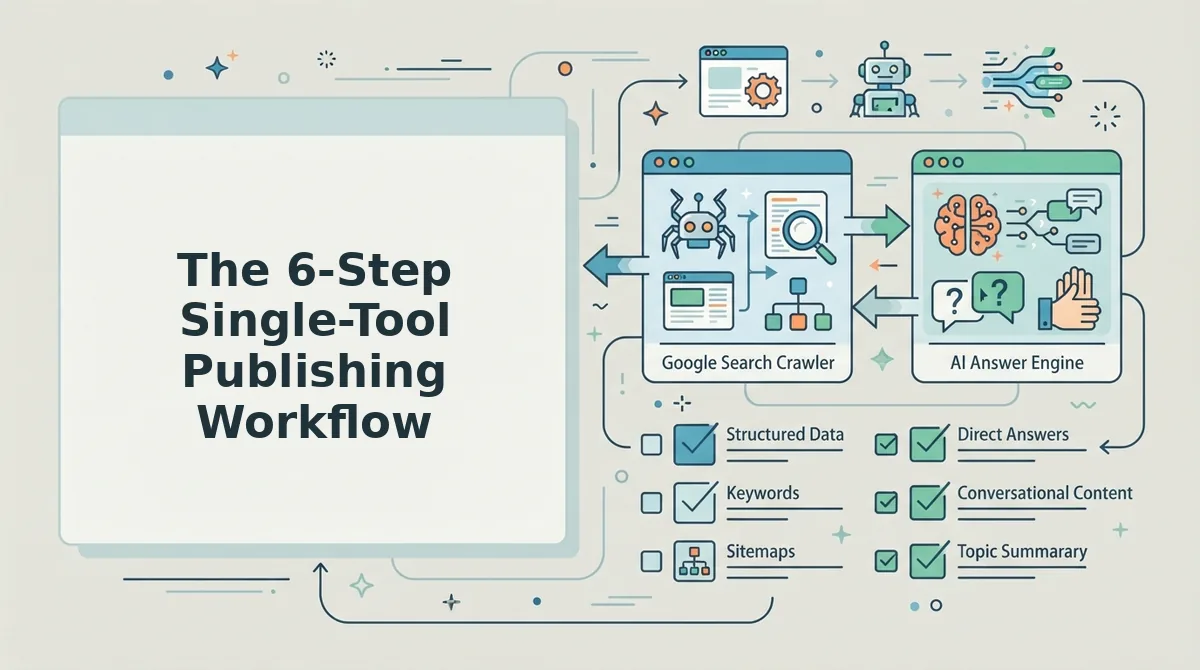
A single-tool publishing workflow is a six-step sequence that takes a blog post from site crawl to live CMS publication without leaving one dashboard. The steps are: crawl your site, run live SERP research, generate a topic cluster, draft with optimization baked in, create images, and publish.
Before you start, you need one prerequisite: access to a platform that combines site crawling, SERP analysis, drafting, image generation, and CMS publishing in a single interface. The workflow below follows the feature sequence of an automated publishing engine that handles all six steps natively.
- Crawl your site and extract brand context. Enter your domain into the setup wizard. The tool locates your XML sitemap, inspects published pages, and detects your underlying tone, formatting conventions, and topical focus. You should see a brand voice summary appear within a few minutes. Expected time: 5-10 minutes.
- Run live SERP and social research. Select your target keyword or topic. The tool pulls current search results and social signals in real time, so your outline reflects what ranks today, not what ranked last week. This replaces the manual step of toggling between a keyword tool and a spreadsheet. For a deeper comparison of methods, see live SERP research versus manual keyword tools. Expected time: 2-3 minutes per topic.
- Generate a topic cluster and calendar. Review the suggested pillar page and supporting posts. Approve or reorder the 30-day calendar. You should see a clear content map with internal linking opportunities already identified. Expected time: 10-15 minutes.
- Draft with SEO and AEO baked in. Open the draft editor. The article is generated with on-page SEO elements and AEO optimization baked into every draft, including structured headings, answer-targeted paragraphs, and citation-friendly formatting. Review and edit inline. Expected time: 20-40 minutes per post.
- Generate images and format inline. Click the image generator for each section that needs a visual. The tool creates images at the correct dimensions and inserts them with alt text and captions already populated. No separate Canva or Photoshop session required. Expected time: 5-10 minutes.
- Publish to WordPress or push via API. Click Publish. The article, images, meta tags, and internal links are sent directly to your WordPress site or custom API endpoint. You should see a confirmation message with the live URL. Expected time: under 1 minute.
The entire sequence, from domain entry to live post, can be completed in under two hours for a standard article, with no tab switching and no manual data transfer between tools. The key difference from a fragmented stack is that each step feeds the next automatically: the crawl informs the research, the research shapes the cluster, the cluster guides the draft, and the draft carries its formatting and context all the way to publication.
That is the workflow. Next, let's examine what a single tool must actually do under the hood to make this sequence possible.
What a Single Tool Must Actually Do
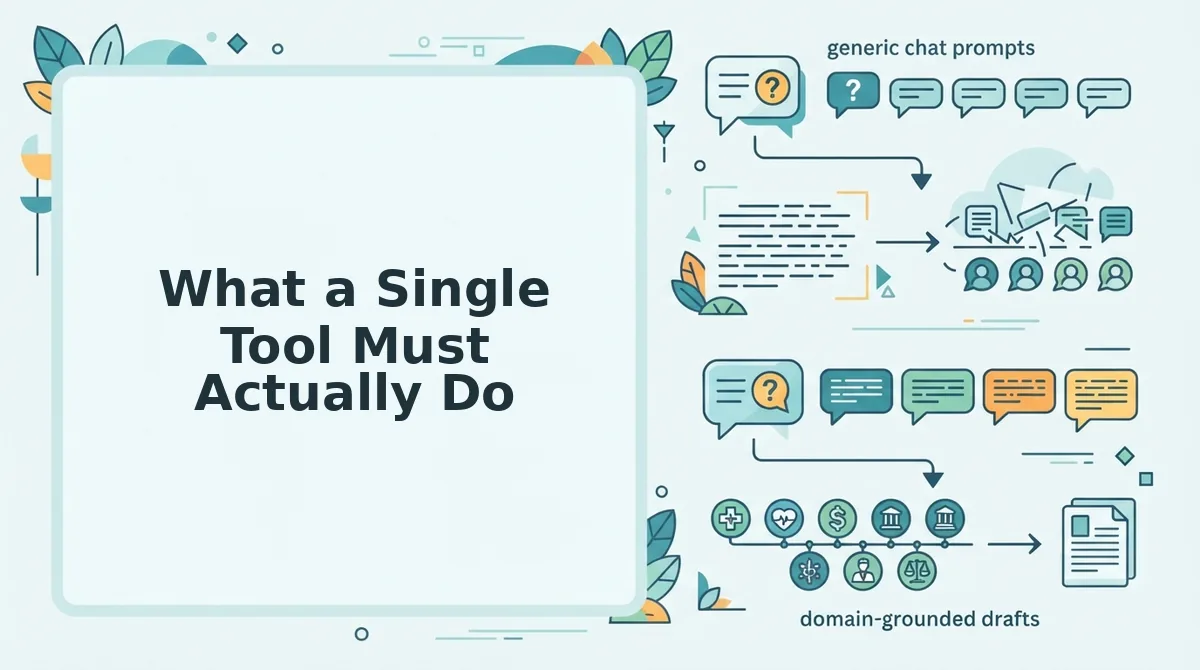
A single-tool publishing workflow only works if the tool replaces every function you currently outsource to separate tabs. Use this checklist to evaluate any platform before committing your content calendar to it.
- Extract brand context from your existing site. The tool must crawl your domain, read your published pages, and learn your tone, terminology, and formatting rules automatically. This matters because manually describing your voice in a prompt produces generic output that sounds like everyone else. Use this capability by dropping your URL into the setup flow and letting the tool build its own style guide.
- Run live SERP research inside the editor. The tool must pull current ranking pages, question clusters, and content gaps for your target keyword without opening a separate research tab. This matters because search results change weekly, and drafting against stale data produces articles that miss the actual query intent. Use it by reviewing the SERP snapshot before outlining each post.
- Generate images inline during drafting. The tool must create optimized visuals, alt text, and file names without exporting to a design app or stock library. This matters because image production is the most common reason writers leave their editor mid-draft. Use it by generating a featured image and one supporting graphic per post directly in the draft view.
- Publish directly to WordPress or your API. The tool must push finished HTML, metadata, categories, and images to your CMS in one action. This matters because copy-pasting from a writer into WordPress reintroduces formatting errors, broken embeds, and version drift. Use it by connecting your CMS once and publishing drafts with a single click.
- Apply AEO citation standards automatically. The tool must structure answers, definitions, and lists so AI answer engines can extract and cite them cleanly. This matters because appearing in ChatGPT and Perplexity responses increasingly drives referral traffic that Google alone does not. Use it by checking that each post includes a direct-answer paragraph and scannable subheadings before publishing.
- Maintain a content calendar without a spreadsheet. The tool should queue, schedule, and track posts across clusters so you never manually coordinate deadlines. This matters because calendar spreadsheets are the coordination tax that single-tool workflows are meant to eliminate. Use it by planning a 30-day cluster and letting the tool sequence drafts automatically.
- Integrate with Google Indexing API for faster discovery. The tool should ping Google when a post goes live so new content enters the index in hours, not weeks. This matters because indexing lag silently suppresses traffic for new domains and fresh clusters. Use it by enabling the integration once and letting every publish trigger an indexing request.
Non-negotiables are the first four items: brand context extraction, live SERP research, inline image generation, and direct WordPress publishing. Calendar automation, Indexing API integration, and AEO citation standards are valuable but can be layered in later. For a deeper comparison of how a dedicated engine differs from prompt-based writing, see AI content engine vs chat window workflows.
FAQ About Single-Tool Blog Publishing
A single-tool publishing workflow means drafting, optimizing, generating images, and publishing from one platform without switching tabs. These answers address the most common questions from publishers evaluating that setup.
Can I really publish a blog post without leaving one tool?
Yes. A publishing engine that includes site crawling, SERP research, inline image generation, and direct CMS integration lets you complete the entire workflow in one interface. The only external step is final review, which happens in the same tool before you click publish.
What's the difference between an AI writer and a publishing engine?
An AI writer generates text from prompts. A publishing engine adds research, brand voice extraction, image creation, SEO optimization, and direct CMS publishing around that text generation. The writer produces words; the engine produces a finished, published article.
Does single-tool publishing hurt SEO quality?
No, when the tool performs live SERP research and applies on-page optimization during drafting. Quality drops when writers skip research or copy generic AI output. A single tool that bakes research into the workflow can improve consistency compared to fragmented manual processes.
How do I keep my brand voice consistent in one tool?
Choose a tool that crawls your existing site and extracts voice rules automatically rather than relying on a manually written style prompt. The tool then applies those rules to every draft, reducing tone drift across authors and publishing sessions.
What should I check before trusting a tool with direct publishing?
Verify that the tool supports your CMS natively, preserves formatting and metadata, and lets you review the final HTML before it goes live. Test with one low-stakes post first, then expand once the output matches your quality bar.
The Real Payoff Is Recovered Attention
The context-switch tax is not measured in minutes lost per tab change. It is measured in the mental reset required every time you re-enter a draft, re-read your own argument, and rebuild the thread you were pulling. A single-tool workflow eliminates that tax and the tone drift that comes with it.
Start by running this workflow manually with the checklist above. When you are ready to automate it end to end, see BloGoose pricing and let the engine handle research, drafting, images, and publishing in one pass. Keep manual review for high-stakes posts, and let everything else ship on autopilot.