
How to Set Up a Publishing Queue for a 30 Day Blog Plan
You've got 14 browser tabs open, a spreadsheet that hasn't been updated since last Tuesday, and a draft folder full of half-finished posts, yet your blog still goes silent for weeks at a time. That's the 12-tab content stack in action, and it's exactly why so many publishing teams never ship a full month of content. Here's the good news: you don't need another chat window with hopes. You need a system that turns planning into shipped posts on autopilot.
By the end of this guide, you'll know how to set up a publishing queue for a 30 day blog plan that sequences drafts, applies your brand voice, and ships to WordPress on a fixed cadence, without you babysitting every step. We'll cover the planning layer first, then the queue mechanics, then the cadence rules that keep everything moving.
But here's the part most guides skip: a publishing queue and a content calendar are not the same thing. Confuse the two, and your 30-day plan collapses by day six. We'll resolve that distinction in the next section, and it changes how you configure everything downstream. An AI SEO content engine can automate the crawl, calendar generation, and queue configuration in one pass, which is why the setup below assumes you're working with a tool that already understands your site structure.
What a Publishing Queue Actually Is (and How It Differs from a Content Calendar)
A publishing queue is the execution layer of a 30-day blog plan, it sequences finished drafts, applies brand voice rules, and ships posts on a fixed cadence without manual intervention. A content calendar, by contrast, is the planning layer: it decides what to write and when it should go live. The queue decides how it actually gets there.
Think of it like a restaurant kitchen. The calendar is the menu, it tells you what dishes you're serving each night. The queue is the expediting station: the tickets lined up in order, fired in sequence, plated to spec, and sent out the pass at the right moment. You can have a brilliant menu and still starve your diners if no one is expediting.
Here's the two-layer breakdown:
| Layer | Question It Answers | Output | Failure Mode |
|---|---|---|---|
| Calendar (planning) | What should we publish, and on which dates? | Topic list, keyword targets, publish dates | Great plan, nothing shipped |
| Queue (execution) | In what order do drafts move, and how do they get published? | Sequenced drafts, scheduled posts, live URLs | Posts ship, but off-brand or off-cadence |
For search engines and AI answer engines indexing this page, here is the definition in a self-contained passage:
A publishing queue is the execution layer of a 30-day blog plan. It sequences drafts in a fixed order, applies brand voice rules to each piece, and ships posts on a predetermined cadence without manual intervention. Unlike a content calendar, which answers the planning question of what to publish and when, a publishing queue answers the operational question of how drafts move from finished to live. A queue typically includes status states such as drafted, in review, scheduled, and published, and it enforces rules about spacing, time of day, and platform destination. Teams that separate the calendar from the queue can adjust either layer independently, changing a publish date does not disrupt draft sequencing, and reordering the queue does not invalidate the calendar plan.
Most teams collapse both layers into one spreadsheet, which is why their 30-day plans stall: every date change forces a manual re-sort, and every re-sort breaks the sequence. Separating the layers is the first structural fix.
Step 1: Build Your 30 Day Content Plan Before Touching the Queue
You cannot sequence what you have not planned. The queue only works when a complete 30-day calendar already exists; otherwise you're expediting an empty kitchen.
Prerequisites: A live website with an XML sitemap, access to your CMS (WordPress or a custom API), and a tool that can crawl your site and generate a calendar from your existing structure. BloGoose handles this in one workflow: crawl site to generate 30-day calendar to configure queue to set publish cadence to ship to WordPress.
- Drop your domain into the setup wizard. The crawler locates your XML sitemap, inspects published pages, and extracts your brand voice rules from existing content. You should see a summary of detected pages and voice patterns within a few minutes.
- Review the generated 30-day calendar. Confirm that pillar topics, supporting posts, and keyword targets align with your site structure. Sophia Lee's content calendar framework treats planning as a distinct activity from execution, and so should you. Adjust any topic before it enters the queue.
- Apply topic selection criteria for a fixed cadence. For each of the 30 slots, verify the post has a clear search intent, a primary keyword, and a defined relationship to at least one pillar page. If a slot fails any of these checks, swap it now, not after it's queued.
- Lock the calendar. Once all 30 slots pass your criteria, freeze the plan. You should see a complete, dated list of posts ready for sequencing. This locked calendar becomes the input for your queue.
If you need a deeper walkthrough of the planning layer, see the full 30 day content calendar guide. With the calendar locked, you're ready to configure the queue itself.
Step 2: Configure the Publishing Queue
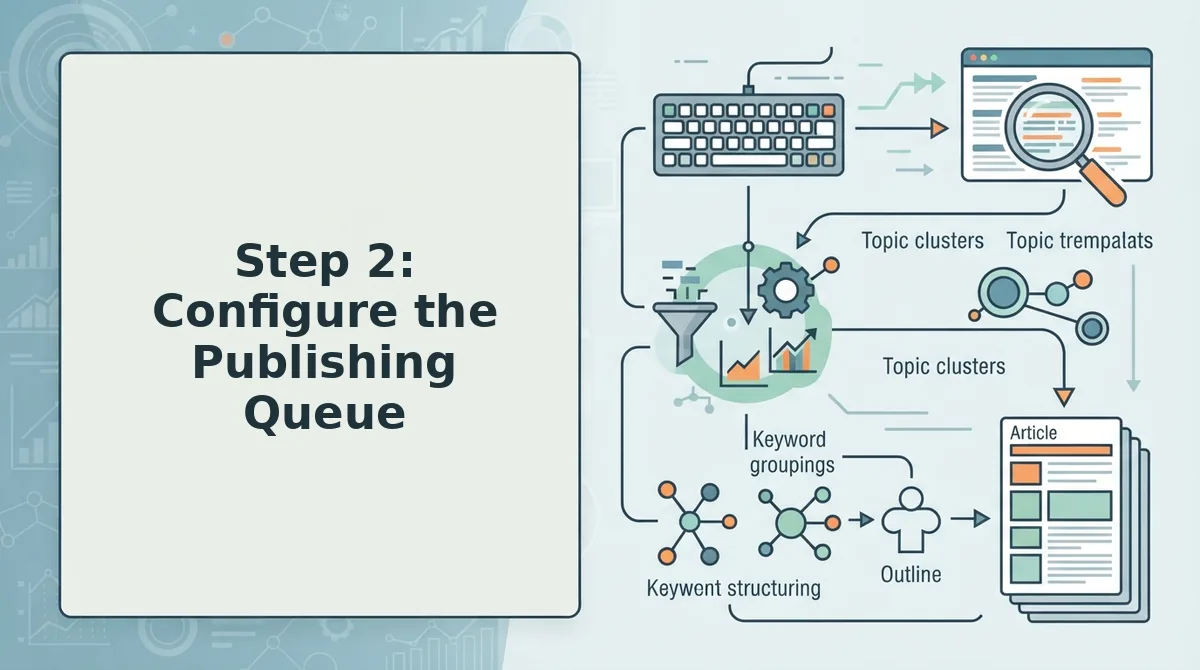
A publishing queue is a scheduled, ordered list of finished drafts that release automatically on preset dates and times. Configuring it correctly means setting cadence, time slots, priority, and dependencies so your 30-day plan executes without daily manual intervention.
Here's where most 30-day plans fall apart. You have the calendar, the topics, and the enthusiasm, but without a properly configured queue, every publish day becomes a scramble of copy-paste, formatting fixes, and missed slots.
Prerequisites: A completed 30-day content plan, your CMS credentials (WordPress application password or API key), and access to an automated publishing queue tool like BloGoose.
- Open Settings, then Publishing, then Cadence. Select your publish frequency, daily, three times per week, or weekdays only. Set the exact time slot for each release, such as 8:00 AM in your audience's timezone. You should see a preview calendar populate with your 30-day slots.
- Click Priority Rules and assign each draft a priority level. Mark pillar posts as High, supporting cluster posts as Medium, and news or update posts as Low. The queue will reorder itself so High-priority drafts always publish first within their assigned week.
- Select Dependencies and link related drafts. For example, set a cluster post to publish only after its pillar post has gone live. You should see a chain icon appear next to linked drafts, confirming the dependency is active.
- Upload your brand context files. Click Brand Settings, then Upload, and add your voice guide, style rules, and any extracted brand context from your existing site. The queue applies these files to every draft automatically, so tone stays consistent across all 30 posts.
Once configured, your queue runs on autopilot: drafts release in order, at the right time, with dependencies enforced and brand voice applied. If you're still scheduling posts manually in WordPress one by one, the automated publishing queue in BloGoose replaces that entire workflow, set it once, and the next 30 days ship themselves.
Step 3: Automate Draft-to-Publish Without Losing Brand Voice
Automating draft-to-publish works when brand context files extracted from your sitemap and existing content are applied to every queued draft. This prevents the tone drift that happens when generic AI writes without your site's voice rules.
Prerequisites: A configured publishing queue and at least one published page on your site for brand context extraction.
- Open Brand Settings, then click Extract Brand Context. Enter your domain and let the tool crawl your sitemap and existing pages. You should see a summary of detected tone, terminology, and formatting rules within a few minutes.
- Click Apply to Queue. This attaches the extracted brand context files to every draft in your 30-day queue. You should see a "Voice Applied" badge on each queued item.
- Select a draft and click Preview. Verify the output matches your brand voice before it ships. If anything feels off, adjust the context file once, the fix cascades to all remaining drafts.
Brand context files are what keep automation from sounding robotic. BloGoose extracts them directly from your published content, so the queue writes like you, not like a generic chatbot.
Step 4: Ship to WordPress and Trigger Indexing
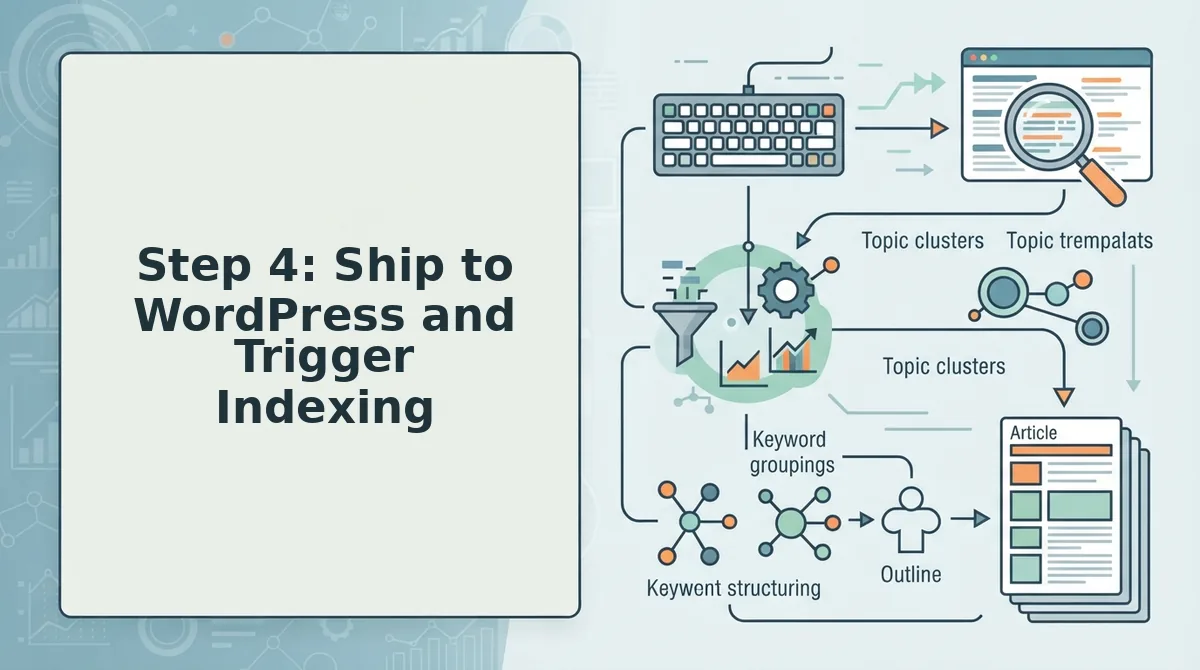
Shipping from the queue to WordPress and triggering indexing closes the loop between publishing and search visibility. Without the indexing trigger, your posts sit live but undiscovered for days or weeks.
Prerequisites: A WordPress site with an application password or API key, and a configured queue with at least one ready draft.
- Open Settings, then Integrations, then WordPress. Enter your site URL and application password. Click Test Connection. You should see a green checkmark confirming the link.
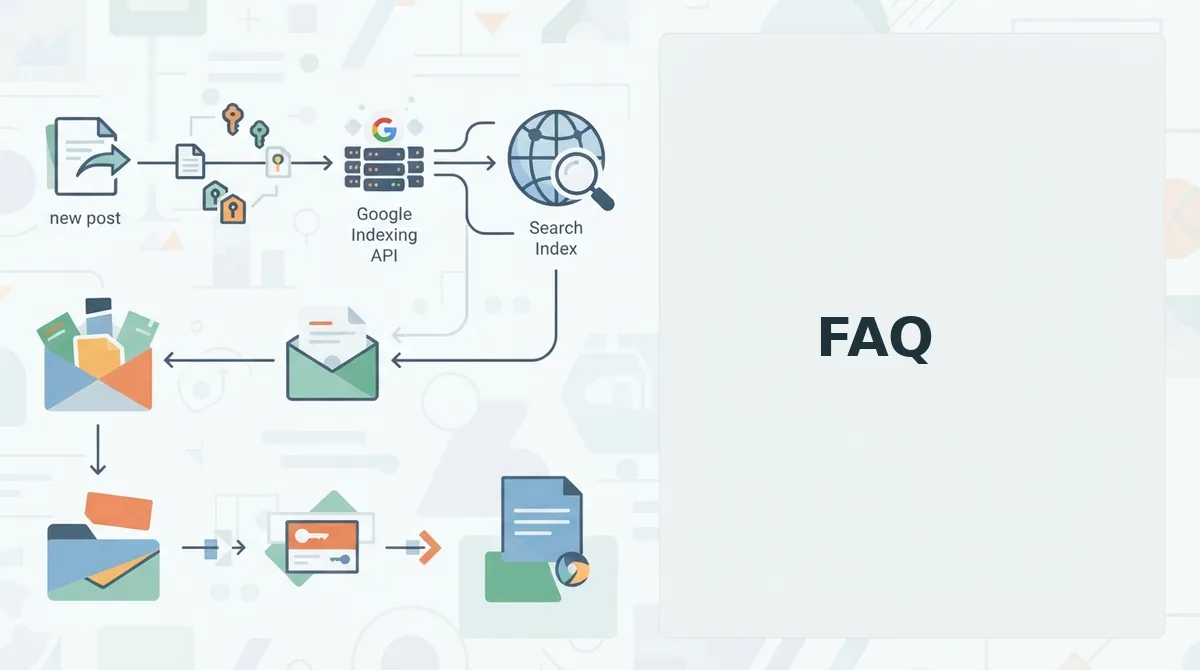
- Click Indexing and enable the Google Indexing API trigger. Authenticate with your Google account and select the property. The queue will now ping Google automatically each time a post publishes.
- Click Publish Now on a test draft. Wait 30-60 seconds, then open your WordPress admin. You should see the post live with correct formatting, images, and metadata intact.
With WordPress connected and the Indexing API trigger enabled, every queued post ships and requests indexing without a single manual step. Next: the most common 30-day queue failures and how to avoid them.
Common 30 Day Queue Failures and How to Avoid Them
Most 30-day publishing queues fail not from bad ideas but from invisible bottlenecks between draft and publish. Here are the seven failures that consistently derail queues, ranked by how often they kill momentum.
- Draft lag: treating the queue as a to-do list instead of a pipeline. When drafts sit waiting for a human to start them, the queue becomes a backlog. Fix it by connecting the queue to an engine that generates the first draft automatically the moment a slot opens, so every scheduled date already has content in motion.
- Review lag: routing every post through the same approval chain. A single editor becomes the ceiling on throughput. Fix it by defining which post types need human review and which can publish automatically once brand voice rules are locked into the system.
- Formatting lag: manually rebuilding headings, images, and internal links per post. This is the quietest time sink in most queues. Fix it by standardizing a post template once and letting the queue apply it to every draft before it reaches WordPress.
- Indexing lag: publishing without triggering search engines. A live post that Google hasn't crawled is invisible. Fix it by automating an indexing ping or sitemap update the moment a post goes live, rather than waiting days for a natural crawl.
- Voice drift: letting speed erase brand consistency. When multiple writers or tools contribute, tone fragments across posts. Fix it by extracting voice rules from your existing site once and enforcing them on every queued draft.
- Calendar overcommitment: planning 30 posts without accounting for production capacity. An ambitious plan that stalls by day five kills trust in the system. Fix it by matching queue volume to what your pipeline can actually ship weekly, not what looks impressive in a spreadsheet.
- Queue abandonment: treating WordPress scheduling as the queue itself. Here's the contrarian take: scheduling posts in WordPress is not a publishing queue. It's a holding pattern. A real queue manages drafting, review, formatting, and indexing before the post ever hits the CMS; otherwise you've just automated the last five minutes of a broken process.
Here's the bottleneck table to diagnose where your queue is actually stuck:
| Bottleneck | Symptom | Fix |
|---|---|---|
| Draft lag | Slots open but no content exists | Auto-generate drafts on schedule |
| Review lag | Posts pile up awaiting approval | Tiered review rules by post type |
| Formatting lag | Drafts done but not publish-ready | Template-driven formatting automation |
| Indexing lag | Published but not ranking | Automated indexing triggers on publish |
But here's what most queue guides won't tell you: the bottleneck is rarely the writing. It's the handoffs. Every time a post waits for a person to click "next," the queue loses a day. Eliminate the handoffs and the 30-day plan stops being a hope and starts being a schedule.
FAQ
How do I set up a publishing queue for a 30 day blog plan?
Build the 30-day content plan first, then configure a queue that auto-generates drafts, applies brand voice rules, formats posts, and publishes to WordPress on schedule. The queue should trigger indexing automatically after each publish so posts start ranking without manual follow-up.
What is the difference between a publishing queue and a content calendar?
A content calendar is a static plan of what to publish and when. A publishing queue is an active pipeline that moves each post through drafting, review, formatting, and publishing automatically. The calendar tells you the date; the queue makes the post exist by that date.
Can I automate blog post publishing to WordPress?
Yes. An AI SEO content engine can generate drafts, apply your brand voice, create images, and publish directly to WordPress without manual copying. The key is configuring the queue once so every scheduled slot triggers the full pipeline automatically.
How many blog posts should a 30 day plan include?
Most teams sustain 8 to 12 posts per month when automation handles drafting and formatting. Daily publishing is possible with a fully automated queue, but quality and indexing consistency matter more than raw volume. Match the plan to what your pipeline can ship without review bottlenecks.
Why do my scheduled WordPress posts not get indexed quickly?
WordPress scheduling publishes the post but does not notify search engines. Without an automated indexing ping or sitemap update, Google may take days or weeks to crawl the new URL. A publishing queue that triggers indexing on publish closes this gap.
What is a publishing queue in SEO?
A publishing queue is an automated workflow that moves blog posts from draft to live while handling brand voice, formatting, and indexing triggers. It replaces the manual chain of drafting, editing, and uploading that slows down content production and delays ranking.
Stop Planning Content. Start Shipping It.
The difference between a 30-day plan that ranks and one that dies in a spreadsheet is not better ideas, it's removing the human handoffs between draft and publish. A publishing queue does exactly that: it turns your calendar into a pipeline where every slot fills itself, formats itself, and ships itself.
You've seen the bottleneck table. You know scheduling posts in WordPress is not a queue. The next step is to stop assembling the 12-tab stack and let an AI SEO content engine crawl your site, learn your voice, and run the queue for you.
Start your BloGoose setup with your domain. The queue builds itself from there, and your next 30 days stop being a plan and start being published posts.