
Replace Surfer SEO workflows across high output teams

Your content team is burning 40 minutes per article just moving between Surfer SEO, Google Docs, and WordPress, and nobody's tracking that cost. If you've ever watched a writer copy-paste an optimized draft into a CMS, reformat every heading, and re-upload images while the publish queue backs up, you already know the problem. Most teams accept this grind as the price of ranking. It isn't.
This guide shows you exactly how to replace Surfer SEO workflows across high-output teams without losing content scores, keyword coverage, or editorial control. You'll see the step-by-step anatomy of a Surfer workflow, quantify the hidden tab-switch cost, and evaluate what actually replaces the multi-tool loop. One surprising finding: YouTube creators are already building custom automation just to escape Surfer's manual handoffs, proof the gap is real and measurable. BloGoose eliminates the loop entirely by crawling your site, extracting brand voice, and publishing rank-ready articles straight to WordPress.
What a Surfer SEO Workflow Actually Looks Like
A Surfer SEO workflow is the sequence of manual steps a writer or editor follows to research, optimize, format, and publish a single article using Surfer's content editor as the optimization core. Think of it like assembling furniture with instructions spread across three different rooms: you keep walking back and forth, and every trip costs time.
The workflow starts simply. A writer opens Surfer's content editor, pastes a target keyword, and reviews the recommended word count, heading structure, and NLP terms. Surfer's content editor is the core workflow for data-driven optimization, it scores drafts against live SERP data and tells you which terms competitors use. The writer drafts in Google Docs or Surfer's built-in editor, watching the score climb as terms are added.
Then the handoffs begin. The optimized draft gets exported, pasted into WordPress, and reformatted because styling rarely survives the transfer. Headings get rebuilt, images re-inserted, internal links re-added. For a team publishing 20 articles a month, that's five manual handoffs per article: research, optimize, export, paste, publish. Multiply across writers, editors, and CMS admins, and the workflow becomes a relay race where every baton pass risks dropping context.
Advanced teams add more layers: keyword clustering in spreadsheets, brief creation in separate docs, editorial review in yet another tool. Each layer adds a tab, a login, and a decision point. The irony is that every tool in the stack is individually useful, the cost lives in the spaces between them.
The Tab-Switch Tax: What Fragmented Workflows Cost
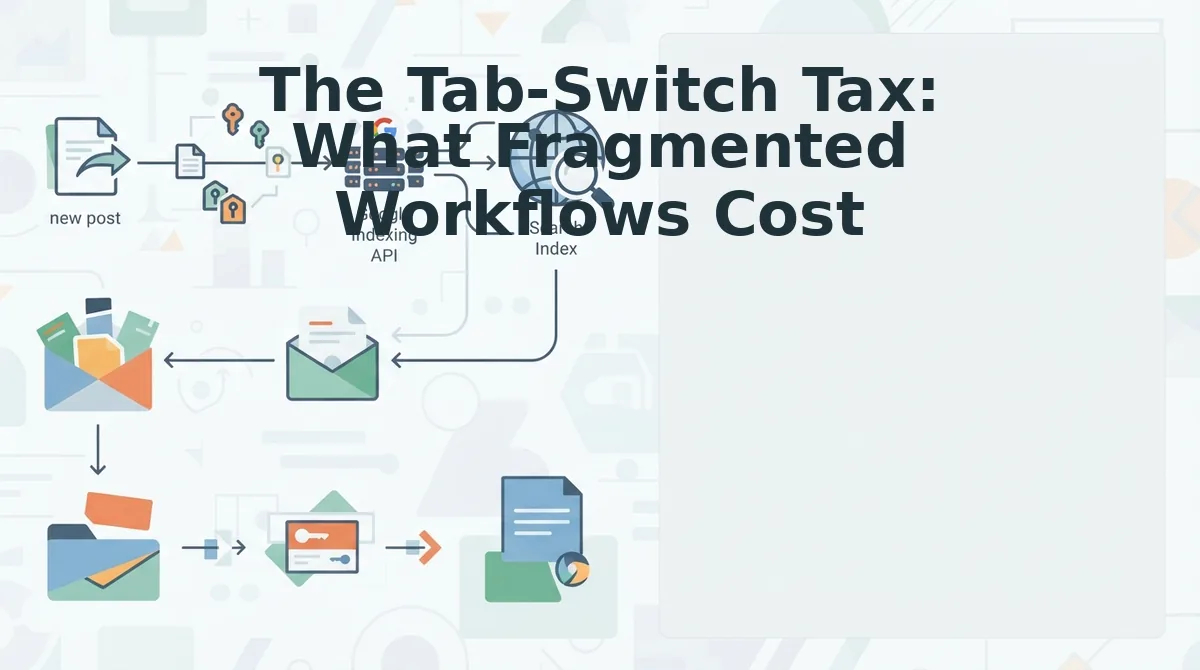
The Tab-Switch Tax is the cumulative time lost moving between Surfer, Google Docs, and WordPress during a single article's production, time that never appears on a timesheet but compounds across every piece your team publishes.
Think of it like a restaurant kitchen where the chef has to walk to a different room for every ingredient. Each trip is short, but across a dinner service, the walking time exceeds the cooking time. Your content team has the same problem: each tab switch costs 10 - 30 seconds of context reloading, and a single article can require 40 - 60 switches.
Run this 3-step audit on your own workflow to quantify the damage:
- Count tool switches: Track one writer for one article and tally every move between Surfer, Docs, WordPress, and any other tool.
- Time each switch: Use a stopwatch or screen recording. Most switches cost 10 - 30 seconds, including the mental context reload.
- Multiply by articles per month: If a writer makes 50 switches per article at 20 seconds each, that's roughly 16 minutes per article. At 20 articles a month, you're losing over 5 hours, just to tab-switching.
This cost compounds when you factor in editorial review loops, CMS formatting fixes, and the errors that slip through during copy-paste transfers. A platform that crawls your site, extracts brand voice rules, and publishes finished articles directly to WordPress removes the handoffs entirely, the same shift we explored in our breakdown of AI content engine vs chat window workflows. The next section covers what actually replaces the Surfer loop for agencies running high-volume publishing.

Surfer SEO Alternatives for Agencies: What Actually Replaces the Workflow
Surfer SEO alternatives fall into two camps: point solutions that replace one part of the workflow, and integrated content engines that replace the entire research-to-publish loop. Agencies should choose based on which parts of the Surfer workflow they actually want to keep.
Surfer combines content optimization with AI visibility tracking on eligible plans through Jenny AI Search and AEO features. That dual capability means no single alternative replaces everything Surfer does, but integrated engines come closest by crawling sitemaps and publishing directly to WordPress, eliminating the export-paste-format loop entirely.
| Alternative Type | Replaces in Surfer Workflow | Gap Remaining | Best For |
|---|---|---|---|
| Integrated AI SEO content engine | Brief creation, drafting, optimization, CMS publishing | Manual fine-tuning for highly regulated niches | High-output agencies publishing 20+ articles monthly across multiple client sites |
| Standalone AI writer (e.g., Jasper, Copy. ai) | Drafting only | Optimization scoring, briefs, publishing | Content teams that already have a separate optimization tool and prefer manual control |
| Optimization-only tools (e.g., PageOptimizer Pro, Frase) | Content scoring and SERP analysis | Automated publishing and brand voice extraction | SEO specialists who want granular control over on-page changes without workflow automation |
| Full-stack SEO suites (e.g., Semrush, Ahrefs) | Keyword research, some content scoring | Drafting and publishing remain manual | Agencies that need rank tracking and backlink data alongside content production |
Surfer's strength remains its content editor scoring and SERP clustering for teams that want hands-on optimization. Its weakness for high-output teams is the manual handoff between research, drafting, and CMS upload. Integrated engines address that specific bottleneck by treating publishing as part of the content generation step, not a separate export ritual.
If your team spends more time moving content between tools than improving it, an AI SEO content engine replaces the workflow rather than just one tool within it.
How to Replace Surfer SEO Workflows with Automated Publishing
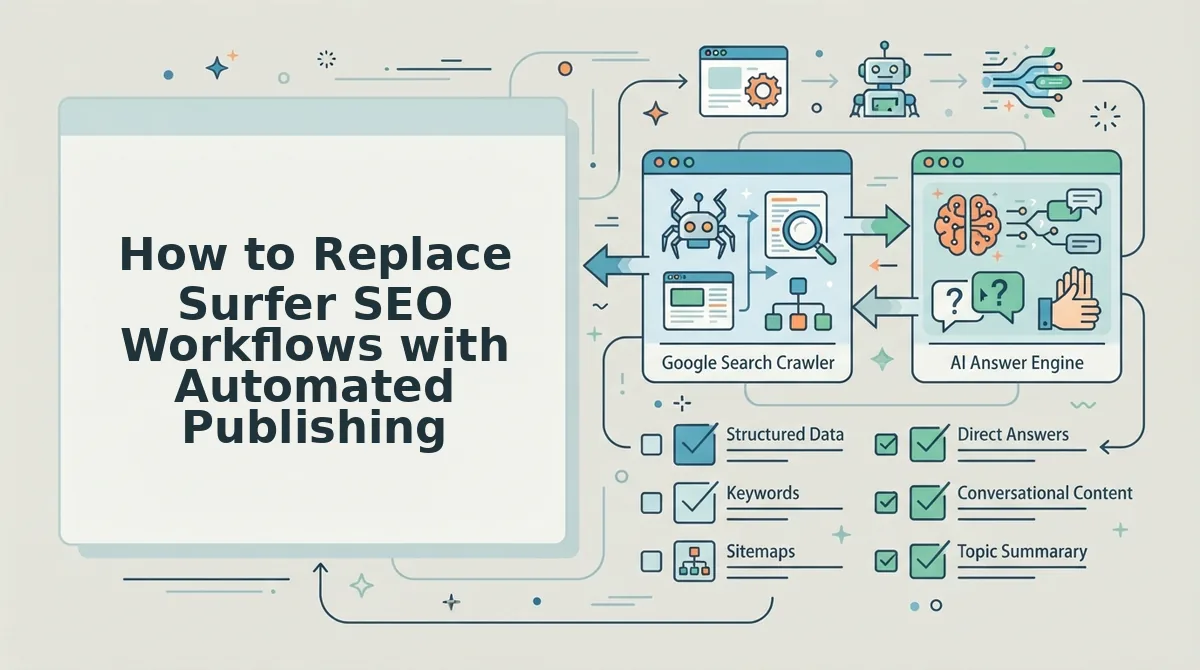
Replacing Surfer SEO workflows with automated publishing takes roughly one afternoon: export your briefs, map brand voice rules into an automated blog publishing engine, connect your CMS, and test with one article before scaling. You need admin access to your CMS, your exported Surfer data, and your brand voice documentation.
- Export content briefs and keyword data from Surfer. Open each active brief in Surfer, click Export, and download the CSV or DOCX files. Save all exports to one folder so nothing gets lost. You should see a complete list of target keywords, headings, and word counts for every article in your pipeline.
- Map brand voice rules into the engine. Open the engine's Brand Voice settings and paste your tone guidelines, banned phrases, formatting preferences, and any style guide excerpts. Upload 3-5 of your best-performing published articles as reference samples. You should see a confirmation that the engine has extracted voice patterns from your samples.
- Connect your CMS. Navigate to Settings, then API Keys or Integrations. Generate an application password in WordPress (Users to Profile to Application Passwords) and paste it into the engine's connection field. Click Test Connection. You should see a green checkmark confirming the engine can read and write to your site.
- Test with one article. Select a single exported brief, click Generate Article, and review the draft against your brand voice checklist. Approve it and click Publish to send it directly to WordPress. You should see the live article on your site within minutes, formatted correctly with no manual pasting.
- Scale to your full content calendar. Once the test article meets your quality bar, import the remaining exported briefs in bulk. Schedule publishing at your normal cadence. You should see articles appearing on your site without any export-paste-format steps in between.
The migration path competitors lack is the handoff: most alternatives still require you to export from one tool, paste into another, format in a third, and upload manually. An automated blog publishing engine removes those intermediate steps by treating the CMS connection as a first-class feature. When the engine can read your sitemap, extract your brand voice, generate an article, and publish it without a single manual export, the Surfer workflow has been fully replaced rather than partially patched.
What Breaks When You Switch (And What to Keep)
Switching from Surfer to an integrated engine breaks the manual editing loop but preserves the strategic assets that made your content rank. Here is what to expect, ordered by impact.
- Manual SERP-by-SERP fine-tuning disappears. Surfer's content editor lets you adjust individual headings and keyword densities in real time. Integrated engines optimize automatically against your brief, which means less granular control. Teams with heavy manual-editing preferences may keep Surfer for specific high-stakes pages while routing volume content through the engine.
- Keep your brand voice rules. Export every tone guideline, banned phrase, and formatting rule from your style guide before canceling. These rules are the hardest asset to rebuild and the easiest to lose in a tool migration. Feed them into the engine's voice settings during setup.
- Keep your keyword data and content briefs. Export all active briefs, keyword clusters, and SERP analysis notes from Surfer. This data represents months of research and should seed your new engine's content calendar rather than starting from scratch.
- Keep your top-performing article samples. Save 3-5 articles that consistently rank and match your brand voice. These become the reference corpus the engine uses to learn how you write, making the transition smoother than a cold start.
- Let go of the export-paste-format loop. The manual steps of exporting from Surfer, pasting into Google Docs, reformatting, and uploading to WordPress are exactly what an integrated engine eliminates. Holding onto them defeats the purpose of switching. For a full breakdown of options, see this Surfer SEO alternative comparison.
If you are still weighing the switch, the next section answers the most common questions teams ask before migrating.
FAQ: Replacing Surfer SEO Workflows
Teams replacing Surfer SEO typically ask the same four questions about content editors, migration breakage, automation paths, and AI citation impact. Here are the direct answers.
Do I still need a separate content editor if my CMS handles optimization?
No, you do not need a separate content editor when your publishing engine applies optimization rules during drafting. An integrated engine scores content against target keywords, heading structure, and internal links before the article reaches your CMS. Keeping a standalone editor only adds a manual review step that integrated scoring already covers.
What breaks when you switch from Surfer to an integrated engine?
Three things typically break: saved content briefs, historical optimization scores, and team habits built around Surfer's interface. Content briefs rarely migrate cleanly because each tool structures keyword data differently. Historical scores are lost entirely. Team habits take two to four weeks to rebuild around automated drafting and publishing workflows.
How do teams replace Surfer SEO workflows with automated publishing?
Teams replace Surfer workflows by connecting an AI SEO content engine directly to their CMS, then letting the engine crawl the site, extract brand voice, build a content calendar, and publish finished articles. The workflow shifts from manual optimization passes to review-and-approve cycles, eliminating three to five manual steps per article including keyword export, brief creation, draft scoring, and manual upload.
Why does Surfer SEO feel slow for high-output content teams?
Surfer SEO optimizes one article at a time through a manual interface, which creates a per-article bottleneck. High-output teams publishing 20 or more articles per month hit the tab-switch tax: exporting keywords, pasting drafts, waiting for scores, and re-uploading to WordPress. Integrated engines remove these handoffs by scoring and publishing in one automated pipeline.
Can an automated engine still get my content cited in AI answers?
Yes, automated engines can optimize for AI citations when they structure content for answer engines from the start. The key is writing direct-answer paragraphs, using clear heading hierarchies, and including self-contained passages that AI models can extract. Teams that want to get cited in AI answers should prioritize citation-optimized formatting over keyword density alone.
What is the fastest migration path from Surfer SEO to an integrated engine?
The fastest migration path is a phased switch: keep Surfer for in-flight articles while the integrated engine takes over new content production. Run both tools for one publishing cycle, then retire Surfer once the automated pipeline proves it can match or beat existing rankings. Most teams complete the transition within one month without losing publishing cadence.
The Real Cost of Keeping Surfer Is the Pipeline You Never Build
Every hour spent exporting keywords, pasting drafts, and waiting for optimization scores is an hour not spent building a publishing system that compounds. The tab-switch tax is not just lost time. It is the structural reason high-output teams plateau at 15 to 20 articles per month while integrated teams publish double that volume with the same headcount.
The migration path is clear: keep Surfer for in-flight work, connect an AI SEO content engine to your CMS, and let the engine take over new production. The switch saves three to five manual steps per article, which compounds into hundreds of recovered hours per quarter.
Your next step is to run one article through an integrated engine and compare the output against your current Surfer workflow. Measure time saved, not just content score. The teams that win AI-era search are not the ones optimizing harder. They are the ones who removed optimization from their to-do list entirely.