
How to Schedule Draft Intervals Without Calendar Sprawl
Most publishing teams don't miss deadlines because they lack ideas, they miss them because every draft lives on a calendar with no delivery mechanism attached. If your editorial calendar has become a graveyard of color-coded blocks that never turn into published posts, you're dealing with calendar sprawl, and the fix isn't another tool. It's a system that lets you schedule draft intervals without calendar sprawl by separating when work happens from where work lives.
You're right to feel frustrated: a calendar full of scheduled drafts that never ship is worse than no calendar at all. By the end of this article, you'll have a concrete 3-zone framework that turns chaotic scheduling into a predictable draft delivery queue, and you'll see how an AI SEO content engine can automate the buffer zone so drafts arrive ready to edit, not ready to reschedule.
Here's the roadmap: first, we'll define calendar sprawl as a distinct failure mode and contrast it with a draft delivery queue. Then, we'll break down the 3-zone framework, buffer, active, publish, and show you how to calculate your ideal draft interval. Stick around for the surprising part: most teams need fewer scheduled items, not more.
What Is Calendar Sprawl? And Why It Kills Publishing Momentum
Calendar sprawl is a publishing failure mode where a content calendar accumulates more scheduled draft items than the team has capacity to edit, review, and publish, creating a backlog of intentions with no delivery mechanism. A calendar tracks when you hope to work; a draft delivery queue tracks what is actually ready to move.
Think of calendar sprawl like a restaurant kitchen with a reservation book full of tables but no food prep schedule. The reservations look impressive on paper, but the kitchen collapses when every table arrives at once. Your editorial calendar works the same way: scheduling 20 drafts across a month feels productive, but if only five get edited and published, you've built a backlog of broken promises to yourself.
The key distinction most teams miss is the difference between a content calendar and a draft delivery queue. A content calendar is a planning surface, it shows topics, target dates, and assigned writers. A draft delivery queue is an operational pipeline, it shows drafts that exist, their current zone, and the next action required. Calendar sprawl happens when the planning surface is mistaken for the pipeline.
Here's the passage that answers the core question directly: Calendar sprawl kills publishing momentum because it creates the illusion of progress without producing output. When a team sees 15 scheduled drafts on the calendar, they feel productive. But scheduled drafts don't rank, don't get cited in AI answers, and don't build topical authority. Only published drafts do. The sprawl also creates decision fatigue: every morning, the team must re-decide which of 15 scheduled items to actually touch, and that repeated re-prioritization burns the exact cognitive energy needed for editing and optimization.
If your calendar has more than two weeks of scheduled drafts with no clear owner or next action, you're in sprawl territory. The fix starts with rebuilding your content calendar planning around delivery capacity, not aspiration, and that's where the 3-zone framework comes in.
The 3-Zone Draft Interval Framework
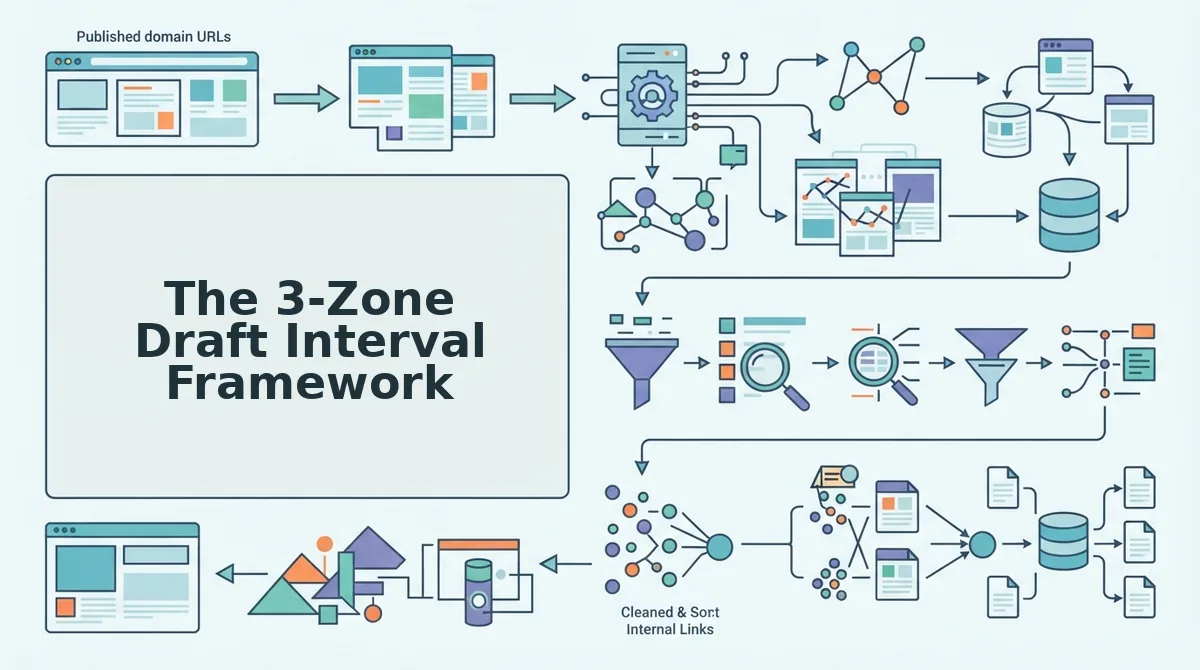
The 3-zone draft interval framework is a scheduling system that organizes every draft into one of three operational zones, buffer, active, or publish, so that each draft has a defined next action and a clear path to going live. Instead of one sprawling calendar, you get three small, manageable queues.
Think of the framework like a restaurant's kitchen flow: ingredients wait in the walk-in cooler (buffer), get prepped and cooked on the line (active), and get plated and served (publish). Each station has limited capacity, and food only moves forward when the next station has room. Your drafts should move the same way, forward only, never backward.
Buffer Zone: where drafts wait before editing. This is the holding area for drafts that have been written but not yet touched by an editor. The buffer zone's only job is to keep a steady supply of ready-to-edit drafts available without overwhelming the active zone. A healthy buffer holds three to five drafts, enough to absorb a slow week, not so many that drafts go stale. If your buffer exceeds five, stop scheduling new drafts until it drains.
Active Zone: where drafts get edited. This is the only zone where work actually happens. The active zone should contain no more than two or three drafts at any time, the number your team can realistically edit, optimize, and approve in a single week. When a draft enters the active zone, it gets a hard deadline and a named owner. Nothing sits in the active zone without both.
Publish Zone: where drafts go live. This zone is a checklist, not a holding area. A draft enters the publish zone only when it's fully edited, optimized for search and AI answer engines, and scheduled for a specific publish date. The publish zone should be empty at the start of every week, anything left over signals a bottleneck upstream.
Here's the self-contained answer to the most common question: How do you prevent drafts from piling up in one zone? You enforce a pull system, not a push system. A pull system means a draft only moves to the next zone when that zone has capacity, you pull drafts into the active zone as editing slots open, rather than pushing every finished draft into editing at once. This keeps the active zone from becoming a second buffer and prevents the publish zone from becoming a dumping ground for half-finished work.
Once you've mapped your drafts into these three zones, the next question is obvious: how far apart should you actually schedule new drafts? That depends on your team's real editing capacity, not your ambition.
How to Calculate Your Ideal Draft Interval
Your ideal draft interval is the number of days between starting one draft and starting the next, and it depends on your team's weekly writing capacity, review bandwidth, and monthly publishing target.
Prerequisites: a list of approved topics, a shared calendar or scheduling tool, and a realistic estimate of how many drafts your team can review per week.
- Open your publishing calendar and count your monthly content goal. Decide how many articles you want to publish in the next 30 days. Write that number at the top of the calendar. You should see a clear monthly target, such as 8 or 12 posts.
- Select your review capacity per week. Ask each editor how many drafts they can realistically review without rushing. Multiply by the number of editors. You should end up with a weekly review ceiling, such as 3 drafts per week.
- Divide your monthly goal by your weekly review ceiling. If you want 12 posts and can review 3 per week, you need 4 weeks of drafting. You should see whether your goal fits your capacity before you commit to a schedule.
- Choose a spacing interval from the table below. Pick the spacing that matches your capacity and deadline pressure. You should see a clear trade-off between output volume and backlog risk.
| Spacing | Drafts per Month | Backlog Risk | Best For |
|---|---|---|---|
| 3-day interval | ~10 drafts | High | Large teams with fast review loops |
| 5-day interval | ~6 drafts | Moderate | Small teams with one editor |
| 7-day interval | ~4 drafts | Low | Solo operators prioritizing quality |
Worked example: A two-person team with one writer and one editor wants 6 posts per month. They select a 5-day interval. The writer starts a draft every Monday and Thursday, and the editor reviews each draft within 48 hours. You should see six completed drafts by month-end with zero backlog.
Click Save or Apply on your calendar tool to lock the interval. You should see recurring draft start dates populate automatically for the next 30 days.
Automating Draft Delivery Without Losing Editorial Control
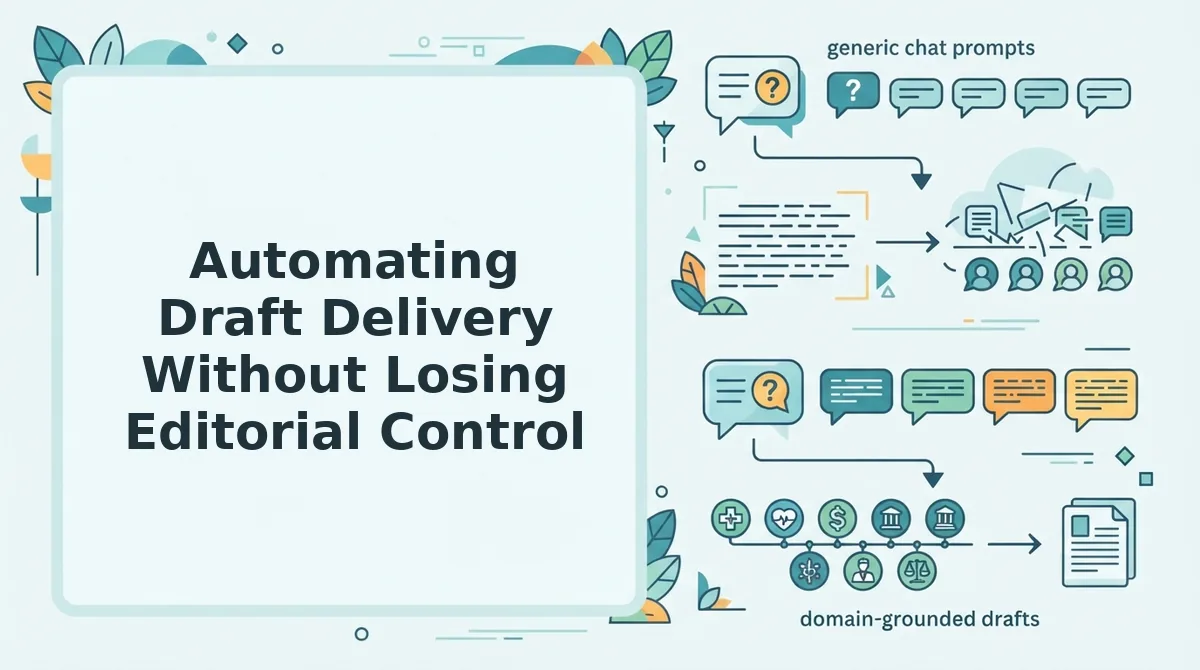
You can automate draft delivery by letting an AI-powered SEO content engine generate and space drafts across a month, while you keep approval checkpoints at every stage.
Prerequisites: a connected CMS or API endpoint, a defined brand voice profile, and a list of approved topics.
- Open your content engine dashboard and connect your WordPress site or custom API. Navigate to Settings, then API Keys, and paste your credentials. You should see a green checkmark confirming the connection.
- Upload your topic list or let the engine crawl your sitemap. Click Import Topics and select your CSV file. You should see each topic mapped to a target keyword and pillar cluster.
- Set the draft delivery interval to match your review capacity. Choose a 3-day, 5-day, or 7-day spacing in the scheduling panel. You should see the calendar populate with staggered draft dates instead of one overwhelming batch.
- Enable review checkpoints before publishing. Toggle Require Approval so every draft lands in a review queue rather than going live automatically. You should see a notification for each draft awaiting your sign-off.
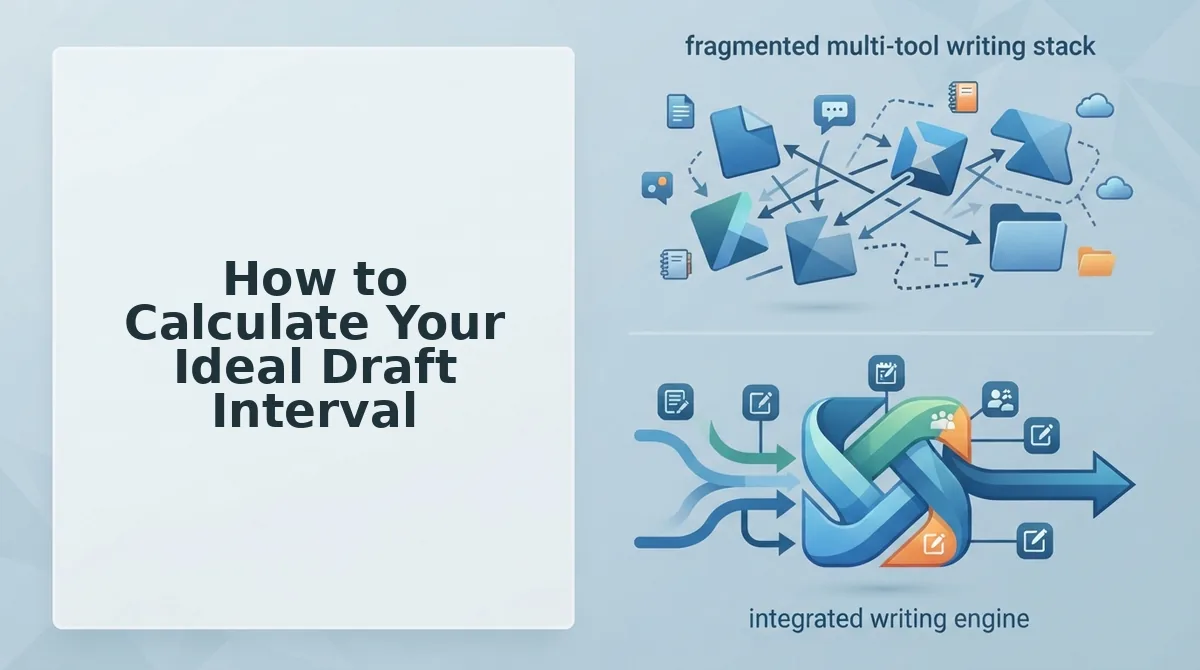
BloGoose spaces drafts across a month automatically, which eliminates the manual calendar juggling that causes sprawl. Editorial control is retained through review checkpoints, so nothing publishes without a human approving tone, facts, and structure. This replaces the 12-tab stack with automated content workflows that still respect your judgment.
Common Draft Scheduling Mistakes and How to Fix Them
The most damaging draft scheduling mistakes are over-scheduling, under-buffering, and ignoring team capacity, and each has a specific, actionable fix.
- Over-scheduling leads to backlog. Setting a 2-day or 3-day interval without enough review bandwidth creates a queue of unfinished drafts that pile up faster than editors can clear them. Fix it by matching your interval to your weekly review ceiling and pausing new drafts when the queue exceeds three items.
- Under-buffering causes missed deadlines. Scheduling drafts back-to-back with no buffer for revisions, sick days, or technical issues means one delay cascades into every subsequent deadline. Fix it by adding one buffer day per week to your calendar and treating it as non-negotiable.
- Ignoring team capacity creates burnout. Assuming writers and editors can absorb extra drafts without checking their actual workload leads to rushed work, errors, and turnover. Fix it by asking each team member for a weekly capacity number and capping total drafts at 80% of that combined figure.
- Scheduling without a review checkpoint. Letting drafts go straight to publish removes the human quality gate and increases the risk of off-brand or factually weak content. Fix it by requiring an approval step before any draft moves to the publishing stage.
- Using one interval for every content type. Applying the same spacing to short news posts and long pillar guides ignores the different research and revision time each format needs. Fix it by assigning longer intervals to pillar content and shorter ones to low-effort updates.
Draft Intervals Without Calendar Sprawl
The 3-zone framework works because it replaces calendar sprawl with interval math: idea zone (7-10 days), draft zone (3-5 days), polish zone (1-2 days). Each zone has a fixed cadence, not a fixed date. That distinction is the entire game.
When you schedule intervals instead of deadlines, your calendar stops accumulating orphaned drafts and starts producing finished articles. The math compounds: a 5-day draft interval across three active clusters yields roughly 18 publishable pieces per month without a single calendar collision.
Here's the pattern interrupt: most teams don't need better discipline. They need fewer manual scheduling decisions. An AI-powered SEO content engine handles the interval math automatically, crawling your site, planning the calendar, and delivering drafts on cadence without you touching a spreadsheet.
Your next step is to map your three zones, set one interval per zone, and let the engine run the cadence. Expect a publishing rhythm that holds for 30 days without rescheduling fatigue.
Draft intervals are not deadlines, they are the cadence that makes deadlines obsolete.