Site Crawl Context vs Manual Prompts for On-Brand AI Writing
For teams publishing ongoing content clusters, a site crawl that produces persistent, editable context files keeps AI writing more consistently on-brand than manual prompts. The voice rules live outside any single chat and get re-checked for every section. Manual prompts still fit one-off posts and brand-new sites with little published content.
You paste your voice instructions into a prompt and finish a solid draft. The next day you open a new session and paste the same block again. Any tweak you made yesterday is gone unless you remembered to update your prompt doc.
That loop is what turns AI writing into "another chat window with hopes." Pasted voice blocks feel like control because you wrote every line. The real question in site crawl context vs manual prompts is whether that control survives long drafts, new sessions, and a growing team.
This guide gives you a clear verdict on which approach keeps AI on-brand, a criteria framework for comparing them, and the honest limits of each. There is also one case where manual prompts win outright, and you will see it before the end.
Before reading on, open your current prompt doc and count how many versions your team is actually using.
Manual Prompts vs Site Crawl Context: Which Keeps AI On-Brand?
Site crawl context keeps AI more consistently on-brand for ongoing content clusters because voice rules are stored in persistent files instead of retyped each session. Manual prompts are faster to start and remain the practical choice for one-off posts or brand-new sites with little published content to crawl.
The core difference is persistence. With manual prompts, your brand voice exists only inside the chat where you pasted it. With site crawl context, it lives in files that every draft reads from.
| Criteria | Manual Prompts | Site Crawl Context |
|---|---|---|
| Setup effort | Low: write a voice block and paste it | Moderate: run a crawl, then review the generated files |
| Persistence across sessions | Weak: retyped or re-pasted every session | Strong: stored in files that carry over automatically |
| Drift risk on long drafts | Higher: rules sit at the top and fade as output grows | Lower: rules can be re-checked section by section |
| Editing and correction | Manual: fix the prompt doc and hope everyone updates it | Centralized: edit one file and every future draft inherits it |
| Scale across writers and clusters | Fragile: versions split across teammates | Consistent: one shared source of rules |
| Fit for new sites | Strong: works with zero published pages | Limited: a crawl needs existing content to learn from |
Best for manual prompts: solo operators writing a single post, testing a new angle, or launching a site with no published pages yet.
Best for site crawl context: founders, growth leads, and publishing teams shipping regular content clusters across multiple writers.
Manual prompts deserve credit here. They need no tooling, give you full line-by-line control, and are the only option when there is nothing to crawl.
BloGoose takes the crawl route: you enter your domain, it locates your XML sitemap, inspects published pages, and extracts brand voice rules into context you can edit before drafting begins.
How Do Manual Prompts Handle Brand Voice, and Why Do They Drift?
Manual prompts handle brand voice by restating your rules inside each instruction. The voice holds only while that instruction stays fresh, complete, and identical across sessions, and drift begins when any of those conditions slips.
Prompt engineering is the craft of wording a single instruction so a model returns the output you want, while context engineering is the practice of deciding what information the model sees around that instruction, such as reference files, retrieved documents, and prior state. The Google Cloud Tech white paper on context engineering treats this surrounding information as something to design deliberately rather than leave to chance. IBM Technology's video "Context Engineering vs. Prompt Engineering" describes the same shift from prompt to context, linking it to retrieval-augmented generation (RAG, where a system fetches relevant documents and feeds them to the model) and to agents that carry state across steps.
Think of a manual prompt as a sticky note on a chef's station. A context file is the recipe binder every cook in the kitchen opens before each dish.
Three Ways Manual Prompts Drift
- Long outputs dilute the voice block. A voice block at the top of a prompt gets less attention as the draft grows, so a 2,000-word article can drift by the final sections even when the opening sounds right.
- New sessions start with no memory. Every fresh chat begins blank, so the voice exists only if someone pastes the block again.
- Teammates use different prompt versions. One writer adds a banned-phrase list, another never sees it, and the cluster starts sounding like two different brands.
Output length is the cause most teams miss. A short social caption rarely drifts, but a long pillar article gives the model many more paragraphs to wander away from rules it read once.
Context engineering does not replace prompts. The prompt still states the task, such as "write the comparison section," while context supplies the standing rules that apply to every task.
That split matters for AEO content optimization, because AI answer engines favor consistent, quotable answers, and drifting tone weakens both.
So how does crawl-based context keep those standing rules in place?
How Does Site Crawl Context Work?
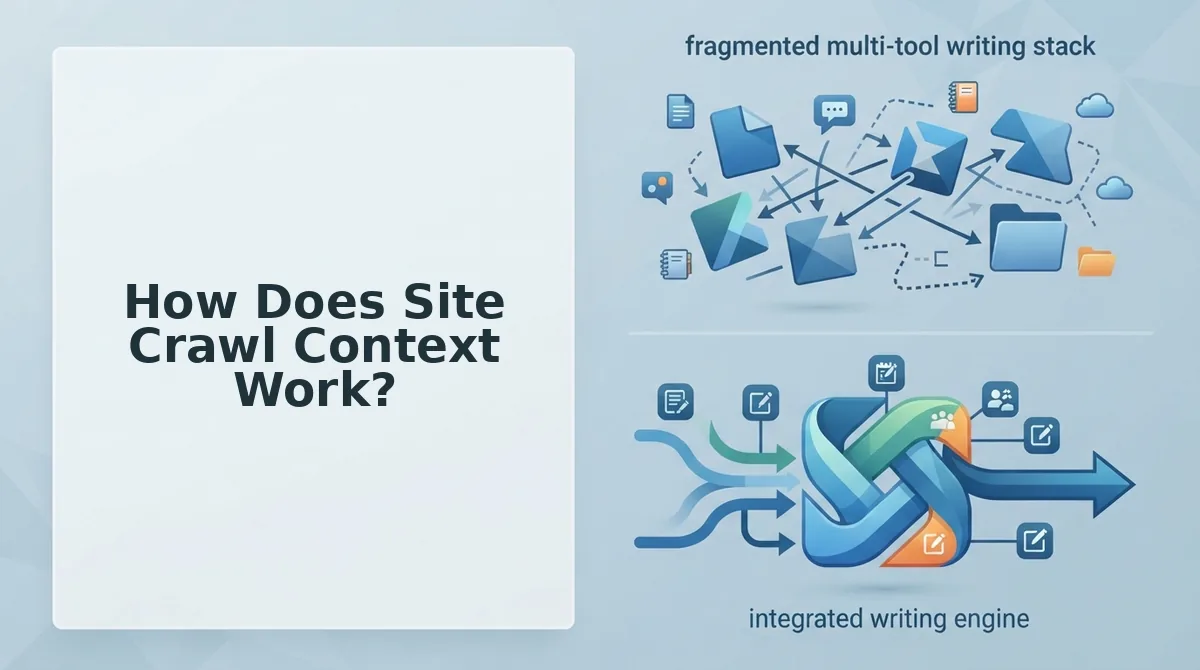
Site crawl context works in four steps: BloGoose locates your XML sitemap, inspects your published pages, detects your CMS, and generates eight Markdown context files that every later draft reads. You set it up once instead of pasting voice rules into each prompt.
Before you start, have these ready: a live domain with published pages, ideally exposing an XML sitemap; a BloGoose account; and access to your WordPress site or custom API endpoint for publishing.
- Open the setup wizard and type your domain. Enter the root URL, such as https://yoursite.com, and BloGoose locates your XML sitemap automatically. Entering the domain takes under a minute, and you should see the sitemap detected as the crawl's starting point.
- Let the crawl inspect your published pages. BloGoose reads the pages listed in the sitemap to learn your tone, topics, and on-page patterns. When it finishes, you should see the crawl move on to platform detection.
- Confirm the detected CMS. BloGoose identifies the technical platform your site runs on, such as WordPress. Check that the detected platform matches where you plan to publish.
- Review the generated Markdown context files. The crawl writes eight files. The core files are brand-voice.md, seo-context.md, seo-guidelines.md, target-keywords.md, style-guide.md, and internal-links-map.md. Set aside 10 to 15 minutes to skim them, and you should be able to recognize your own site in each one.
Those six files also answer a common question: what should a brand context include? It should cover voice, SEO context, guidelines, keywords, a style guide, and an internal links map.
Can I Edit What the Crawl Extracted?
Yes. The context files are plain, editable Markdown, so you can correct any rule the crawl inferred.
Here is an example. The crawl outputs style-guide.md and internal-links-map.md, and you spot one line in the style guide that no longer matches how you write. You edit that single line, and every later draft follows the corrected rule without you pasting anything into a prompt.
Before editing, review the most common brand context file mistakes so your fixes don't introduce new conflicts.
If you are tired of retyping voice rules at the top of every session, let the crawl write them down once. You can then refine the files as your brand evolves, and every draft BloGoose produces picks up the change.
Where Does Your Brand Voice Actually Live?
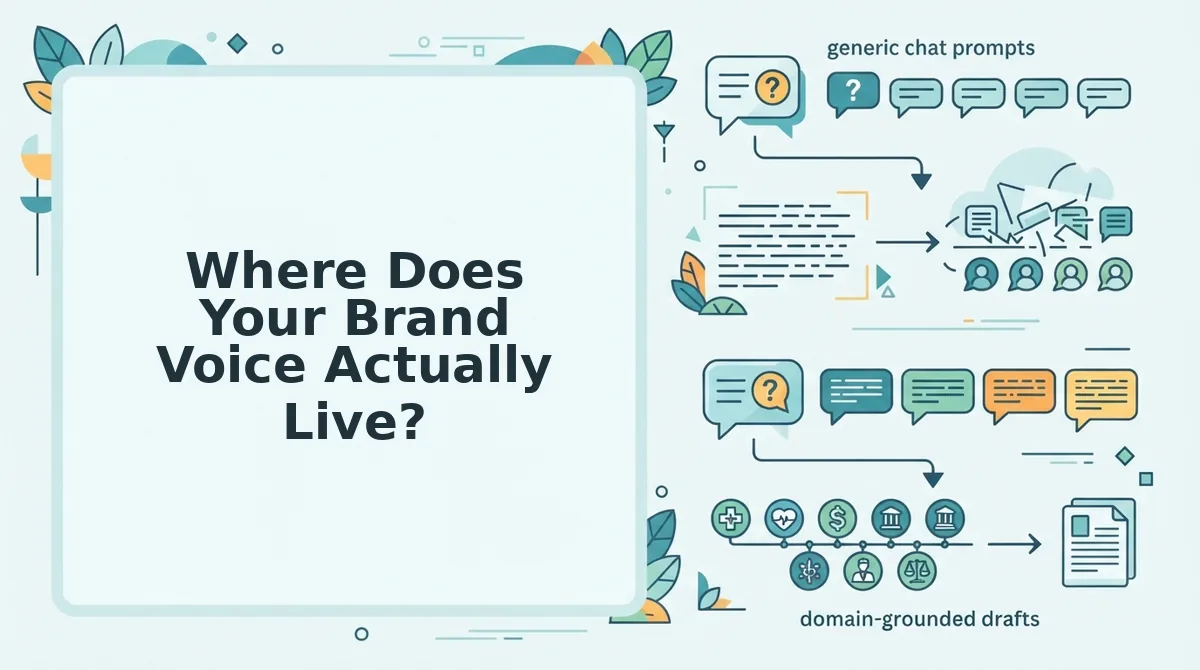
Your brand voice can live in three places: a prompt, a file, or a per-section check. Where it lives decides how long it lasts and who on your team can see it.
| Layer | Where it's stored | How long it lasts | Who can see it | Best for |
|---|---|---|---|---|
| Prompt-level | Typed into a chat window | One session; you retype it next time | Only the person who wrote it | Solo writers testing a one-off angle |
| File-level | Markdown context files | Persists until someone edits it | Anyone with access to the files | Teams sharing one voice across writers |
| Section-level | Checked against the files during each drafting pass | Every section of every draft | Anyone reviewing the files or the output | Long articles and ongoing content clusters |
Prompt-level voice has real strengths. It needs no setup, and it lets you change direction instantly.
The three layers of brand voice in AI writing are prompt, file, and section. Prompt-level voice is the instruction you type into a session, and it disappears when the session ends. File-level voice is written into persistent Markdown context files, such as a brand voice file and a style guide, that any teammate can open and edit. Section-level voice is the drafting check that compares each section against those files rather than against one opening instruction. Together, the file layer stores the rules and the section layer enforces them throughout the draft.
In sectional drafting, section five is checked against the context files just as section one is, so the voice does not fade as the draft gets longer.
Brand voice isn't something you say once. It's something the draft gets checked against.
When Do Manual Prompts Still Beat a Site Crawl?
Manual prompts still beat a site crawl when a site has little published content to learn from, when its existing tone is outdated after a rebrand, or when you need a single one-off post. In those cases, a short prompt doc gives you direct control without inheriting whatever the site already says.
A crawl has a real limit: it learns from the pages you already have. If your site still carries pre-rebrand copy or tone from an old redesign, the extracted context will reflect it.
Brand-new sites face a different problem. With only a handful of pages, a crawl has little to learn from, and a hand-written prompt doc describing the voice you want will be more accurate.
Editable files reduce the inherited-tone problem without removing it. You can rewrite outdated rules directly in the Markdown, and the steps to update brand context files after a redesign show where to start. You still have to notice what's stale.
| Scenario | Manual prompts | Crawl context |
|---|---|---|
| One-off post | Strong fit: fast and flexible | Workable, but more setup than the task needs |
| Single writer | Workable if the writer keeps a consistent prompt doc | Strong fit when publishing regularly |
| 30-day cluster | Weak fit: voice must be re-pasted across many drafts | Strong fit: every draft reads the same files |
| Multi-writer team | Weak fit: each person's prompt varies | Strong fit: everyone shares one set of files |
| New site | Strong fit: you describe the voice you want | Weak fit: too little content to learn from |
Recommendation: Solo writers producing one-off posts, and anyone launching a new site, should start with a prompt doc. Teams running ongoing content clusters should crawl the site, then edit the generated files until they match the current voice.
That leaves one practical question for your team.
Which Should Your Team Choose?
Choose site crawl context if your team publishes content clusters or has more than one writer. Keep manual prompts for one-off pieces where a single person controls every draft.
The real dividing line is where your voice rules live, not which tool writes faster. Three steps settle it:
- Audit your voice sources. Count every place your tone rules currently sit: prompt docs, chat history, a style guide, and the editor's memory. More than one location means drift is already happening.
- Move the rules into persistent files. If you publish clusters or share drafting across writers, store voice rules in files every article reads from. Don't rely on prompts that each person repastes.
- Edit the crawl output once. Review the extracted rules before the first draft and correct anything the crawl misread. That single pass carries into every article afterward.
The voice block you used to repaste into every chat becomes one edited file that every draft inherits.
Crawl your site with BloGoose, the AI SEO content engine, and inspect the generated Markdown files before you approve a single draft.
Brand voice stays consistent when it lives in one file your team edits, not in a prompt your team retypes.