
How to Stop AI Blog Posts Sounding Robotic

You've read a hundred AI-generated blog posts this month, and you could spot every single one by the third sentence. The cadence is too even, the transitions too tidy, the voice somehow both generic and grating. Yet when you ask ChatGPT or Claude to "sound more human," it just swaps one set of clichés for another. The real problem isn't the model, it's that you're asking it to imitate a voice it has never actually studied. This guide will show you how to stop AI blog posts sounding robotic at the source, not just patch the symptoms after drafting.
You're right to be frustrated. YouTube creators like Frame 316 Media and Clay Lehman still pull thousands of views on "humanize AI content" videos in 2026, which tells you the pain is widespread and unresolved. Most advice stops at prompt tweaks. But the fix that actually works is structural: extract your brand voice into a format the AI can follow, then draft in sections that force variation. By the end, you'll have a repeatable workflow, and you'll understand the one mechanism inside language models that causes robotic prose in the first place, which almost no one explains. If you'd rather skip the manual work, an AI SEO content engine like BloGoose can crawl your existing site and generate those voice rules automatically.
Why Does AI Writing Sound Robotic in the First Place?
Robotic AI writing is prose generated by a language model that selects the most statistically probable next word at every step, producing text that is grammatically correct but rhythmically flat and voice-neutral. The model isn't trying to be boring, it's trying to be safe.
At a simple level, think of the AI as a chef who only cooks the most-ordered dish on the menu. Every time it writes, it reaches for the word or phrase that appears most often in its training data after the previous word. "Delve," "landscape," "in today's fast-paced world," "it's important to note", these aren't choices the model makes because they're meaningful. They're statistical defaults. The result is prose that reads like a weighted average of everything ever published online.
At an intermediate level, the problem compounds because most large language models are trained on overlapping slices of internet text. When millions of blog posts, marketing pages, and forum threads share the same phrasing patterns, the model converges on those patterns. Different brands prompt the same model and get the same voice back, not because the model is lazy, but because the training data has smoothed out the edges that make individual writers distinctive. Think of it like a room full of people who all learned English from the same textbook: grammatically flawless, tonally indistinguishable.
At an advanced level, the issue is token prediction without intent. A human writer chooses the next sentence based on what the reader needs to feel or understand next. A language model chooses based on what usually comes next in similar text. That's why AI drafts so often feel like they're filling space rather than building an argument. The model is optimizing for plausibility, not persuasion. Understanding this mechanism is the key to fixing it: you can't prompt your way out of a statistical problem, but you can change the inputs so the statistics work in your favor.
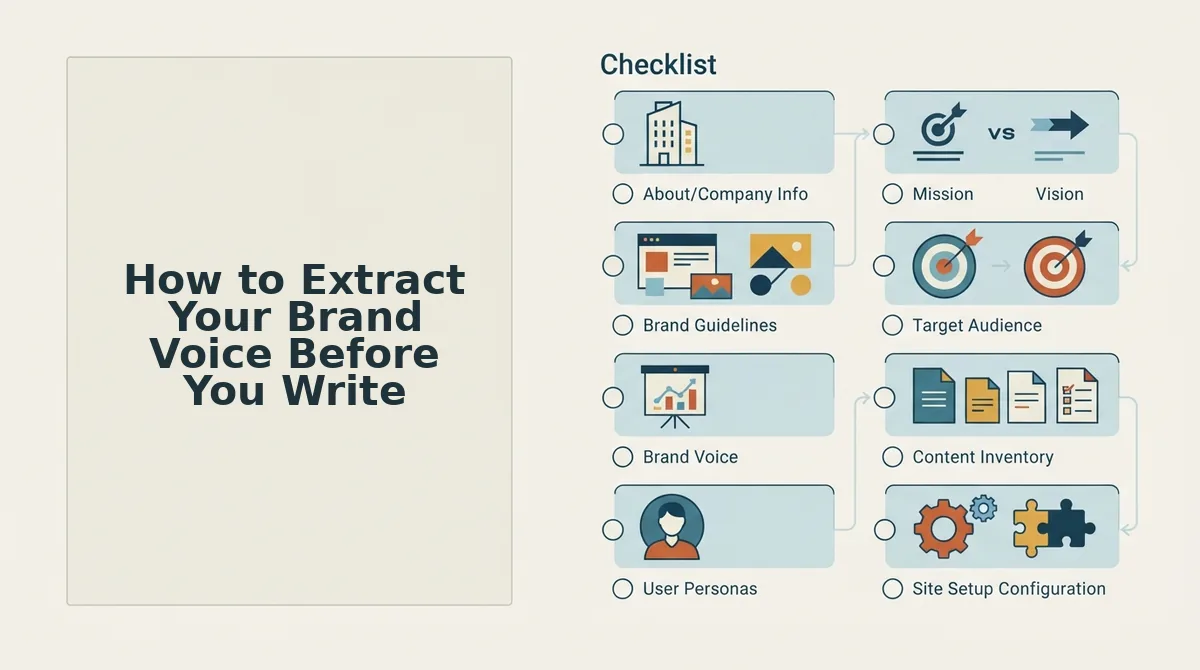
How to Extract Your Brand Voice Before You Write
Extracting your brand voice before drafting means documenting how your existing content actually sounds, sentence length, word choice, tone, and formatting habits, so the AI has concrete patterns to follow instead of defaulting to generic prose. Follow these steps to build that reference file.
Prerequisites: You'll need access to your published content (at least 10-15 representative posts), a text editor, and either a manual review process or a tool that can crawl your site automatically.
- Gather your best-performing content. Open your analytics and select 10-15 posts that both rank well and sound like you. Copy the raw text into a single document. You should have at least 3,000 words of material, enough for patterns to emerge, not just quirks.
- Identify recurring sentence structures. Read through the document and mark every sentence that feels distinctly "you." Note the average sentence length, how often you use fragments, and whether you favor short punchy lines or longer flowing ones. You should see a clear pattern within 20 minutes of review.
- List your banned words and phrases. Write down every cliché you never use, "delve," "game-changer," "unlock," "elevate." Then list the words you use constantly. This negative list is often more valuable than the positive one, because it tells the AI what to avoid.
- Create a style-guide.md file. Open a new markdown file and structure it with sections: Voice (3 adjectives), Sentence Rules (length, fragments allowed or not), Vocabulary (banned list, preferred list), and Formatting (heading style, list usage, em dash policy). Save it as
style-guide.md. - Create a writing-examples.md file. Paste 3-5 of your best paragraphs into a second markdown file, each labeled with what it demonstrates ("short intro hook," "technical explanation," "opinionated take"). These examples give the AI concrete patterns to imitate, not abstract instructions.
- Attach both files to every AI prompt. Upload
style-guide.mdandwriting-examples.mdbefore asking for a draft. You should see the AI mirror your sentence rhythm and vocabulary within the first paragraph, if it doesn't, your examples aren't specific enough.
If you'd rather not build these files by hand, BloGoose crawls your sitemap and extracts voice patterns from your existing content automatically, generating markdown brand context files that AI actually follows. This is the same principle Clay Lehman describes as the "one-page fix", a brand brief is the missing step for most users. You can learn more about how to automate brand voice in AI blog posts or how to generate a markdown style guide from your website without manual review.
Once your voice files are in place, the next challenge is drafting in a way that doesn't collapse back into template mode.
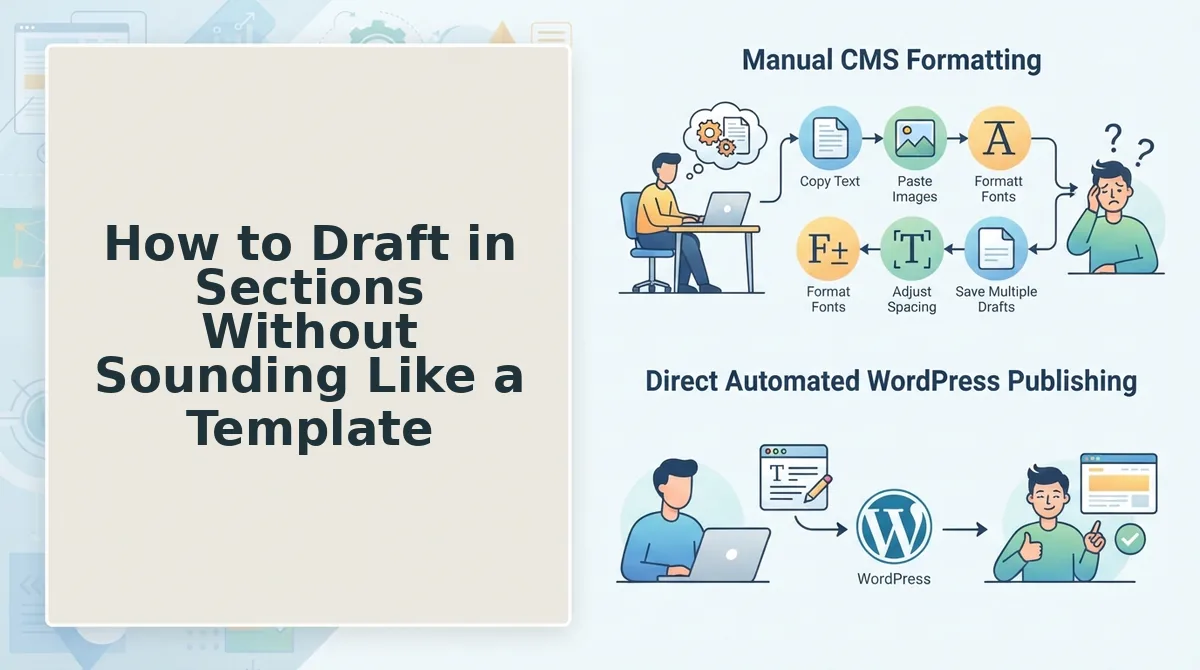
How to Draft in Sections Without Sounding Like a Template
Drafting in sections, one focused prompt per heading or subsection, produces measurably more human writing because the AI has less room to fall back on generic transitions and filler. You'll need your brand voice notes from Section 3, your article outline, and either a chat window or an AI content engine vs chat window workflows setup that preserves section context.
- Open your outline and isolate the first H2 or H3. Copy only that heading plus the 2-3 bullet points beneath it into your prompt. Do not paste the full article. Outcome: the model focuses on one idea instead of padding across five.
- Type a constraint that bans transitions. Add this line to your prompt: "Write 120-150 words. Do not use 'furthermore,' 'moreover,' 'additionally,' 'in conclusion,' or any sentence that starts with a transition word." Outcome: the draft opens with substance, not throat-clearing.
- Paste one real sentence from your own writing as a style anchor. Grab a sentence from an email, Slack message, or old blog post that sounds like you. Type: "Match this tone and sentence rhythm: [your sentence]." Outcome: the output inherits your cadence instead of the model's default register.
- Generate the section, then immediately run a pattern interrupt check. Count sentence lengths in the draft. If three or more consecutive sentences are within two words of the same length, rewrite one short (3-5 words) and one longer (20+ words). Outcome: the rhythm stops sounding machine-generated.
- Repeat for the next section with a fresh prompt. Do not say "continue." Start a new prompt with the next heading and its bullets. Outcome: each section gets full attention, and the model never drifts into summary mode.
Sectional drafting works because smaller prompts force the model to generate original phrasing for each idea rather than recycling a global template. When you feed a 2,000-word outline in one prompt, the AI distributes its attention thinly and leans on predictable connective tissue. When you feed 150 words of context, it writes like a person answering one question well. The pattern interrupt check is the second half of the fix: even well-drafted sections can fall into syntactic monotony, subject-verb-object, subject-verb-object, subject-verb-object. Varying sentence length, structure, and format (a short fragment here, a compound sentence there, an occasional question) breaks the predictable rhythm that readers and AI detectors both flag as robotic.
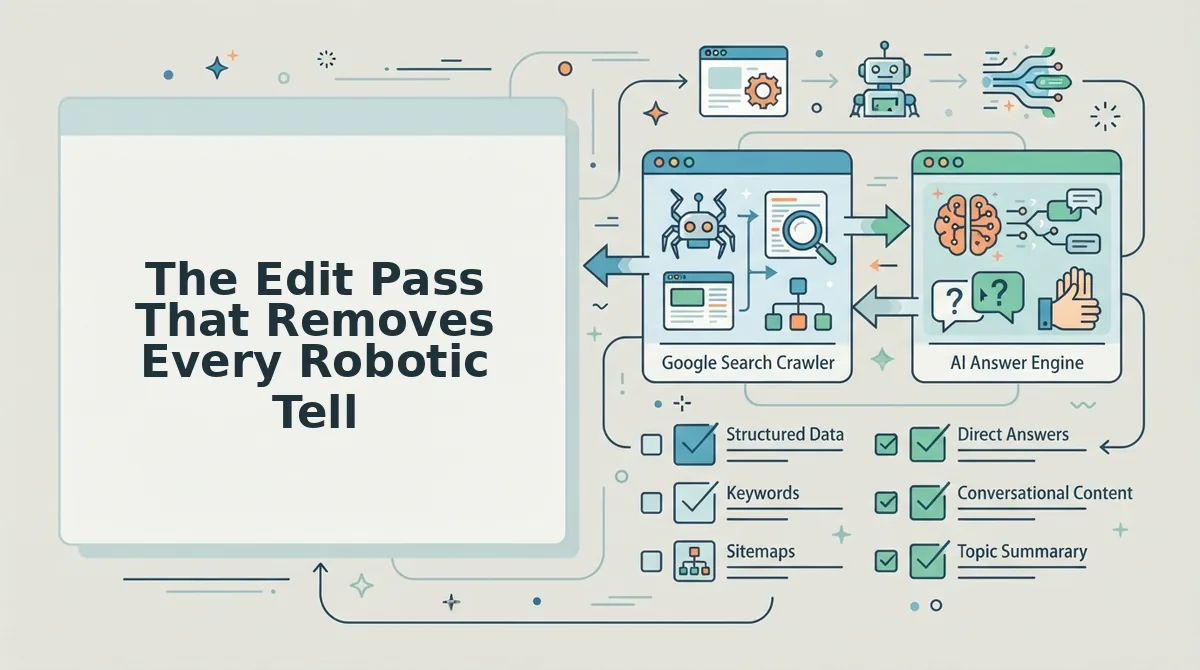
The Edit Pass That Removes Every Robotic Tell
Work through this seven-item checklist in order, highest impact first.
- Delete the AI phrase bank. Remove "delve into," "in today's fast-paced world," "it's important to note," "furthermore," "moreover," "in conclusion," "navigate the complexities of," and "unlock the power of." These phrases appear in nearly every AI draft and signal machine writing instantly. Replace "delve into" with "look at," "it's important to note" with nothing (just state the fact), and "in conclusion" with a direct final point.
- Run the read-aloud protocol. Read the entire draft out loud at normal speaking pace. Mark every sentence where you stumble, run out of breath, or hear a phrase you would never say in conversation. Rewrite only those marked sentences, do not touch the rest.
- Cut hedge words and qualifiers. Delete "arguably," "potentially," "it could be said that," and "some might argue." These weaken every claim and are a hallmark of AI caution. State the claim directly or cut the sentence.
- Break parallel triple structures. AI loves lists of three: "fast, efficient, and scalable." Keep one triple per 500 words maximum. Convert the rest to two items or a single strong adjective.
- Replace abstract nouns with concrete ones. Swap "utilize" for "use," "facilitate" for "help," "leverage" for "apply," and "optimize" for the specific action (speed up, reduce, improve). Abstract verbs hide meaning; concrete verbs show it.
- Add one imperfection per section. Insert a contraction, a sentence fragment, a colloquial phrase, or a first-person aside that a template would never produce. One per section is enough, more reads as forced.
- Check against your SEO guidelines markdown checklist. Confirm headings, internal links, meta description, and keyword placement survived the edit pass. Humanized content still needs to rank.
If you're publishing through an automated workflow, bake this edit pass into your pipeline. A content engine that ships drafts directly to WordPress should include a humanization step before publish, either a built-in edit pass or a review queue. The delete list alone, applied consistently, removes the most common phrases that make AI content instantly recognizable to readers and AI detectors alike.
Frequently Asked Questions About Humanizing AI Content
Humanizing AI content means removing predictable phrasing, varying sentence rhythm, and injecting brand-specific voice, not hiding the fact that AI was involved. These answers cover the questions readers ask most after the main fixes above.
Why does my AI content sound robotic even with good prompts?
AI models default to high-probability phrasing, which means they pick the most common word at every step. Good prompts narrow the topic but don't change that statistical behavior. You need explicit constraints, banned transition words, a style anchor sentence, and a pattern interrupt pass, to force lower-probability, more human word choices.
What words should I remove from AI-generated blog posts?
Delete "delve into," "furthermore," "moreover," "in today's fast-paced world," "it's important to note," "in conclusion," "navigate the complexities of," and "unlock the power of." Replace each with a direct statement or a simpler verb like "look at," "use," or "help."
Can AI content pass as human-written?
Yes, when you combine sectional drafting, a delete-list edit pass, and read-aloud rewrites. The output won't be indistinguishable from a skilled human writer on every sentence, but it will clear most AI detection tools and, more importantly, read naturally to actual visitors.
How do I keep my brand voice when using AI writing tools?
Extract your voice rules first: sentence length, tone, banned words, and a style anchor paragraph from your own writing. Paste those rules into every prompt. Tools that store brand context automatically, like a content engine with voice extraction, remove the manual repetition.
Is it better to edit AI content or rewrite it from scratch?
Edit AI content when the structure and facts are solid, the delete list and read-aloud pass fix most problems in under 30 minutes per article. Rewrite from scratch only when the draft misses the brief entirely or the voice is so far off that editing would take longer than writing.
Make the Three-Layer Framework Your Repeatable System
Voice extraction, sectional drafting, and a ruthless edit pass stop sounding like a process and start sounding like a publishing habit once you run them as one loop. The robotic tell isn't a single flaw you fix once. It's a default state that creeps back whenever you draft from a blank prompt instead of from documented brand rules.
That's why the framework matters more than any individual trick. Each layer feeds the next: extracted voice rules constrain the sectional draft, and the edit pass verifies both against the reader's ear. Skip one layer and the robot returns.
BloGoose automates this entire workflow, from site-crawl voice extraction to sectional drafting and publishing to WordPress or your custom API. You're not hand-copying tone guidelines into a prompt every time. The system carries them through every draft.
Next step: run your existing site through the autopilot 30-day content calendar generator and see which pages deserve the full three-layer treatment first. You'll get a prioritized queue instead of another blank document.
Robotic writing isn't a style problem. It's a missing-context problem. Give the machine your voice, your structure, and your edit standards, and it stops imitating humans and starts sounding like you.