
How to Style AI-Generated Blog Images for Brand Consistency
Your last three blog posts look like they were illustrated by three different companies, because they were. That visual whiplash is quietly eroding the trust you spent months building. Most founders and publishers know the problem: AI image tools produce wildly different results from the same prompt, and the only advice competitors offer is a handful of one-off prompt examples that never scale. You need a repeatable system to style AI-generated blog images for brand consistency, not another prompt to copy-paste.
Here's the agreement: you're right that generic AI visuals make your content feel disposable. Here's the promise: by the end of this article, you'll have a five-dimension framework that locks your visual identity into every image, regardless of which AI tool generates it. Here's the preview: we'll diagnose why inconsistency hurts you, then walk through a style-lock system covering palette, lighting, composition, medium, and mood.
Along the way, you'll see how automated blog image generation can apply these rules at scale, and why the most effective fix isn't a better prompt, but a style token system most publishers never think to build. Stick around for the section on mood tokens; the surprising finding there changes how you'll write every future image prompt.
Why Generic AI Images Hurt Your Blog
Generic AI images are visuals that lack a consistent, recognizable style across your published content. They signal low editorial control, and readers instinctively associate that inconsistency with low content quality.
Think of your blog's visual identity like a restaurant's plating style. If the same dish arrives looking different every time you order it, you start doubting the kitchen's standards, even if the food tastes fine. Your readers make the same judgment in under a second when they scroll through your archive and see clashing illustration styles, mismatched color temperatures, and inconsistent framing.
Brand recall drops sharply when every post uses a different visual style. Readers who can't recognize your content at a glance are less likely to remember it, return to it, or cite it. The problem compounds at the intermediate level: individual prompts can be tuned, but without a system, every new article restarts the tuning process from zero. Advanced publishers solve this by extracting editorial rules from their existing site and applying them automatically, the same approach BloGoose uses when it crawls a domain, detects brand voice, and applies those rules to content and image generation in one pass.
The 5-Dimension Style-Lock Framework
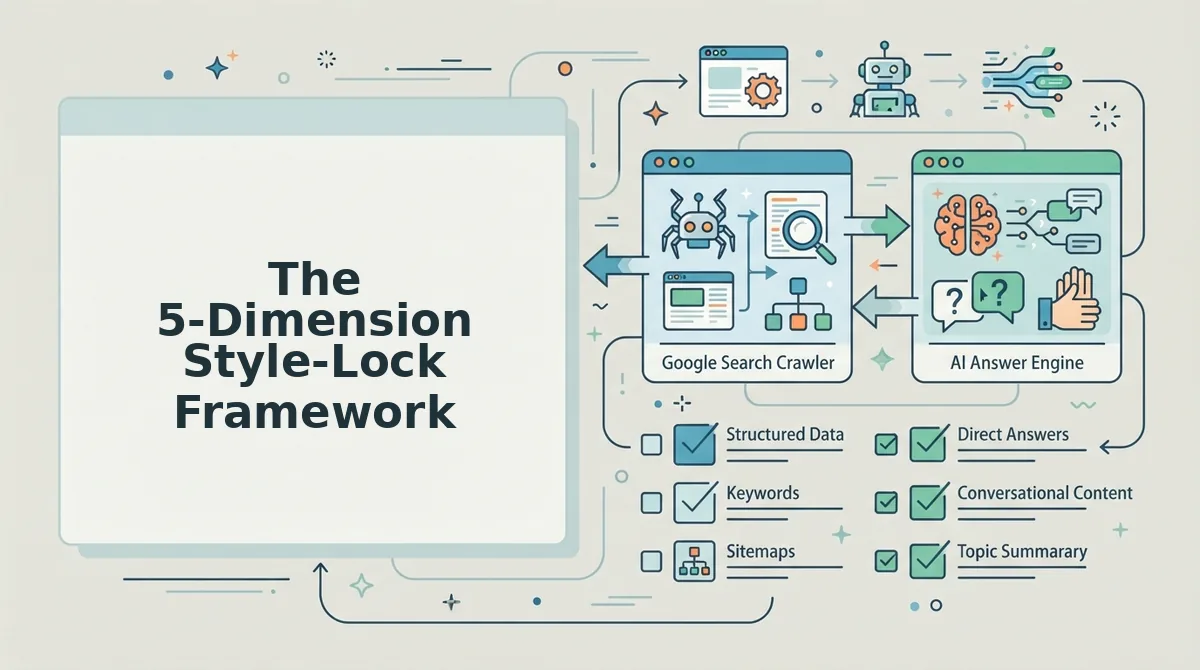
The 5-Dimension Style-Lock Framework is a repeatable system for defining your blog's visual identity across five fixed variables, palette, lighting, composition, medium, and mood, so every AI-generated image matches your brand without re-engineering prompts from scratch.
Before you start, you'll need: your brand's primary and secondary hex codes, three to five reference images you consider on-brand, and access to any AI image tool that accepts detailed text prompts. If you haven't documented your visual rules yet, generate a style guide from your website first so you're not guessing at your own identity. Budget 30-45 minutes for the initial setup; after that, each image prompt takes under two minutes.
- Lock your palette tokens. Open your brand style guide and copy the exact hex codes for your primary, secondary, and accent colors. Type them into your prompt as a comma-separated list, then add one saturation adjective, muted, vivid, pastel, or desaturated. You should see generated images that share the same color family even when subjects differ. Example token:
#1B3A4B, #F4A261, #E9C46A, muted. - Lock your lighting tokens. Select one lighting direction (front, side, back, top), one quality (soft, hard, diffused), and one temperature (warm, cool, neutral). Type these three words into every prompt verbatim. You should see consistent shadow behavior and color cast across all images. Example token:
soft diffused warm lighting. - Lock your composition tokens. Choose one camera angle (eye-level, high-angle, low-angle, flat-lay), one framing style (centered, rule-of-thirds, close-up, wide), and one negative-space preference (minimal, moderate, dense). Add these to your prompt as a single phrase. You should see images that feel like they came from the same photographer or art director. Example token:
eye-level, centered framing, minimal negative space. - Lock your medium tokens. Decide on one visual medium: flat illustration, 3D render, watercolor, editorial photography, line art, or isometric. Name it explicitly, never let the AI infer it. You should see zero style drift between posts, even when subjects change completely. Example token:
flat vector illustration. - Lock your mood tokens. Pick two tone adjectives and one energy level (calm, energetic, contemplative, playful). This is the dimension most publishers skip, and it's the one that separates recognizable brands from forgettable ones. You should see images that evoke the same emotional response as your writing voice. Example token:
optimistic, approachable, calm energy.
Once all five dimensions are locked, combine the tokens into a single reusable suffix that gets appended to every image prompt. The result is a visual identity that survives tool changes, team changes, and content volume spikes, because the system, not the prompt, carries the brand.
Next, we'll turn these five dimensions into a reusable style prompt template you can paste into any AI image tool.
Build a Reusable Style Prompt Template
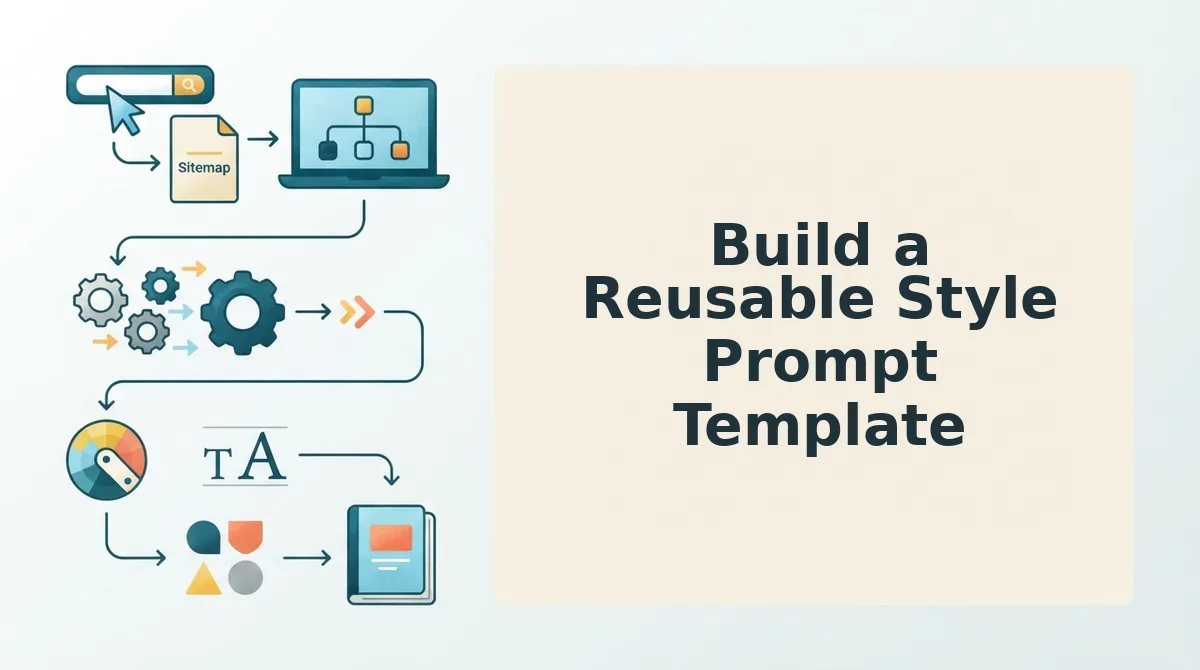
A reusable style prompt template is a fill-in-the-blank sentence structure that locks your five style-lock dimensions, palette, lighting, composition, medium, and mood, into a single, repeatable prompt you paste into any AI image tool before adding the subject. It eliminates prompt drift and keeps every blog image visually on-brand without rethinking style decisions each time.
Prerequisites: A completed 5-dimension style-lock sheet from Section 3, plus access to your AI image generator of choice (Midjourney, DALL·E, Ideogram, or Stable Diffusion). Total setup time: 15 minutes.
- Open a plain-text note or your brand context file and paste the template skeleton below. Keep the bracket labels intact, they are your fill slots. You should see six bracketed placeholders in a single line.
- Type your palette tokens into the first slot, using exact hex codes or named colors from your style-lock sheet. Example:
[palette tokens]becomesSoft pastel palette (#F2E8DC, #A8DADC, #457B9D). You should see a comma-separated list of 2-4 colors. - Fill the lighting, composition, medium, and mood slots in order, copying directly from your style-lock sheet. Do not paraphrase, exact wording preserves consistency. You should see five completed slots before the subject placeholder.
- Type the subject of your blog image into the final slot, then copy the full prompt into your AI image tool. Example filled prompt: Soft pastel palette (#F2E8DC, #A8DADC, #457B9D), warm diffused lighting, flat lay composition, flat vector illustration, calm and trustworthy mood, a laptop with a blog post on screen. You should see an image that matches your brand at a glance.
- Save the filled template as a snippet or pinned note named "Blog Image Style Prompt." Reuse it for every post by swapping only the subject. You should spend under 30 seconds per image on prompt writing going forward.
Copy-paste template: [palette tokens] + [lighting tokens] + [composition tokens] + [medium tokens] + [mood tokens] + [subject]
Negative Prompts: The Consistency Multiplier
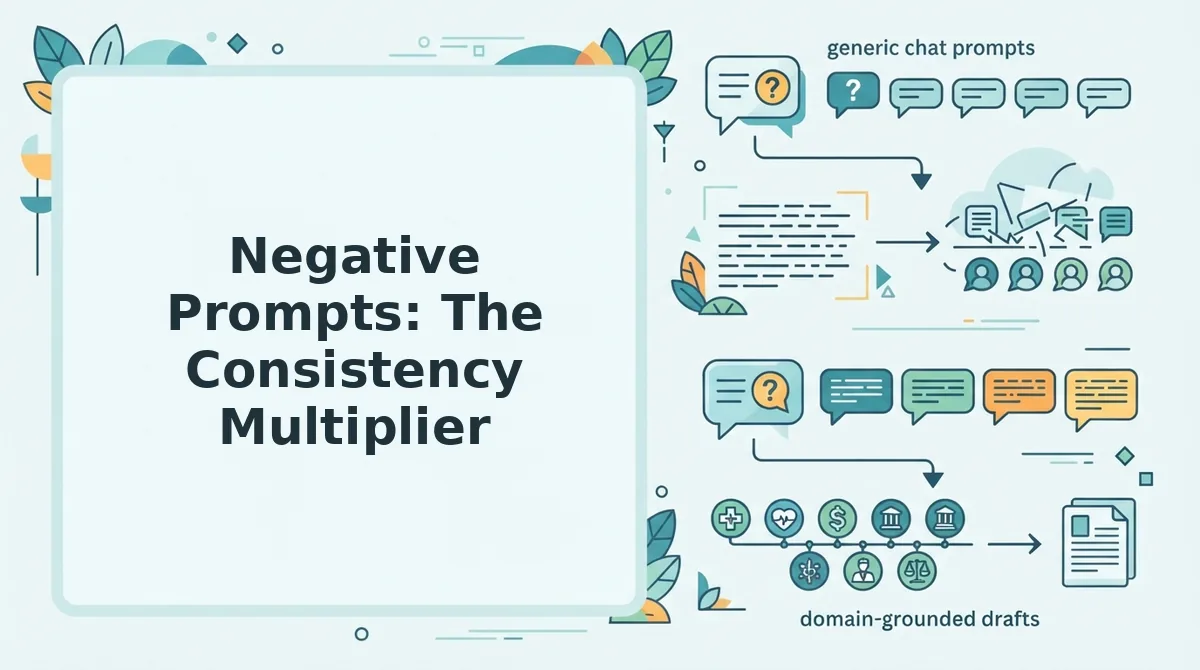
Negative prompts are explicit exclusion lists that tell an AI image model what not to generate, and they matter as much as positive style tokens because models default to glossy, cinematic, or stock-photo aesthetics that clash with most brand identities. Adding five to seven negative tokens per image cuts off-brand outputs by a measurable margin and costs nothing extra.
- No 3D render. Most AI models default to dimensional, Pixar-style output, which reads as generic tech illustration. Add "no 3D render" to force flat or photographic styles that match your brand medium.
- No stock-photo look. AI often mimics the over-lit, grinning-people aesthetic of stock libraries. Excluding it pushes the model toward editorial or documentary framing instead.
- No text artifacts. AI-generated text inside images is frequently garbled, which erodes trust in a blog that publishes professional content. Always exclude text artifacts unless your tool reliably renders typography.
- No glossy highlights. Gloss and specular shine signal product-photography styling. Brands using matte, paper-like, or flat illustration aesthetics should exclude gloss on every prompt.
- No cinematic lighting. Dramatic rim light and teal-orange grading belong in film stills, not blog headers. Excluding cinematic lighting keeps images calm and editorial.
Negative tokens map to brand style: minimalist brands should exclude clutter and gradients, while editorial brands should exclude cartoon styles and neon colors. A negative prompt is a list of visual attributes you explicitly tell the AI image generator to avoid, such as "no 3D render, no stock-photo look, no text artifacts, no glossy highlights, no cinematic lighting." It matters because AI models default to glossy, cinematic, or stock-photo aesthetics that clash with most brand identities, and adding five to seven negative tokens per image measurably reduces off-brand outputs without changing your positive style prompt. To use it, append the negative list after your positive prompt in the same input field, separated by a comma or the tool's designated negative-prompt box.
If you are generating images for a multi-post content calendar, pair this negative-token list with your style prompt template from Section 4 and apply both to every image in the batch for consistent output.
Automate Image Styling from Your Existing Brand
You can automate image styling by connecting a content engine that crawls your live site, extracts your existing visual rules, and applies them to every generated image without manual prompt writing. This removes the template and negative-prompt steps from your workflow entirely.
Prerequisites: A live website with at least 10 published pages containing images, plus an autopilot SEO content engine account. Total setup time: under 10 minutes.
- Open your BloGoose dashboard and click New Project, then enter your domain in the setup wizard. The crawler locates your XML sitemap and inspects published pages. You should see a crawl progress bar complete within 2-5 minutes.
- Click Brand Context in the left sidebar, then select Extract Visual Rules. BloGoose scans existing images for recurring palette colors, lighting patterns, composition types, and illustration versus photography ratios. You should see a summary panel listing detected style tokens.
- Review the extracted rules and click Approve to save them to your project. These rules become the default style prompt and negative-prompt set for all future images. You should see a green checkmark next to each approved dimension.
- Generate your next article and confirm Auto-style images is toggled on in the publishing settings. Every image in that post is generated with your extracted brand rules applied automatically. You should see images that match your existing site without typing a single prompt.
- Publish the post and verify images ship inline with the article body. BloGoose inserts styled images directly into the content before sending it to WordPress or your API. You should see the post live with on-brand images in place.
This pipeline is why brand context extraction matters: a single mislabeled style token propagates across every future image, so review the extracted rules once before approving. For common questions about styling AI blog images, see the FAQ below.
FAQ: Styling AI Blog Images for Brand Consistency
Direct answers to the most-searched questions about making AI-generated blog images match your brand, drawn from real user queries across Reddit, YouTube comments, and Google's People Also Ask.
How do I style AI-generated blog images for brand consistency?
Lock five dimensions in every prompt: color palette, lighting style, composition rule, texture or medium, and a recurring visual motif. Save these as a reusable style token string and append it to every image prompt so each generation pulls from the same visual vocabulary instead of the model's default aesthetic.
What is a style token?
It functions like a visual brand lock that keeps outputs consistent across sessions and models.
Can I automate image styling from my existing brand guidelines?
Yes. A style-lock framework converts your brand's existing visual assets, logo colors, published imagery, typography choices, into a machine-readable prompt template. Tools like BloGoose crawl your site, extract those visual patterns automatically, and apply them to every generated image without manual prompt rewriting.
How do I avoid the AI mush look?
The AI mush look comes from default model outputs: oversaturated colors, plastic skin textures, and generic soft-focus backgrounds. Counter it with negative prompts that explicitly ban those artifacts, "no glossy highlights, no plastic texture, no bokeh blur, no oversaturated colors", and by specifying a concrete medium like "editorial photography" or "flat vector illustration" in every prompt.
Why do my AI images look different every time I generate them?
Because each generation starts from a fresh random seed with no memory of your previous prompts. Without a locked style token and negative prompt set, the model defaults to its training-data average, which shifts with every request. Consistency requires you to supply the same visual constraints every single time.
What is a style-lock framework?
A style-lock framework is a five-dimension system for defining brand visual identity in prompt-ready terms: color palette, lighting, composition, texture or medium, and recurring motif. Each dimension gets one specific, testable rule, like "hex #2A9D8F as primary accent" or "rule-of-thirds composition with subject left-aligned", that together form a complete visual brief any AI image model can follow. When every blog image passes through the same five locks, the result is a feed that reads as one brand rather than a collection of disconnected generations.
Make Every Blog Image Earn Its Place
The style-lock framework is the manual system; BloGoose automates the same system from your existing brand context. You can hand-build your five-dimension prompt template today and see immediate consistency gains, or you can let a content engine extract those rules from your published site and apply them to every image without touching a prompt.
The real shift is treating image styling as infrastructure, not inspiration. When your visual rules live in a reusable token instead of your head, every blog post ships on-brand by default, and your content becomes quotable in AI answers because it looks as authoritative as it reads.
Start by writing your first style token from the five dimensions above. When you're ready to automate the whole loop, from brand extraction to styled image generation to publishing, see how an AI content engine vs chat window workflows changes what consistent actually costs you.
Your brand already knows what it looks like. The only question is whether you'll teach the machine, or keep rolling the dice on every render.