
How Surfer SEO multi tab fatigue slows blog production

You've got seven tabs open: Surfer's Content Editor, Google Docs, a keyword tool, the SERP you're trying to beat, your CMS editor, an image compressor, and Google Analytics. You toggle between them forty times per article, and every switch costs you a beat of momentum. That's Surfer SEO multi tab fatigue, and it's quietly capping your publishing velocity.
If that scene feels familiar, you're not disorganized. You're running a fragmented workflow that even the best standalone tools can't fix. This article will show you exactly why the tab stack, not Surfer itself, is the bottleneck, what context switching actually costs in hours per month, and how to collapse seven screens into one publishing loop. You'll also see why the score-chasing habit Surfer encourages makes the fatigue worse, and what a Surfer SEO alternative looks like when it's built to remove the tab stack entirely.
Here's the surprising part: the fix isn't another Chrome extension or a stricter Pomodoro timer. It's a structural change to how content gets drafted, optimized, and shipped, one that a platform like BloGoose handles by crawling your site, extracting your brand voice, and publishing finished articles straight to WordPress without a single manual tab hop.
What Is Surfer SEO Multi Tab Fatigue?
Surfer SEO multi tab fatigue is the accumulated time and focus lost when writers repeatedly switch between Surfer's Content Editor, keyword research tools, document editors, and CMS screens during a single article's production. It's not a Surfer bug, it's a workflow tax that compounds with every toggle.
Think of it like cooking a meal in a kitchen where the stove, fridge, cutting board, and spice rack are all in different rooms. Each ingredient requires a walk down the hall. The meal gets made, but it takes twice as long and you lose your place in the recipe constantly. The 7-Tab Trap is the specific configuration most Surfer users fall into: Surfer Content Editor, Google Docs, a keyword research tool, SERP results, the CMS editor, an image tool, and an analytics dashboard. Surfer's own Academy tutorials focus on mastering the Content Editor as the core surface, but they never show the full tab stack a real publishing workflow demands around it.
At the intermediate level, the fatigue shows up as slower drafting and more errors, you paste a heading into the wrong field, forget which keyword variant you were targeting, or lose the thread of a section mid-paragraph. At the advanced level, it becomes a compounding bottleneck: every article costs extra minutes, every extra minute delays the next article, and a content calendar that should take four hours a week quietly eats eight. The fix isn't faster tab switching. It's automated SEO content workflows that remove the switches entirely.
For writers wondering how many tabs a typical Surfer workflow actually requires, the answer is rarely fewer than five. The Content Editor alone can't research keywords, host the final draft, compress images, or publish to WordPress, so those functions live in separate tabs, each one a context switch that pulls attention away from the sentence being written.

The Real Cost of Context Switching in SEO Workflows
Context switching is the cognitive reset your brain performs when you move from one task or interface to another, and in SEO writing it's the hidden line item that makes a 90-minute article take three hours. Every tab change forces your working memory to reload the previous screen's state before productive work resumes.
Think of it like a computer with too many programs open: the machine doesn't crash, but every click takes longer because RAM is being juggled. Your brain does the same thing. Each tab switch in a Surfer-driven workflow costs an estimated 15 - 23 seconds of refocus time before you're back at full writing speed. That sounds trivial until you run the math.
The formula is simple: (tab switches per article × refocus time) × articles per month = hours lost. A typical 1,500-word article involves roughly 40 switches across the 7-Tab Trap. At a conservative 15 seconds per switch, that's 10 minutes of pure refocus time per article. Publish 12 articles a month and you've lost two full hours, not to writing, not to research, but to reorienting yourself between screens. If your refocus time runs closer to 23 seconds, that number jumps to over three hours monthly.
Pro tip: track your own tab switches on your next article. Most writers underestimate their switch count by 50% or more, which is why the fatigue feels vague until it's measured. A tool that generates a complete SEO content brief and drafts the article in one surface removes the switching at the source. BloGoose does exactly that: it crawls your site, extracts your voice rules, and publishes finished posts to WordPress, no tab relay required.
Once you see the hours stacking up, the next question is obvious: what's actually driving all those switches in the first place? The answer sits inside Surfer's Content Score.
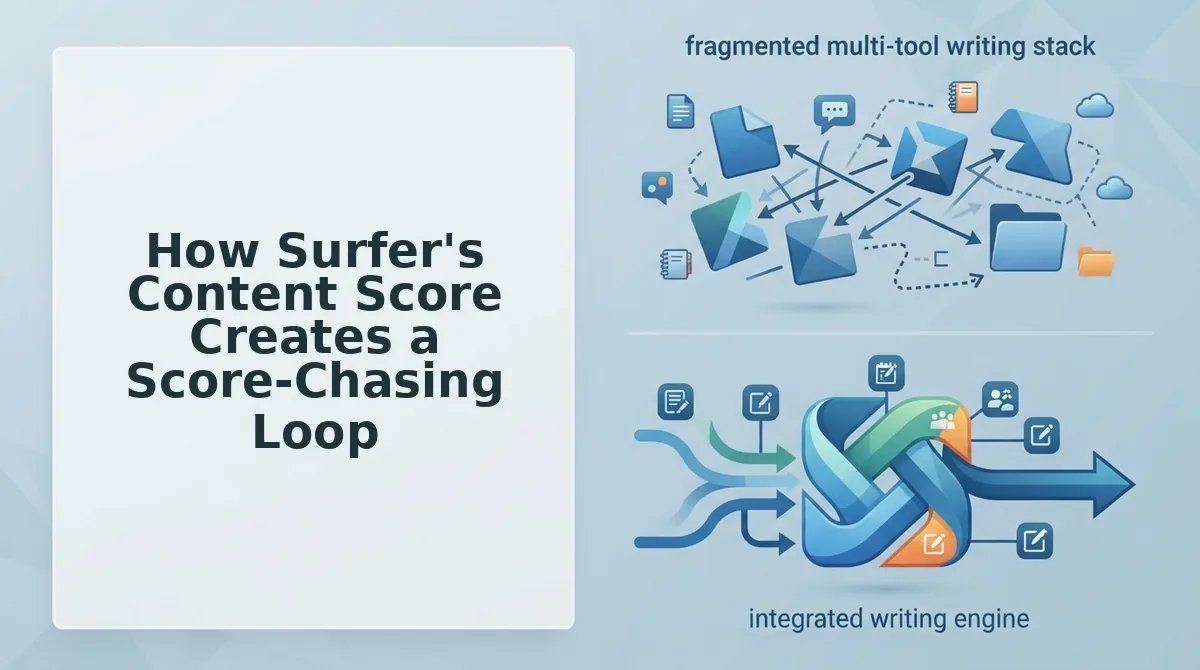
How Surfer's Content Score Creates a Score-Chasing Loop
Surfer's Content Score is the single most prominent feature in the tool's editor, and the primary engine of multi tab fatigue. Marketing Island's 2026 review confirms the score dominates the interface, pulling writers into a repetitive cycle of draft, check, switch, revise, and recheck that fragments attention and stalls production.
Prerequisites: A Surfer SEO account with an active content editor, a draft in Google Docs or WordPress, and a target keyword brief already generated.
- Open the Surfer Content Editor and review the target score. Navigate to your content brief and note the green target range (typically 70-90). You should see the score displayed prominently in the top-right panel alongside term usage counts.
- Draft your first section in your writing tool. Write 300-500 words in Google Docs or WordPress without looking at Surfer. Expected outcome: a natural first draft free of score anxiety, taking roughly 15-20 minutes.
- Switch tabs to Surfer and check your score. Paste or sync the draft and wait for the score to recalculate. You should see a number below target, often 40-60 on a first pass, with red highlights on missing terms.
- Switch back to your editor and revise for missing terms. Add the flagged keywords, headings, and image alt text Surfer lists as missing. This revision pass typically takes 10-15 minutes and interrupts your writing flow.
- Return to Surfer and recheck the score. Each recheck requires a full tab switch and a 30-90 second refocus period while the score recalculates. Expect a jump of 5-15 points per revision cycle.
- Repeat steps 4-5 until the score turns green. Most writers need 3-5 full loops per article. Each loop adds 2-4 tab switches and 30-90 seconds of refocus time, compounding into 15-25 minutes of pure context-switching overhead per article.
The score-chasing loop is not a Surfer flaw in isolation, it is the predictable result of splitting drafting and optimization across separate tools. For a deeper breakdown of why this split workflow underperforms, see our comparison of an AI content engine vs chat window workflows.
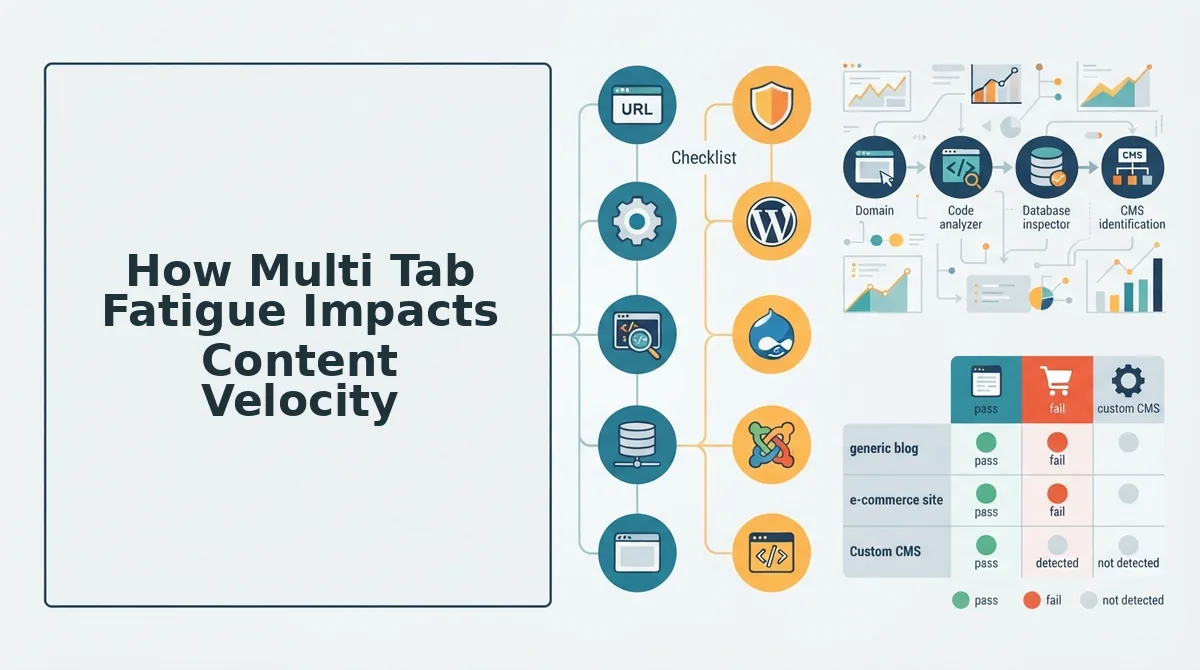
How Multi Tab Fatigue Impacts Content Velocity
Every tab switch between Surfer, Google Docs, WordPress, and research tools costs 15-30 seconds of refocus time, and those seconds compound into hours of lost production each month.
Worked example: 10 articles per month × 40 tab switches per article × 20 seconds per switch = 2.2 hours lost per month to context switching alone. That is nearly three full articles' worth of drafting time evaporating before a single word is optimized.
- Drafting stalls mid-sentence. Writers lose their train of thought every time they jump to Surfer to check a score. The 30-90 second refocus period after each switch means a 500-word section that should take 20 minutes stretches to 30-35 minutes.
- Optimization becomes reactive, not strategic. Instead of planning keyword placement before writing, writers chase red flags after the fact. This doubles the editing pass and increases the chance of keyword stuffing that reads unnaturally.
- Batch publishing slips. When each article takes 90-120 minutes instead of 60-75, a 10-article monthly calendar quietly becomes a 7-article calendar. Deadlines slide, and the content gap widens against competitors.
- Editor burnout accelerates. The cognitive load of juggling 5-7 tabs per article is exhausting. Teams report higher revision error rates and lower draft quality in the afternoon, when attention reserves are depleted.
- AI answer engine optimization suffers. Fatigued writers skip the structured formatting and citation-friendly elements that help content get quoted in AI answers. The score chases term density while neglecting the passage-level clarity AEO requires.
If your publishing calendar is already slipping, an autopilot 30-day content calendar generator can remove the manual planning step that compounds tab fatigue. BloGoose collapses research, drafting, optimization, and publishing into one workflow, eliminating the score-chasing loop entirely.
Fixing the Tab Stack: Workflow Fixes and Automation
You have two viable paths out of multi tab fatigue: tighten your existing Surfer workflow with batching and hardware fixes, or collapse the stack entirely with an automated content engine. Both work, the right choice depends on your publishing volume and team structure.
Tobi Teaches' Neuronwriter comparison highlights that Surfer is not the only optimization tool on the market, and that alternatives exist for writers frustrated with the tab-heavy workflow. The question is whether you patch the process or replace it.
Decision Matrix
Ask yourself two questions before choosing a path. Do you publish fewer than 4 articles per month? If yes, a lean Surfer workflow is sustainable, the fatigue cost is real but manageable at low volume. Do you have a dedicated SEO editor on staff? If yes, that person can absorb the optimization passes while writers stay in their drafting tool, reducing per-writer tab switches significantly.
| Approach | How It Works | Best For |
|---|---|---|
| Lean Surfer workflow | Batch all Surfer checks into two passes per article (mid-draft and final), use a second monitor to keep Surfer visible, and template your briefs so term lists are ready before writing starts. | Solo bloggers and small teams publishing under 4 articles monthly who want to keep their existing tooling. |
| Dedicated SEO editor | Writers draft in Google Docs or WordPress without touching Surfer. An editor runs all optimization passes, score checks, and final publishing steps. | Agencies and content teams with 2+ writers and a specialist who owns on-page SEO. |
| Automated content engine (BloGoose) | BloGoose combines research, drafting, optimization, and publishing in one workflow. The platform crawls your site, extracts brand voice, builds the brief, writes the article, and ships it to WordPress, no tab switching between tools. | Teams publishing 5+ articles monthly who want to eliminate the score-chasing loop rather than manage it. |
If you are already evaluating alternatives to Surfer, start with our Surfer SEO alternative guide for a full feature comparison. For teams ready to remove the publishing bottleneck entirely, see how an AI blog generator with direct WordPress publishing closes the loop from keyword to live post.
Drop your domain into the BloGoose setup wizard and let the platform crawl your site, extract your brand voice, and generate a rank-ready article cluster, no score chasing required. If you still have questions about how multi tab fatigue compares across tools, the FAQ below covers the most common ones.
FAQ
Surfer SEO multi tab fatigue raises recurring questions about cost, workflow, and whether the tool is worth the friction. These answers address the most common queries from Reddit, YouTube comments, and Google's People Also Ask.
Is Surfer SEO worth it if it slows down publishing?
Surfer SEO is worth it only if your publishing volume is low enough to absorb the tab-switching overhead. For teams publishing 10+ articles per month, the score-chasing and context-switching cost often exceeds the on-page optimization benefit. A leaner workflow or automated alternative typically delivers better ROI at scale.
What are the hidden costs of switching between Surfer, keyword tools, and CMS?
Hidden costs include lost focus, increased error rates, and slower content velocity. Over a month, that translates to hours of unpaid workflow friction.
Can you automate the Surfer SEO workflow?
Yes, you can automate parts of the Surfer workflow using browser extensions, keyboard shortcuts, or API integrations. However, full automation requires replacing the manual tab stack with a content engine that handles research, optimization, and publishing in one interface. A Surfer SEO alternative like BloGoose collapses these steps entirely.
Surfer SEO vs Neuronwriter: which has less tab fatigue?
Neuronwriter generally produces less tab fatigue because it combines keyword research, content scoring, and drafting in a single editor. Surfer requires more external tool switching for research and publishing. Both still leave the CMS upload step manual unless you add automation.
Why does Surfer SEO feel slow even on a fast computer?
Surfer feels slow because the bottleneck is cognitive, not technical. Each score check, keyword insertion, and tab switch interrupts your writing flow. The perceived slowness comes from repeated context reloads, not page load times.
Conclusion
Surfer SEO multi tab fatigue is not a discipline problem. It is a structural mismatch between a multi-tool workflow and the speed modern content production demands. The score-chasing loop, context-switching tax, and manual publishing handoff compound into a hidden tax on every article you ship.
You have two viable paths forward. First, try the lean workflow: batch research, write in a distraction-free editor, and check Surfer only once at the end. Second, eliminate the tab stack entirely with BloGoose, which turns your site structure into rank-ready, citation-optimized articles shipped directly to WordPress. The next step is to audit your current workflow and count how many tab switches one article actually requires. That number is your real publishing bottleneck.