
Why Surfer SEO multi tool workflows slow down publishing
Your content calendar says "publish 8 posts this month," but Friday arrives and only two are live. Surfer SEO multi tool workflows are the quiet culprit: every article you write passes through five or more separate tools before it ever reaches your CMS, and each handoff silently drains 15 - 45 minutes you never budgeted for. Surfer Academy's own video title asks, "Tired of content that takes forever to produce?", which tells you the slowdown is common enough to build marketing around.
You're right to feel the friction. Surfer's Content Editor, Keyword Research, Audit, and Grow Flow are each excellent at their individual job, but stitching them into a publishing pipeline is where the hours vanish. This article will walk you through the exact workflow Surfer's own demo videos imply, quantify the tool handoff tax with a concrete cost table, and show you what a single-engine alternative looks like, including how an AI content engine vs chat window workflows compares when publishing is the goal, not just drafting.
Here's the roadmap: first, the real 7-step Surfer workflow nobody diagrams. Then, the handoff tax framework that names the cost you're already paying. Finally, a look at whether Surfer's MCP integration actually fixes the problem, or just relocates it. One spoiler: the tool handoff tax might be costing you more than your Surfer subscription itself.
What a Surfer SEO Multi Tool Workflow Actually Looks Like
A Surfer SEO multi tool workflow is a seven-step relay race across at least five disconnected tools. Surfer for research and scoring, Google Docs for drafting, WordPress for publishing, Google Search Console for verification, and an indexing API for crawl requests. Surfer Academy's video "Build 6 Months of SEO Content in 60 Minutes" demonstrates the planning phase, but the execution steps below are where publishing actually slows down.
Prerequisites: a Surfer subscription, a Google Docs account, WordPress admin access, Google Search Console access, and a separate indexing tool or API key.
- Open Surfer Content Editor and create a new document. Paste your target keyword, select your country and device, and click Create Content Editor. You should see a content score of 0 and a list of NLP terms, headings, and word count targets populate on the right panel.
- Research competitors inside Surfer's SERP Analyzer. Click the SERP Analyzer tab and review the top 10 ranking pages for structure, word count, and backlink profile. Note which headings competitors use, you'll need this list when you draft elsewhere.
- Draft the article in Google Docs. Open a new Google Doc and write the full article manually, cross-referencing Surfer's terms list in a second browser tab. Expect to toggle between tabs 20 - 40 times per article. Your content score only updates when you paste text back into Surfer, so you'll draft blind for long stretches.
- Paste the draft back into Surfer Content Editor. Select all text in Google Docs, copy it, and paste it into Surfer's editor. Wait for the content score to recalculate. You should see the score jump from 0 to somewhere in the 60 - 80 range, with red highlights on missing terms.
- Iterate until the score passes 70. Add missing NLP terms, adjust heading structure, and expand sections until the content score turns green. Each iteration requires a full paste cycle. Expect 2 - 4 cycles per article, at 5 - 10 minutes each.
- Export from Surfer and upload to WordPress manually. Surfer has no native CMS publishing, so copy the final HTML or plain text, open WordPress, create a new post, paste the content, reformat headings and images, set the slug, and assign categories. Formatting alone typically takes 10 - 15 minutes per post.
- Submit to Google Search Console and an indexing API. After publishing, open Search Console, paste the URL into the inspection bar, and click Request Indexing. Then open your indexing tool and submit the same URL again. You should see a "request received" confirmation in both tools. For a deeper look at this final step, see AI blog generator direct WordPress publishing.
Each of these seven steps is individually simple. The cost is in the transitions: every export, paste, reformat, and re-submission is a handoff where context leaks, formatting breaks, and version drift creeps in. An AI content engine that crawls your site, drafts, scores, and publishes directly to WordPress eliminates steps 3 through 7 entirely, which is why the handoff count matters more than any single tool's speed.
The Tool Handoff Tax: Where Multi Tool Workflows Leak Time
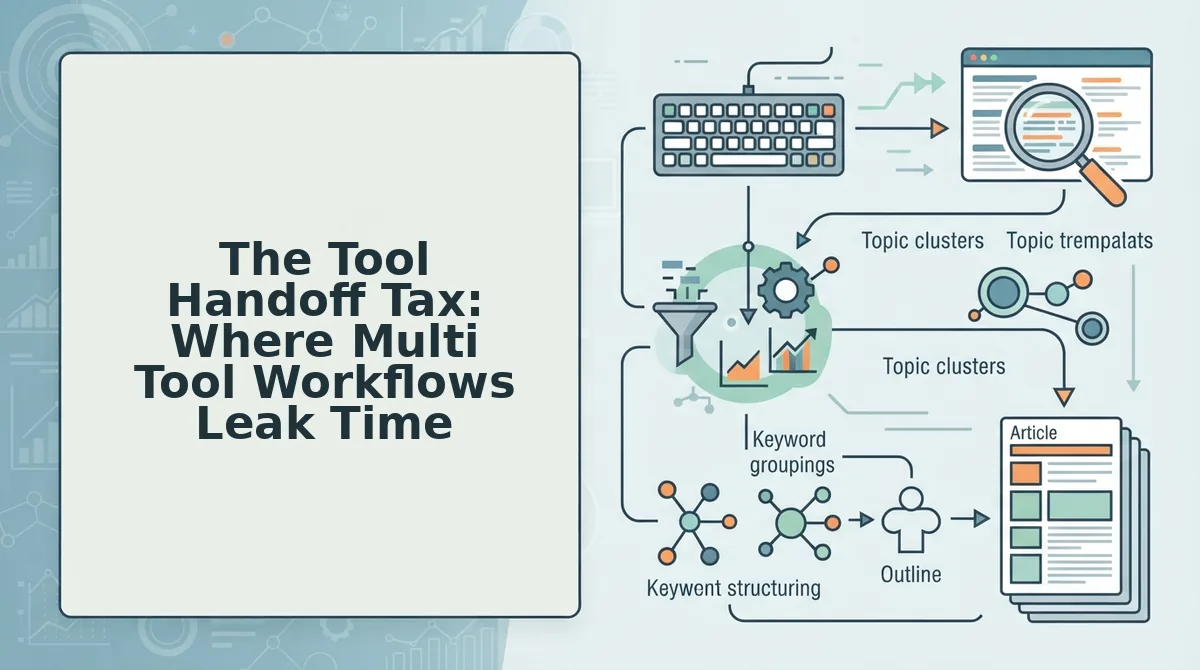
The tool handoff tax is the cumulative time, error risk, and context loss incurred every time a piece of content moves between disconnected tools in a publishing workflow. Think of it like moving apartments with five different moving companies: each crew packs differently, labels boxes inconsistently, and drops a few items in transit, the move itself isn't hard, but the coordination and repair work after each handoff is where the real cost hides.
In a Surfer SEO multi tool workflow, the handoff chain looks like this: Surfer to Google Docs to WordPress to Google Search Console to Indexing API. Each arrow represents a manual export, paste, reformat, or re-submission. Each arrow also introduces three compounding costs: error risk (formatting breaks, missing sections, broken links), context loss (NLP term intent, internal link strategy, brand voice rules), and version drift (the published post no longer matches the scored draft).
| Handoff | Typical Time Cost | Primary Risk |
|---|---|---|
| Surfer to Google Docs | 5 - 10 min per paste cycle | Context loss: NLP terms and structure notes left behind |
| Google Docs to WordPress | 10 - 15 min per post | Formatting breaks: headings, images, and embeds need rebuilding |
| WordPress to Google Search Console | 2 - 5 min per URL | Version drift: indexed version differs from scored draft |
| Search Console to Indexing API | 2 - 5 min per URL | Error risk: duplicate submissions or missed URLs |
Across a 10-post month, these handoffs alone consume 3 - 6 hours, before you count actual writing time. That's the tax. And it compounds: every handoff is a place where a post can stall, a score can reset, or a URL can sit unindexed for days. If you're manually submitting URLs after every publish, how to ask Google to crawl new posts becomes a recurring chore rather than a one-time setup. An autopilot SEO content platform that drafts, scores, and publishes inside one engine removes the tax entirely, because there are no handoffs left to tax. The question is whether Surfer's MCP integration actually removes those handoffs, or just adds another tool to the chain.
Surfer MCP: Does It Fix the Workflow Problem?
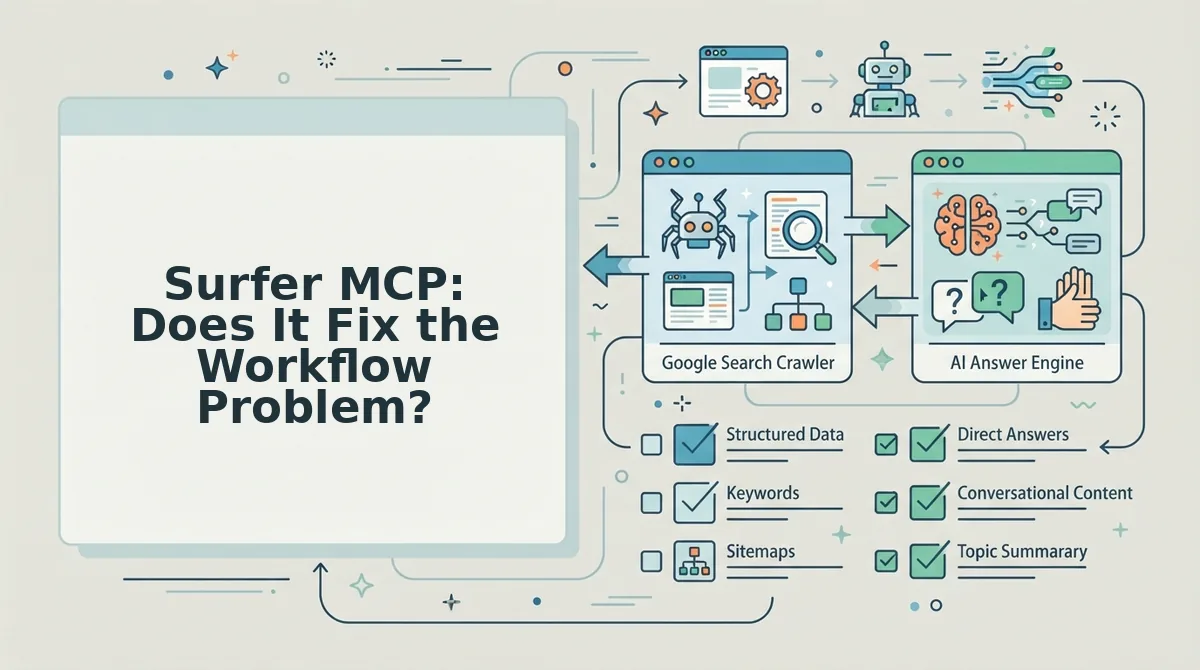
Surfer MCP is a Model Context Protocol server that lets AI agents like Claude or ChatGPT call Surfer's optimization data directly inside their own reasoning loop. Think of it like giving a chef a direct line to the pantry instead of making them walk to a separate storeroom for every ingredient.
On paper, it removes one handoff: the copy-paste between your AI writing tool and Surfer's content editor. An agent can pull Surfer's keyword and structure recommendations, draft against them, and iterate without you switching tabs.
But the reality check is early and thin. Surfer's own "Surfer MCP Is Live" video has roughly 80 views, which signals a feature still in the innovator phase rather than a proven workflow. More importantly, MCP only addresses the research-and-draft segment. Publishing to WordPress, scheduling, and requesting search indexing still happen manually outside the agent loop.
So MCP shrinks the handoff tax, but it does not eliminate the publishing bottleneck. You still own the last mile.
Surfer SEO Multi Tool Workflow vs. All-in-One Content Engine
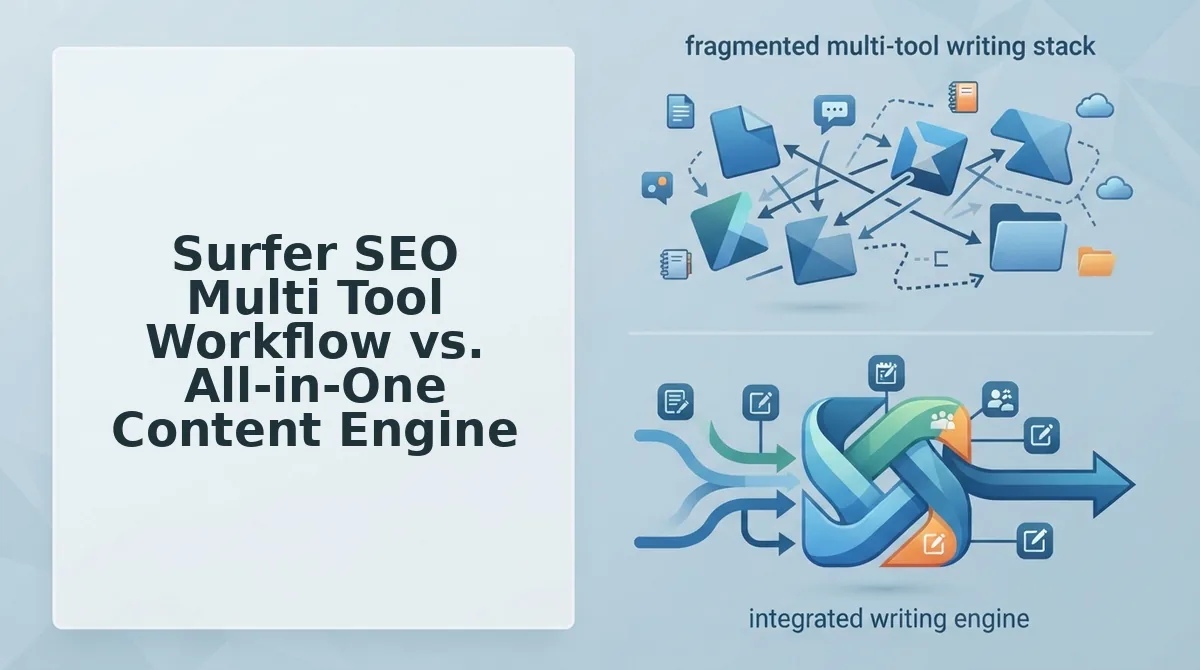
Surfer SEO is genuinely excellent at on-page optimization. Its content editor, SERP analysis, and scoring system give writers precise, data-backed guidance that many teams rely on daily. The friction is not the quality of Surfer's output, it is the number of tools and manual steps required to turn that output into a live, indexed article.
An all-in-one content engine collapses the same journey by connecting research, drafting, publishing, and indexing inside one flow. The step count tells the story: a typical Surfer multi tool workflow runs seven steps, while an all-in-one engine compresses it to three.
| Workflow Step | Surfer Multi Tool (7 steps) | All-in-One Engine (3 steps) |
|---|---|---|
| 1 | Run SERP analysis in Surfer | Input domain and target keyword |
| 2 | Draft in separate AI writer | Engine generates optimized draft |
| 3 | Paste draft into Surfer editor | Engine publishes and requests indexing |
| 4 | Adjust to hit content score | , |
| 5 | Export to WordPress manually | , |
| 6 | Format and add internal links | , |
| 7 | Request indexing in Search Console | , |
Best for Surfer: SEO specialists and agencies managing multiple client sites who need granular, per-article control over optimization scores and are willing to absorb the handoff cost for that precision.
Best for an all-in-one engine: Founders, content publishers, and lean teams who need consistent publishing velocity without stitching together five separate tools. If you are evaluating a Surfer SEO alternative, the deciding factor is usually whether your bottleneck is optimization depth or publishing throughput. For teams prioritizing the latter, automated SEO content that flows from research to indexing in one pass removes the coordination overhead entirely.
When Surfer SEO Multi Tool Workflows Still Make Sense
Surfer's granular control is not a flaw, it is a feature for teams built to exploit it. Here are the scenarios where the handoff tax is worth paying.
- Dedicated content operations teams. If you have a content ops manager, editors, and writers who each own a stage of the pipeline, the handoffs are already part of your process. The extra steps become checkpoints for quality control rather than bottlenecks.
- Agencies managing multiple client sites. When every client has different brand rules, tone requirements, and approval chains, Surfer's per-article scoring gives you a defensible, repeatable standard to show clients. That granular control justifies the slower cycle.
- High-stakes money pages. For pages where a 2% conversion lift matters more than publishing speed, manual optimization against Surfer's SERP data can be worth every extra minute.
If none of these describe your situation, the handoff tax is likely costing you more than the control is worth. Here are the questions readers ask most about Surfer SEO multi tool workflows and publishing speed.
FAQ: Surfer SEO Multi Tool Workflows and Publishing Speed
Surfer SEO multi tool workflows slow publishing because every handoff between Surfer, a separate editor, a CMS, an indexing tool, and an image tool adds manual steps that compound across dozens of articles per month.
Can Surfer SEO publish directly to WordPress?
No. Surfer SEO does not publish directly to WordPress. You must export the optimized draft, paste it into the WordPress editor, reformat headings and images, then manually publish, a process that adds 10 - 20 minutes per article before indexing even begins.
How many tools do I need to run a Surfer SEO publishing workflow?
You need four to five tools minimum: Surfer for optimization, Google Docs or a separate editor for drafting, WordPress or another CMS for publishing, an indexing tool like Rank Math or Google Search Console, and an image creation tool. Each handoff introduces copy-paste errors and version drift.
Why does my Surfer SEO content take so long to rank?
Ranking delay is rarely the content itself, it is the gap between publishing and indexing. In a multi tool workflow, articles sit unpublished while you manually export, reformat, and upload. An automated publishing engine closes that gap by pushing finished articles to your CMS immediately after optimization.
Is Surfer SEO an all-in-one content platform?
No. Surfer SEO is an on-page optimization tool, not an all-in-one content platform. It does not crawl your site for brand voice, build a content calendar, generate full drafts, or publish to your CMS. Those functions require separate tools stitched together manually.
How do I speed up a Surfer SEO workflow without switching tools?
Batch your exports: optimize five to ten articles in Surfer, then publish them all in one WordPress session. Use a standardized template so reformatting takes under five minutes per post. However, batching only reduces the handoff tax, it does not eliminate the manual export and upload steps.
Stop Paying the Tool Handoff Tax
The tool handoff tax is the hidden cost of Surfer SEO multi tool workflows: every export, reformat, upload, and indexing ping steals minutes that compound into hours lost per content cluster. You are not paying for optimization, you are paying for friction between tools that were never designed to talk to each other.
An all-in-one engine like the BloGoose AI SEO content engine removes the tax at its source. It crawls your site to extract brand voice, builds the calendar, drafts the article, and publishes directly to WordPress or your API, no export step, no reformatting, no manual indexing ping. The handoff disappears because there is no handoff.
Your next step is one action: run a site crawl through BloGoose and watch a finished, voice-accurate article land in your CMS without a single copy-paste. The time you reclaim is not a productivity gain, it is publishing capacity you already paid for.