How to Track Indexing Status of Auto-Published Blog Posts
The scheduler fired. WordPress accepted the post. The sitemap updated. No error appeared anywhere â and three weeks later that URL still returns nothing. Automated publishing removes the human error signal, so a stalled post looks identical to a successful one.
That is why you have to track indexing status of new blog posts as a weekly check rather than a launch-day formality. Most publishers submit once and never look again.
The routine is three steps:
- Read each URL's status
- Match it to a cause
- Apply that status's one action
Done weekly, it takes about five minutes across a full batch of auto-published posts.
Take a loader shipping thirty posts a month. Rather than opening thirty tabs, join three columns: publish timestamp from your loader, the sitemap lastmod value, and "Last crawl" in URL Inspection. The gap between them is that post's real indexing lag â not a rumored forty-eight hours.
One status in that export explains more stalled posts than any other, and it is not a crawl failure.
If your engine already ships straight to WordPress or a custom API, the publish log it keeps is the fastest input to this loop â no spreadsheet rebuild required.
Start with the per-URL check itself.
How Do You Check If a New Blog Post Is Indexed?
Check a single post in URL Inspection, which returns the indexing verdict and the last crawl date for that exact URL. Check a batch by filtering the Page Indexing report by sitemap, exporting it, and matching it against your publish log. Both checks live inside Google Search Console, and neither needs a separate rank-tracking subscription. Thirty auto-published URLs become one download instead of thirty tabs.
You need a verified Search Console property with Owner or Full user permission, plus a publish log of URL, publish time, and target query. That log is the only record that survives when a post never reaches the sitemap.
Check One Post With URL Inspection
URL Inspection is Search Console's per-URL diagnostic panel, reporting the indexing verdict, the last crawl date, and any exclusion reason in one place.
- Open Search Console, select your property, paste the full post URL into the search bar at the top, and press Enter. The report should load for that exact address, not your homepage.
- Read the verdict line. "URL is on Google" means indexed; "URL is not on Google" prints the exclusion reason directly beneath it.
- Find the "Last crawl" row and compare it with the publish time in your log and the sitemap lastmod values for the same URL. The difference is that post's real indexing lag. Budget 30 seconds per URL.
- Treat "Request indexing" as a queue nudge, not a status check â it pushes the URL toward the front of the crawl queue with no per-URL confirmation afterward.
Check a Batch of Auto-Published URLs
- Click Indexing, then Pages, in the left sidebar.
- Open the filter above the table, select Sitemap, and choose your blog sitemap. The table should narrow to URLs from that file only.
- Click Export at the top right of the table and download it.
- Match the export against your publish log on the URL column. A post published but absent from both the export and the sitemap was never discovered.
URL Inspection shows the crawl date and the indexing verdict together, which is why it explains why a post is missing, not just whether it is.
If posts ship from an engine rather than an editor, connecting Google Search Console to your blog automation keeps the publish log and the crawl verdict in one place instead of two.
Each verdict points to a different fix, so the status itself is the next thing worth reading.
What Does Each Indexing Status Actually Mean for a New Post?
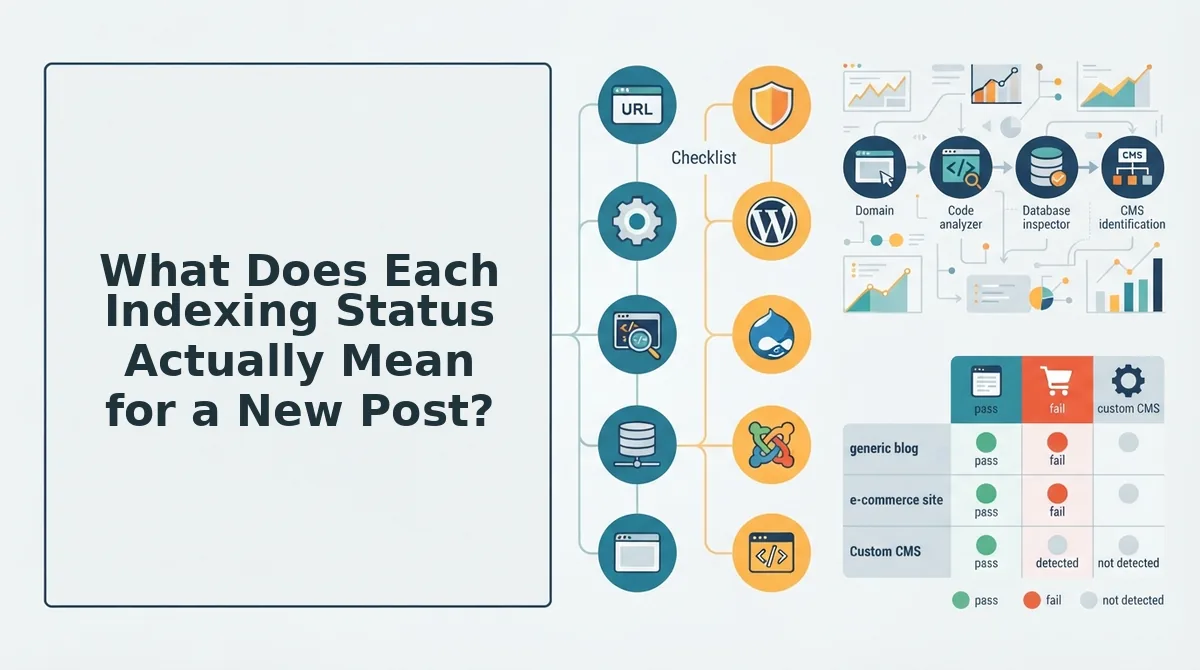
Google returns one of four statuses for a new URL, and only one of them is a fix-now signal. The other three are wait signals â which is why so many publishers "fix" a post that was never broken.
| Status | What it means | Action | Wait before acting |
|---|---|---|---|
| Indexed | Google crawled the post and added it to the index; it can rank. | Nothing to fix. Verify the canonical and title match what you published. | None |
| Crawled â currently not indexed | A quality or duplication verdict, not a discovery failure. | Improve uniqueness, depth, and internal links. Resubmitting changes nothing. | One recrawl cycle |
| Discovered â currently not indexed | Google knows the URL from your sitemap or a link but hasn't fetched it yet. | Add internal links from indexed posts; confirm sitemap lastmod is current. | Time and links |
| Duplicate or alternate canonical | Google selected a different URL as canonical. | Fix duplicate or alternate canonical signals now. | None |
Best for solo operators: the URL Inspection tool, used via submit a URL for crawling, covers a handful of monthly posts. Best for publishing teams: bulk exporters and paid indexing services â they earn their keep when you ship dozens of URLs and need a sitemap-wide view rather than one page at a time.
Choose per-post inspection if you need the "Last crawl" timestamp. Choose a bulk tool if the question is coverage, not diagnosis.
Two indexing shortcuts that don't work the way people claim
Pro tip: "Request indexing" is a queue nudge, not a measurement â it pushes a URL toward a crawl and gives you no per-URL outcome to check later. And the Indexing API accepts only JobPosting and BroadcastEvent markup, per Google's documentation, so it cannot submit BlogPosting or Article URLs. Pitches promising instant blog indexing through that endpoint describe a capability it doesn't have.
Retire site: as an indexing measurement too; it approximates a site's presence, not the status of a specific new URL.
BloGoose publishes straight to WordPress or your custom API, so every post lands with its publish timestamp and sitemap entry in place â the two inputs your status triage actually needs.
How long that wait column runs depends on your own crawl lag, not a generic benchmark.
How Long Should a New Post Take to Get Indexed?
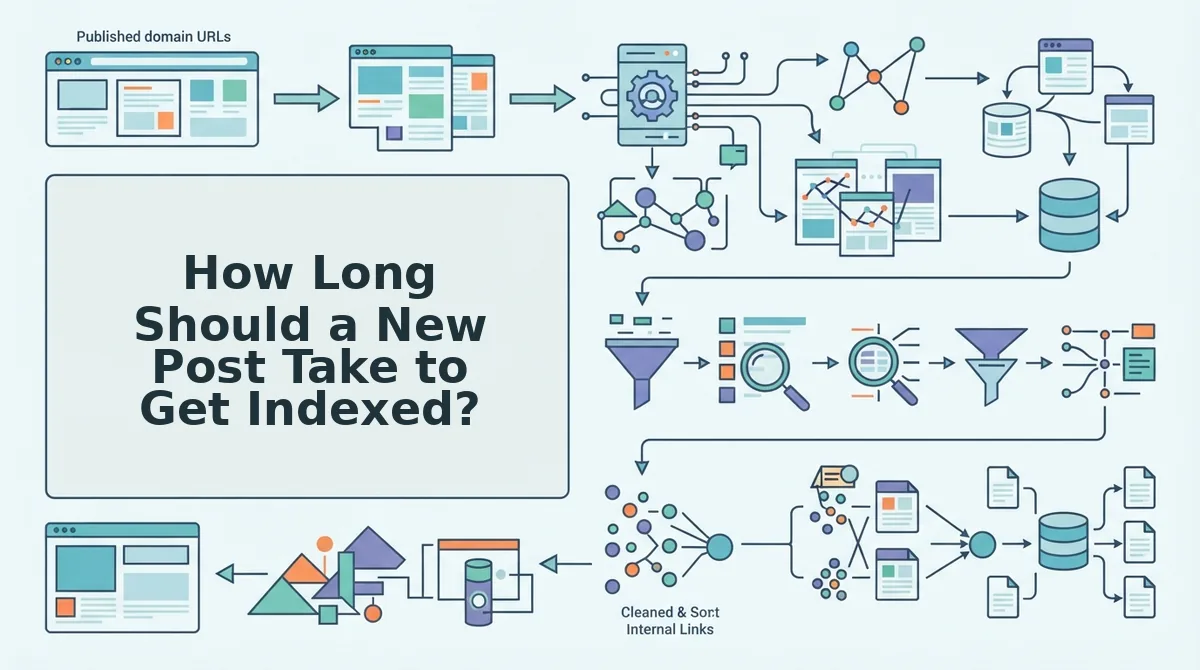
A new post usually appears in Google's index somewhere between one day and three weeks after publishing, and the honest number for your site has to come from your own timestamps. The "24 hours" figure is a reputation borrowed from high-volume news sites, not a default you are failing to hit.
Indexing lag is the elapsed time between the moment a URL goes live and the timestamp of Google's most recent crawl of that URL.
Think of it like a delivery van on a fixed route: a shop that restocks daily gets a daily pickup, while a shop that restocks twice a month waits between visits no matter how urgently it wants the parcel collected.
Your expected lag scales with three variables: site size, crawl frequency, and publishing velocity. A 40-page site and a 40,000-page site do not share a schedule, and a burst of new URLs splits the same crawl capacity across more pages. Our notes on crawl budget on small sites cover the middle variable.
To produce your own number, join three timestamps in one row per post: the publish time from your CMS or loader, the lastmod value in your XML sitemap, and the "Last crawl" line inside URL Inspection. Publish-to-Last-crawl is your real lag for that page.
A stale lastmod breaks the join, because the report will claim a crawl that the sitemap never advertised. That is a CMS fault, and it is worth running a post-live check before you blame the crawler.
A post published Monday morning and still reading Discovered â currently not indexed on Thursday is queued, not broken. At day 3 the only allowed action is confirming discovery: the URL is in the sitemap and nothing blocks it. Leave the copy alone. Recheck at day 10. If the status has moved to Crawled â currently not indexed, Google fetched and judged the page, so the action is enrichment. If it is still Discovered, tighten internal links into it. Day 3 and day 10 are the only two review gates; editing between them is how publishers break pages that were merely waiting.
What Else Do Publishers Ask About Indexing Checks?
Most of these have short verdicts: Request indexing queues a crawl but guarantees nothing, a URL absent from the report is usually unfindable rather than rejected, resubmitting an unchanged sitemap sends no new signal, and indexing is not ranking.
Does using Request indexing actually get my post indexed faster?
No, it only nudges the queue. The button asks Google to recrawl a single URL sooner; it returns no per-URL outcome, no confirmation, and no timeline. Treat it as a hint on a handful of priority pages, never as a status check you can read results from.
Why is my new post missing from the Page Indexing report entirely?
The page is probably invisible to Google, not rejected by it. A URL absent from that report is usually missing from the sitemap, blocked by a robots.txt rule, or carrying a noindex directive left over from staging. Confirm the URL is discoverable before assuming a quality problem.
Should I resubmit my sitemap after every new post?
No. Resubmitting an unchanged file tells Google nothing new; a changed lastmod does. Let your CMS rewrite the sitemap at publish time and let Google re-fetch it on its own schedule, as described in our guide to resubmitting your sitemap.
How long until an indexed post starts ranking?
Indexing is storefront placement; ranking is the shelf position, and the two arrive separately. An indexed post with zero impressions after two weeks usually points to query targeting or weak internal links rather than an indexing fault, so check the queries you aimed at before requesting another crawl.
Run the Check Friday and Let the Report Decide
One report, one export, one weekly comparison replaces every manual tab you were opening.
The premise this article opened with holds only if the two inputs are honest. A sitemap written by a nightly cron job, or a lastmod that refreshes on every save rather than every publish, breaks the join and sends you rewriting pages that were fine all along.
Two next steps. Export the Page Indexing report each Friday and diff it against last week's. If the join keeps failing, find out where your sitemap is generated, because an automated blog publishing engine that writes the sitemap and its lastmod at publish time removes the variable entirely. You can see what the engine costs and judge the hours against it.
Indexing rewards a calendar reminder far more than a rewrite, so set the Friday check and let the data earn the next decision.