
How to Validate Blog Topics With Live SERP Research

Most bloggers pick topics from keyword tools, then wonder why their posts flatline at position 14 for six months. You've felt it: the volume looked great, the difficulty score said "easy," and yet the page never moved. The missing step is live SERP research for blog topics, querying a search engine in real time to observe current ranking pages, SERP features, and intent signals before committing to a topic. You're right to be frustrated with tool-only validation. This guide gives you a repeatable 5-point scorecard that turns guesswork into a go/no-go decision in under 15 minutes per topic. We'll cover what live SERP research actually is, how it differs from keyword research, and the exact scoring framework, including one threshold rule that most publishers get backwards, which we'll resolve at the end.
What Is Live SERP Research and How Does It Differ From Keyword Research?
Live SERP research is the practice of querying a search engine in real time to observe current ranking pages, SERP features, and intent patterns before committing to a content topic. It answers a fundamentally different question than keyword research.
Keyword research answers "what do people search?" SERP research answers "what does Google reward?" The first tells you demand exists. The second tells you whether your content can realistically capture that demand.
Think of it like scouting a restaurant location. Keyword research tells you how many people walk past the street corner. Live SERP research tells you which restaurants already occupy the block, what their menus look like, and whether the neighborhood wants fast casual or fine dining. You'd never sign a lease on foot traffic data alone.
Live SERP research has three inputs: ranking pages (who currently holds the top 10 and what their content covers), SERP features (featured snippets, People Also Ask boxes, AI Overviews, video carousels, and local packs), and intent patterns (whether results skew informational, commercial, or transactional). Each input reveals a different constraint on your topic's viability.
Run SERP research in an incognito window or with location and personalization stripped. Your own search history skews results. Google tailors rankings to your past clicks, which means you'll see a SERP that no new visitor will ever encounter. For a deeper walkthrough of reading ranking patterns, see our guide to live SERP analysis.
To run live SERP research, query your candidate keyword in a clean browser session, then record three things: the top 10 URLs and their domains, every SERP feature present, and the dominant intent of the results. If the top 10 are all listicles from high-authority domains with a featured snippet already occupied, that's a different validation outcome than a SERP full of thin forum threads with no features at all.
The 5-Point SERP Validation Scorecard for Blog Topics
The 5-point scorecard is a go/no-go decision rule: score each criterion green, yellow, or red, and only proceed with topics that earn at least 4 out of 5 green signals. Anything less means the SERP is telling you to pick a different topic or adjust your angle.
- Intent match, does the SERP show the same intent you plan to target? If you're writing a commercial comparison post but the top 10 are all informational guides, Google has decided this query deserves education, not persuasion. Mismatch between your content type and the SERP's dominant intent is the single most common cause of topic failure. Score green when at least 7 of 10 results match your intended intent.
- Feature opportunity, is there a featured snippet, PAA box, or AI Overview you can win? Feature presence means Google is actively extracting answers from ranking pages, which creates traffic upside beyond the blue links. Score green when at least one extractable feature exists and the current occupant is a domain you can realistically displace. Score red when a high-authority domain owns every feature and shows no sign of weakness.
- Authority gap, are the ranking domains beatable for your site? Check the domain authority spread across the top 10. If every result comes from domains with 10x your authority, you're fighting an uphill battle. Score green when at least 3 of the top 10 domains are at or below your authority level. Score yellow when the spread is mixed but trending toward stronger domains.
- Freshness window, are top results dated within 12 months? A SERP full of 2019 posts signals that Google is starving for updated content and will reward a fresh take. Score green when more than half of ranking pages show dates older than 12 months or no date at all. Score red when the top 10 refreshes monthly and you'd need a continuous update cadence to compete.
- Monetization fit, does the topic align with a conversion path or cluster goal? A topic can pass every other criterion and still be worthless if it doesn't connect to a product page, email capture, or pillar page in your topic clusters. Score green when you can name the specific internal link destination and conversion action before writing. Score red when the topic is orphaned from your revenue architecture.
To apply the scorecard, run a live SERP query for your candidate keyword, assign one color per criterion, and count the greens. Four or five greens means publish. Three greens means adjust the angle or target a long-tail variant. Two or fewer greens means kill the topic and move to the next candidate. This threshold rule, not the keyword tool's difficulty score, is what separates topics that rank from topics that sit.
Here's how to run the full validation process in 15 minutes, step by step.
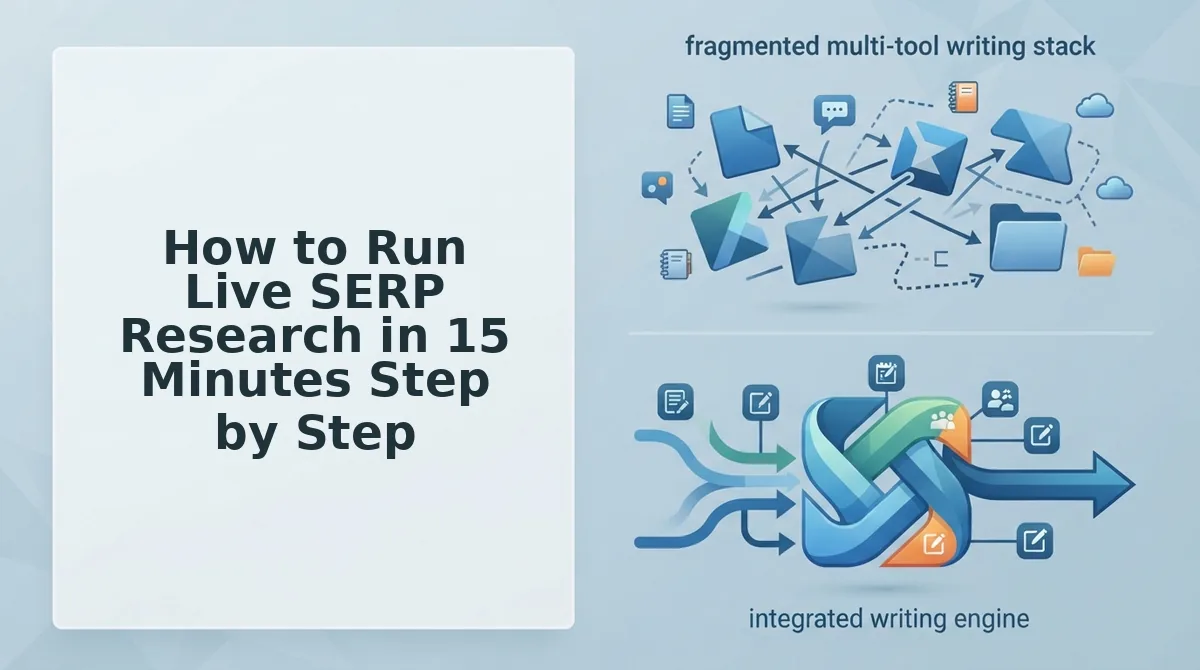
How to Run Live SERP Research in 15 Minutes Step by Step
Live SERP research is a repeatable 15-minute process that turns raw search results into a validated topic decision. You need a browser with an incognito window, a spreadsheet or note app, and access to the 5-point scorecard from Section 3.
Run this process for every candidate topic before you commit writing time. The goal is not to read everything, it is to capture structured evidence fast.
- Query the primary keyword and screenshot the full SERP. Open an incognito browser window, type your target keyword into Google, and press Enter. Scroll from the top of the page to the bottom, capturing at least three screenshots that show every result above the fold and the first two scroll depths. Save the screenshots into a folder named with the keyword and today's date. You should see the full result set, organic links, ads, and any SERP features, preserved for later reference.
- Log every SERP feature present. Working top to bottom, record each feature type you see: AI Overview, People Also Ask (PAA), featured snippet, video carousel, image pack, local pack, shopping results, or Twitter/X carousel. Create one row per feature in your spreadsheet with columns for feature type, position on page, and whether it pushes organic results down. You should end with a complete feature inventory that tells you what Google thinks this query deserves.
- Open the top 5 organic results and record H2 structure, word count, and publish date. Click each of the first five non-ad results, opening them in new tabs. For each page, copy every H2 heading into your spreadsheet, note the approximate word count using a tool like WordCounter or your browser's reader mode, and record the publish or last-updated date from the page. You should see patterns emerge, most ranking pages will share 60-70% of the same H2 topics, and the gaps between them are your opportunity.
- Score the topic on the 5-point scorecard. Pull up the scorecard from Section 3 and evaluate the SERP data you just collected against each criterion: intent match, feature opportunity, content gap, authority threshold, and freshness signal. Assign a 0 or 1 for each point and total the score. You should have a clear numeric verdict, 4 or 5 means proceed, 3 means revise the angle, and 2 or below means kill the topic.
- Write the brief or kill the topic. If the score is 4 or higher, open your SEO content brief template and fill in the validated topic, the H2s you must cover, the H2s competitors missed, target word count based on the top 5 average, and the SERP features you are targeting. If the score is 3 or lower, move the topic to a backlog with a one-line reason and start the process on the next candidate. You should leave the session with either a rank-ready brief or a shorter, higher-quality topic list.
Pro tip: The fastest way to spot a content gap is to look for PAA questions that no ranking page answers in an H2. Those unanswered questions are your section headers; Google is already telling you what searchers want, and nobody is delivering it.
SERP Feature Priority Matrix: What to Chase and What to Ignore
Not every SERP feature is worth your time. The right priority depends on two factors: how much click-through impact a feature has and how much effort it takes to win it.
Some features, like featured snippets and PAA, deliver outsized visibility for relatively low effort. Others, like video carousels for text-first queries, consume resources without moving your traffic needle. The matrix below ranks features by impact and effort so you can allocate your 15-minute research sessions and writing time where they pay off.
| SERP Feature | Click-Through Impact | Effort to Win | Best For |
|---|---|---|---|
| People Also Ask (PAA) | High, appears on 60%+ of SERPs and captures question-intent clicks | Low, answer the question in a 40-60 word paragraph with an H2 or H3 matching the query | Bloggers and content teams targeting long-tail question queries |
| Featured Snippet Paragraph | High, sits above position 1 and can double CTR for the winning page | Low to medium, restructure one existing paragraph to directly answer the query in 40-55 words | Publishers who already rank on page 1 and want the position-zero jump |
| AI Overview Citation | High and growing, cited sources get visibility in AI-generated answers across Google and chatbots | High, requires clear entity definitions, structured data, and content that directly answers multi-part queries | Teams investing in AEO optimization for long-term citation share |
| Video Carousel | High for how-to and tutorial queries, video thumbnails draw the eye | High, requires video production, YouTube optimization, and schema markup | Brands with existing video assets targeting instructional searches |
| Image Pack | Low for non-visual topics, images rarely drive clicks for informational text queries | Low to medium, requires optimized alt text and compressed image files | E-commerce and visual niches like recipes, fashion, or home decor |
| Twitter/X Carousel | Low, appears for brand and news queries, rarely drives organic blog traffic | Low, requires an active social presence, but the payoff is minimal for most publishers | News publishers and brands with real-time social engagement |
High impact, low effort: PAA and featured snippet paragraphs are your first targets. High impact, high effort: AI Overview citations and video carousels are worth pursuing only if you have the resources. Low impact, ignore: image packs for non-visual topics and Twitter carousels for most blogs.
What is a SERP feature priority matrix? It is a decision framework that ranks search engine results page elements by their potential to drive clicks to your content versus the effort required to earn placement in them. Use it before every content brief to decide which features to target and which to skip.
Competitors who chase every feature spread themselves thin and win none. The publishers who dominate SERPs are the ones who pick two or three high-ROI features and optimize for them consistently.
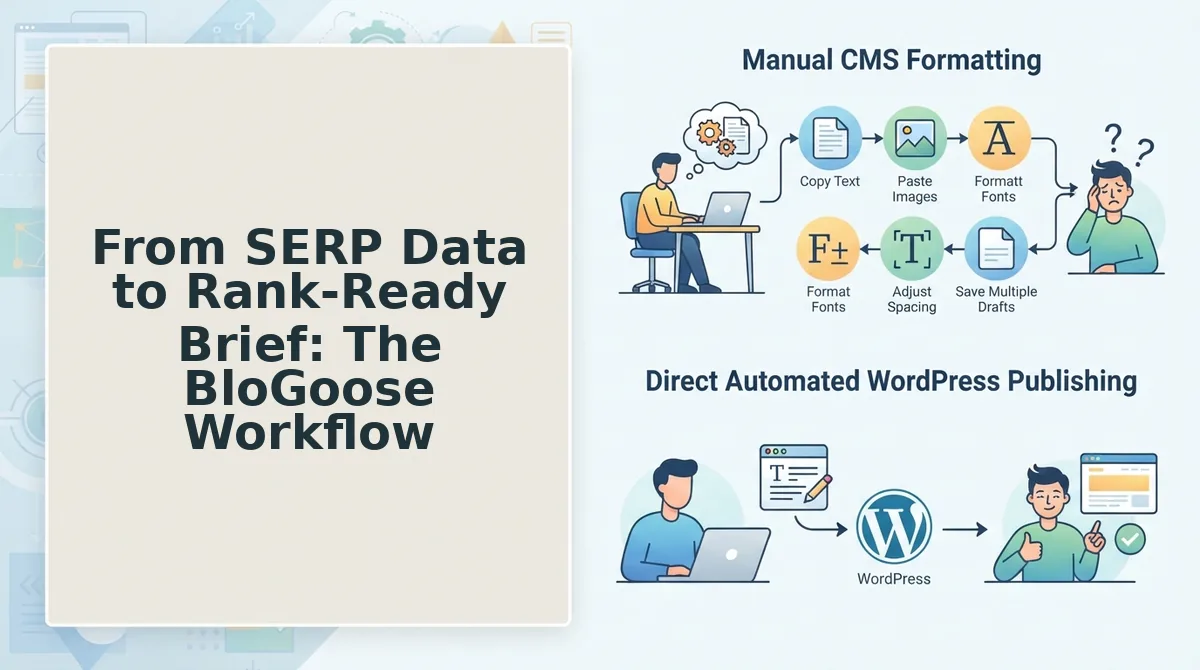
From SERP Data to Rank-Ready Brief: The BloGoose Workflow
A rank-ready brief is a structured document that converts live SERP evidence into a validated topic, outline, keyword placement map, and AEO target list. It is the bridge between research and writing.
Think of the workflow like a restaurant kitchen. The crawl is your ingredient inventory, you need to know what is already in the pantry before you plan the menu. The SERP query is your market research, what are diners ordering, and what are competing restaurants serving? The brief is the recipe card that tells the chef exactly what to cook, in what order, and how to plate it.
The process starts simple. You crawl your site to extract the XML sitemap, detect the CMS stack, and map your existing content structure. This tells you what you have already covered and where your topical gaps are. Next, you run a live SERP query for your target keyword and capture competitor H2 structures, SERP feature targets, and intent classification, the same 15-minute process from Section 4.
At the intermediate level, you layer in gap analysis. Compare your existing content against the top 5 ranking pages and the PAA questions nobody answers. Those unanswered questions become your section headers. You also identify which SERP features are winnable based on the priority matrix from Section 5.
The advanced step is automation. BloGoose connects the crawl, SERP query, and gap analysis into a single flow: it crawls your domain, extracts brand voice rules, queries live SERPs for your target keywords, identifies content gaps, and generates a brief that includes the validated topic, H2 outline, keyword placement, and AEO targets. That brief feeds directly into automated SEO content production, so research and drafting happen in one pass instead of five separate tools.
When the workflow runs clean, you get a brief in minutes, not hours. When it does not, when the SERP is dominated by forums, or the intent is unclear, you need a fallback plan.
Troubleshooting: When Live SERP Research Gives You Nothing
Live SERP research occasionally returns confusing or empty results, but each failure mode has a specific fix. You need a browser with incognito mode, a location-spoofing extension or VPN, and your target keyword list before starting.
- Open an incognito window and re-run the search. Type your target keyword into Google, then compare the top 10 results against your earlier search. You should see a different, less personalized result set within seconds, if the SERP stabilizes, personalization was the problem.
- Reset your location to the target market. Click Settings, then Search settings, then Region, and select the country you are targeting. You should see localized domains and region-specific sites replace generic global results.
- Check the authority gap when the SERP is all big brands. If the top 10 is dominated by sites with domain ratings above 80, pivot to a long-tail variant of your keyword. You should find at least 3 results from smaller domains after adding a modifier like "for beginners" or a specific use case.
- Run a competitor analysis on the weakest ranking page. Identify the lowest-authority site in the top 10 and inspect its content depth, headings, and internal links. You should spot a content gap or angle the big brands ignored within 10 minutes.
- Validate volume before committing when no SERP features appear. A SERP with zero featured snippets, PAA boxes, or AI Overviews often signals a low-competition niche. You should confirm search volume is above 100 monthly searches before investing drafting time.
If the SERP still changes on every refresh, disable all browser extensions and clear cookies, then repeat step 1. A stable SERP is the prerequisite for every downstream validation decision.
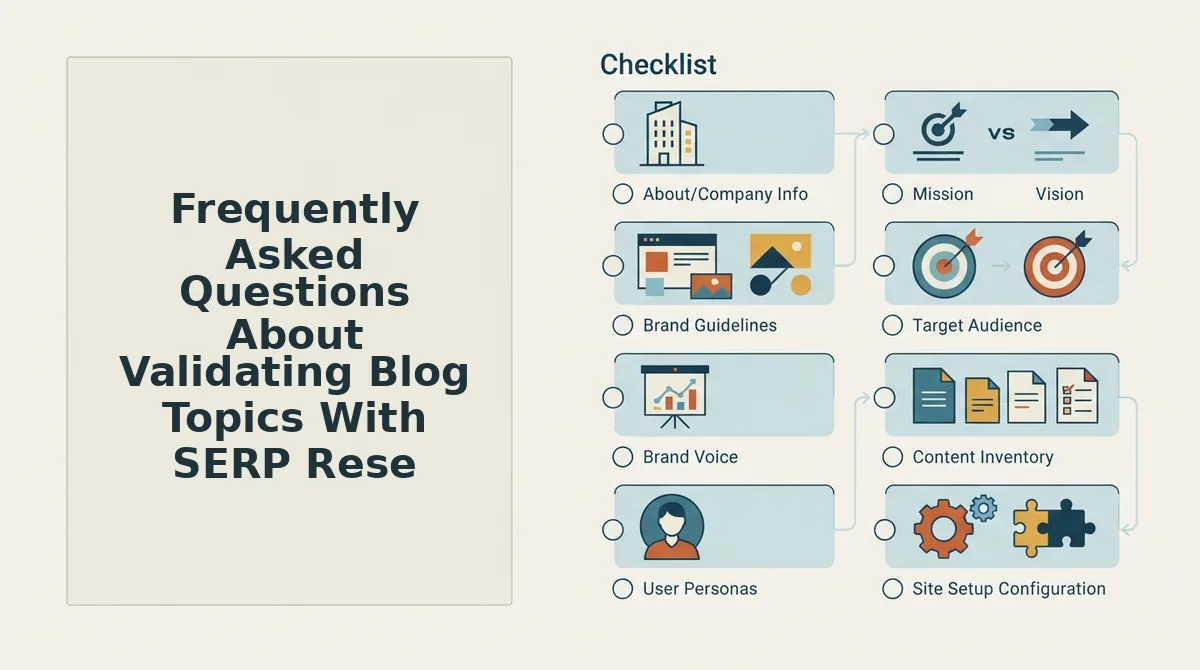
Frequently Asked Questions About Validating Blog Topics With SERP Research
SERP research validates whether a topic can actually rank by examining what Google currently rewards, while keyword research only confirms that people search for the term.
What is the difference between keyword research and SERP research?
Keyword research identifies search demand and volume. SERP research reveals what Google currently rewards for that demand, the content formats, authority levels, and features occupying page one. You need both to validate a topic.
How do I validate a blog topic before writing it?
Run the target keyword in an incognito window, score the top 10 results against a 5-point scorecard covering authority, intent match, content depth, freshness, and SERP features. A topic passes when at least 4 of 5 signals are green.
Can SERP research be automated without buying five different tools?
Yes. You can run manual checks with incognito browsing and a spreadsheet, or use an integrated engine like BloGoose that automates live SERP analysis, scoring, and brief generation in one workflow without separate subscriptions.
What SERP features matter most in 2026?
Prioritize AI Overview citations, People Also Ask boxes, and featured snippets because they capture the highest click-through for informational queries. Standard blue links still matter for transactional intent, but informational content must target feature placement.
Why does my SERP look different every time I search?
Google personalizes results based on your search history, location, and device. Fix this by searching in incognito mode, resetting your region in Search settings, and clearing cookies before running validation research.
What should I do if the SERP is dominated by huge brands?
Pivot to a long-tail variant of your keyword. Adding modifiers like "for small teams" or "step by step" surfaces results from lower-authority domains, revealing an authority gap you can realistically compete against.
Validate Every Blog Topic Before You Draft
The 5-point scorecard and 15-minute workflow collapse into one rule: a topic passes when at least 4 of 5 signals are green. Anything less means you are drafting content that has already lost the ranking battle before publish.
Skipping SERP validation is the most expensive shortcut in content marketing. You spend hours writing, days waiting for indexing, and weeks discovering the page never had a structural chance. The SERP told you everything upfront, you just had to look.
The fix is not more keyword tools or better prompts. It is a repeatable validation habit: incognito search, score the top 10, check the authority gap, confirm intent match, then commit or pivot. Run it on every topic before a single word gets drafted.
Start your next content calendar by running live SERP research through BloGoose, which automates the crawl, scoring, and brief generation in one pass. The topics that survive validation are the only ones worth your drafting time.