How Do I Verify a Search Console Property Before Automating Indexing?
You verified the property, ran your first automated push, watched the API return success â and nothing was crawled.
That dead end rarely lives in the API. It lives one layer up: a URL-prefix property verified on https://example.com while the CMS emits canonicals on https://www.example.com. Every submission then lands outside the verified scope. To verify search console property for indexing correctly, match the property to the URLs your pipeline actually publishes.
That means two keys, not one:
- Key one: a Search Console property covering the host your CMS publishes to.
- Key two: a service account added as an Owner, not a Full user.
Worked example: a publisher verifies the apex host, points the pipeline at a CMS that emits www canonicals, and pushes a batch. The API accepts every URL. Nothing gets crawled, because those www URLs sit outside the verified property's boundary â a success response for a URL the property does not own.
Key two produces the permission errors that read like API failures, and it comes back later.
What the verified scope actually unlocks is the next question worth answering.
What Does a Verified Property Actually Unlock Before You Automate?
A verified property unlocks exactly one thing: the right to speak for a defined set of URLs. Verification is a scope contract, not an SEO checkbox.
What is a verified property in Search Console? A verified property is a URL boundary in Search Console that Google has confirmed you control, via a DNS TXT record, an HTML file, a meta tag, or an Analytics association. Two types exist. A Domain property covers every subdomain and both http and https; a URL-prefix property covers only the exact string you enter. Your automation can only push URLs inside the verified boundary, so verification proves which URLs your pipeline may speak for â nothing more.
Think of it as a building key fob: it opens the floor named on it, and the floor was fixed at issue.
Four things must exist before you verify:
- DNS or hosting access to publish a record or file
- A Google Cloud project for the service account your code signs in as
- The sitemap URL list your pipeline will push
- The canonical host your CMS emits
An Owner is a Search Console permission level that can add users; a service account is a non-human Google identity your code authenticates as. It must be an Owner, not a Full user.
If you would rather see the handoff end to end, connecting Search Console to your publishing automation walks through it. The next decision is which property type your pipeline should target.
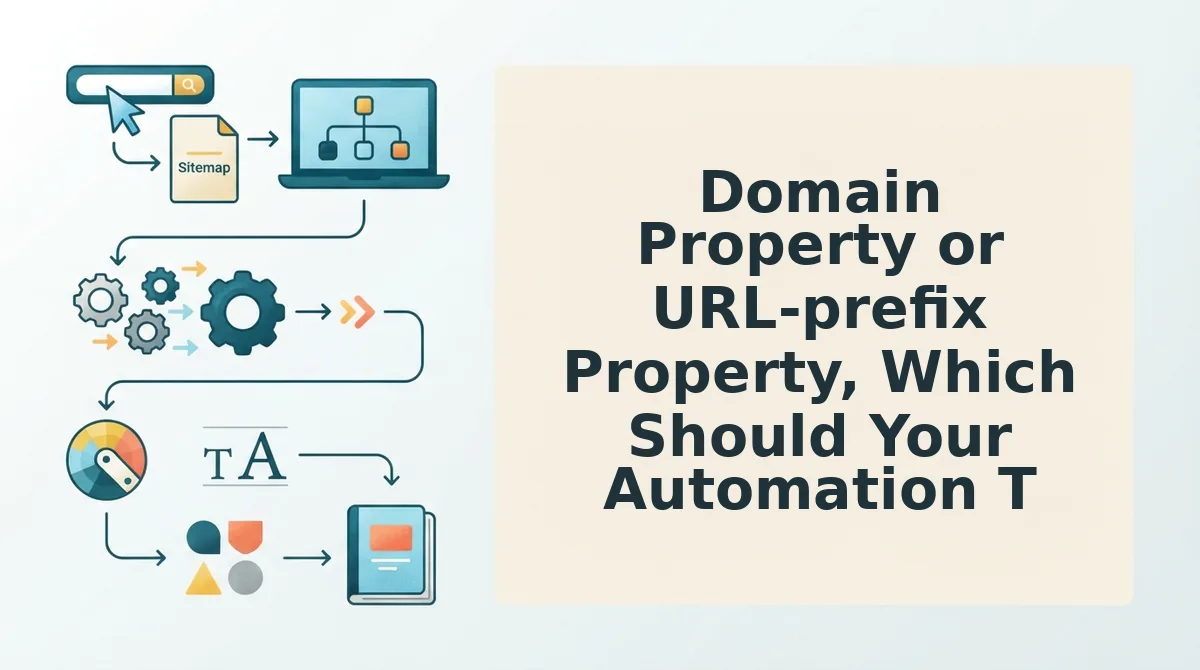
Domain Property or URL-prefix Property, Which Should Your Automation Target?
Choose a Domain property when your CMS can emit more than one host, and a URL-prefix property only when you can guarantee the exact scheme and host your automation will submit. A Domain property verified by DNS TXT covers the apex plus every subdomain and both protocols; a URL-prefix property covers only the exact prefix it was verified against.
Does verifying a property cover both www and non-www? No â not unless the verification method and the property type both say so. Verify https://www.example.com as a URL-prefix property and your pipeline can submit only URLs that begin with that string; https://example.com and any http:// URL sit outside it. A Domain property verified by DNS TXT removes the question, because one record covers the apex, every subdomain, and both protocols. When the CMS emits a different host than the one you verified, change the property, not the API call.
| Verification method | Property type | Covers subdomains | Covers both protocols | Service account as Owner | Survives a relaunch |
|---|---|---|---|---|---|
| DNS TXT record | Domain | Yes | Yes | Yes | Yes |
| DNS TXT record | URL-prefix | No | No | Yes | Yes |
| Meta tag or HTML file | URL-prefix | No | No | Yes | No |
Google's own documentation explains each method clearly; the part it leaves implicit is scope. Which one belongs behind your sitemap pipeline?
- Best for single-host WordPress pipelines: a URL-prefix property matched exactly to the host in your canonical URLs.
- Best for multi-host estates: a Domain property, if www, apex, and subdomains all publish.
- Best for teams that redeploy often: Domain with DNS TXT, since token-based methods drop off in a rebuild.
Our recommendation: default to a Domain property verified by DNS TXT. It survives relaunches, covers every host your CMS might emit, and costs one record. Downgrade to URL-prefix only when you have no DNS access.
Property scope is one key; the next is the permission level you grant the account that calls the API.
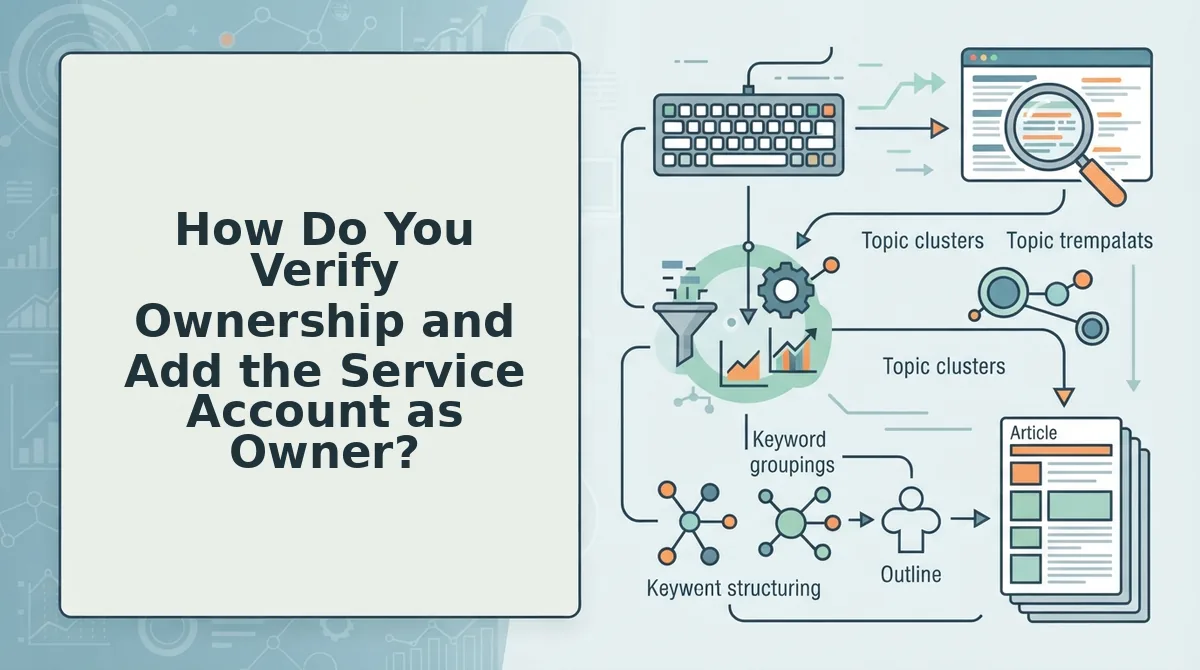
How Do You Verify Ownership and Add the Service Account as Owner?
Verification for automation is a two-key handoff: prove you own the property, then grant the machine Owner access to that same property. Budget 10 to 20 minutes, longer if your DNS provider is slow.
Before you start, have three things ready: the property already added in Search Console, edit access to your domain's DNS records, and a Google Cloud project with a service account created inside it.
- Open Search Console, select your domain property, then go to Settings â Ownership verification. You should see a list of verification methods with the DNS record option at the top.
- Copy the TXT value shown under the DNS method, then log in to your DNS provider and add a TXT record at the root domain with that value. You should see the new record in your provider's DNS table within a minute or two.
- Click Verify in Search Console, then wait. A pending result is not a failed one: propagation can take minutes or up to 72 hours, so do not re-add the record or switch methods after ten minutes of silence. You should see a green success message once the record resolves.
- Choose DNS over the HTML file or meta tag whenever you have the choice. Token-based methods vanish when a relaunch, CDN rebuild, or theme migration drops them; a TXT record survives all three.
- Open Google Cloud Console, select your project, go to IAM & Admin â Service Accounts, and copy the account's email address. That address comes from the Cloud project identity, not from your CMS or plugin settings, and it is case-sensitive.
- Return to Search Console, open Settings â Users and permissions, click Add user, paste the service account email, and select Owner from the permission dropdown. Full is insufficient for the handoff, and granting Full fails later in a way that looks unrelated. You should see the address listed with Owner beside it.
- Send one test request using the procedure in our Indexing API walkthrough. A response that reads as permission denied rather than bad request is the tell that the account landed as Full instead of Owner.
Keep the scope deliberately small. The Indexing API's documented support is narrow, so discipline about which URLs you push matters more here than with an ordinary crawl request.

How Do You Check It Worked Before the First Automated Push?
Prove the property can see and act on a real URL before you hand it a queue. Three checks, run in order, take under ten minutes and catch nearly every scope error.
- Run one live URL through URL Inspection. Paste an actual published post into the inspection bar and confirm it reports as indexed with a canonical you recognise. This proves the property views the same URL string your pipeline will push, while the blast radius is still one page.
- Submit the sitemap through the property that owns the URLs. Use the sitemap your CMS emits, not a hand-built list. A sitemap submitted to the wrong property scope reports success while queuing URLs the property cannot act on.
- Push one URL manually, then diff it against your canonical. Compare protocol, www, and trailing slash against the canonical tag your CMS actually outputs. Any mismatch means automation is targeting a host your property does not own.
Verification is not permanent. These are the events that silently break each method:
| Verification method | What breaks it | Survives relaunch? |
|---|---|---|
| DNS TXT record | DNS provider swap or zone cleanup | Yes |
| Analytics (GA tag) | Tag-manager removal or property change | Usually |
| Meta tag | Site relaunch, theme rebuild | No |
| HTML file upload | CDN rebuild, migration, file cleanup | No |
| URL-prefix property | Host change (protocol, www) | No |
One rule covers every row: DNS and Analytics-based verification outlive the site changes that kill token-based methods.
What to Do Once the Property Is Verified and the Service Account Owns It
Two keys, one permanent recheck order. When a push fails, test the property scope first, the service account's Owner permission second, and the request itself last â the request is almost never the culprit.
Keep the line that explains the whole problem: a green Verified badge proves ownership, not reach. Verification opens the door; what earns citations is everything downstream of it, from the sitemap your crawl reads to the structure that makes pages quotable in AI answers.
Your next step is concrete: point BloGoose at your domain and let its crawl-and-verify flow bind every drafted article to a property you know is scoped correctly â then carry that same discipline into getting cited in AI answers, where the competition is for quotation rather than position.