
How to Build a Content Gap List From Live Search Results

Most content gap lists are built from tool exports, not from the live SERP itself, so they miss what Google is actually rewarding right now. You have probably felt this: you run a keyword gap report, export a spreadsheet of "missing" terms, and end up with 400 rows that do not tell you what to write first or why.
You are right to be frustrated. The fix is to build a content gap list from live search results manually, page by page, before you ever open a tool. This article will show you a five-step method that produces a prioritized, actionable gap list, one that looks different from anything a tool exports.
Here is the roadmap: pull the live SERP and log the top 10, build a consensus map of required topics, identify the four gap types, score each gap by opportunity, and turn the list into a publishing queue. Along the way, you will see why one surprising finding, that most "gaps" are not gaps at all, changes how you should filter everything. If you are running this process at scale, a platform like BloGoose can automate the SERP capture and gap scoring after you learn the manual method.
A content gap list built from live search results is a prioritized inventory of missing topics, entities, formats, and search-intent coverage. You create it by comparing the top-ranking pages for a target keyword against each other and against what searchers actually need. Unlike a keyword gap report, which only compares which terms competitors rank for, this list records what the live SERP rewards: the H2s every top page shares, the definitions they all include, the formats they use, and the intents they serve. The result is a list of concrete content decisions, add this section, define this term, add a comparison table, rather than a spreadsheet of keywords.
What a Content Gap List Actually Is (and What It Isn't)
A content gap list is a prioritized inventory of missing topics, entities, formats, and intent coverage, found by comparing live SERP pages against each other and against what searchers actually need. It is not a keyword gap report, which only compares which keywords competitors rank for.
Think of a content gap list like a restaurant menu audit. A keyword gap tool tells you which dishes other restaurants serve that you do not. A content gap list tells you which ingredients, cooking methods, portion sizes, and dietary options your menu is missing, and which missing items customers are actually ordering tonight.
Here is the progression. At the simple level, you compare one page against the top 10 results and note missing H2 sections. At the intermediate level, you compare entities, the specific terms, definitions, and named concepts every top page includes. At the advanced level, you compare formats and intent coverage: does the SERP reward lists, tables, or videos? Does it mix informational and transactional intent that no single page fully serves?
There are four types of gaps. Topical gaps are missing H2s, subtopics the top pages cover that yours does not. Entity gaps are missing terms or definitions that Google expects on a page for that query. Format gaps are missing content structures, a comparison table, a step list, a video embed. Intent gaps are mixed-intent SERPs where no single page fully serves every searcher need, leaving room for a more complete page.
One filter matters above all: a gap is only a gap if the page should cover it. Check the page's target keyword before adding anything to your list. If a top result ranks for a related but different query, its extra H2s are not your gaps. This is where live SERP analysis separates real gaps from noise.
To build a content gap list from live search results, you compare the top 10 ranking pages for a target keyword across four dimensions: topics (H2 sections), entities (terms and definitions), formats (lists, tables, videos), and search intent. You record what every top page includes, what only some include, and what none include. Anything your page lacks that the consensus of top pages includes is a candidate gap. You then filter candidates by whether the page's target keyword actually requires that coverage. The final list is prioritized by opportunity, how many top pages cover the item, how much search demand it represents, and how hard it would be to add.
Step 1. Pull the Live SERP and Log the Top 10
Start by capturing the live search results for your target keyword manually, without a tool export. You need a browser with an incognito or private window, a spreadsheet, and 20-30 minutes per keyword.
- Open an incognito window in your browser. This prevents personalized results, location bias, and search history from distorting the SERP. You should see the same results a new searcher in your target region would see.
- Search your target keyword exactly as a searcher would type it. Do not add modifiers. Note whether the SERP includes ads, a featured snippet, a People Also Ask box, or video results, these signal intent and format opportunities.
- Log the top 10 organic results in a spreadsheet. For each result, record six fields: URL, word count, content type, H2s, entities, and freshness. Word count comes from a quick scan or a browser extension; H2s come from viewing the page source or scanning the rendered page; entities are the recurring terms and definitions the page uses; freshness is the visible publish or update date.
- Skip the outliers on purpose. If result #9 is a forum thread or a PDF, log it but mark it as an outlier. The consensus of the top 10 matters more than any single page.
You should end with a 10-row table where every column is filled. This raw capture step is what most teams skip, they jump straight to a tool export and lose the context of what the live SERP actually rewards. If you want to scale this capture across dozens of keywords, an automated platform like BloGoose can crawl the live SERP and log these fields for you. Next, you will turn those 10 rows into a consensus map of required topics.
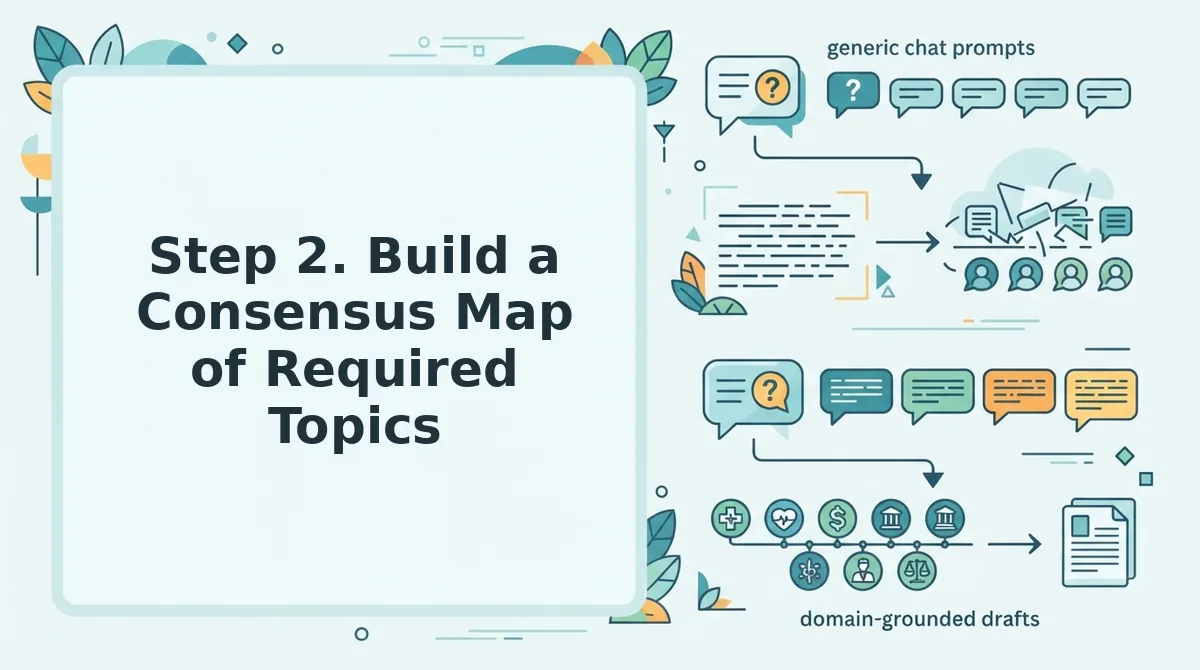
Step 2. Build a Consensus Map of Required Topics
Consensus topics are table stakes, cover them or don't rank. A consensus map shows you which H2s appear across at least 3 of the top 10 pages, so you can separate mandatory coverage from optional depth.
Prerequisites: Your top-10 SERP log from Step 1, a spreadsheet (Google Sheets or Excel), and 20-30 minutes per keyword.
- Open each of the top 10 pages in a new browser tab and scroll to the first H2. You should see the page's main subtopic structure within the first two screenfuls.
- Copy every H2 from each page into column A of your spreadsheet, with the source URL in column B. Expect 5-15 H2s per page; a 10-page SERP typically yields 60-120 raw subtopics.
- Normalize near-duplicate H2s by rewriting variants like "What Is X" and "X Explained" into one canonical label. You should see your raw list shrink by 30-50%.
- Count how many top-10 pages cover each topic using a COUNTIF formula or pivot table. Topics appearing on 3 or more pages are consensus topics, mark them mandatory.
- Build a three-column table with Topic, Number of top-10 pages covering it, and Your page covers it? (Y/N). You should see a clear threshold line between table stakes and differentiators.
| Topic | Top-10 pages covering it | Your page covers it? (Y/N) |
|---|---|---|
| Pricing breakdown | 8 | N |
| Step-by-step setup guide | 7 | Y |
| Comparison vs. alternatives | 6 | N |
| FAQ section | 5 | N |
| Case study example | 2 | N |
Topics with 3+ coverage are non-negotiable. Topics with 1-2 coverage are your differentiation opportunities, the same logic BloGoose applies when it runs competitor analysis against your live SERP before drafting.
Step 3. Find the Four Types of Gaps
A gap list is only useful if you know which kind of gap you're filling. Most teams log topical gaps and stop there, leaving entity, format, and intent gaps on the table, and those are often the fastest wins.
Prerequisites: Your consensus map from Step 2, the top-10 page URLs, and 15-20 minutes per gap type.
- Log topical gaps first. Scan each top-10 page for H2s that appear on fewer than 3 pages but clearly serve the searcher. You should see 3-8 topical gaps per SERP, these are subtopics competitors under-cover.
- Extract entity gaps. Read the first 200 words of each page and highlight any term, acronym, or product name that no page defines. You should find 2-5 undefined entities per SERP; defining them is a fast AEO content optimization win because answer engines quote definitions directly.
- Audit format gaps. Check whether any page uses lists, tables, comparison charts, or step-by-step visuals. If the top 10 are all prose and the query implies comparison or process, you should see an immediate opportunity to win the featured snippet with a table or numbered list.
- Map intent gaps. Look at the SERP's mix of informational, transactional, and navigational results. If 7 pages target "what is X" and 3 target "best X tool," but no page serves both, you should see a mixed-intent gap you can own with a single comprehensive page.
The same platform-blindness applies across channels. Creator Mustafa Alfredji built a TikTok content gap list that missed Google SERP gaps entirely, his analysis covered short-form video topics but ignored the H2s, definitions, and formats ranking on Google for the same queries. A gap list built for one platform misses another. Apply all four gap types to every SERP you analyze, not just the platform you publish on first.
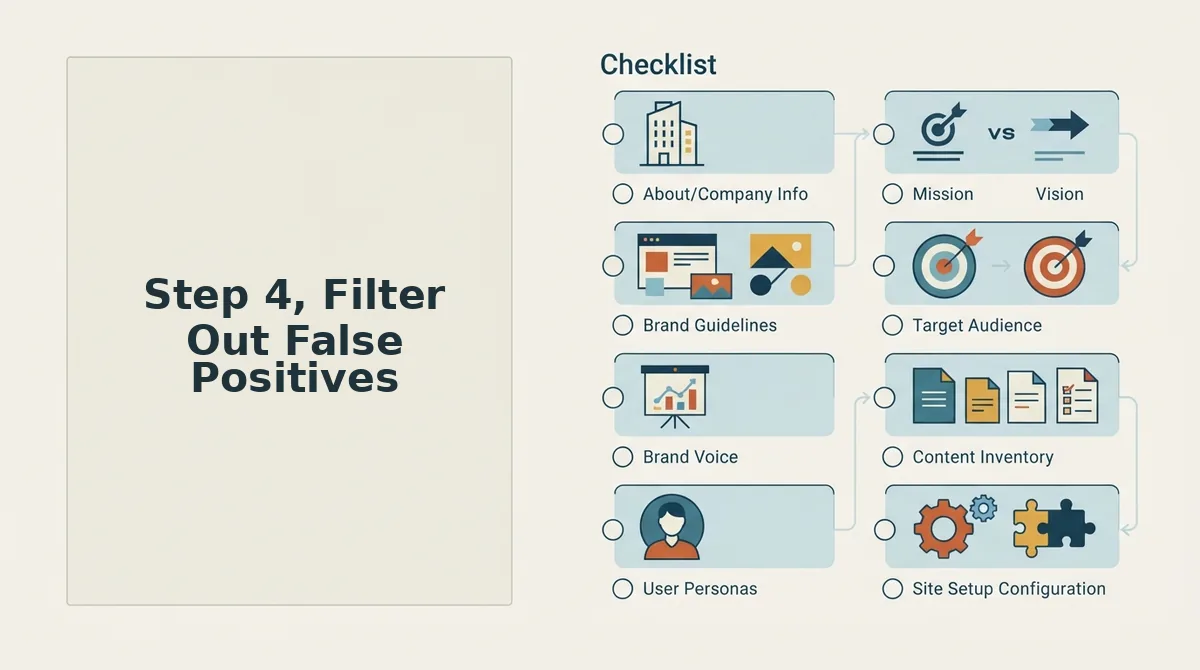
Step 4, Filter Out False Positives
Not every missing topic is a real gap. Before adding an item to your list, verify the omission was accidental, not a deliberate scoping decision by the page owner.
Prerequisites: Your four gap lists from Step 3, plus access to each page's meta title, target keyword, and internal link structure. Budget 10 minutes per candidate gap.
- Open the page's meta title and compare it to your candidate gap. If the title signals a different intent, "Best X for Beginners" vs. your "Advanced X Setup" gap, you should mark the gap as out of scope and remove it.
- Check the page's target keyword using any SERP overlay tool or manual URL inspection. If the page ranks for a keyword that doesn't overlap your gap topic, you should see a mismatch confirming the omission was intentional.
- Trace the page's internal links to see if another page on the same site covers the "missing" topic. If you find a dedicated child page or pillar section, you should remove the gap, the site already covers it, just not on that URL.
Run this three-question checklist on every candidate: Does the page target a different keyword? Does its meta title signal a different intent? Do its internal links point to a page that covers the missing topic? A gap is only a gap if the page should cover it. BloGoose applies this same filter automatically when it crawls your site and builds a content calendar, so your gap list never includes topics your existing pages already own. Next, you'll score what survives the filter.
Step 5. Score and Prioritize Your Gap List
Scoring turns a raw gap list into a ranked action plan. You need your filtered gap list from Step 4, a spreadsheet, and roughly 20 minutes per 10 gaps.
- Open your spreadsheet and create five columns next to each gap: Volume, Difficulty, Business Value, Content Cost, and Total Score. You should see a clean grid ready for scoring.
- Assign a 1-5 score for search volume using your keyword tool's monthly search data. Score 5 for 1,000+ monthly searches, 3 for 100-999, and 1 for under 100. You should see a numeric value in every Volume cell.
- Score ranking difficulty from 1-5 by checking the domain authority of pages already ranking in the top 10. Score 1 when most ranking domains have lower authority than yours, 5 when they are all high-authority sites. You should see lower difficulty scores on gaps where your site can realistically compete.
- Rate business relevance from 1-5 by asking whether the gap topic leads to a product page, a signup, or a demo request. Score 5 for direct revenue alignment, 1 for purely informational topics with no conversion path. You should see your highest scores on gaps tied to your core offers.
- Estimate content cost from 1-5 based on required research depth, word count, and whether you need original data or screenshots. Score 1 for a 500-word answer post, 5 for a 2,500-word pillar page with custom visuals. You should see lower cost scores on gaps you can produce in under two hours.
- Add the four scores into the Total Score column and sort descending. You should see a ranked list where high-volume, low-difficulty, high-relevance, low-cost gaps rise to the top.
Copy this scoring table into your spreadsheet:
| Gap | Volume (1-5) | Difficulty (1-5) | Business Value (1-5) | Content Cost (1-5) | Total Score |
|---|---|---|---|---|---|
| [Gap topic] |
Target gaps scoring 16 or higher first. A gap scoring 20 with a cost of 2 beats a gap scoring 18 with a cost of 5, because the lower-cost gap ships faster and compounds sooner.
FAQ
How do I build a content gap list from live search results?
Pull the top 10 results for your target keyword, log each page's headings and subtopics, then build a consensus map of what every ranking page covers. Any topic your page misses that competitors cover is a gap. Filter out false positives, then score and prioritize the remaining gaps.
What are the 4 types of content gaps?
The four gap types are topical gaps (missing subtopics), format gaps (missing content types like videos or tables), intent gaps (serving the wrong search intent), and depth gaps (covering a topic too shallowly). Each requires a different fix, from adding a section to restructuring the entire page.
How do I know if a content gap is worth targeting?
Score the gap across four dimensions: search volume, ranking difficulty, business relevance, and content cost. A gap scoring 16 or higher out of 20 is worth targeting. Gaps with high volume, low difficulty, direct revenue alignment, and low production cost should rank first.
What is the difference between a content gap and a keyword gap?
A keyword gap is a keyword your competitors rank for that you do not. A content gap is a topic, format, or depth level missing from your page even when you target the same keyword. Keyword gaps tell you what to target; content gaps tell you what to add to pages you already have.
How often should I refresh my content gap list?
Refresh your gap list every 30 to 60 days, or immediately after a Google core update. SERPs shift as new competitors publish, ranking pages update their content, and search intent evolves. A gap list is a snapshot, not a permanent document, so re-run the live SERP analysis on a schedule.
Build Your Gap List, Then Automate the Repetition
A content gap list is only as good as the day you built it. SERPs shift, competitors publish, and intent drifts, which means the five-step process you just learned is not a one-time exercise but a repeatable system. The four gap types, topical, format, intent, and depth, each demand a different fix, and the scoring rubric tells you which fix ships first.
Your next step is simple: run this process manually on one SERP for your highest-value keyword. Log the top 10, map the consensus, find the gaps, filter the noise, and score what remains. That single pass will teach you more about your competitive landscape than any tool export.
When you are ready to stop doing this by hand, BloGoose's AI SEO content engine automates the entire loop, crawling live SERPs, extracting consensus topics, and publishing gap-filling articles directly to WordPress. The gap list becomes a byproduct of publishing, not a separate project.