
How to Eliminate Manual CMS Uploads From Blog Workflows
You've just finished a 1,800-word post in Google Docs. You paste it into WordPress, and the headings break, images vanish, and the metadata fields sit empty. That single upload ritual can eat 20-40 minutes per post, and it's the exact reason so many content teams publish half as often as they plan. If you're ready to eliminate manual CMS uploads from blog workflow entirely, you're not alone: writing the post is only half the job, and the research, formatting, metadata, CMS fields, and publishing steps often take even longer.
Here's the promise: by the end of this article, you'll know exactly which manual steps an AI blog generator with direct WordPress publishing removes, how to evaluate automation options, and what a zero-upload publishing pipeline looks like in practice. We'll start with the hidden cost of manual uploads, then map each micro-step to what direct CMS publishing replaces, and finally show how an AI content engine closes the loop. One surprising finding along the way: the upload itself is rarely the biggest time sink, it's the formatting repair loop that follows.
Why Manual CMS Uploads Are the Silent Bottleneck in Blog Publishing
A manual CMS upload is the process of copying a finished draft from a writing tool, pasting it into a content management system, and then repairing formatting, re-adding images, and re-entering metadata by hand before hitting publish. It looks trivial on a calendar but compounds into hours of invisible labor every week.
Think of a manual upload like moving into a new apartment by carrying every piece of furniture through the front door one item at a time, then discovering the doorframe is slightly too narrow for the couch. The move itself isn't the problem; the repeated trips and mid-move repairs are. Most blogging workflows are five tools in a trench coat: a keyword planner, an AI writer, an editor, an image generator, and a CMS uploader, each requiring its own copy-paste handoff.
The cost becomes concrete when you calculate your Manual Upload Tax. For each post, add the time spent on copy-paste transfer, formatting cleanup, image re-upload, metadata re-entry, and preview checks. A conservative estimate of 25 minutes per post across three posts per week equals 65 hours per year, over a week and a half of full-time work spent on a task automation can remove entirely.
The failure mode most teams overlook is the copy-paste formatting cascade. When you paste from Google Docs or Microsoft Word into WordPress, hidden HTML spans, inline styles, and non-breaking spaces travel with the text. Headings render at the wrong level, line breaks double, and image captions detach. The fix is rarely one click, it's a hunt through the code editor or a full reformat, which is why fixing broken formatting in AI blog posts has become its own troubleshooting category. Direct publishing bypasses this failure mode at the source by sending clean, structured content through an API instead of through a clipboard.
What Direct CMS Publishing Actually Replaces
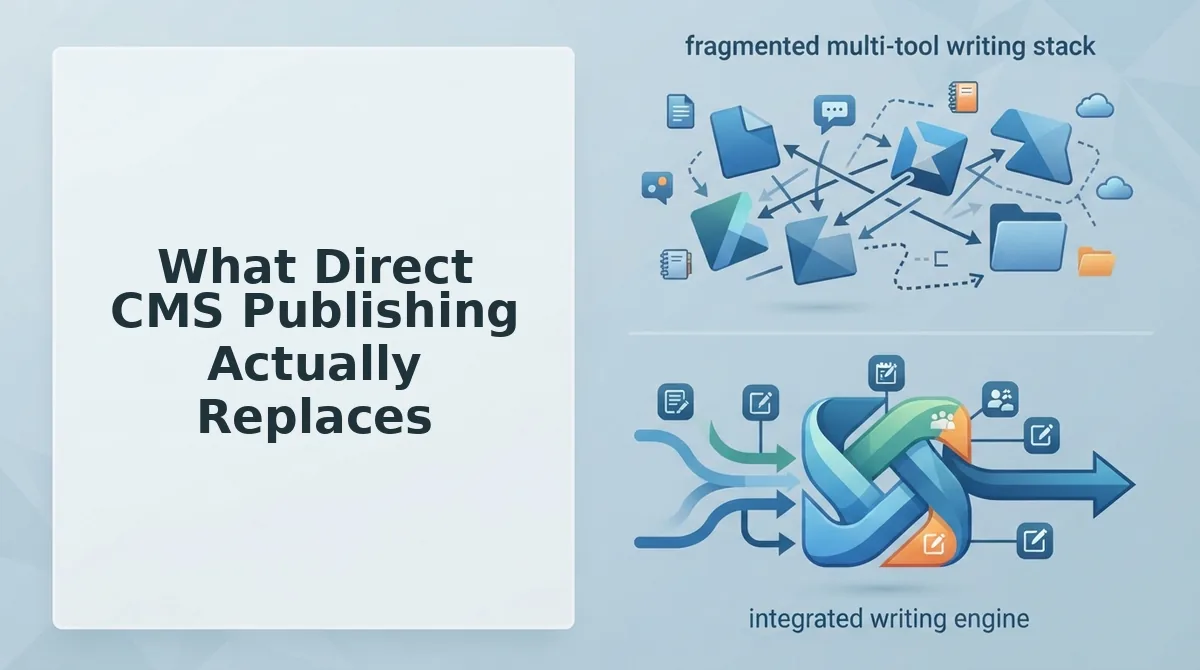
Direct CMS publishing replaces the five-step manual upload chain, copy-paste, formatting cleanup, image re-upload, metadata re-entry, and preview checks, with a single automated handoff from your content engine to WordPress or a custom API. Here's exactly what disappears, step by step.
Before you start, you'll need a content source that can generate structured HTML (not rich text), CMS credentials or an application password, and a publishing target, either a WordPress site with the REST API enabled or a custom endpoint.
- Open your content engine and generate the draft as structured HTML. Instead of copying from a document editor, the draft is already formatted with clean heading tags, paragraph blocks, and image placeholders. You should see no inline styles or stray span tags in the source view.
- Select your CMS connection and authenticate once. Go to Settings, then API Keys or Connections, and paste your WordPress application password or custom API token. A green checkmark confirms the connection is live, this step happens once, not per post.
- Map your metadata fields to the CMS schema. Assign the SEO title, meta description, slug, category, and featured image to their corresponding WordPress fields. The mapping persists for every future post, so you never re-enter this data manually.
- Click Publish and let the engine push the full article. The content, images, and metadata travel together in one request. You should see the post appear in your WordPress dashboard with formatting intact, images uploaded to the media library, and metadata populated, no preview repair pass needed.
- Verify the live post in one check. Open the published URL and confirm headings, images, and metadata render correctly. Because the content arrived as structured data rather than pasted text, the formatting cascade failure mode is eliminated at the source.
What automation removes here is not just the upload click, it's the entire repair loop that follows a paste. Copy-paste transfer, formatting cleanup, image re-upload, metadata re-entry, and preview checks each disappear as discrete tasks because the content engine writes directly to the CMS schema. For teams publishing at volume, this is the difference between a queue that stalls and a continuous delivery queue for blog articles that keeps moving without manual intervention.
That queue is exactly what an AI content engine manages end to end, next, we'll look at how it publishes directly to WordPress without a single clipboard in sight.
How an AI Content Engine Publishes Directly to WordPress
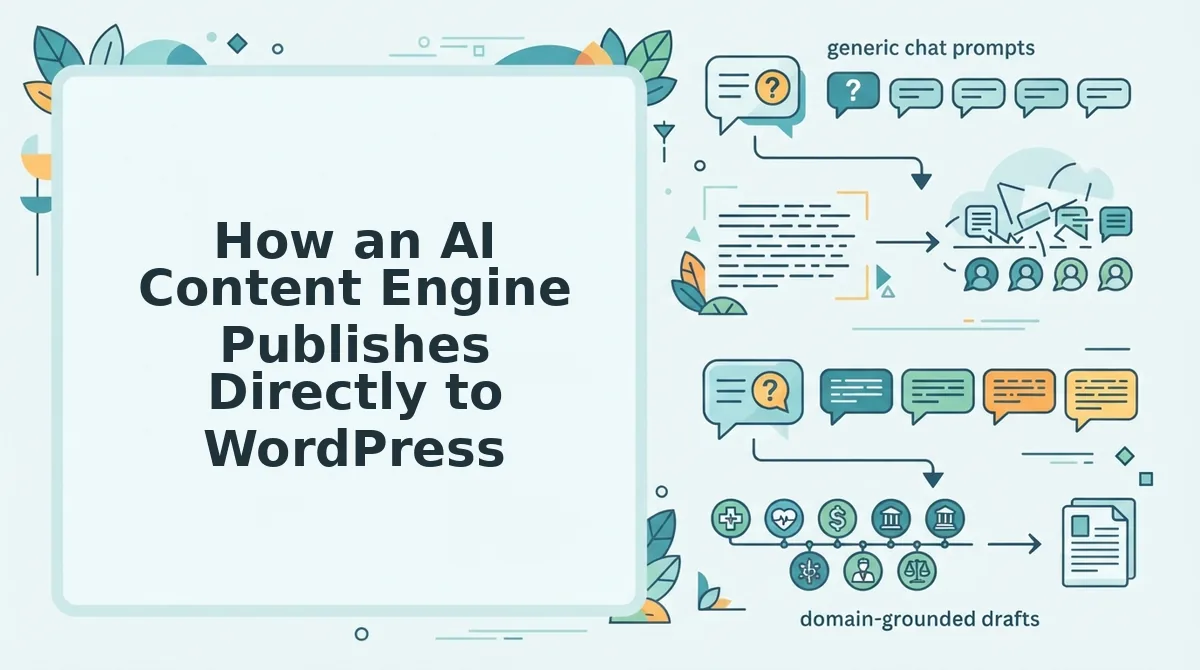
An AI content engine like BloGoose eliminates manual CMS uploads by crawling your site, extracting brand context, generating a calendar, and pushing finished drafts straight to WordPress, with a draft-first approval gate if you want one.
Prerequisites: A WordPress site with REST API access enabled, an administrator-level Application Password or API key, and a BloGoose account with your domain connected.
- Open the BloGoose setup wizard and enter your domain. The engine locates your XML sitemap and crawls published pages to map your site structure. You should see a crawl summary listing page count, detected categories, and content gaps within 2-5 minutes.
- Select "Connect WordPress" under Publishing Destinations. Enter your site URL, then paste the Application Password you generated in WordPress under Users to Profile to Application Passwords. Click Test Connection. You should see a green checkmark confirming API access.
- Review the extracted brand context. BloGoose pulls tone markers, heading patterns, and formatting rules from your existing posts. Adjust any voice rules you disagree with, then click Save Brand Profile. This profile applies to every future draft.
- Generate the 30-day content calendar. The engine proposes pillar posts and supporting articles based on your crawl data. You can plan a 30-day blog calendar from a site crawl manually or accept the auto-generated sequence. Approve the calendar to queue drafts.
- Open the first draft in review mode. Each article arrives with SEO metadata, internal links, and AEO-optimized answer blocks pre-filled. Toggle Draft-First Mode if you want human approval before anything goes live. You should see a preview matching your site's typography and spacing.
- Click "Publish to WordPress." The engine uploads the article, sets the featured image, applies categories and tags, and inserts the meta description, all in one action. You should see a "Published" status with a live URL link within 30-60 seconds.
If you prefer zero-touch publishing, disable draft-first mode and the engine ships approved calendar items on schedule without further clicks.
Plugin vs Custom API vs Direct CMS Integration for Blog Automation
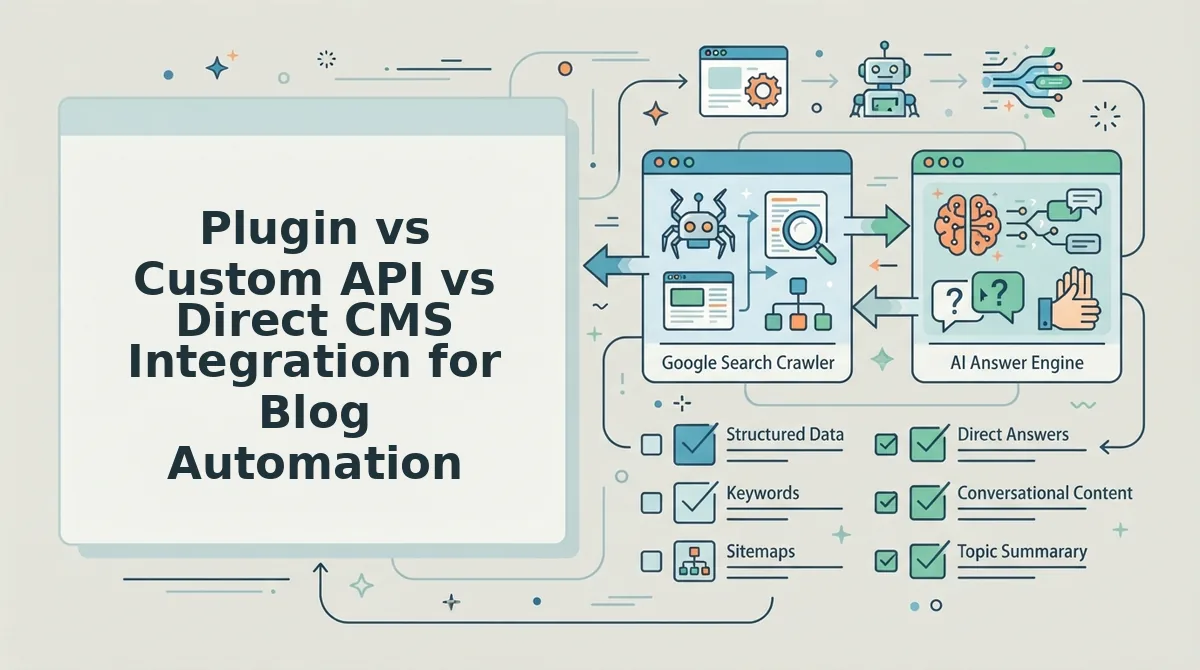
Each automation path removes manual uploads, but they differ sharply in setup effort, control, scalability, and long-term maintenance. Your choice depends on whether you run one site, a client portfolio, or a high-volume publishing operation.
| Factor | WordPress Plugin | Custom API | Direct CMS Integration |
|---|---|---|---|
| Setup effort | Low, install, activate, connect | High, requires developer time and endpoint design | Low to medium, native connector or one-time OAuth flow |
| Control | Moderate, limited to plugin's feature set | Full, you define every field, hook, and workflow | High, native CMS fields, roles, and revision history preserved |
| Scalability | Single site or small multisite setups | Unlimited, built for multi-site, multi-client pipelines | Scales with your CMS plan and API rate limits |
| Maintenance | Ongoing, plugin updates can break compatibility | Ongoing, your team owns the code and fixes | Low, the platform maintains the connector |
| Best for | Solo bloggers and small teams who want a quick fix | Agencies and developers managing many client sites | Publishers and brands standardizing on one CMS |
Plugins are genuinely useful for single-site operators who want a five-minute setup and don't need custom fields. Custom APIs shine for agencies that must map content to multiple CMS platforms, taxonomies, and approval chains, the tradeoff is developer overhead. Direct CMS integration, the path BloGoose uses, sits between the two: near-plugin simplicity with API-grade reliability, because the engine maintains the connector and handles authentication, retries, and field mapping for you.
If you're still juggling prompt tabs and manual copy-paste, the real comparison isn't plugin versus API, it's an AI content engine versus chat window workflows. The engine wins on throughput; chat windows win on nothing except familiarity.
FAQ: Eliminating Manual CMS Uploads
Direct CMS publishing removes the copy-paste step entirely: an AI content engine writes, formats, and uploads each article through an API connection, preserving metadata, images, and internal links without human intervention.
What breaks when you copy-paste blog posts into WordPress?
Copy-pasting from Google Docs or ChatGPT corrupts formatting, strips image paths, and drops meta descriptions, alt text, and canonical tags. The visual editor often inserts inline styles that conflict with your theme, and image URLs break when the source document is deleted or moved.
How do I keep my brand tone when automating blog publishing?
Brand context extraction solves this. The engine crawls your existing posts, learns your tone markers, heading patterns, and formatting rules, then applies that profile to every new draft. You review and adjust the extracted rules once, and all future articles match your voice automatically.
How do agencies publish to multiple client sites without manual uploads?
Custom API publishing handles multi-site scale. Each client site connects through its own API credentials, and the engine routes finished articles to the correct destination with the right taxonomies, authors, and approval states, no spreadsheet coordination required. For teams still managing assignments manually, coordinate article generation without spreadsheets covers the workflow shift.
Why does my formatting change every time I paste into WordPress?
WordPress's block editor interprets pasted HTML differently depending on the source application. Google Docs adds span tags, ChatGPT adds markdown artifacts, and both conflict with your theme's block styles. Direct API publishing bypasses the clipboard entirely, inserting clean, structured content that matches your site's existing block patterns.
Can I still review articles before they go live with direct publishing?
Yes. Draft-first mode sends every article to WordPress as a draft, not a published post. You or an editor reviews the preview, makes changes in the native WordPress editor, and clicks Publish manually. The automation handles upload and formatting; you keep final approval control.
The Manual Upload Tax Ends When Publishing Becomes a Non-Event
Every post you copy-paste into WordPress costs 15-20 minutes you'll never recover. Across a 30-post month, that's seven to ten hours of pure logistics, time your competitors are spending on research, differentiation, and distribution.
The three automation paths covered earlier, plugin, custom API, or direct CMS integration, all converge on the same outcome: publishing stops being a task and becomes a byproduct. The article is drafted, optimized, imaged, and shipped without a single manual handoff.
Here's the synthesis that matters: manual uploads aren't a workflow problem, they're a trust problem. You don't trust your stack to publish without you. BloGoose removes that variable entirely by connecting your site structure to your CMS natively.
Your next step is one decision: review BloGoose pricing and pick the plan that matches your publishing volume. Connect your WordPress site or API endpoint, and the next article you approve goes live without a single upload.
Publishing isn't the work. It's the reward for work already done.