
How to Build a Continuous Delivery Queue for Blog Articles
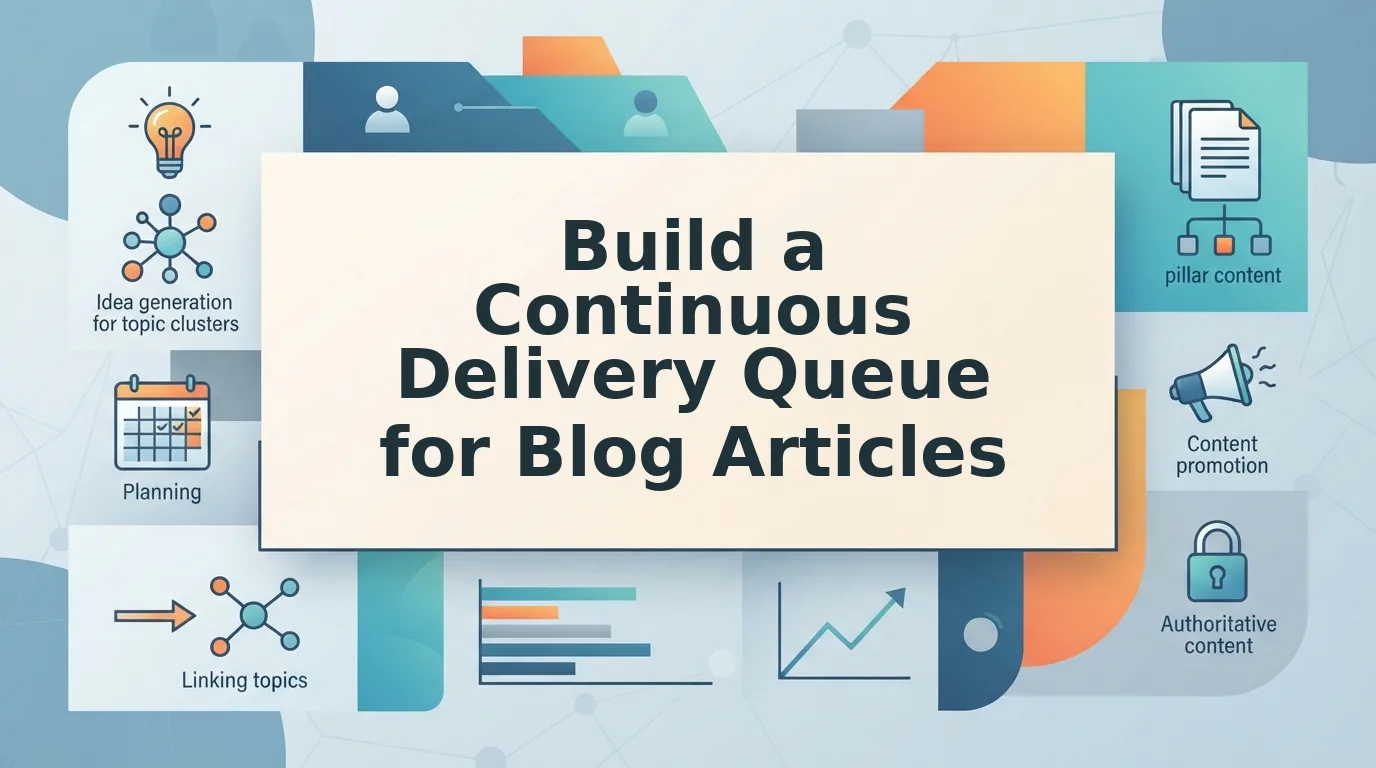
Your content calendar isn't the problem. Your delivery pipeline is. Most publishing teams don't stall because they lack ideas, they stall because every article has to survive a manual gauntlet of research tabs, drafting windows, review emails, and CMS copy-paste loops before it ever goes live. If you've ever watched a "30-day plan" turn into a 60-day crawl, you know exactly what that 12-tab content stack costs you in momentum.
You're right to be frustrated. Manual publishing loops kill momentum, and no amount of editorial enthusiasm survives a workflow that treats every post like a one-off project. The fix isn't another calendar template. It's learning how to build a continuous delivery queue for blog articles, a pipeline that keeps drafting, review, and scheduling moving in parallel so your site never waits on a single bottleneck.
In this guide, you'll learn the three-stage queue architecture, how to refill it in batches instead of one article at a time, and how to measure throughput without spreadsheet gymnastics. Along the way, you'll see why the stage-capacity ratio matters more than your topic list, and how an AI SEO content engine can collapse the entire pipeline into a single publishing flow. The surprising part? The queue you build this week will outlast every tool you currently use to fill it.
What a Continuous Delivery Queue Actually Is (And How It Differs From a Content Calendar)
A continuous delivery queue is a pipeline with three stages, drafting, review, and scheduled, that you refill in batches, not one article at a time. It borrows the core idea from software's CI/CD practice: instead of releasing one big update, you ship small, tested changes continuously.
Think of a content calendar as a restaurant reservation book. It tells you when a table is booked, but not whether the kitchen has prepped the ingredients, whether the dish passed quality control, or whether the waiter is ready to serve. A continuous delivery queue is the kitchen itself: every station has a defined capacity, work moves through in predictable stages, and nothing reaches the dining room until it clears each checkpoint.
The distinction matters because calendars optimize for dates, while queues optimize for flow. A calendar shows you have 12 posts due this month. A queue shows you that 5 are in drafting, 3 are stuck in review waiting on feedback, and 4 are scheduled and ready, so you can see exactly where the bottleneck is before it delays your publish date.
Here's the CI/CD-to-content mapping that makes this concrete:
| CI/CD Stage | Content Equivalent | What Happens |
|---|---|---|
| Commit | Brief | Topic, keyword, and angle are locked into the queue |
| Build | Draft | Article is written from the brief |
| Test | Review | Edit, fact-check, and brand-voice validation |
| Deploy | Publish | Article goes live on the CMS |
| Monitor | Measure | Rankings, traffic, and AI citation performance are tracked |
If you're currently juggling keyword research in one tab, drafting in another, and a review spreadsheet in a third, you're running a manual version of this pipeline without the queue structure that makes it sustainable. A queue forces you to plan a month of blog posts without keyword tools by treating every article as a unit of work that moves through defined stages, not as a project that starts and stops on its own schedule.
The practical difference shows up in your week. With a calendar, Monday means "write article #7." With a queue, Monday means "move 3 drafts to review, publish 2 scheduled posts, and refill the drafting stage with 5 new briefs." The queue gives you a system you can operate, not just a list you can fall behind on.
The 3-Stage Queue Architecture: Drafting, Review, Scheduled
A 3-stage queue splits your publishing pipeline into drafting, review, and scheduled buckets, each with a defined capacity so work flows continuously instead of piling up at one stage.
Before you start, you'll need a place to track the queue, a simple board, a spreadsheet with three columns, or an AI SEO content engine that manages stages automatically. You'll also need your next 10-15 topic briefs ready so you're never refilling from an empty list.
- Set up three columns or lists labeled Drafting, Review, and Scheduled. Open your tracking tool and create exactly three stages, no more. Extra stages like "Ideation" or "Waiting on images" create hidden queues where articles stall. You should see three empty columns ready to receive cards.
- Load the Drafting stage to 40% capacity. Add article briefs, topic, target keyword, and angle, until the Drafting column holds 4 items for every 10 articles in your monthly target. Each brief should be specific enough that a writer or AI engine can produce a full draft without follow-up questions. Success looks like a Drafting column with no vague one-word topics.
- Move completed drafts to Review and cap it at 20% capacity. When a draft is finished, drag it to Review. The 20% cap is deliberate: if Review holds more than 2 items per 10-article month, you've created a bottleneck. Review means edit, fact-check, and brand-voice validation, nothing else. You should see Review items clear within 48 hours, not linger for a week.
- Move approved articles to Scheduled and keep it at 40% capacity. Once an article passes review, drag it to Scheduled with a publish date attached. This stage is your buffer, it absorbs delays upstream without missing publish dates. You should see Scheduled always holding enough ready-to-publish articles to cover your next two weeks.
- Refill Drafting whenever it drops below 40%. The queue only works if you treat refilling as a recurring task, not an afterthought. When Drafting dips below its target, add new briefs immediately, ideally in batches of 5 or more. Success looks like a queue that never has an empty stage.
Here's what this looks like in practice. A content manager running a 12-tab stack, keyword tool in one tab, AI chat in another, Google Docs for drafts, a review spreadsheet, and a CMS open for publishing, spends roughly 45 minutes per article just moving between tools. Switching to a single queue with three stages eliminates that context-switching entirely: the article lives in one pipeline from brief to publish, and the manager's job becomes moving cards, not copying text between tabs.
If your current calendar has 30 topics scattered across multiple tools and no clear stage for each one, you're already feeling the sprawl this architecture fixes. The queue replaces that sprawl with a system you can avoid calendar sprawl with automated blog planning by giving every article exactly one home at every moment.
Once your three stages are set and loaded, the next move is keeping the pipeline fed, and that starts with refilling the queue in batches, not one article at a time.
Step 1: Refill the Queue in Batches, Not One Article at a Time
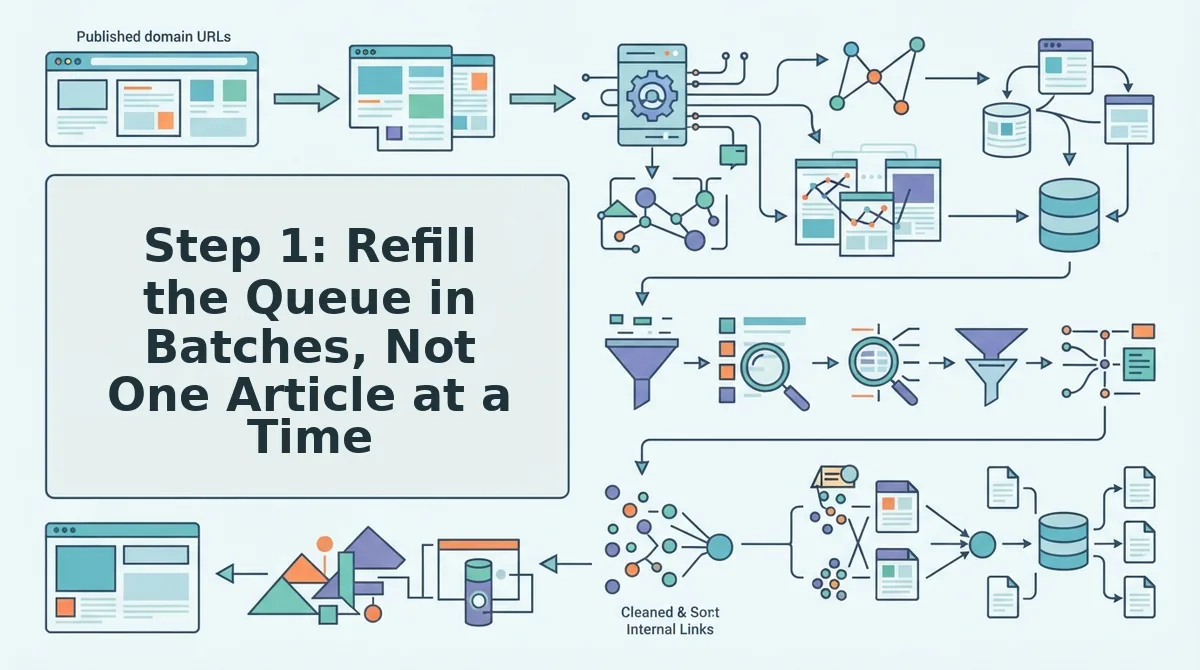
Batch refilling means replenishing your drafting queue from a single research session, crawl your sitemap, extract brand context, run SERP research, and generate multiple drafts in one pass instead of repeating the full workflow per article.
Prerequisites: A connected site (or sitemap URL), brand voice rules, and a target keyword list. You'll also want a tool that can validate blog topics with live SERP research before drafting.
- Upload your sitemap URL into the queue tool's crawl field. The crawler should return a list of existing pages and content gaps within 2-3 minutes.
- Select 10-15 target keywords from the gap report. Prioritize keywords where your site already has partial relevance but no dedicated article.
- Run a batch SERP scan on the selected keywords. You should see a ranked list of competing titles, headings, and question formats for each keyword.
- Click "Generate Drafts" once. The engine should produce first-pass drafts for all selected keywords in one session, typically 5-10 minutes for a batch of 10.
- Review the queue preview and confirm the drafts landed in the Drafting stage with titles, outlines, and meta descriptions attached. You should see a green checkmark next to each queued item.
BloGoose runs this exact sequence, sitemap crawl to brand context to SERP research to draft to image generation to CMS publish, so a single replenish session can restock a week or more of publishing capacity.
Step 2: Set Quality Gates That Don't Stall the Pipeline
Quality gates keep bad drafts from reaching your CMS, but they fail when they create a bottleneck. The fix is pre-defined failure rules: a failed draft goes back to the top of the queue, gets flagged for manual intervention, or is scrapped based on a rule you set once, not a decision you make every time.
Prerequisites: A written SEO content brief for each article, plus a scoring rubric (word count, keyword placement, heading structure, internal link count).
- Open the queue settings and define three pass/fail checks: minimum word count, required H2/H3 structure, and keyword density range. Set these once per content cluster.
- Set the failure action for each check. Choose "Re-queue" for minor misses (word count within 10%), "Flag for review" for structural problems, and "Scrap" for off-topic drafts.
- Run a test draft through the gate. You should see a pass/fail report showing exactly which checks triggered and what action the system took.
- Check the queue depth weekly. Queue starvation happens when the drafting stage empties, not when you write slowly, so monitor the drafting column, not your publishing pace.
With rules in place, a failed draft re-enters the queue automatically and the pipeline keeps moving without a human triage meeting.
Step 3: Automate the CMS Handoff
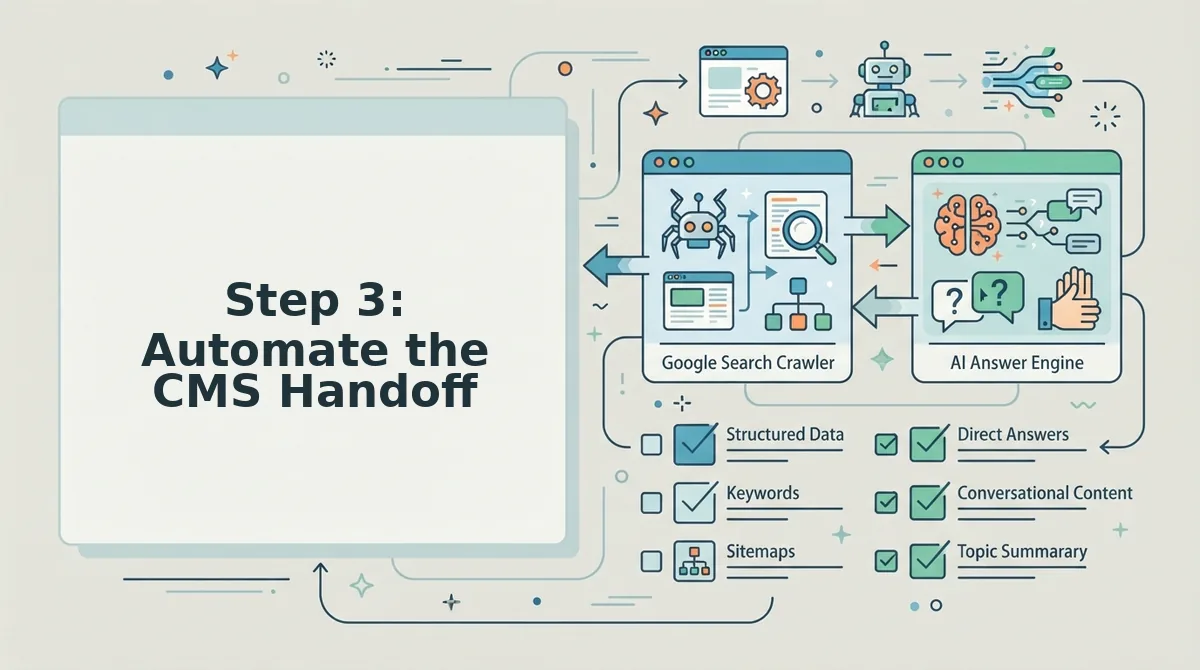
Manual copy-paste from your queue to WordPress is the silent killer of publishing velocity. Automating the handoff means connecting your queue directly to your CMS or API so approved drafts publish without a human touching the clipboard.
Prerequisites: Admin access to your WordPress site or API credentials, plus a queue tool that supports direct publishing.
- Open Settings, then API Keys in your queue tool. Generate a new key and copy it.
- Paste the key into your WordPress plugin or custom endpoint configuration. You should see a connection confirmation within 30 seconds.
- Select a test draft from the Scheduled stage and click "Publish Now." The article should appear live on your site with images and formatting intact.
- Enable auto-publish for the Scheduled stage. Approved drafts now ship on their scheduled date with zero manual steps.
BloGoose publishes directly to WordPress or a custom API, sitemap crawl to brand context to draft to image to publish, so the entire handoff runs without copy-paste. If you're on a custom stack, see the guide on how to publish AI blog posts to custom API endpoints. Once the handoff is automated, the next job is watching the queue itself, not the individual articles.
Step 4: Monitor the Queue, Not Just the Articles
A continuous delivery queue fails when it starves, not when you write slowly. Track three queue health metrics, days of inventory, stage dwell time, and refill cadence, to catch pipeline blockages before they hit your publishing schedule.
- Days of inventory, the queue starvation metric. Divide the number of articles sitting in your Scheduled stage by your average daily publish rate. If the result drops below 14, you have two weeks before the queue runs dry. Check this number weekly; it tells you when to trigger the next batch refill, not when to panic.
- Stage dwell time, the metric most content teams never track. Measure how many days each article spends in Drafting, Review, and Scheduled before moving forward. An article stuck in Review for more than 5 days signals a bottleneck in your quality gate, not a writing problem. Set a dwell-time ceiling per stage and escalate anything that exceeds it.
- Refill cadence, the rhythm that prevents starvation. Log the date and size of every batch refill, then compare it against your days-of-inventory trend. A consistent refill pattern of 10-15 articles per session keeps the queue stable. Pair this with a 30-day blog plan built on live SERP data so each refill batch targets keywords still worth ranking for.
- Queue health dashboard, one number to rule them all. Combine the three metrics into a single weekly score: days of inventory above 14, no article exceeding its stage dwell-time ceiling, and a refill logged within the last 7 days. A green score means the pipeline is self-sustaining; a red score tells you exactly which stage to fix first.
FAQ
How do I keep a 30-day content calendar from stalling?
Monitor queue health metrics weekly: days of inventory, stage dwell time, and refill cadence. A calendar stalls when the queue starves, not when writing slows. Refill in batches of 10-15 articles from a single research session and set a dwell-time ceiling per stage so no article lingers in review.
Can I use CI/CD principles from software engineering for content?
Yes. Treat articles like code: batch them into a drafting stage, run them through automated quality gates, and deploy to your CMS via an automated handoff. The key difference is that content pipelines fail from starvation, running out of queued articles, rather than from build errors, so inventory monitoring replaces error tracking.
What happens when a post fails review or needs a rewrite?
Route it back to the Drafting stage with the specific rejection reason attached, not into a limbo folder. Set a rewrite dwell-time limit, typically 3 days, so failed posts re-enter the queue quickly. A post that fails review twice should trigger a brief reset or topic replacement rather than a third rewrite cycle.
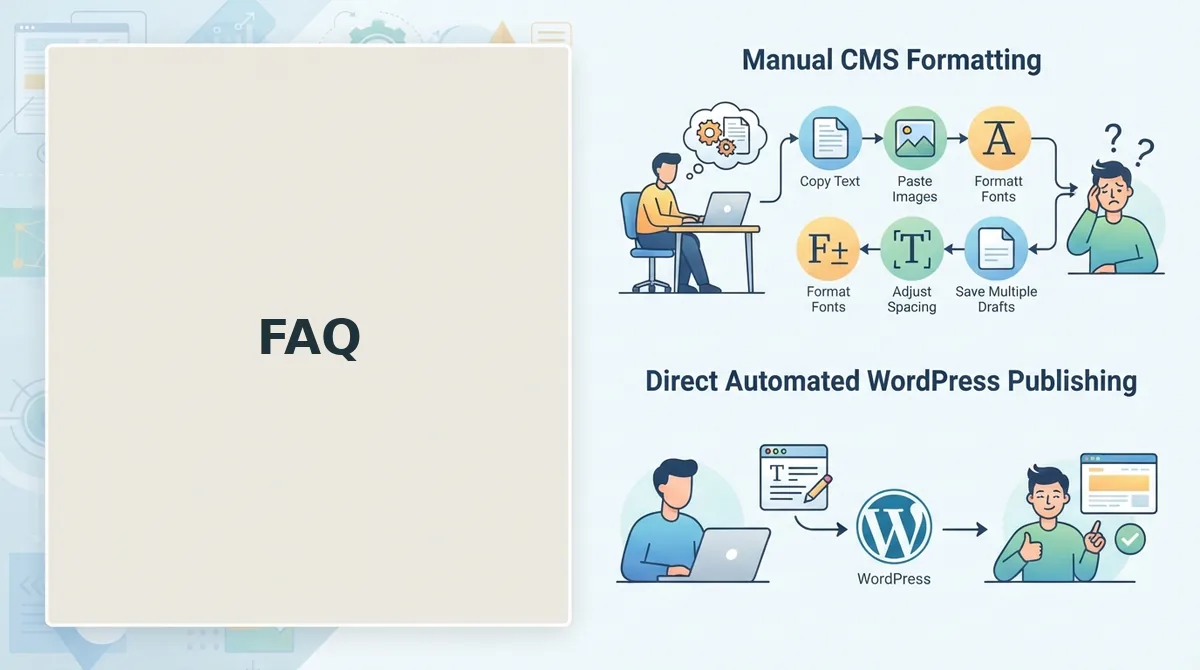
How do I connect the queue to WordPress or a CMS without manual copy-paste?
Use an automated publishing engine that ships finished articles directly to WordPress or a custom API. The queue's Scheduled stage should push articles to the CMS on a set date without human intervention. This removes the manual copy-paste loop that stalls most content pipelines at the final step.
Why does my content queue keep running dry even though I write every week?
Because you are refilling one article at a time instead of in batches. Writing one article per week produces one published article per week, leaving zero buffer for review delays, rewrites, or sick days. Batch refills of 10-15 articles create inventory that absorbs pipeline shocks without stalling the publishing schedule.
Build the Queue, Then Let It Run
A continuous delivery queue is not a productivity hack, it is a buffer against the chaos of inconsistent publishing. The teams that sustain it are not the fastest writers; they are the ones who refill in batches, enforce quality gates without stalling, and automate the CMS handoff so articles flow from research to live without manual friction.
Your next step is simple: crawl your site, extract your brand voice, and let BloGoose build the queue for you, research, drafting, optimization, and publishing handled in one pipeline. Refill from a single research session and automate the CMS handoff, and the queue stops being a thing you manage and becomes a thing that runs.