
How to Schedule Continuous Delivery for Blog Articles
Every week, content managers lose hours copying drafts out of Google Docs, pasting them into WordPress, hand-formatting images, and praying the scheduler doesn't silently fail. That manual publishing loop is the quiet killer of content velocity, and it's exactly why the 12-tab content stack burns out even the most disciplined SEO leads.
You're right to be frustrated. Scheduling posts one by one isn't a strategy; it's a to-do list wearing a calendar costume. What you actually need is a way to schedule continuous delivery for blog articles, a system where drafts flow through a pipeline and publish on a cadence without you babysitting every step.
This guide walks you through the full framework: what continuous delivery means when applied to publishing, the four-stage pipeline that makes it repeatable, and how to set up a queue that ships articles to WordPress or your API automatically. An AI-powered SEO content engine can handle the drafting, optimization, and publishing stages in one pass, but first, you need the system.
Here's the open loop: scheduling is a to-do list; continuous delivery is an assembly line. The difference determines whether your blog compounds or stalls.
What Continuous Delivery Actually Means for Blog Articles
Continuous delivery for blog articles is a publishing system where every draft moves through an automated, repeatable pipeline, from idea to ready-to-publish, without manual handoffs between tools. It borrows the core principle from software engineering: code (or content) should always be in a shippable state.
Think of it like a car wash. A car enters dirty at one end, passes through fixed stations, rinse, soap, scrub, dry, and exits clean at the other. No one stops the line to hand-wash a single panel. Your blog pipeline works the same way: a draft enters the queue, passes through optimization and review stages, and exits ready to publish.
IBM Technology defines continuous delivery as automated, repeatable delivery to production, meaning the process of getting work live is itself automated, not just the work. Applied to content, that means your drafting, SEO checks, and formatting shouldn't depend on a human remembering to do them each time.
There's an important distinction IBM Technology draws between continuous delivery and continuous deployment. Delivery means the article is ready to publish, it has passed every check and sits in a queue awaiting a final human approval. Deployment means the article is auto-published the moment it's ready, with no approval gate. For most content teams, delivery is the right target: you want articles queued and polished, with a human sign-off before they go live.
For teams publishing automated SEO content at scale, this distinction matters. A delivery pipeline gives you the speed of automation with the safety of a review step, the same balance software teams struck years ago.
The 4-Stage Content Delivery Pipeline
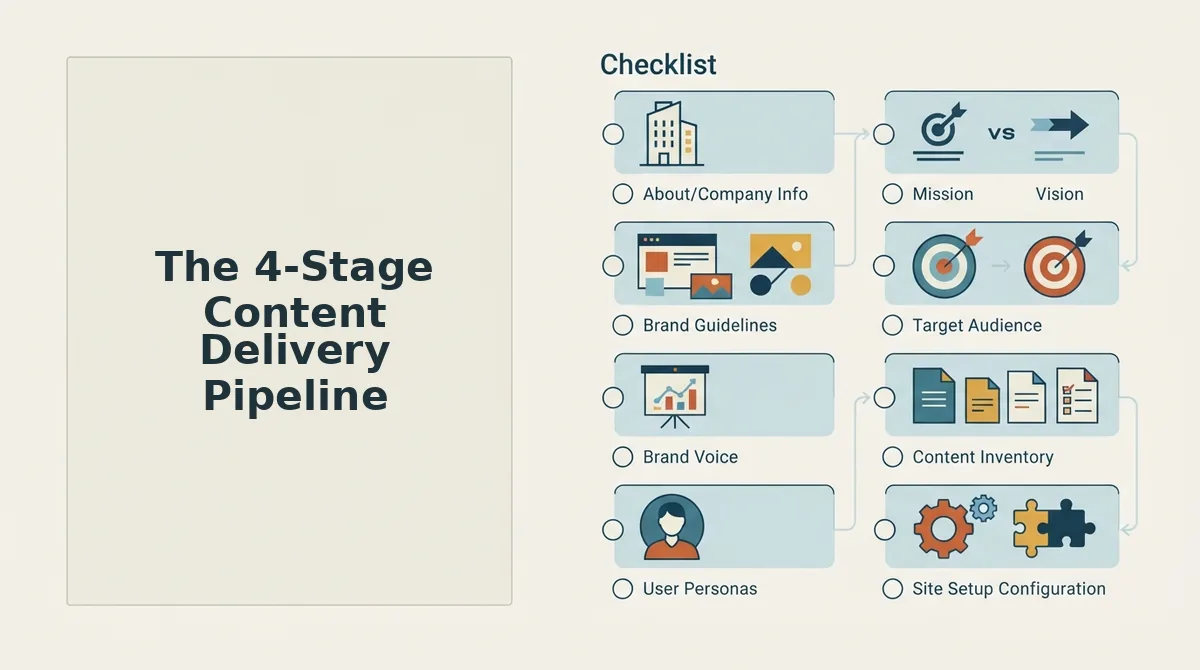
You can build a continuous delivery pipeline for blog articles in four stages: Draft, Optimize, Review, and Ship. Each stage has one job, and articles move through them in order, no skipping, no backtracking.
Before you start, you'll need a content queue (a spreadsheet, project board, or a tool like BloGoose that manages the queue for you), a defined brand voice reference, and access to your publishing destination. WordPress or a custom API.
- Draft, queue the article, don't hand-craft it. Open your content calendar and add the article to your pipeline queue with a target keyword and a working title. If you're using an SEO content brief, attach it here so the draft matches search intent from the first sentence. Expected outcome: a complete draft enters the queue in under 10 minutes, not 3 hours. Success looks like a draft sitting in stage one with its brief attached and no missing sections.
- Optimize, run SEO and AEO checks automatically. Select the draft and run your optimization pass: keyword placement, heading structure, internal links, and AEO optimization for AI answer engines. This stage should take 5-15 minutes per article when automated. Expected outcome: the draft passes readability, entity coverage, and citation-format checks. Success looks like a green checkmark on every optimization criterion, no manual rewrites required.
- Review, apply one human approval gate. Open the optimized draft and read it once for brand voice and factual accuracy. This is the only stage that requires a human. Expected outcome: you click Approve or send it back with one round of notes. Success looks like an approval decision in under 10 minutes per article, because the pipeline already handled formatting, images, and SEO.
- Ship, auto-publish to WordPress or your API. Click Publish in your pipeline tool, and the article deploys to your CMS with images, meta tags, and internal links intact. Expected outcome: the article goes live on schedule without copy-pasting or manual uploads. Success looks like the article appearing on your site with zero formatting fixes needed after publication.
Modern Software Engineering's core CD principles, automation, pipeline, and repeatability, map directly onto these four stages. Automation removes the manual copying and formatting. The pipeline enforces order so no article skips optimization. Repeatability means every article gets the same treatment, which is what makes a 30-day content calendar sustainable instead of exhausting. A content engine that handles drafting, optimization, and shipping in one system turns this framework from a process you manage into a process that runs itself.
Once your pipeline stages are defined, the next step is building the queue that feeds them, and that's where BloGoose turns the framework into a working system.
Setting Up Your Continuous Delivery Queue in BloGoose
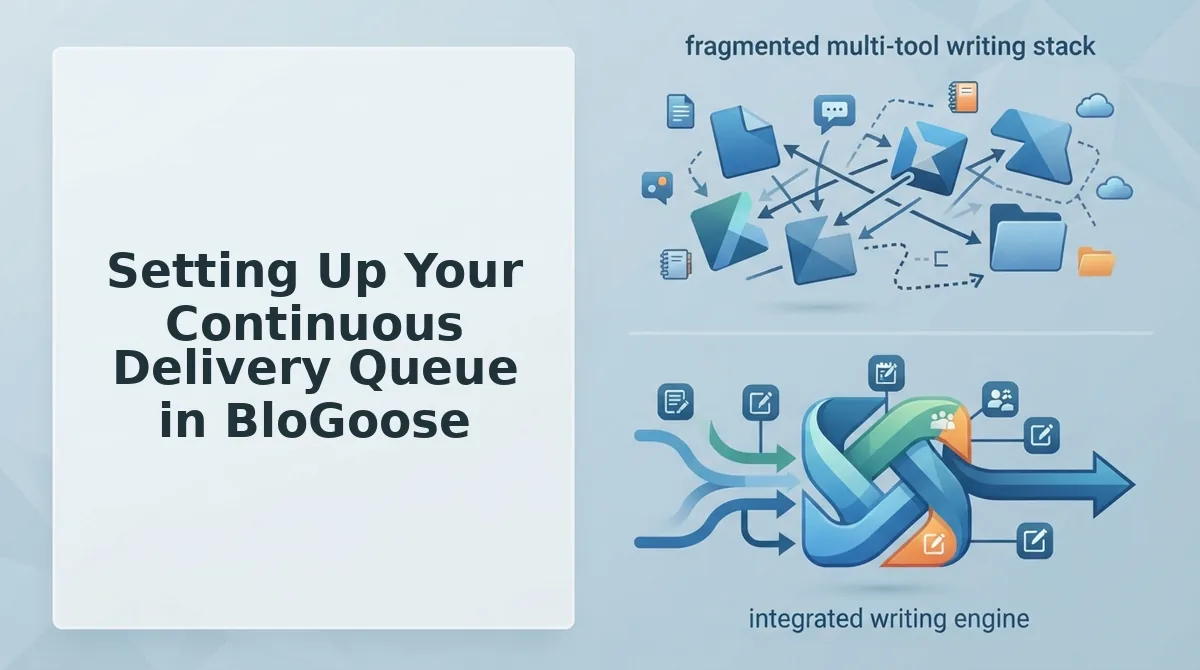
BloGoose replaces manual post scheduling with a continuous delivery queue: once a draft passes approval, it flows to production automatically. You need a live website with an XML sitemap, a WordPress site or custom API endpoint for delivery, and a BloGoose account.
- Open the Setup Wizard and enter your domain. Type your site URL into the onboarding field and click Connect Site. BloGoose will locate your XML sitemap and begin crawling published pages. You should see a crawl progress bar with page counts updating in real time.
- Let BloGoose detect your CMS stack. The crawl automatically identifies whether you run WordPress, a headless CMS, or a custom frontend. This CMS stack detection determines which delivery path the queue will use later. You should see your platform name displayed under Site Profile within 60 seconds.
- Review the extracted brand context. Open Brand Voice in the left sidebar. BloGoose extracts your style guide, tone rules, and writing examples from existing pages automatically. Confirm or edit the extracted rules before generating any drafts, this is what keeps queued articles voice-accurate.
- Generate the 30-day content calendar. Click Plan Calendar and select your pillar topics. BloGoose builds a 30-day calendar with keyword clusters mapped to each article. You should see a full month of assigned topics with target keywords and internal link suggestions.
- Approve drafts into the queue. Open each generated draft, review it, and click Approve for Delivery. Approved drafts enter the queue immediately. The queue, don't schedule principle applies here: you are not setting individual post timers, finished, approved drafts flow to production continuously.
- Configure your delivery destination. Go to Settings, then Delivery. Select WordPress or Custom API. For WordPress, enter your site credentials and click Test Connection, you should see a green checkmark confirming the connection. For custom API, paste your endpoint URL and authentication token.
- Activate the queue. Toggle Continuous Delivery to On. BloGoose will now publish directly to WordPress or push to your API as each draft clears approval. You should see the first article appear on your live site within minutes of activation.
If your current workflow involves copying drafts from a chat window into WordPress by hand, this queue removes that entire manual loop. The setup takes under 30 minutes, and every subsequent article ships without further intervention.
WordPress vs. Custom API, Which Delivery Path Should You Use?
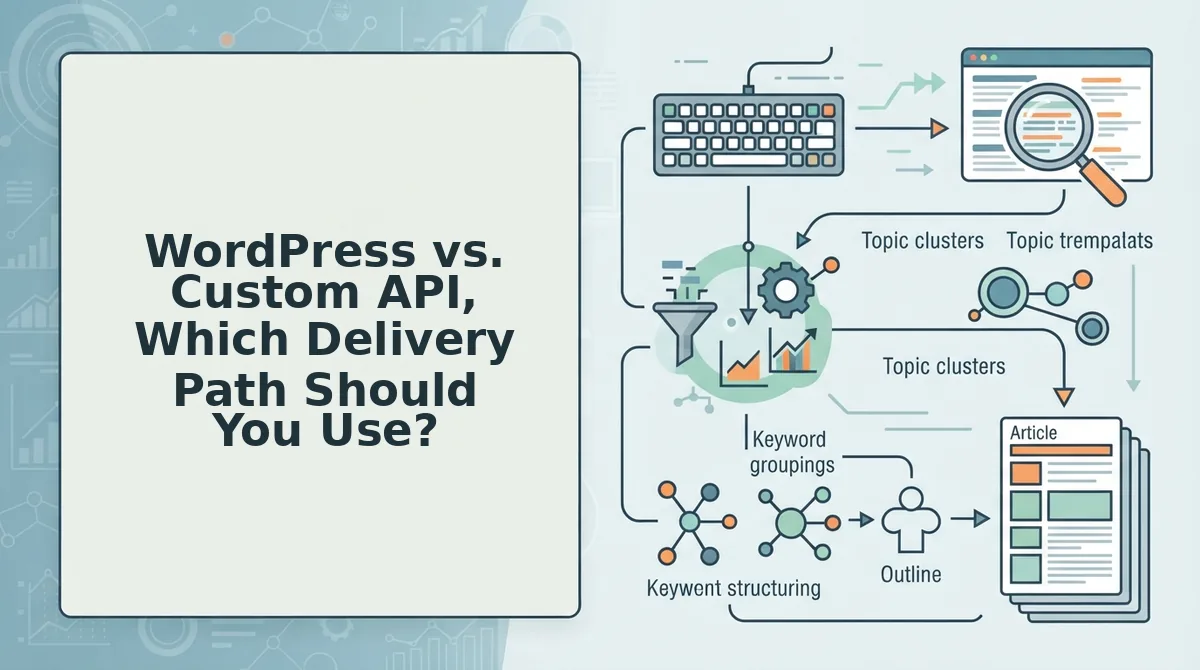
WordPress native publishing is the right default when you ship standard blog posts to a single site. Custom API delivery is the better path when you need to push content to multiple endpoints, headless CMS setups, or non-WordPress platforms.
| Factor | WordPress Native | Custom API |
|---|---|---|
| Setup complexity | Low, connect credentials and publish | Moderate, requires endpoint URL and auth token |
| Destination count | Single WordPress site | Unlimited endpoints and platforms |
| Content types | Standard posts and pages | Any structured payload your API accepts |
| Frontend flexibility | WordPress themes and templates | Headless CMS, custom frontends, multi-platform distribution |
| Best for | Content managers and solo publishers running one blog | Engineering-led teams, agencies, and multi-brand publishers |
WordPress native publishing is enough when you ship standard posts to a single site, it requires no code and works with any standard WordPress install. Custom API is the better path when you need to deliver content to multiple endpoints, headless setups, or non-WordPress platforms like a Next.js frontend or a mobile app backend.
Both paths support the same queue mechanics: approved drafts flow continuously without manual scheduling. The BloGoose docs include endpoint schemas and authentication examples for both options, so you can switch paths later without rebuilding your calendar or brand context.
Quality Gates. How to Automate Without Publishing Garbage
Automation fails when volume outpaces quality. BloGoose solves this with pipeline gates that block unapproved, off-brand, or technically broken drafts from ever reaching your live site.
- Brand voice consistency check. Every draft is compared against the style guide BloGoose extracted from your existing pages. If tone, terminology, or formatting drifts from your established patterns, the draft is flagged before it enters the queue. This gate uses your automatically created style guide as the source of truth, not a generic AI voice.
- Human-in-the-loop review stage. No article publishes without explicit approval from a human reviewer. The review screen shows the draft, the SEO checklist results, and the brand voice score side by side. You click Approve or Request Changes, nothing ships on autopilot without this gate.
- SEO completeness check. Before a draft can be approved, BloGoose verifies that target keywords appear in the title, meta description, H2s, and body. Missing elements block the approval button and show a fix list. This prevents thin or unoptimized articles from consuming your crawl budget.
- Internal link validation. The queue checks that every internal link in a draft points to a live URL on your domain. Broken links return the draft to the review stage automatically. This keeps your site architecture clean as volume scales.
- Duplicate content detection. BloGoose compares each new draft against your existing published pages. Near-duplicate paragraphs or repeated topic coverage trigger a warning, so you can merge, differentiate, or discard before publication.
For teams worried about losing editorial control, the human-in-the-loop review stage is the critical safeguard: automation handles research, drafting, and delivery, but a person always approves what enters the queue. Brand voice consistency checks use your extracted style guide and writing examples, so approved drafts read like your team wrote them, not like a generic AI output. The result is a pipeline that scales output without diluting the voice and standards that earned your audience's trust in the first place.
These gates answer the most common objection to content automation: that speed inevitably sacrifices quality. With approval stages, voice checks, and technical validation built into the pipeline, continuous delivery becomes a quality system rather than a publishing firehose. If you still have questions about how continuous delivery fits into your broader content operation, the next section covers the most frequently asked questions about continuous delivery for blog articles.
Frequently Asked Questions About Continuous Delivery for Blog Articles
Continuous delivery for blog articles means every piece moves through research, drafting, optimization, and publishing automatically on a fixed cadence, no manual uploads, no spreadsheet handoffs, no waiting on a freelancer to hit "send."
What's the difference between continuous delivery and scheduled publishing?
Continuous delivery automates the entire pipeline from research to publish, while scheduled publishing only controls the final timestamp. A scheduled post still requires you to write, optimize, and upload it manually. Continuous delivery removes those steps so articles arrive in your CMS already finished and queued.
Can I connect a custom API to my blog publishing workflow?
Yes. BloGoose ships finished articles to any custom API endpoint, not just WordPress. You define the payload format and authentication, and the engine pushes each article through your existing pipeline, whether that's a headless CMS, a static site generator, or an internal content database.
How do I avoid publishing low-quality drafts on autopilot?
Set quality gates before anything reaches your CMS. BloGoose applies automated checks for brand voice consistency, keyword coverage, readability, and internal linking. Articles that fail a gate stay in review instead of publishing, so autopilot never means unpoliced output.
Does continuous delivery work with WordPress?
Yes, WordPress is a first-class delivery target. BloGoose connects directly to your WordPress site, maps categories and tags, and publishes articles as drafts or live posts based on your queue settings. No plugin juggling or manual XML-RPC configuration is required.
How many articles can a continuous delivery queue handle?
A single queue can hold a full 30-day calendar, typically 20 to 30 articles depending on your publishing frequency. The engine processes them sequentially, so you always know what's next in the pipeline and when each piece will go live.
Your First Continuous Delivery Pipeline Starts With One Article
You don't need to rebuild your entire content operation overnight. The fastest way to prove continuous delivery works is to put a single article in the queue and watch it move from crawl to publish without a single manual step. That one success makes the case for the rest.
Once that first piece ships, connect your site and let BloGoose build the 30-day calendar from your existing structure and brand voice. The queue fills itself, the quality gates hold the line, and publishing becomes something that happens to your CMS rather than something you chase.
Stop uploading. Start shipping. BloGoose pricing shows you exactly what it costs to hand the pipeline over, and what you get back is every hour you used to spend stitching tools together.