
What to Fix Before You Publish AI Blog Posts to Your CMS
Your AI draft reads beautifully in the editor, then you hit publish and the formatting collapses, the metadata is missing, and the slug is a 90-character word salad. That gap between a polished draft and a CMS-ready post is where most AI content pipelines quietly fail, and it's exactly what you need to fix before publishing AI blog posts to CMS platforms.
You're right to feel the friction. AI writers generate text, not production-ready pages. They don't know your WordPress theme's heading hierarchy, your SEO plugin's required fields, or how your CMS strips markdown on import. BloGoose, an autopilot SEO content engine, crawls sitemaps and detects CMS stacks across thousands of sites, so it sees these failure modes firsthand, from stray markdown leaking into live posts to schema markup that never survives the paste.
This guide walks you through three pre-publish checks in the exact order they matter: cleaning AI formatting artifacts, completing metadata by SEO impact, and verifying every fact before it goes live. By the end, you'll have a repeatable pre-flight routine that takes under ten minutes per post.
One check in particular, the last one, catches a failure mode that most publishers never notice until their rankings tank weeks later. Keep reading to see which one.
Check 1, Clean AI Formatting Artifacts Before Import
AI drafts ship with predictable formatting failures that break your CMS layout and confuse search crawlers. Fix these five artifacts before you hit publish, and you'll avoid the manual cleanup that makes AI publishing feel slower than writing from scratch.
Prerequisites: Your AI draft open in a plain-text editor (VS Code, Notepad++, or your CMS's code view), plus access to your WordPress post editor or custom API field mapping.
- Strip stray markdown characters. Search your draft for
,##,---, and backticks. Replace bold markers with actual<strong>tags or your CMS's native bold control. Expected outcome: zero markdown symbols remain in the source. - Rebuild the heading hierarchy from H2 down. AI models often skip from H2 to H4 or nest headings out of order. Open your CMS's block inspector and verify every heading descends sequentially. Expected outcome: one H1 (your title), then H2s, with H3s only under their parent H2.
- Cut em-dash overuse to one per paragraph. AI drafts lean on em-dashes as a crutch. Run a find-and-replace for ", " and rewrite sentences so no paragraph contains more than one. Expected outcome: prose reads naturally, not like a pattern-matched template.
- Replace placeholder alt text with descriptive, keyword-aware copy. Search for alt attributes reading "image," "placeholder," or the filename itself. Write alt text that describes what the image shows and includes your target term only when it's accurate. Expected outcome: every image has unique, human-written alt text.
- Remove fake internal links and invented URLs. AI drafts sometimes generate links to pages that don't exist on your site. Click every internal link in preview mode. Expected outcome: all links resolve to live pages or are removed.
Publishing AI drafts without a WordPress backend pass forces these same fixes manually, a bottleneck Convology's workflow videos make visible. The pattern interrupt: you're not editing. You're de-artifacting. Treat it as a 10-minute mechanical sweep, not a rewrite.
Pro tip: Save a find-and-replace preset in your editor for the five artifact patterns above. Run it on every AI draft before import, and the sweep drops to under five minutes. For the full formatting ruleset, see our SEO guidelines.
Once the formatting layer is clean, you can move to the metadata fields, where fix order matters more than most publishers expect.
Check 2, Complete Metadata in Fix Order
Fix metadata in this order: title tag, meta description, slug, alt text, then schema. That sequence ranks fixes by measurable SEO impact, not by where fields happen to sit in your CMS sidebar. Alphabetical order wastes your time; impact order gets you indexed correctly the first time.
Prerequisites: Access to your CMS post editor, the final article text, and your target keyword. If you're using BloGoose, metadata automation handles steps 1-5 before the article ever reaches your CMS.
- Rewrite the title tag first. Open the post editor and locate the SEO title field, not the H1. Type a title under 60 characters that leads with your primary keyword. You should see the full title in Google's preview without truncation. Title tags carry the heaviest ranking weight of any metadata field.
- Write the meta description second. Find the meta description field below the title. Write 140-155 characters that state the article's outcome and include the keyword once. You should see a complete snippet in the SERP preview panel. This is your click-through lever, not a ranking signal, but a weak one tanks CTR.
- Clean the slug third. Locate the URL slug field. Remove stop words like "and," "the," and "to." Keep the keyword and nothing else. You should see a URL under 75 characters. Short slugs correlate with higher rankings because they preserve keyword density in the URL string.
- Add descriptive alt text fourth. Open each image block and find the alt text field. Describe what the image shows in one sentence, including the keyword only if it fits naturally. You should see alt text that reads like a caption, not a keyword dump. Alt text feeds image search and accessibility audits.
- Validate schema last. Select the schema type in your CMS's SEO panel. Article, BlogPosting, or FAQ. Confirm the headline, author, and datePublished fields auto-populate. You should see a green validation checkmark. Schema is the final layer because it depends on the four fields above being correct first.
Agility CMS's AI-to-CMS workflow documentation shows the same pattern: metadata steps are not optional add-ons but required gates before content goes live. Skipping step 1 while perfecting step 5 is like painting a car with a broken engine.
BloGoose's title tags automation applies this exact order to every article in your queue, so you never publish a post with a perfect schema block and a truncated title. If you're still doing this manually, BloGoose metadata automation runs all five checks before the article ships to WordPress or your API.
Metadata is fixed. Now the harder question: is anything in the article actually true?
Check 3, Verify Every Fact and Claim
Fact-checking AI-generated posts requires a repeatable protocol, not a skim. Before you start, open the draft in your CMS editor and keep a browser tab ready for source lookup.
- Identify every factual claim in the draft. Highlight statistics, dates, product names, pricing, and direct quotes. You should end with a complete list of claims that need verification.
- Source-check each claim against the original reference. Open the linked source and confirm the number or statement matches exactly. You should see the claim and source align word-for-word or be ready to correct the discrepancy.
- Cross-reference high-stakes claims with a second independent source. For statistics or product claims, search for corroboration from a different domain. You should find at least one additional source that supports the claim before you keep it.
- Flag uncertain or unverifiable claims for removal or rewording. Mark any claim you cannot confirm within 5 minutes of searching. You should replace flagged claims with hedged language or delete them entirely.
For a deeper workflow on citing sources in AI-generated content, review BloGoose's source-attribution guide before you publish.
Check 4, Fix Image Handling and Alt Text
AI-generated images and drafts often ship with placeholder alt text and generic file names that hurt accessibility and image search rankings. Fix these three items before any CMS import.
- Replace placeholder alt text with descriptive, keyword-aware copy. AI drafts frequently use alt text like "image1" or repeat the file name. Write alt text that describes the image content and includes a natural keyword only when it fits. You should end with alt text a screen reader can parse and a search engine can index.
- Rename generic image files before upload. Files named "IMG_0042.png" or "ai-generated-1.jpg" carry no semantic signal. Rename files to describe the image content using hyphens between words, such as "blogue-ai-content-workflow.png". You should see descriptive file names in your media library before publishing.
- Remove or replace missing image blocks. AI drafts sometimes include image placeholders that never resolve to actual files. Check every image block in the draft and confirm the file exists in your CMS. You should see zero broken image icons in the preview.
For a complete walkthrough of image SEO for AI-generated content, see BloGoose's image optimization guide.
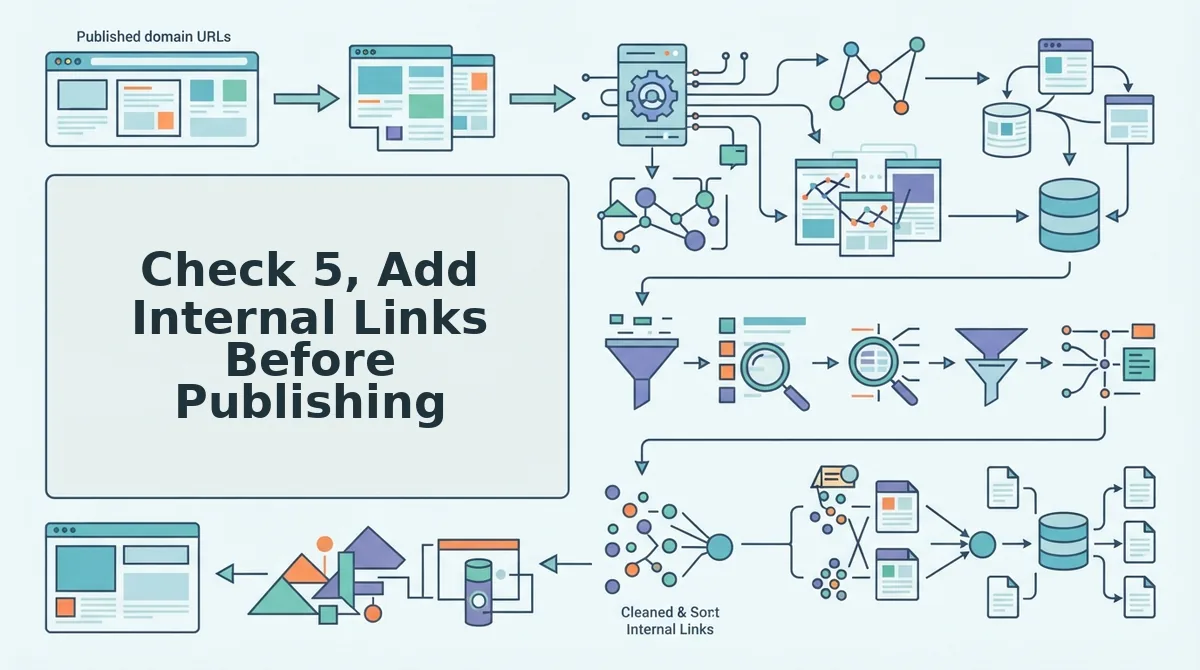
Check 5, Add Internal Links Before Publishing
Internal links are the fastest way to distribute authority across your site, but AI drafts rarely include them. Add these three link types before you hit publish.
- Link to your pillar page from every supporting post. Use exact-match or partial-match anchor text like "AI SEO content engine" or "automated content publishing" pointing to your main service or topic page. You should see at least one contextual link to your pillar page in the first 300 words.
- Link to related supporting posts with descriptive anchors. Use anchor text that describes the destination page's topic, such as "how to build topic clusters" or "fixing AI formatting artifacts". You should see two to four contextual links to related posts spread through the body.
- Link from older posts back to the new article. Find two or three existing posts on related topics and add a sentence linking to the new draft. You should see reciprocal links that strengthen the topic cluster and help crawlers discover the new page faster.
Once your internal links are in place, the next step is making sure the article actually sounds like your brand.
Check 6, Align Voice and Remove AI Tells
AI drafts carry detectable phrasing patterns that signal machine-generated content to readers and search engines. Removing these tells and aligning the draft with your brand voice rules is a pre-publish step that directly affects trust and engagement.
- Replace overused transition words. Words like "delve," "moreover," "furthermore," and "in conclusion" appear disproportionately in AI output and read as filler. Swap them for concrete transitions or delete them entirely, your sentences should connect through logic, not verbal scaffolding.
- Convert passive voice to active constructions. Passive phrasing ("the feature was designed to...") distances the reader and inflates word count. Rewrite each passive sentence so a named subject performs the action, which tightens prose and improves readability scores.
- Eliminate generic AI sentence openers. Phrases like "It's important to note that," "In today's digital landscape," and "When it comes to" add zero information. Cut them and start the sentence with the actual subject or claim.
- Match vocabulary to your brand voice rules. If your site uses short, punchy sentences and industry slang, the AI draft must match, not default to neutral corporate tone. Run the draft through your brand voice automation ruleset and flag any word that would never appear in a human-written post on your domain.
- Vary sentence length and rhythm. AI drafts often produce uniform 18-22 word sentences in predictable subject-verb-object order. Break up runs of similar-length sentences with a short fragment or a longer compound sentence to restore natural cadence.
- Check for hedging language. Phrases like "may potentially," "could possibly," and "might be worth considering" signal low-confidence AI output. Replace hedges with direct claims you can support, or cut the sentence if you cannot.
- Read the draft aloud before import. Anything that sounds stilted or robotic when spoken will read the same way on the page. BloGoose's voice extraction step captures your site's phrasing patterns during crawl, so the final pass is verifying the draft matches, not rewriting from scratch.
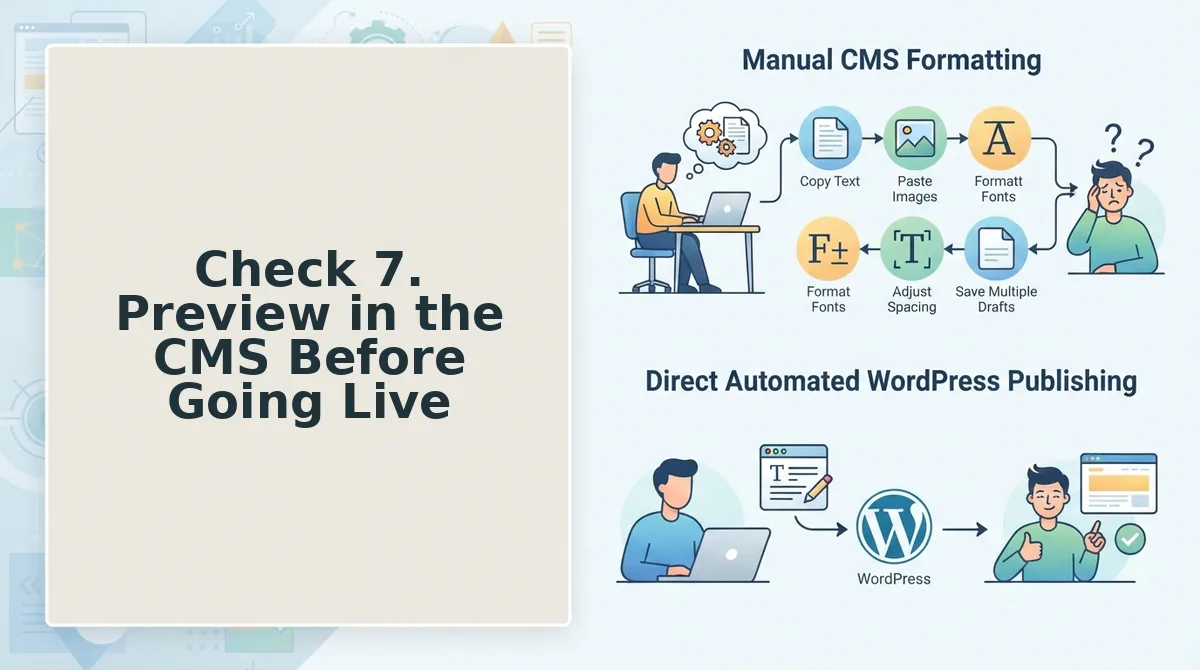
Check 7. Preview in the CMS Before Going Live
Previewing inside your actual CMS catches rendering issues that a markdown editor or Google Doc never will. You need a draft post imported into your CMS with the target theme active before starting this check.
- Open the draft post in your CMS preview mode. Navigate to Posts or Pages, select the imported AI draft, and click Preview. You should see the post rendered with your live theme's fonts, spacing, and layout, not the editor's default styling.
- Scan for broken block breaks and stray HTML. Scroll the full post and look for orphaned headings, collapsed paragraphs, or visible code snippets. Fix any block that renders as raw text or merges two sections together.
- Verify every image renders at the correct size. Check that featured images, in-content images, and any embeds load without distortion or overflow. Confirm each image has its alt text intact from the earlier fix pass.
- Test the mobile layout. Switch to mobile preview or resize the browser window. Confirm headings wrap cleanly, tables scroll or collapse properly, and no image forces horizontal scrolling.
- Run schema validation on the rendered page. Use your CMS's SEO plugin or a schema testing tool on the preview URL. You should see valid Article, Organization, and any FAQ or HowTo schema without errors or warnings.
- Confirm the CMS stack matches your publishing workflow. If you are unsure which platform the draft is rendering on, detect the CMS stack before finalizing settings. BloGoose ships directly to WordPress or your custom API, so the preview should reflect the exact environment where the post will live.
FAQ
What should I fix before publishing AI blog posts to my CMS?
Fix formatting artifacts, complete metadata, verify facts, handle images and alt text, add internal links, align brand voice, and preview in the CMS. These seven checks cover the most common failure points in AI-generated drafts before they go live.
How do I clean up AI formatting in WordPress?
Switch to the code editor view and remove stray markdown symbols, double line breaks, and nested block wrappers. Then switch back to visual editor and confirm each heading, list, and paragraph renders as a separate block.
What metadata do AI drafts usually miss?
AI drafts typically miss meta descriptions, focus keyphrases, canonical URLs, Open Graph images, and Twitter card data. Fill these in the SEO plugin fields before publishing, not after the post is indexed.
How do I fact-check AI content before publishing?
Verify every statistic, product claim, and named source against the original reference. If the AI draft cites a number without a source, find the primary research or remove the claim entirely.
Why does my AI blog post sound robotic?
Robotic tone comes from overused transitions like "moreover," passive voice, uniform sentence length, and hedging phrases like "may potentially." Rewrite these patterns to match your brand voice rules and the post will read as human-written.
Publish With Confidence, Not Hope
Seven checks sound like a lot until you realize most publishers skip exactly one: the final CMS preview. That last check is the one Google notices first, because a broken layout, missing metadata, or unstyled image tells the crawler your page wasn't finished. You don't get a second first crawl.
Here's the synthesis: every check you run before publishing is a ranking signal you're handing Google for free. Formatting artifacts removed? Cleaner indexation. Metadata completed? Richer snippets. Facts verified? Lower bounce. Internal links added? Crawl depth. Voice aligned? Reader trust. Preview confirmed? Zero technical debt at launch.
The open loop from the start closes here: the publishers who rank consistently aren't better writers. They're better at pre-publish discipline. And discipline scales when it's automated.
That's the entire premise behind an autopilot SEO content engine, it runs these checks as part of the publishing pipeline, not as a manual checklist you'll abandon by week three. Your next step is to connect your CMS and let the engine handle the crawl, the formatting, the metadata, the links, and the preview. You review. You approve. You publish.
Rank-ready content isn't written. It's finished.