Jasper topic cluster planning vs pillar-anchored calendars
Your cluster lives in a spreadsheet: twenty rows of supporting topics under one pillar, each waiting to be copied into a prompt, drafted, edited, and uploaded by hand. If that loop sounds familiar, jasper topic cluster planning probably feels more like data entry than strategy.
Jasper drafts cluster articles from prompts you supply, while pillar mapping, scheduling, and internal linking stay in your own workflow (confirm current features on jasper.ai). A pillar-anchored calendar detects pillar pages from your sitemap and queues supporting drafts on a set interval, so planning and publishing run as one system.
Picture a content lead who lists cluster rows in a sheet, then pastes each row into a copilot prompt to draft it. The drafts arrive, but links, cadence, and pillar logic all depend on someone keeping that sheet current.
That frustration is fair. This article compares both approaches across four stages: identifying pillars, mapping supporting topics, scheduling, and linking and publishing. You will also see the step every spreadsheet skips, and why it decides whether topic clusters build authority.
One note: "Jasper" here means Jasper AI, the writing copilot, not creator Jasper Pieterse's topical-map videos.
Jasper vs a Pillar-Anchored Calendar: Which Stage Does Each Own?
Jasper covers drafting, and a pillar-anchored calendar covers the full plan-to-publish chain. The difference shows up in who does the work at each of four stages: identifying pillars, mapping supporting topics, scheduling, and linking and publishing.
A few definitions keep the comparison clean:
- Pillar page: a broad, comprehensive page that anchors a subject on your site.
- Topic cluster: the set of narrower supporting articles that link to and from that pillar.
- Topical authority: the signal search engines and AI answer engines infer when a site covers a subject thoroughly and connects it coherently.
- Content calendar: the dated queue that decides what gets drafted and published, and when.
The Plan-to-Publish Gap
| Stage | Copilot + spreadsheet (Jasper workflow) | Pillar-anchored calendar |
|---|---|---|
| Identify pillars | You choose pillars manually and record them in a sheet | Pillar pages are detected from the site's sitemap and published pages |
| Map supporting topics | You list cluster rows and keep them current | Supporting topics are planned against each detected pillar |
| Schedule | You set dates and track progress in the sheet | Drafts are queued on a set interval across a 30-day calendar |
| Link and publish | You add internal links and upload each post by hand (confirm current integrations on jasper.ai) | Finished articles publish directly to WordPress or a custom API |
Jasper's strength is real: it gives writers a flexible drafting surface, and teams that already run a tight editorial process can slot it into their existing workflow without changing how they plan.
The calendar approach trades some of that hands-on control for automation. Brand voice rules are extracted from your site, so drafts start closer to your tone instead of relying on prompt engineering.
- Best for a hands-on editor or small team publishing a few posts a month who wants full control of every prompt: Jasper plus a spreadsheet.
- Best for a founder, growth lead, or solo operator who needs a steady cluster cadence without stitching tools together: a pillar-anchored calendar.
Ranking is only half the goal. To see how cluster posts are structured to earn citations in AI answers, read our guide to AEO content optimization.
How Does Jasper Topic Cluster Planning Work in Practice?
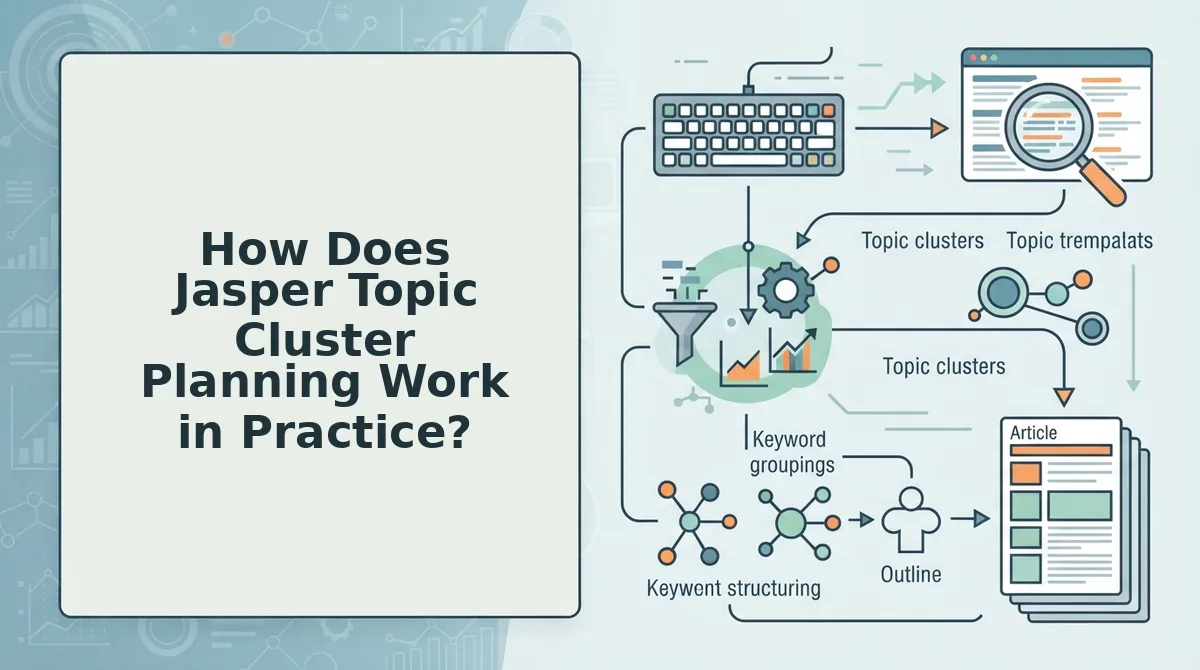
In practice, Jasper topic cluster planning is a manual workflow: you plan the cluster in a spreadsheet and use Jasper to draft each article. The copilot handles the writing, while you handle structure, timing, and links.
Can Jasper plan topic clusters around pillar pages? Jasper drafts content from the prompts you give it, so it can produce supporting articles for a pillar once you define that pillar and its subtopics. Choosing which pages act as pillars, keeping the topic list current, setting a publishing schedule, and adding internal links between cluster posts and the pillar generally remain your responsibility (verify current planning features on jasper.ai). For a team publishing a handful of posts, that division of labor works well. As the cluster grows, the planning overhead grows with it.
Prerequisites: a Jasper account, a spreadsheet (Google Sheets or Excel), access to your CMS, and a list of your existing pages.
- Choose your pillar. Open your sitemap or page list and pick one broad page to anchor the cluster. Allow about 15 minutes. You should end with one pillar URL in cell A1.
- List supporting rows. Add one subtopic per row with its target keyword and intended pillar link. Allow 30 to 60 minutes. You should see a complete cluster map in one tab.
- Prompt each draft. Open a new document in Jasper, paste one row's topic and keyword into your prompt, and generate. You should get a full first draft per row.
- Edit for voice. Rewrite openings, examples, and claims to match your brand. Expect this to take real time if you see Jasper drafts that need heavy editing.
- Add links by hand. Insert links to the pillar and sibling posts using your sheet as the reference. Each post should link up to the pillar.
- Upload and mark done. Paste the post into your CMS, publish, and update the row's status column.
Where spreadsheet clusters break
- Stale rows: new pages ship, but the sheet never learns about them.
- Missed internal links: older posts rarely get updated to point at newer siblings.
- No publishing cadence: dates slip because nothing enforces the schedule.
- Tone drift: each prompt produces slightly different voice across drafts.
Those four breaks are exactly what a calendar-first system is built to absorb.
How Does a Pillar-Anchored Content Calendar Plan Clusters?
A pillar-anchored calendar plans clusters by starting from the pages your site already publishes, not from a blank keyword list. It finds your existing pillars first, then schedules supporting articles around them.
A pillar-anchored content calendar is a publishing schedule in which every supporting article is assigned to an existing pillar page. A pillar page is the broad guide that covers a topic from start to finish.
Think of it like adding rooms to a house that already stands. You check the floor plan before you build, so you never add a second kitchen by accident.
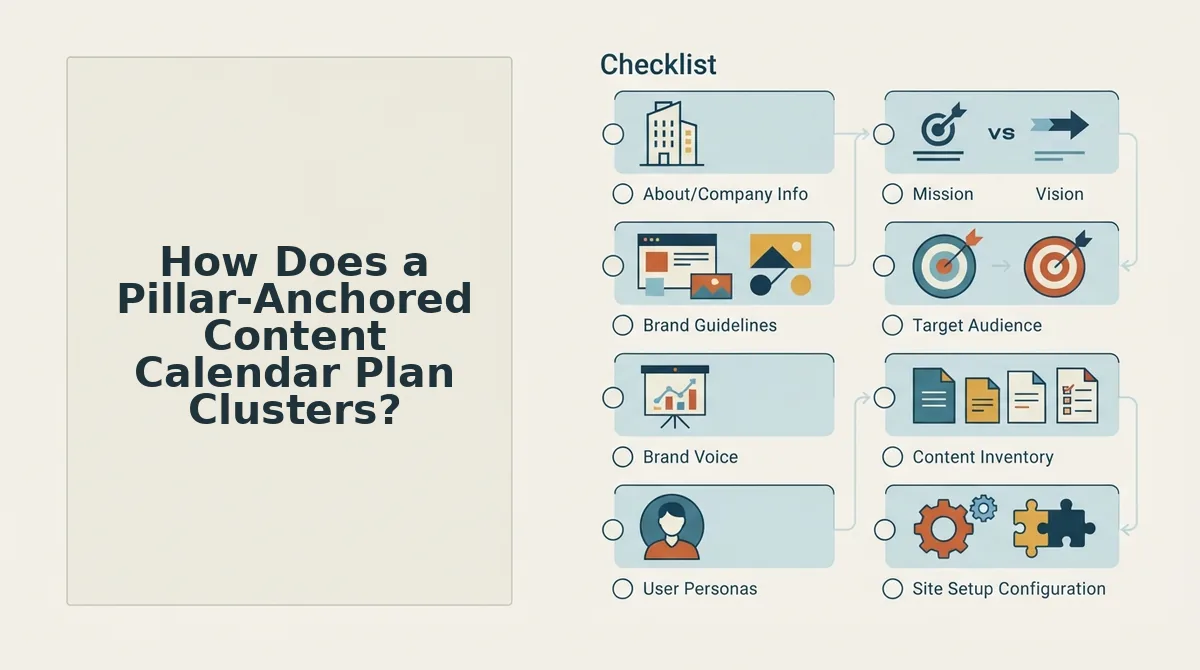
- Read the site. The domain goes into the setup wizard, which locates the XML sitemap. That file lists every URL you want search engines to find.
- Detect existing pillars. Published pages are inspected to find the ones already acting as pillars. Most cluster guides skip this step, and skipping it creates duplicate clusters that compete with your own pages.
- Map supporting topics. Each topic is assigned to one pillar and recorded in an internal links map, which tracks which post links to which page. Because of this map, no post ships orphaned, meaning without internal links pointing to it.
- Schedule and publish. A 30-day calendar is built from the map. Drafts queue on a set interval and publish to WordPress or a custom API.
How does a pillar-anchored calendar plan topic clusters? It begins with the site you already have. First, the domain is entered into a setup wizard, the XML sitemap is located, and published pages are inspected to detect existing pillar pages. Next, supporting topics are mapped to each pillar and logged in an internal links map, which prevents duplicate clusters and orphaned posts. Finally, a 30-day calendar is generated around those pillars. Drafts queue on a set interval, and finished articles publish to WordPress or a custom API. Most cluster tutorials start from a blank slate, while this method starts from your existing site inventory.
Worked example: A publisher enters their domain into the setup wizard. The sitemap is located and the pillar pages are detected. The 30-day calendar is then built around those pillars instead of around new, competing topics.
Want to see which of your pages already qualify as pillars? Run your sitemap through the BloGoose setup wizard and review the detected pillars before you plan a single draft. It is the same workflow that powers our automated SEO content engine.
Should You Stay With Jasper or Switch to an Automated Calendar?
Stay with Jasper if you need copy across many channels and want to choose every topic yourself. Switch to an automated pillar-anchored calendar if your bottleneck is planning, linking, and publishing clusters on a steady cadence.
Jasper's real strength is range. It handles ads, email, and social copy alongside blog posts, and a pillar-anchored calendar does not attempt that. Our breakdown of Jasper for SEO blogging covers where it fits for search work.
Where a pillar-anchored calendar is the wrong fit
- Multi-channel teams: If ads, email, and social copy matter as much as blog posts, Jasper fits better.
- Hand-pickers: Teams that want to approve every topic before planning may find an automated calendar too hands-off.
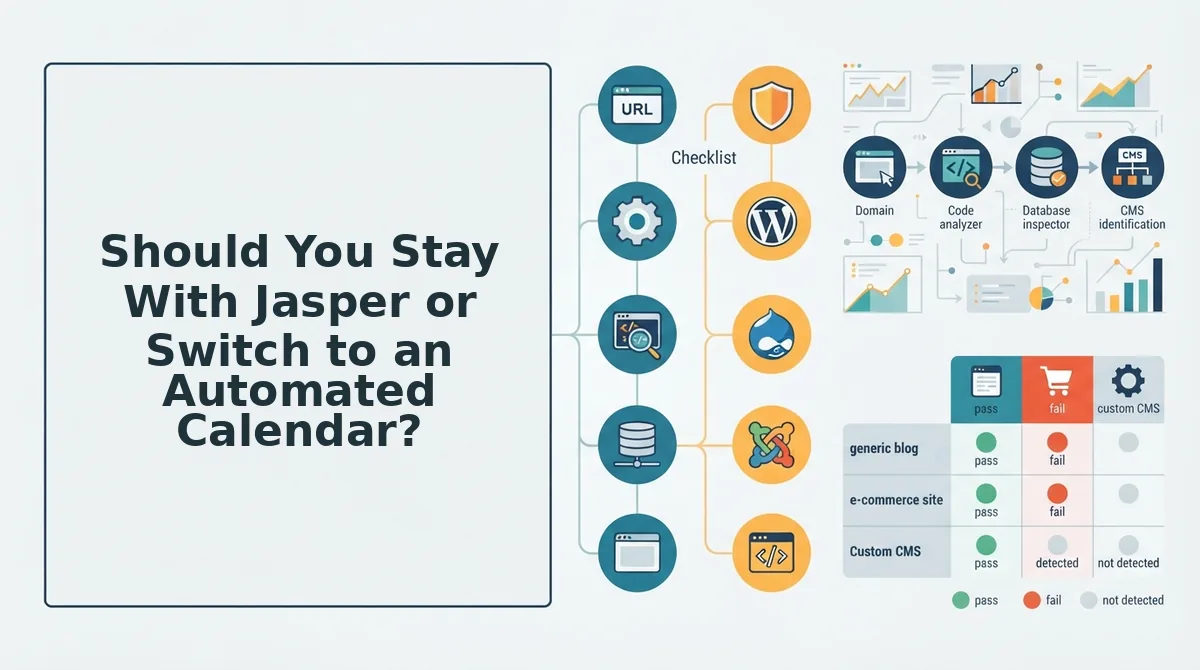
- Sites without a crawlable sitemap: Pillar detection depends on reading your sitemap. Without one, there is no inventory to anchor the calendar to.
| Factor | Stay with Jasper if... | Switch if... |
|---|---|---|
| Cluster volume | You run a few clusters and brief each one by hand | You run several clusters and need each pillar's posts tracked |
| Publishing cadence | You publish when a piece is ready | You want drafts queued on a set interval |
| Linking burden | You are comfortable adding internal links manually | You want an internal links map tying every post to its pillar |
| Channel mix | The blog is one channel among many | Organic search and AI citations are your main channels |
Worked example: Drafts queue on a set interval and publish to WordPress or a custom API. New posts are then submitted for crawling, which helps you get Google to discover new posts faster.
Best for: Jasper suits marketing teams producing multi-channel campaign copy. An automated calendar suits founders, solo operators, and content publishers who need regular clusters without manual publishing loops.
Jasper Topic Cluster Planning FAQ
A topic cluster plan groups one pillar page with the supporting articles that link back to it. Strong plans start from your existing pages, publish on a steady interval, and keep internal links consistent. The questions below cover pillar detection, cadence, topical maps, and WordPress publishing.
How do I know which pages are my pillars before planning?
Start with your XML sitemap, which lists every published URL. Review that inventory for broad pages that cover a topic end to end and already attract internal links. Those are your pillars. Confirming them first prevents you from planning a duplicate cluster that competes with a page you already rank.
How often should cluster articles publish?
Cluster articles should publish on a consistent set interval rather than in bursts. A steady cadence lets each supporting post get crawled, linked to its pillar, and indexed before the next one arrives. Choose an interval your team can sustain for the full calendar, then queue drafts so publishing never depends on availability.
Is a topical map the same as a topic cluster plan?
No. A topical map is the full plan of every entity and subtopic your site should cover across its niche. A topic cluster plan is narrower. It is one pillar page plus its supporting articles, linked together. Think of the topical map as the atlas and each cluster as a single chapter.
Does Jasper connect to WordPress?
Check jasper.ai for current integrations before you rely on one. Publishing options change, and this article does not confirm a native WordPress connection. If Jasper doesn't support one, plan for copy-paste or a third-party connector. By comparison, BloGoose publishes directly to WordPress or a custom API.
Answering these questions is the easy part. Next comes the plan-to-publish gap.
Close the Plan-to-Publish Gap
The gap between a cluster plan and a published cluster closes when fewer stages run by hand, not when the plan gets bigger. That was the finding the intro teased. Both approaches can plan topics, but only one carries the plan all the way to publishing.
Run this three-point audit before your next planning session:
- Count your manual stages. Mark which of the four stages (research, drafting, optimization, and publishing) your team still handles by hand.
- Confirm pillars from your sitemap. Add calendar rows only after your existing pages show which pillars you already own.
- Lock a fixed cadence. Pick a publishing rhythm and hold it for 30 days.
Drop your domain into BloGoose's AI SEO content engine to see your detected pillars and a 30-day calendar built from them.
Topic clusters rank when the plan and the publish button live in the same system.