How to migrate from Jasper to an autopilot blog workflow
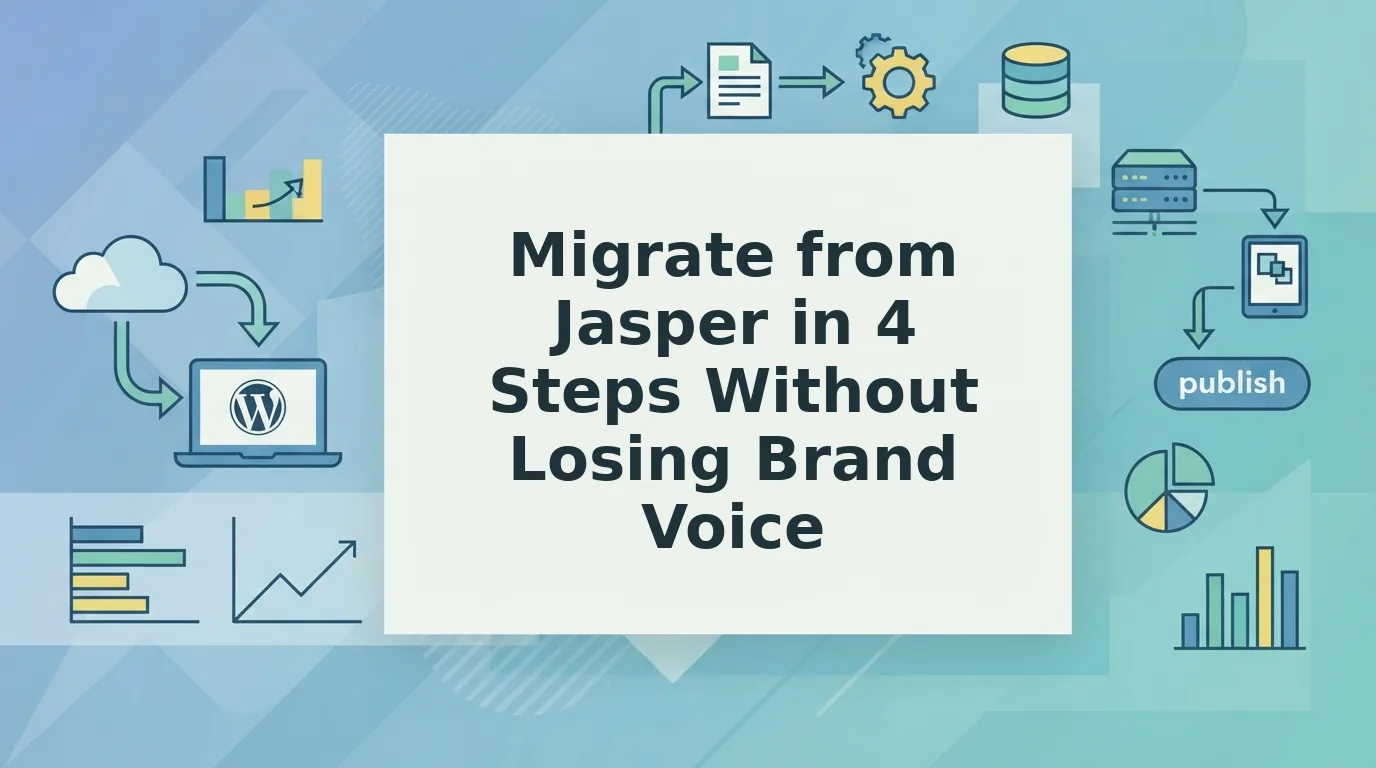
Jasper, the AI marketing copilot (not JasperReports, the Java reporting library, or Jasper, Georgia), drafts copy fast, but every blog post it writes still needs a human to edit, link, format, and upload it. So what happens when drafting turns out to be the easy part?
Teams that migrate from Jasper usually describe the same problem: Jasper drafts that need heavy editing, links added by hand, and a manual CMS upload for every article.
Consider a content team that drafts in Jasper, pastes each post into WordPress, and then hand-formats headings, images, and links before publishing. The writing tool speeds up one step and leaves the rest of the pipeline manual.
An autopilot content engine reads your site, learns your brand voice, plans a 30-day calendar, drafts with SEO and AEO built in, creates images, and publishes to WordPress or a custom API. BloGoose is an AI SEO content engine built for this workflow.
Ahead: who should switch, a four-step migration, and the one step most switchers skip.
To migrate from Jasper to an autopilot blog workflow, connect your domain so the engine can crawl your site. Review the generated context files that define your voice and SEO rules. Build a pillar-based 30-day calendar. Then set up direct publishing to WordPress or a custom API so finished posts ship without manual uploads.
Who should migrate from Jasper to an autopilot workflow?
Teams that run a recurring blog program should migrate, especially when they publish to WordPress or a custom API. Teams that mostly use Jasper for short ad or social copy can reasonably stay.
An autopilot blog workflow is a system that plans, drafts, optimizes, and publishes articles on a schedule without manual handoffs between tools.
Think of Jasper as a power drill and an autopilot engine as an assembly line. The drill is excellent for one job, but someone still moves each part between stations by hand.
Simple fit: Solo operators who are tired of prompt-engineering homework, meaning rewriting long instructions every session just to get usable output.
Intermediate fit: Growth leads and founders who pay separate LLM bills, fix tone drift, and clean up robotic AI mush before every post goes live.
Advanced fit: Content publishers who manage a 12-tab content stack of keyword tools, docs, image editors, and CMS tabs, and who hand-format image assets for every article.
Weaker fit: One-off short-form copy. If that is your main use case, read our take on Jasper for SEO blogging before you switch.
If recurring clusters are your goal, compare the options for automated SEO content. Look for a tool that learns voice from your live site and publishes directly to your CMS.
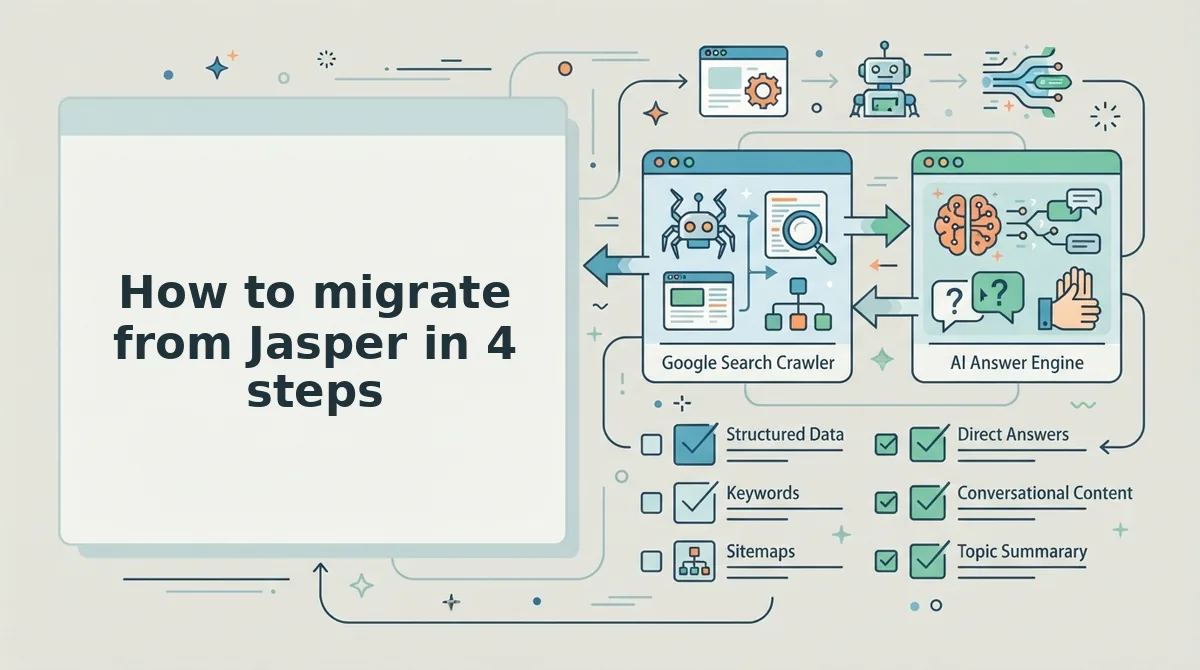
How to migrate from Jasper in 4 steps
You can migrate from Jasper in four steps: audit your old drafts, connect your domain, review the generated context files, and launch a calendar with direct publishing. Plan for about one working day in total, with most of that time spent on the audit.
Prerequisites: admin access to your Jasper workspace, your live domain, a published XML sitemap, and WordPress admin credentials or a custom API endpoint.
Here is the full migration in summary:
- Audit Jasper drafts and voice settings. Export your drafts and sort them into keepers and discards. Do not bulk-import them.
- Connect your domain. BloGoose finds your sitemap and CMS stack, then crawls your live site to learn your voice.
- Review the context files. Edit the eight Markdown files so they match your house rules.
- Generate a calendar and connect publishing. Build a 30-day pillar plan and link WordPress or a custom API.
Step 1: Audit your Jasper drafts (2â4 hours)
Export your Jasper documents and saved brand voice settings, then tag each draft as "refresh" or "retire." Here's the catch: old drafts carry old tone and stale links. Send the keepers to a content refresh and let the new calendar replace the rest. This is the step most switchers skip.
Step 2: Connect your domain (about 10 minutes)
Enter your domain in the setup wizard. BloGoose detects your sitemap and CMS stack, then crawls your published pages. Your brand voice is rebuilt from what you have actually published, not from a pasted prompt. When the crawl finishes, you should see your generated context files.
Step 3: Review the eight context files (1â2 hours)
Open each file and check it against this list:
- brand-voice.md: voice traits and do/don't rules
- style-guide.md: house tone and formatting
- seo-guidelines.md: replaces your saved Jasper prompts and templates
- internal-links-map.md: replaces manual link lists
- target-keywords.md: primary and long-tail terms
- competitor-analysis.md: rivals and content gaps
- seo-context.md: audience and business brief
- features.md: product facts
For example, if your house style uses short, direct sentences, edit style-guide.md to say so. Every future draft inherits that rule, so tone stays consistent without re-prompting.
Step 4: Generate your calendar and connect publishing (about 30 minutes)
Now the part that kills the 12-tab stack: generate a 30-day calendar organized into topic clusters. Topics come from live SERP research around your pillars. Next, connect WordPress or your custom API in the publishing settings. Once the connection works, scheduled posts ship automatically.
Next, here is what your workflow looks like after leaving Jasper.
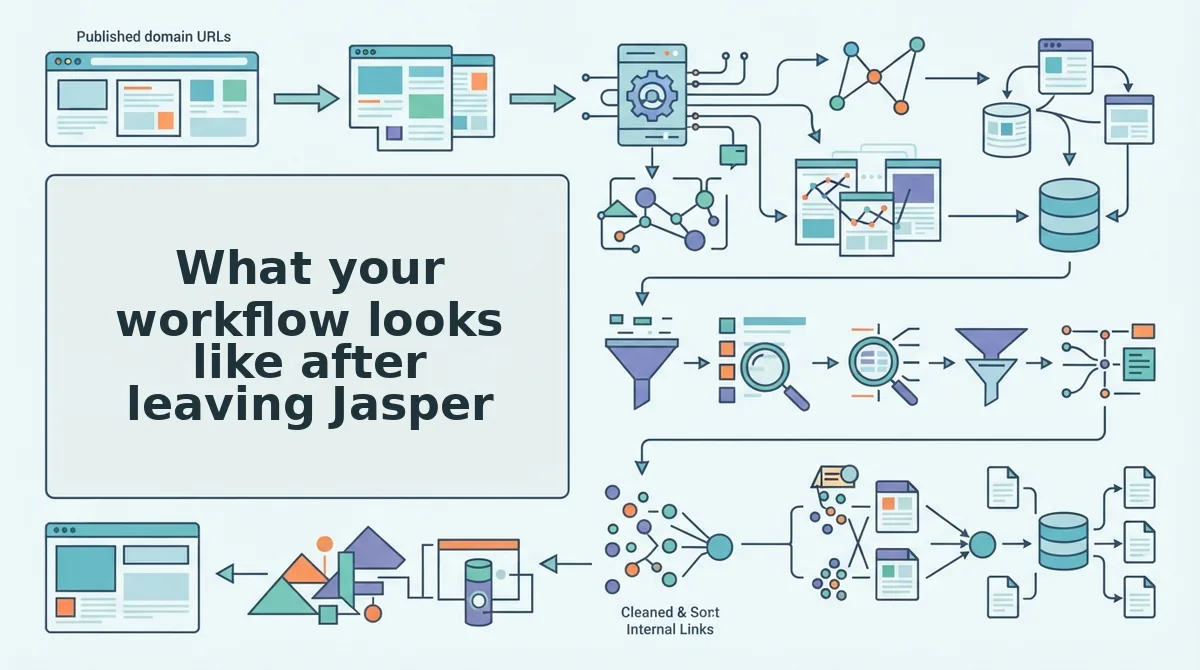
What your workflow looks like after leaving Jasper
After leaving Jasper, you stop prompting a writing assistant and start maintaining context files that an autopilot engine reads on every run. Each Jasper element maps to a specific BloGoose file or step.
| Jasper element (generic names, verify against your plan) | BloGoose equivalent |
|---|---|
| Brand voice settings | brand-voice.md and style-guide.md |
| Saved prompts and templates | seo-guidelines.md |
| Manual internal link lists | internal-links-map.md |
| Copy-paste CMS upload | Direct publish to WordPress or a custom API |
Can I keep my Jasper brand voice?
Yes, but it is rebuilt rather than imported. BloGoose crawls your live site and writes your voice rules into brand-voice.md and style-guide.md as editable Markdown. When a draft sounds off, you correct a line in the file once, and every later article inherits the fix. In Jasper, voice often lives in settings or prompts you re-paste per session. The rebuilt version reflects what you actually publish today, which may differ from the voice description you wrote months ago.
The finished output is a 30-day pillar calendar, drafts with SEO and AEO content optimization built in, and generated images. Posts publish straight to your CMS, so the separate upload step disappears.
Best for Jasper: marketers who want a hands-on assistant for varied, on-demand copy and prefer to steer every prompt. Best for BloGoose: founders, growth leads, and solo operators shipping regular SEO clusters without stitching tools together.
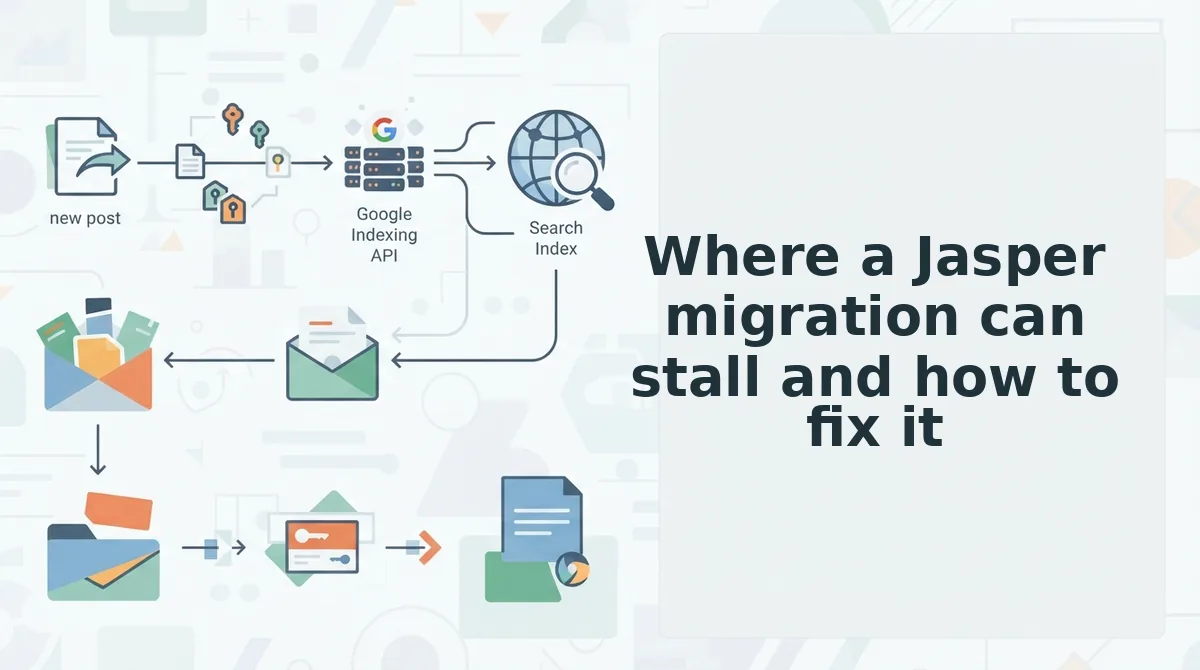
Where a Jasper migration can stall and how to fix it
Most stalls trace back to setup inputs: the crawl, the voice files, the CMS connection, or pillar definitions. Each one has a direct fix.
| Symptom | Likely cause | Fix |
|---|---|---|
| Sitemap not found | Sitemap is blocked or at a nonstandard path | Make it publicly reachable, reference it in robots.txt, rerun the crawl |
| Voice reads off | Crawled pages misrepresent your current tone | Edit brand-voice.md and style-guide.md directly |
| WordPress auth fails | Credentials changed or the connection dropped | Recheck credentials and reconnect |
| Calendar ignores pillars | Pillars are vague in seo-context.md | Name each pillar explicitly, then regenerate |
For example, when a WordPress publish fails, the team rechecks the credentials, reconnects the site, and retries the post.
- Keep human review in the loop. The autopilot drafts and publishes, but someone should still review context files and drafts. That check catches voice drift before it spreads across a cluster.
- Plan for old drafts manually. Jasper drafts are not bulk-imported. Audit them and rewrite only the pieces worth keeping.
- Run both tools briefly in parallel. Editor's recommendation, not data: overlap for one full 30-day calendar cycle. That window lets you compare output before cancelling.
Make the switch from Jasper with your domain first
The move that makes this migration work is to audit, not import. Your Jasper prompts and drafts describe the voice you intended. Your live site shows the voice you actually publish.
Start there. Connecting your domain lets BloGoose crawl your sitemap and build the 8 context files that guide every calendar, draft, and publish. Then review those files once, correct anything that reads off, and let the AI SEO content engine run.
If you are weighing plan fit first, see BloGoose pricing. When you are ready, connect your domain and let your published work become the brief for everything you ship next.